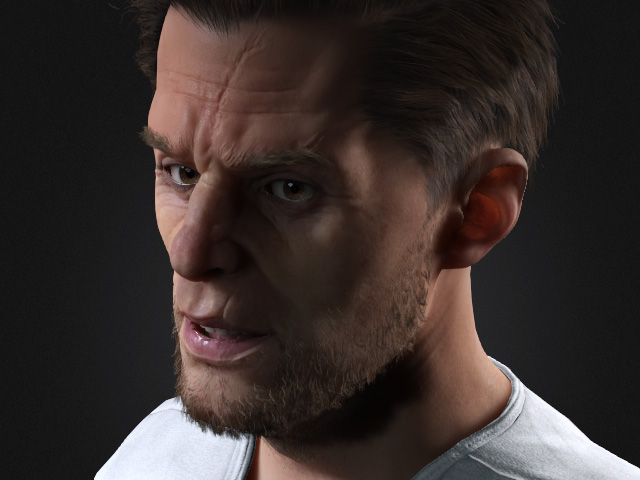
High Mesh Levels for Headshot Plugin
The Headshot Plugin 2 allows you to convert externally imported head models into standard CC characters. When combined with the new character subdivision features and normal map baking capabilities, the imported head details can be accurately and faithfully reproduced within Character Creator.
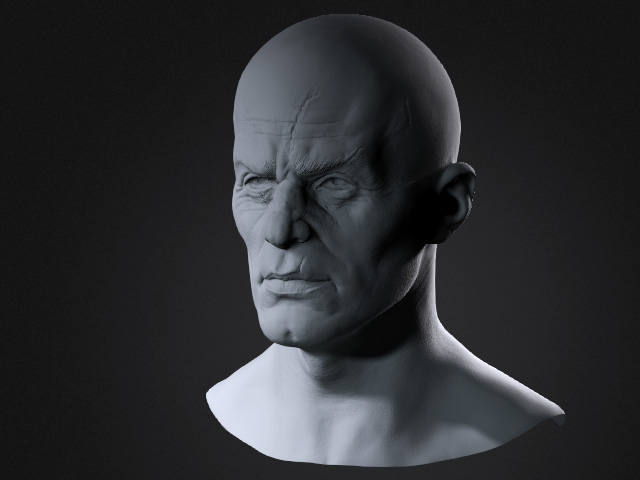
- Import a head model as a prop.
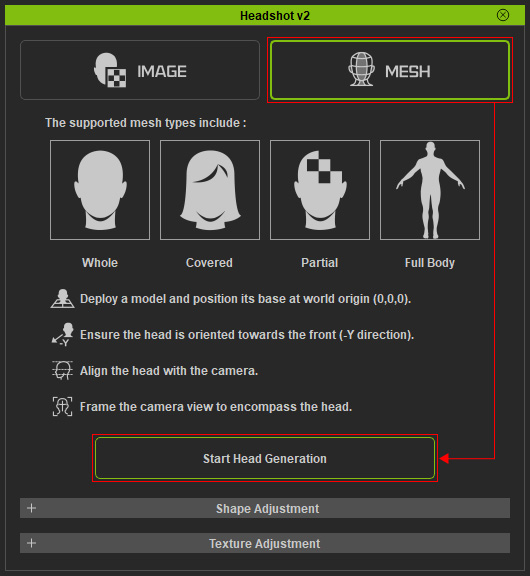
- Open the Headshot 2 plugin and switch to the Mesh mode and click the Start Head Generation button.
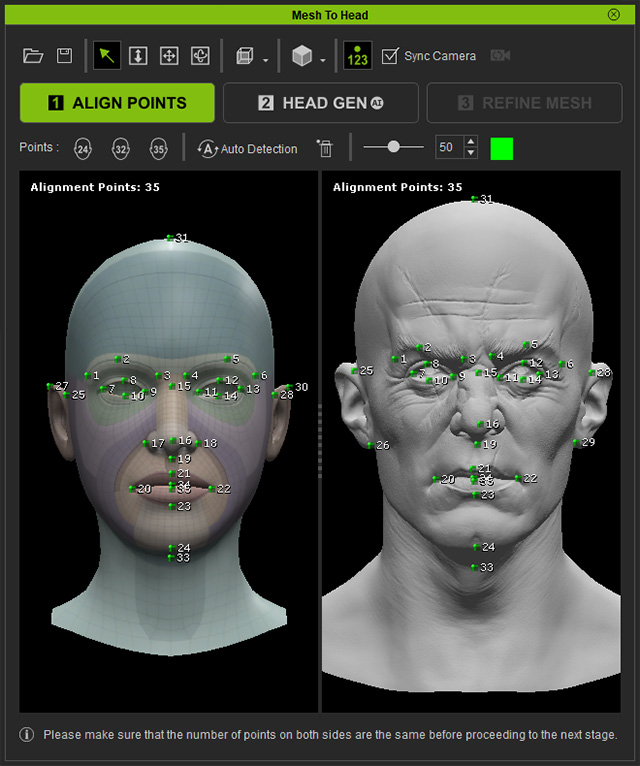
- Follow the regular steps to locate the corresponding points on the models in the ALIGN POINTS step.
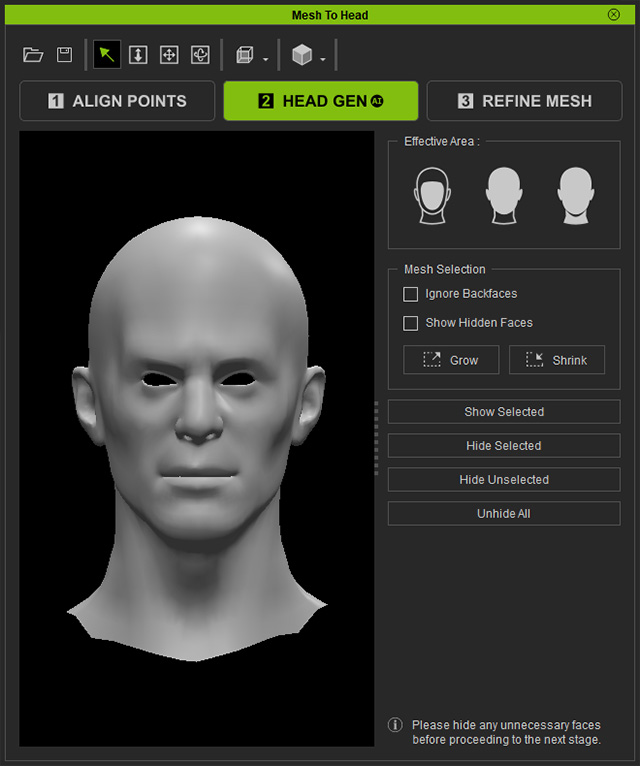
Click the HEAD GEN button after the points are ideally positioned. - The embedded model is roughly sculpted to the target model in the Head Gen step. You can optionally edit with the tools at the right side of the panel.
Click the REFINE MESH step button. - In the REFINE MESH step, increase the model’s subdivision level to Level 2 by clicking the Add SubD button to allow it to support more detail.
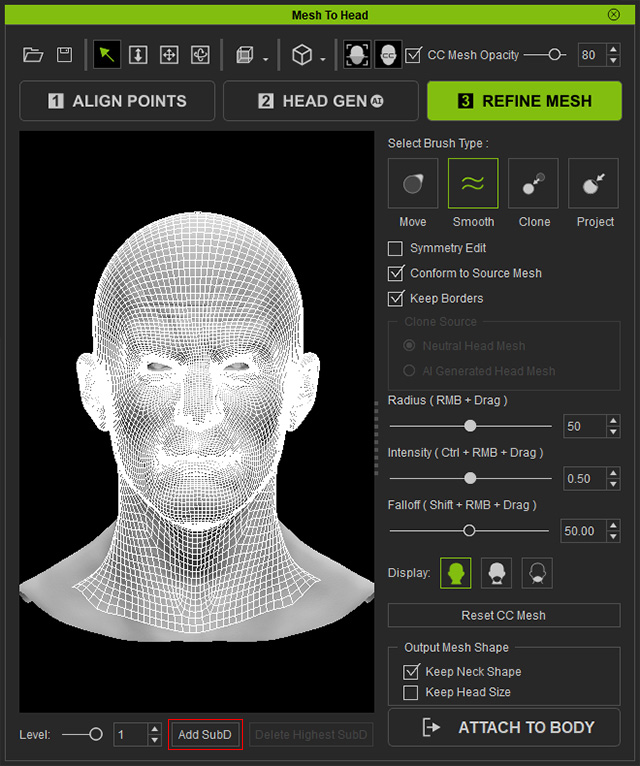
As you can see the faces are increased in the Level 2 (You can click the Delete Highest SubD to remove the highest levels).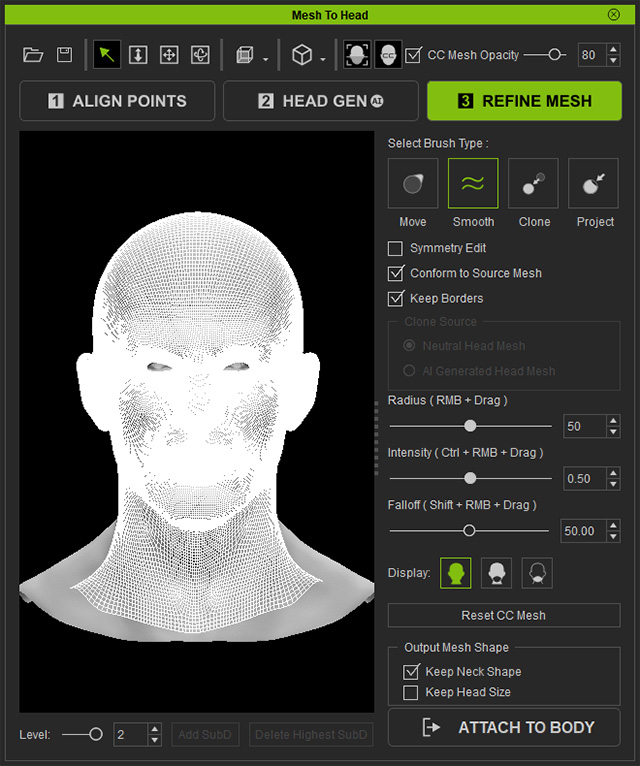
- Next, use the **Move**, **Smooth**, **Clone**, and **Project** tools to sculpt the base mesh into a shape that closely matches the imported model.
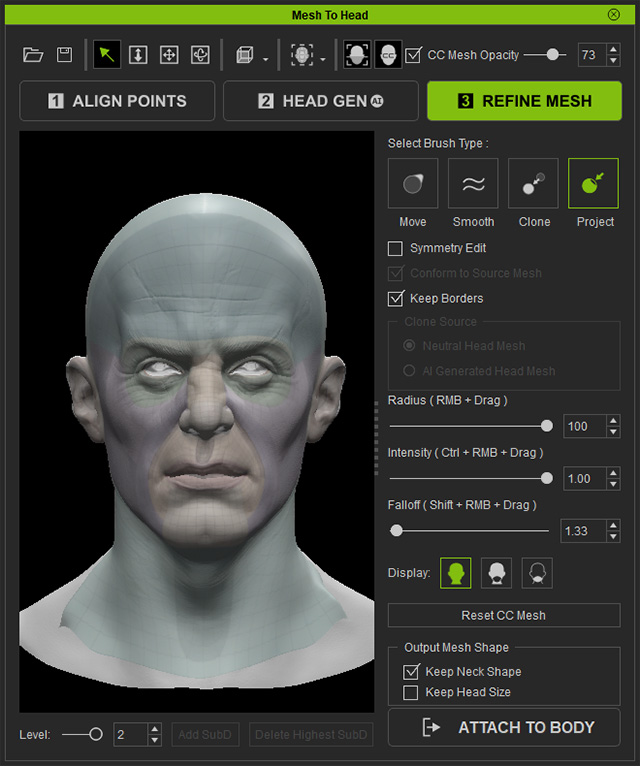
** Note that if the operation becomes laggy when using these tools, try lowering the SubD Level to 0 to allow for smoother manipulation. - Click the ATTACH TO BODY button to choose a body for the character. Adjust the options in the panel and click the Generate button.
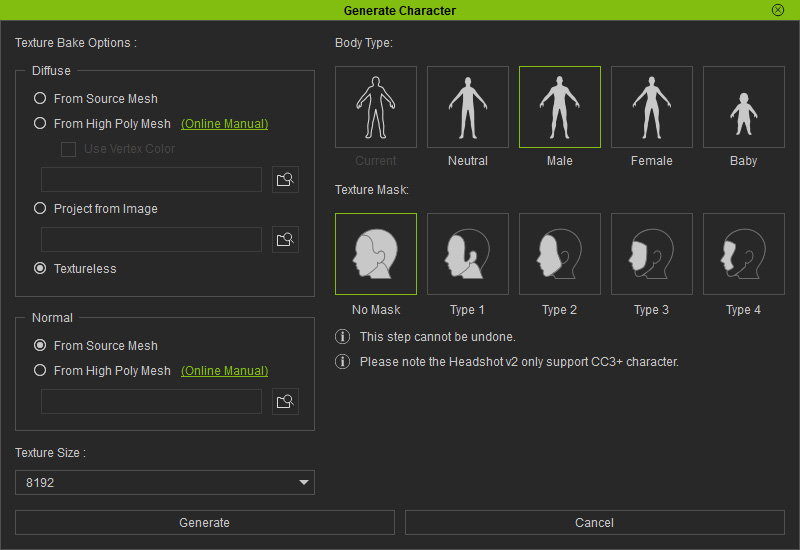
- A Character Creator Base character will be generated with high-details normal map.
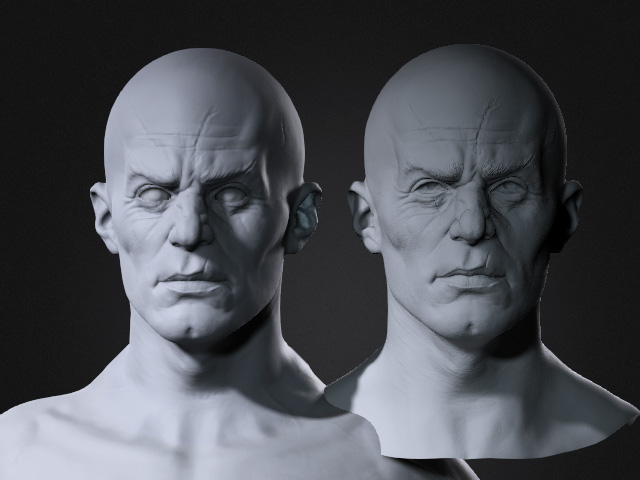
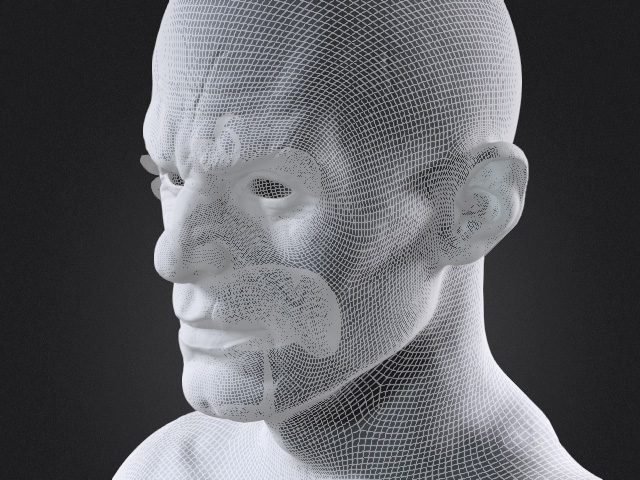
- Select the character and switch the render state to Wireframe. As you can see, the character is already at a high-resolution level (Level 2), which allows it to support more surface bumps and fine details.
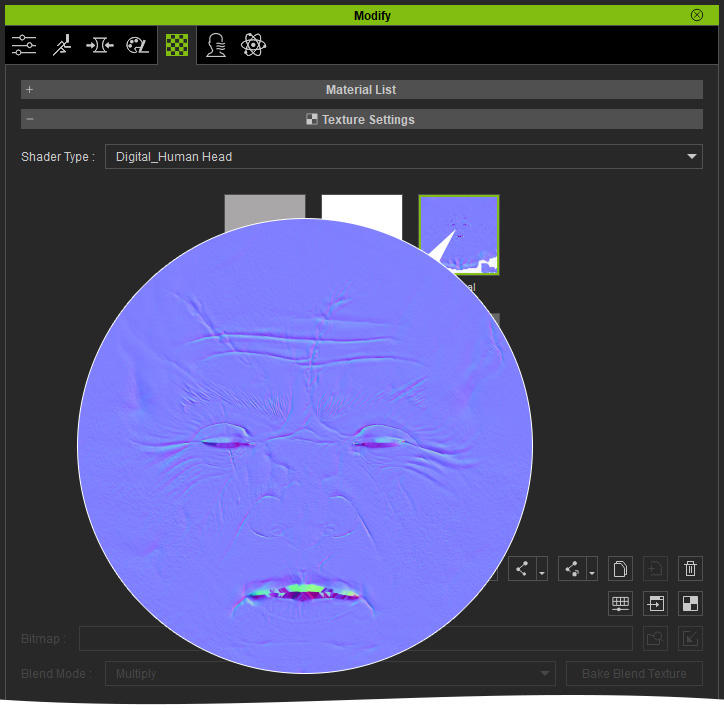
- Switch to the Material tab under the Modify panel. In the Texture Settings section, you'll notice that the finer details—beyond what the model geometry can support—have been baked into the Normal Map to best replicate the appearance of the original high-detail model.
-
Since the generated character is based on the built-in standard character, it is fully compatible with hair, clothing, skin refinement, facial expressions, and animation creation.