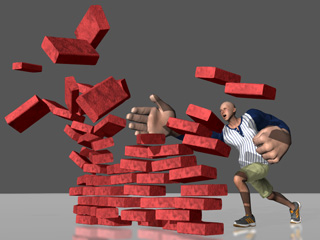
Baking Morphing Results
When you need to exaggerate the morph targets for specific body parts or facial features, you may need to first export the character in *.iAvatar format, load it back for further adjustments and repeat the procedure many times, which can be very time-consuming.
However, with the Baking feature provided in Character Creator, you are able to simplify the steps with a simple click.
-
Create a new project.
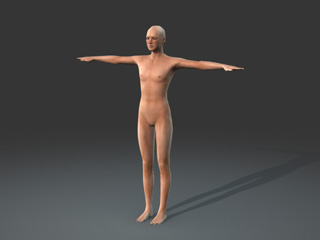
-
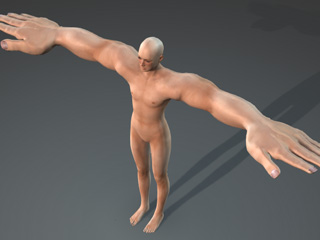
Freely morph the character to maximize its size (in this case, the upper
arms, forearms,
wrists and the hands of the character).
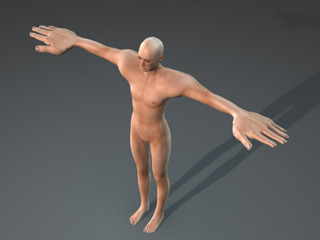
-
Click the Bake button under the morph sliders.
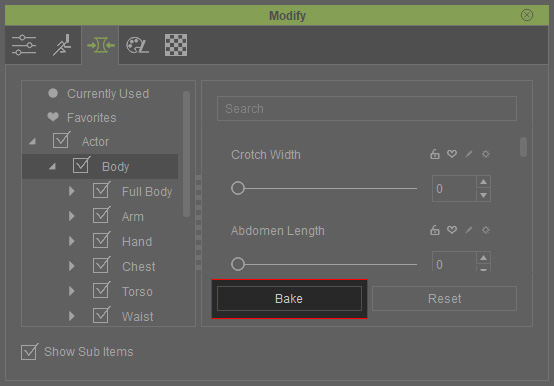
You will see that the morph is kept while the modified sliders in the modify panel are re-initialized to 0.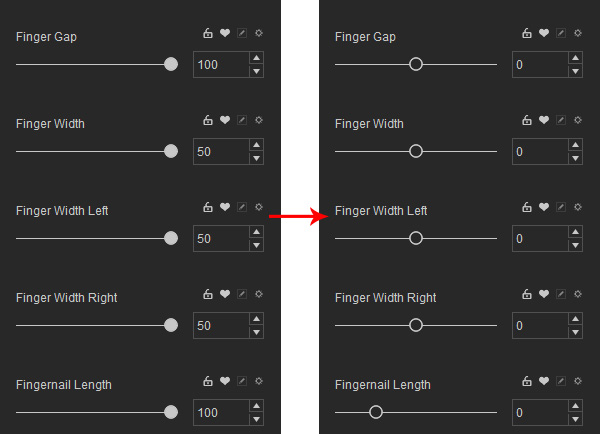
-
Repeat steps 2 and 3 until you are satisfied with the results.
-
You can clothe and export this character to iClone for animation or use it for creating
custom Morph Sliders.