Saving Custom Smart Hair
Once the hair conversion result is satisfactory, you can save the asset to the Content library. Smart Hair content can be saved in three different formats:
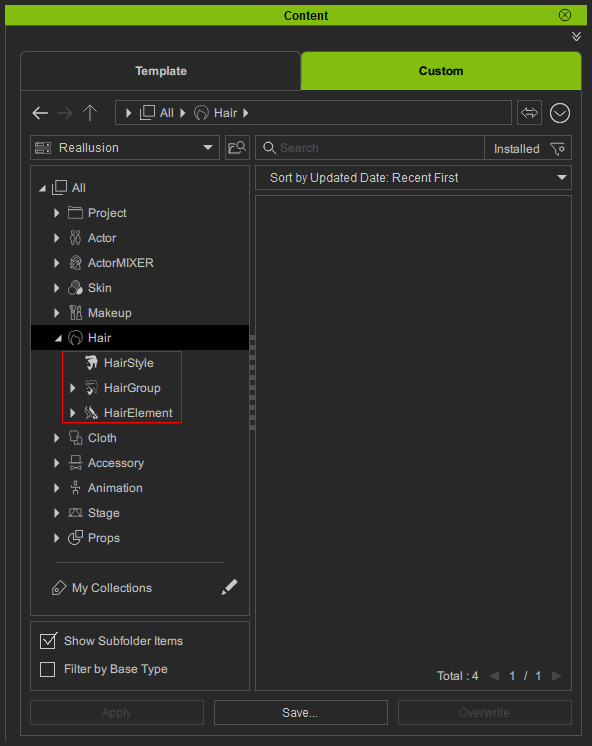
HairStyle
Saves all hair components on the character’s head, including Hair, Brows, and Beard. Applying a HairStyle will replace all three components on the target character.
HairGroup
Saves related elements within a specific category (for example, mustache and beard). Only that group will be replaced when applied.
HairElement
Saves only the selected element.
Saving Custom Smart Hair
- Choose the target folder (HairStyle, HairGroup, HairElement) in Content Manager.
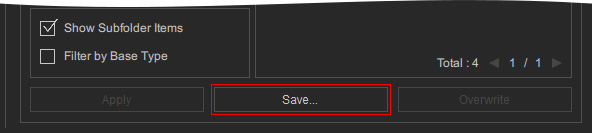
- Click the Save... button at the bottom of the Content Manager.
- The custom Smart Hair will be saved for future use.
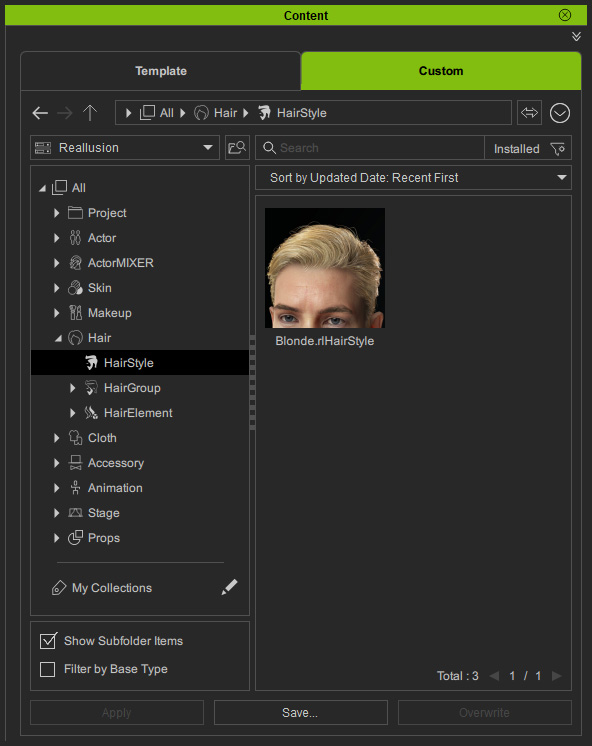
It is recommended to save Content as HairGroups or HairElements to prevent performing unwanted replacement to facial hair. For more information, please refer to the Smart Hair Content Structure page
