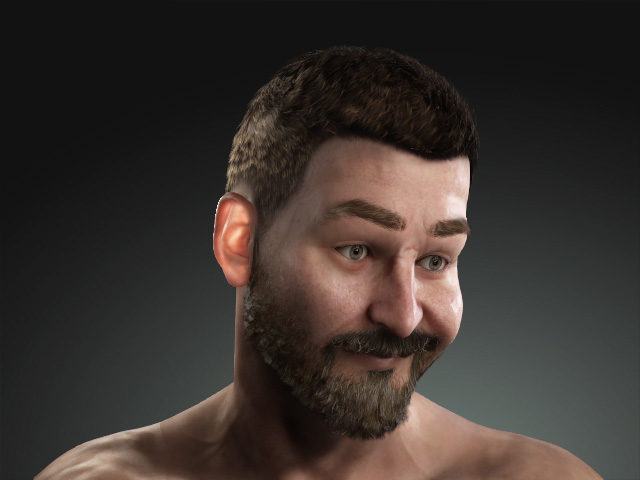
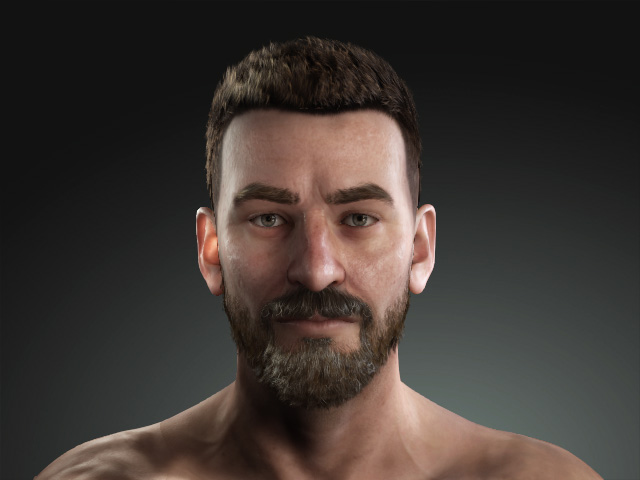
Setting Facial Expressions by Face Muscles
The first mode in the Edit Facial panel is the Muscles, where you can adjust the facial expressions by dragging on the muscle regions.
- Create a project and apply a character.
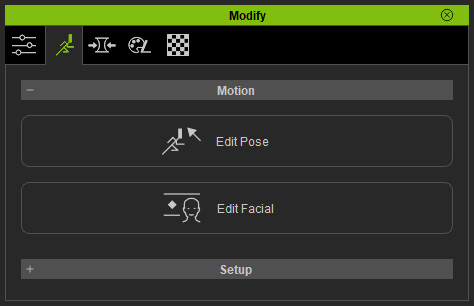
- Click the Edit Facial button under the Motion Pose tab in the Modify panel.
- In the Edit Facial panel, switch to the Muscles mode.
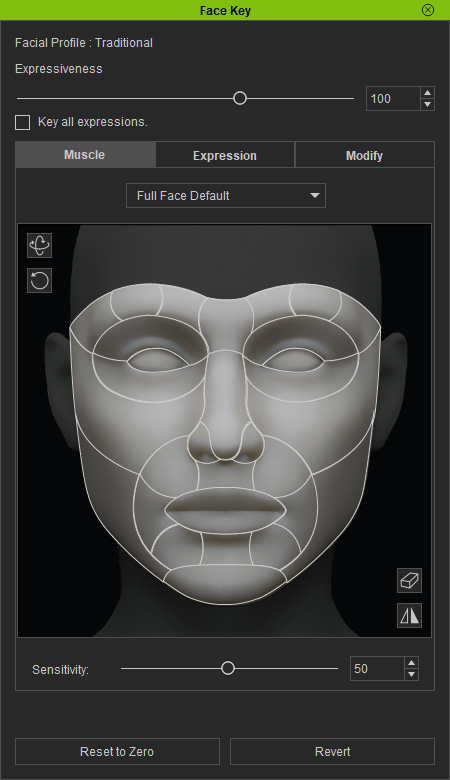
- Select the areas on the dummy face to pick the desired muscle.
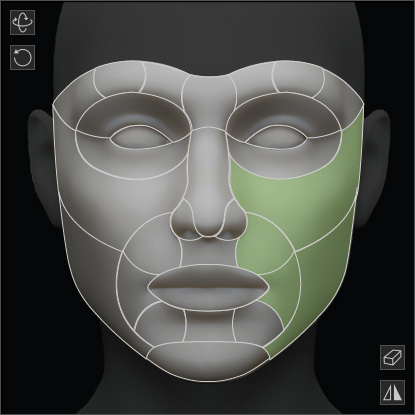
- Drag in the reaction area to set the facial features:
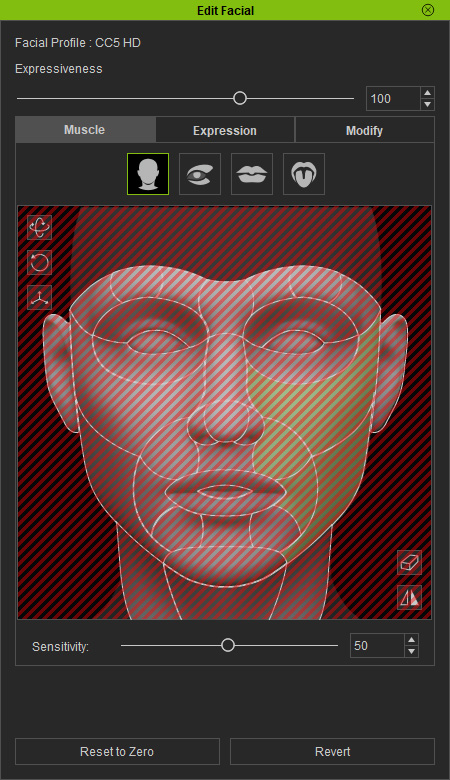
The character will instantly react to the adjustments.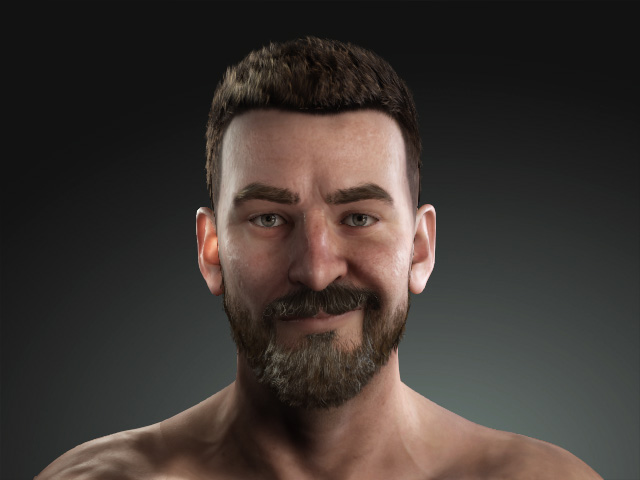
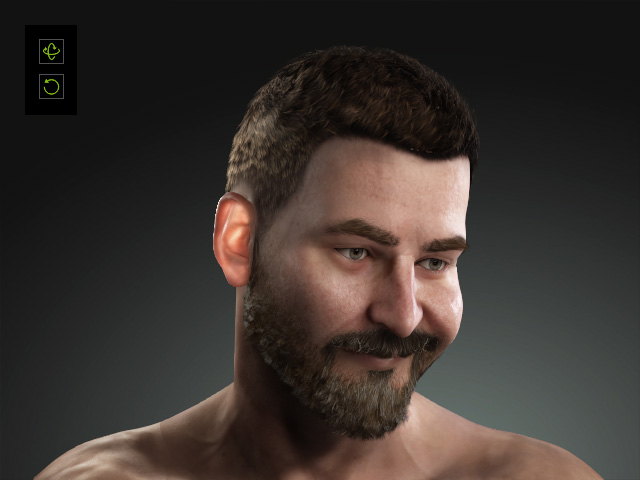
- The two buttons at the top right corner of the dummy pane can be used to rotate the head.
- If you activate the Symmetrical Selection checkbox to
adjust bilateral muscles simultaneously.