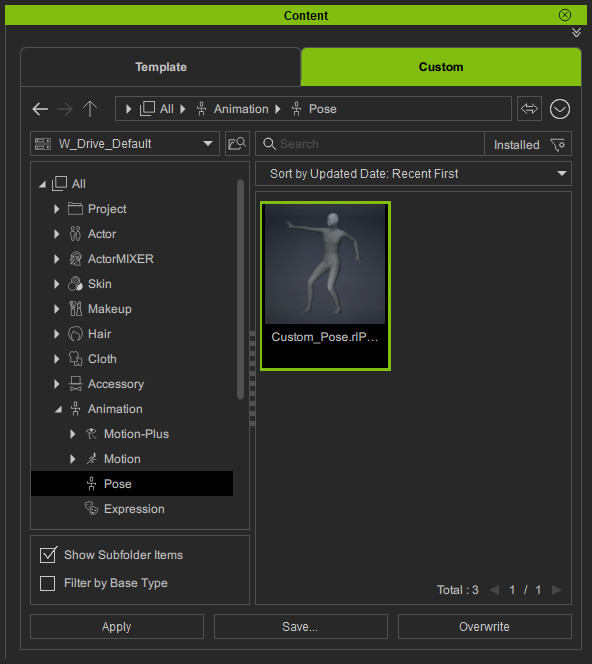
Saving Custom Poses
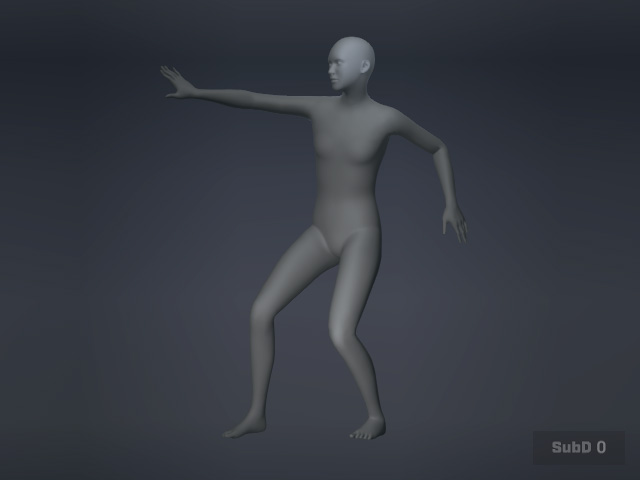
After creating custom poses with Edit Pose, you can save the custom poses using the following steps:
- Create a desired pose with the Edit Pose panel as instructed above.
- Select the character and open Content manager. Switch to the Animation > Pose library.
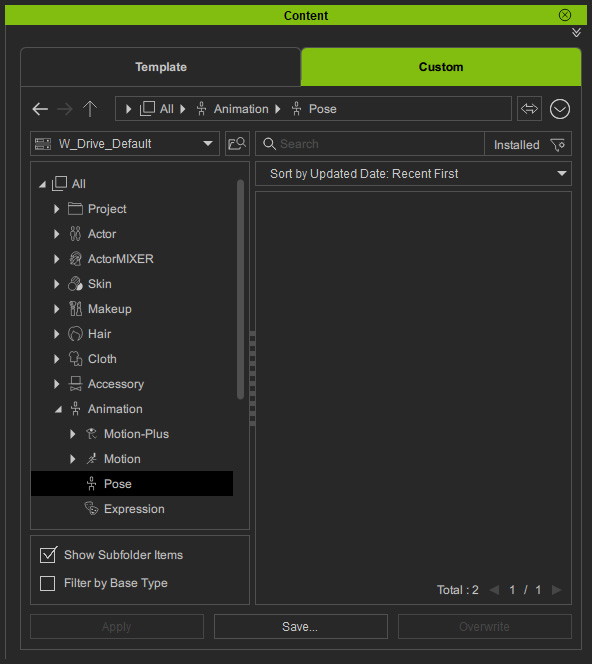
- Click the Save button.
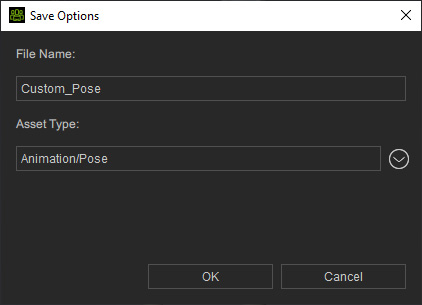
The Save Options panel will appear.
 Note:
Note:The asset type should be automatically set to Animation Pose when you are in the Pose Library. If the asset type is not Animation Pose, change it by clicking the down arrow on the side.
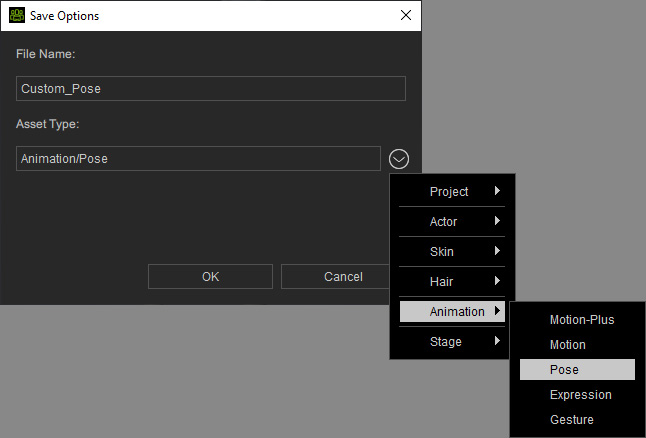
- Name the pose and click the OK button. The custom pose will be saved into the library.