Adding the Assets to Content Manager
- Convert a DAZ Studio character into Character Creator.
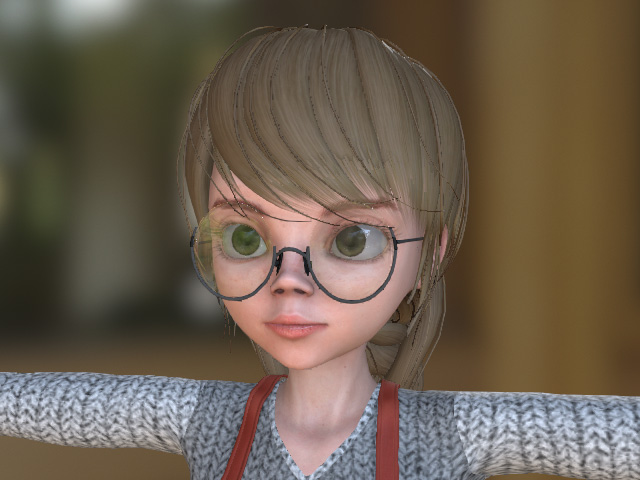
- In Character Creator, add all of the character's assets to the Content Manager. If you intend to deform CC characters to resemble the original DAZ Studio character, the original eyes and teeth from DAZ Studio must be saved before performing the deformation. This ensures anatomical alignment remains consistent.
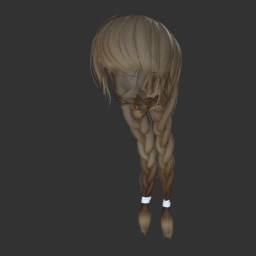
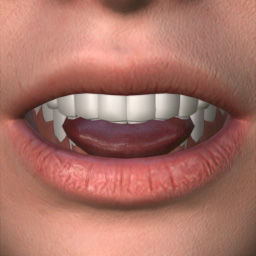
Hair
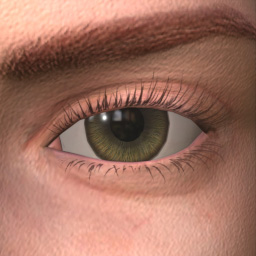
Eyes
Teeth
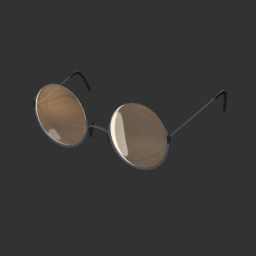
Accessory
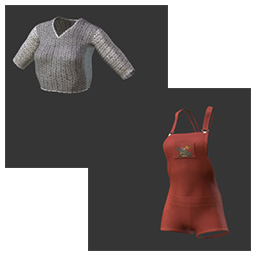
Clothes
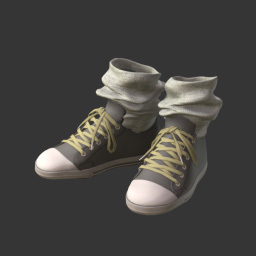
Shoes
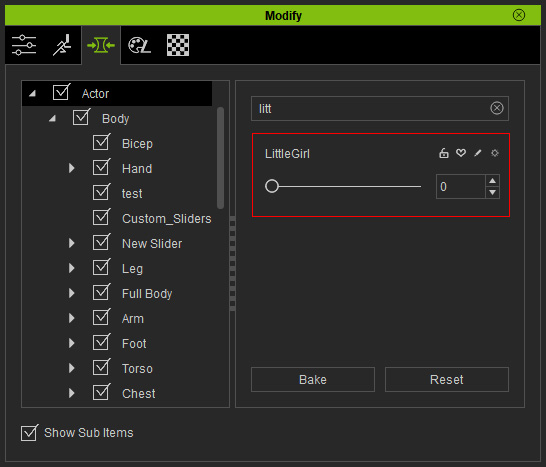
- In addition to adding these assets, create a new morph slider based on this character. This allows other base characters to be morphed into this specific character's shape.