Binding the Accessories to Correct Bone
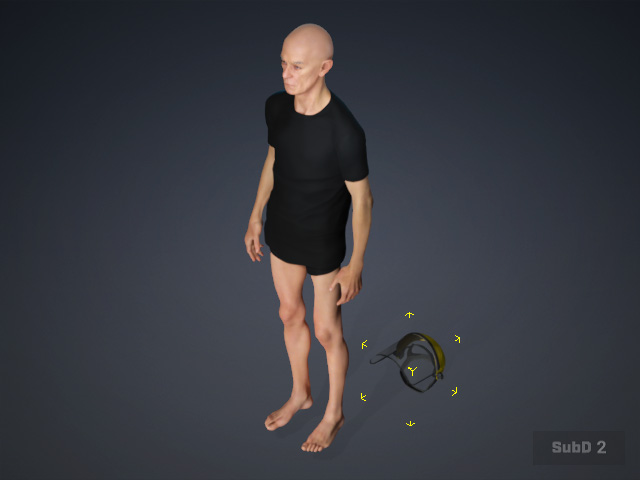
- Select the accessory converted from DAZ Studio.
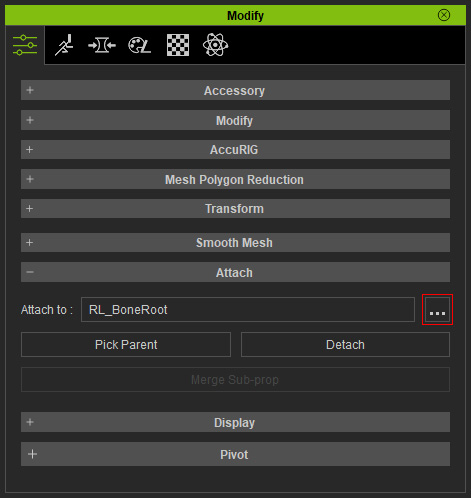
- In the Modify panel, click the "..." (Browse) button in the Attach section to display the Attach to Sub-node panel.
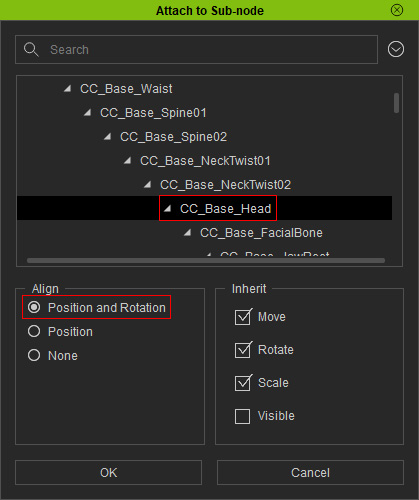
- Assign the accessory to the appropriate bone and select the Position and Rotation radio buttons, then click OK.
- If the accessory fails to align correctly with the bone, use the Transform tools to manually relocate it.
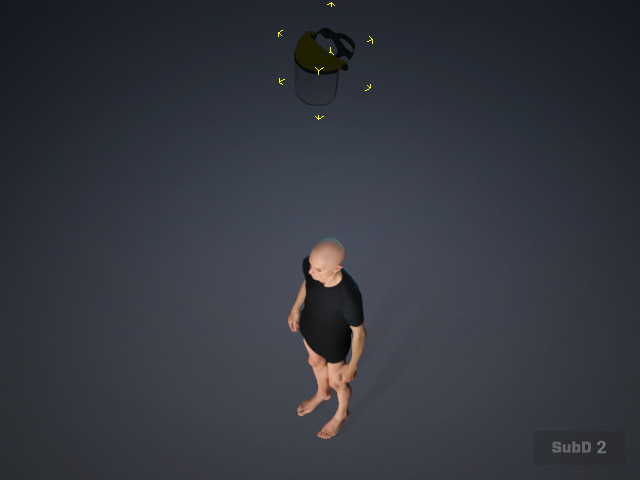
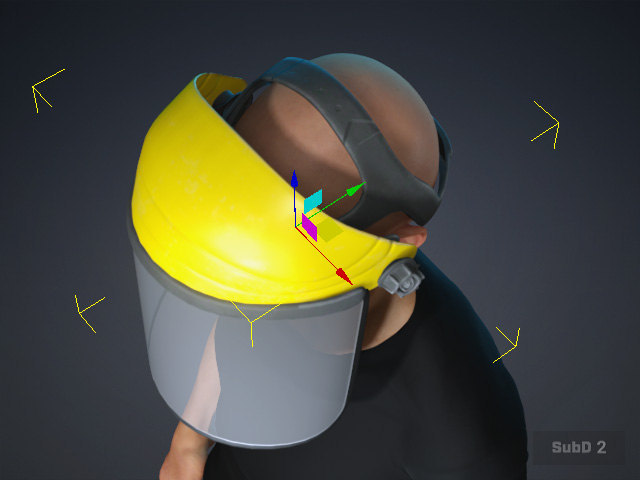
Before
After
- Animate the character to verify the attachment results.
