Material Tools
In Character Creator, you may also define different objects to use the same material by using the Pick & Paint tool in the Material List section.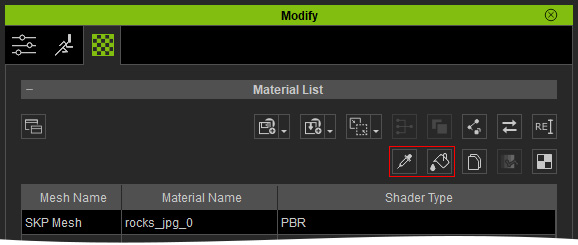
- Select one object from which you want to share the material.
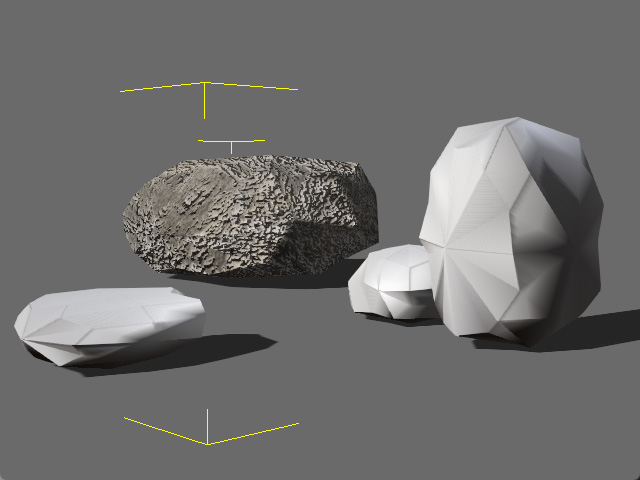
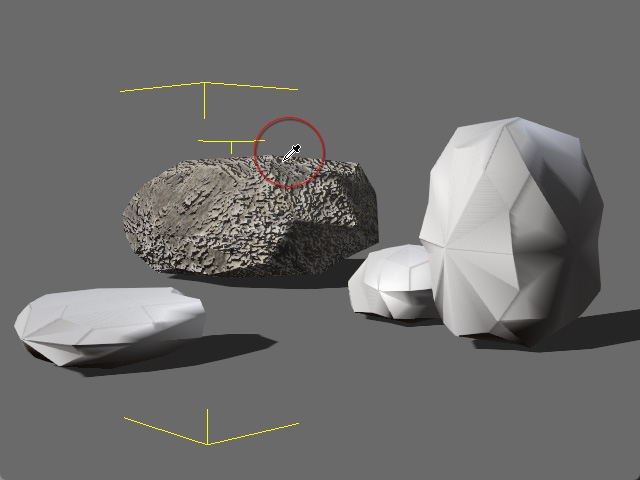
- Click the Pick button and click on the face of the material for sharing. The texture images for the channels are thus retrieved. Alternatively, you may select the material in the material list.
- Click the Paint button and start to click on the target faces of other objects.
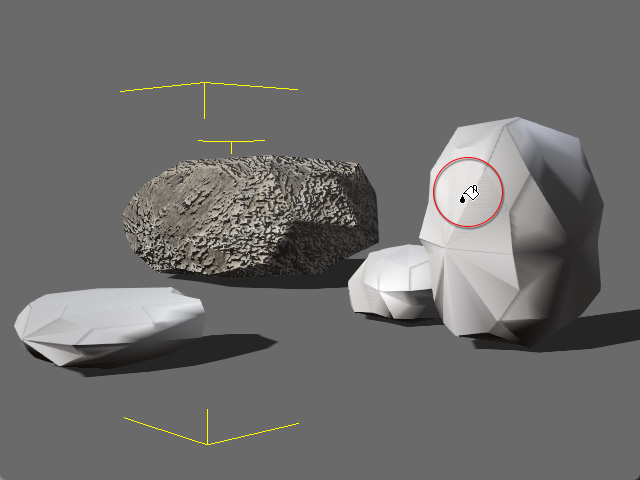
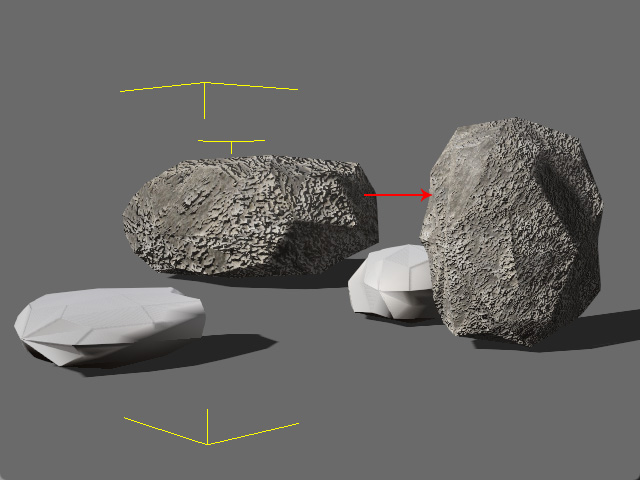
Before
After
- Repeat step 3 till all the target faces are sharing the same material (press ESC to cancel the Paint mode).
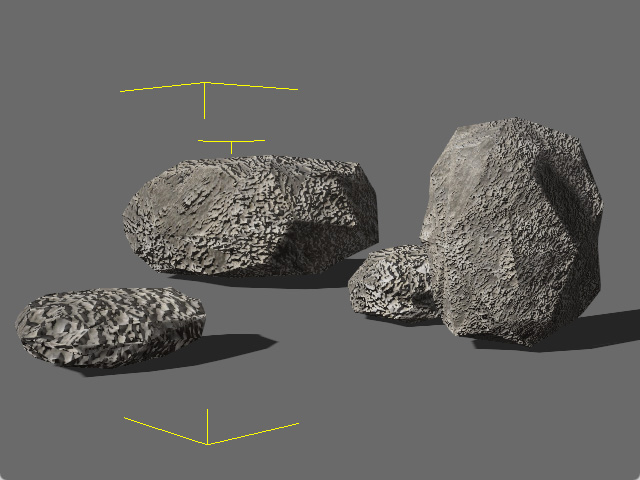
All the faces now share the same material data as the first object in step one.
Material Sync-Editing
Since these objects are using the same material, once you modify the texture channel settings in the Adjust Color section, the other faces sharing the same material will be altered instantly.
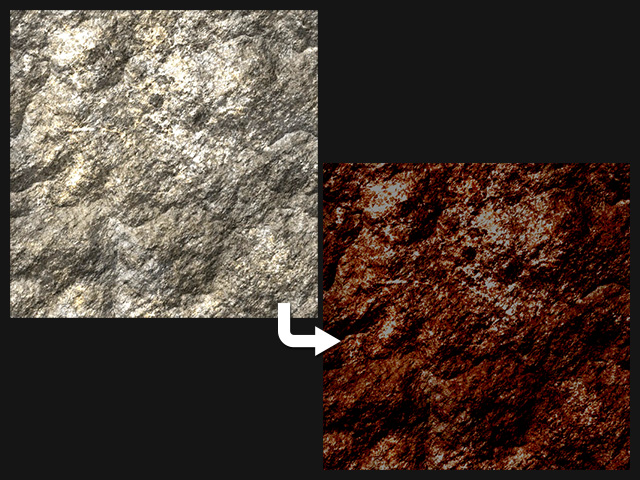
|
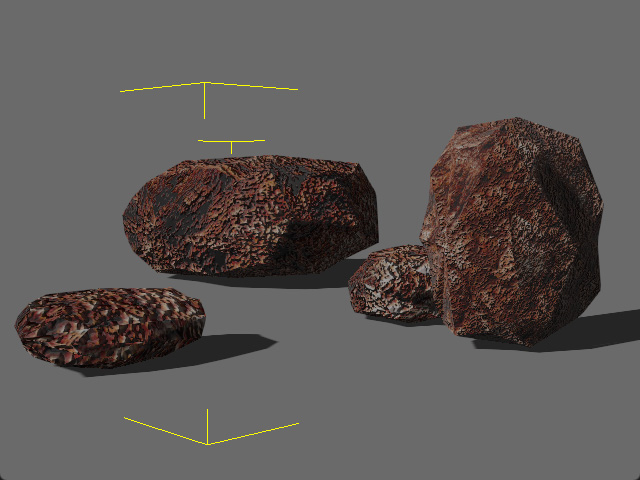
|
|
Before |
After |
 Note:
Note:
Another method to share material is to make use of the external texture, for more information please refer to the page External Texture.
