Using Acquired Templates
There are five sub-libraries in the Acquired library, and they are Dirt, Scar, Tattoo and Liquid.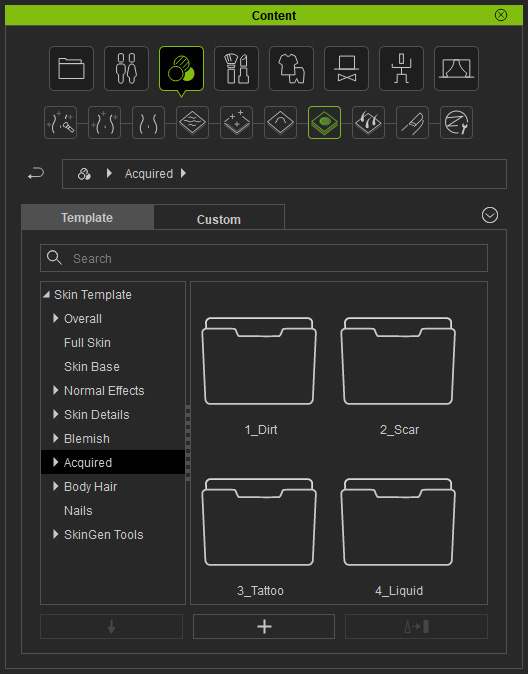
Dirt
Apply the templates in the library to add dirt on the skin.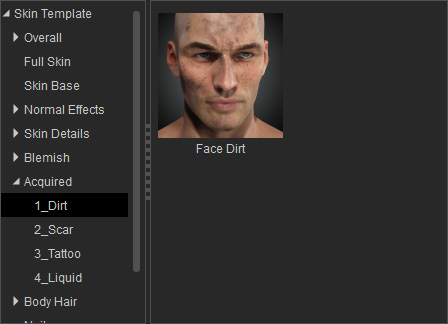
- Face: You can apply the templates in this library to apply dirt onto the skin.
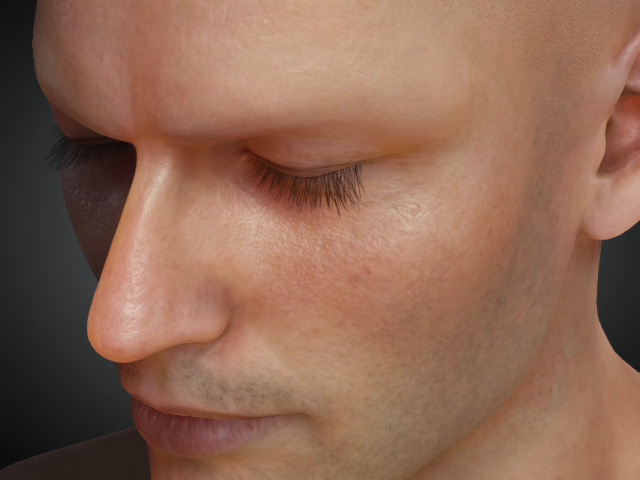
Skin without Dirt templates applied.
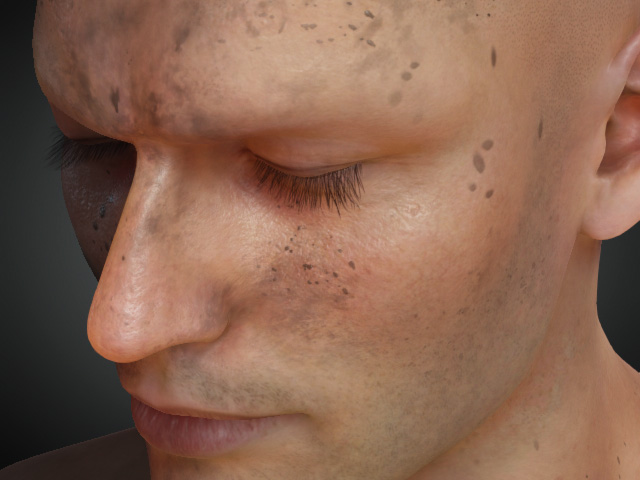
After a Dirt template is applied.
- SkinGen Pack: You must purchase and install SkinGen Plugin to get this pack.
Scar
Apply the templates in the library to add scars on the skin.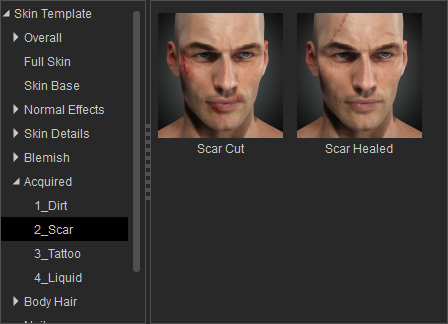
- Face, Body and Arm
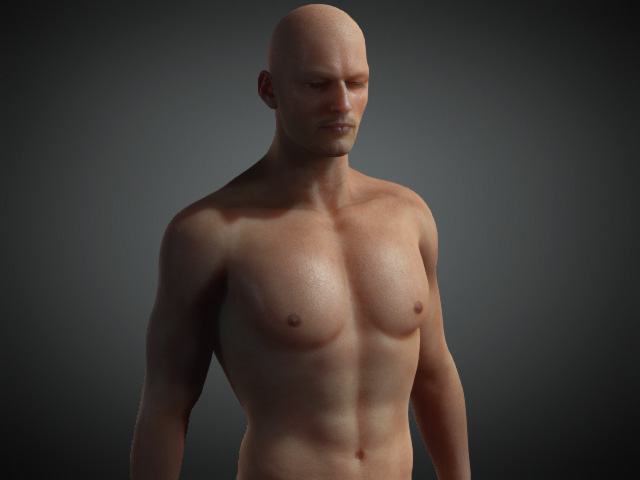
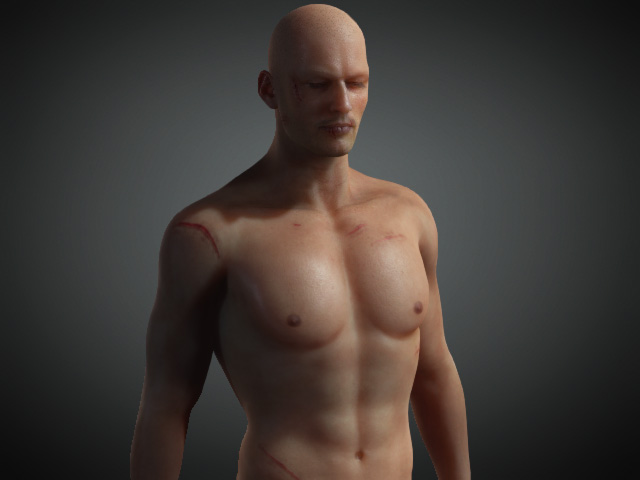
Before the Scar template is applied.
After the Scar template is applied.
- SkinGen Pack: You must purchase and install SkinGen Plugin to get this pack.
Tattoo
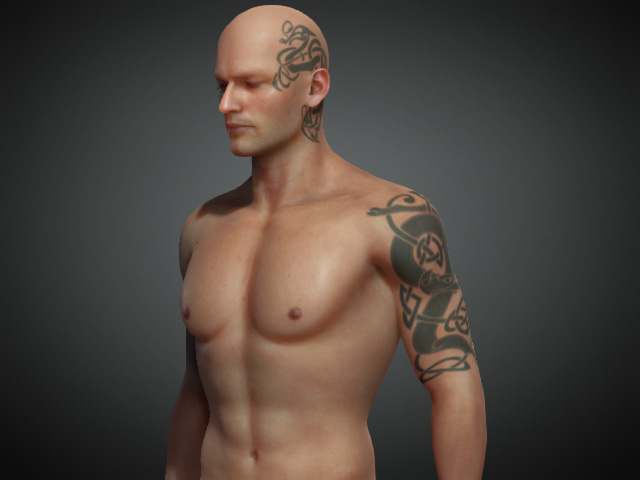
Apply the templates in the library to create tattoos on the face, body or limbs skin.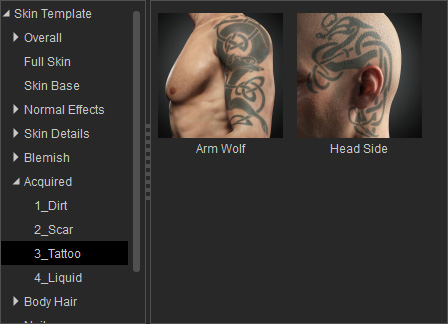
- Head and Arm
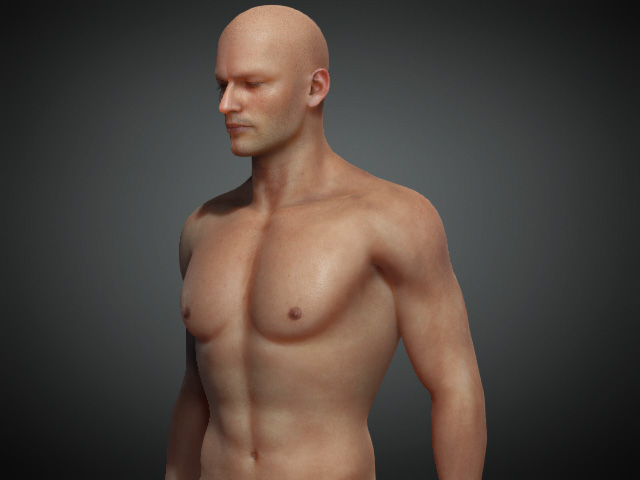
Before Tattoo template is applied.
After Tattoo template is patched.
- SkinGen Pack: You must purchase and installthe SkinGen Plugin to get this pack.
Liquid
You can blend liquid onto the skin of the body, arms and legs by the template in this library.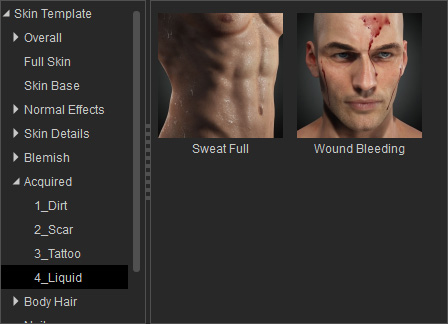
- Head, Body and Arm
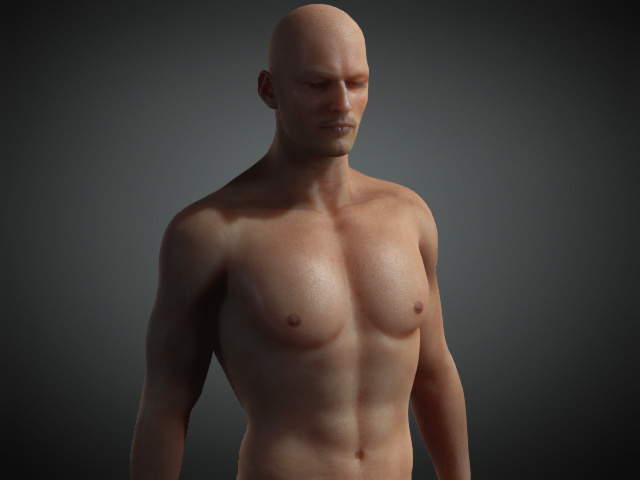
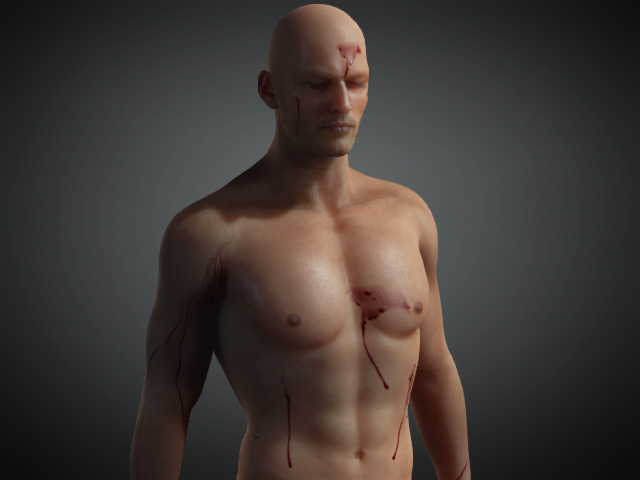
Skin without Liquid templates applied.
After the Liquid template is applied.
- SkinGen Pack: You must purchase and install SkinGen Plugin to get this pack.
