Blur
The Blur sub-section can be used to adjust the blurriness of the eye-occlusion elements for simulating the shadows from the eyelids.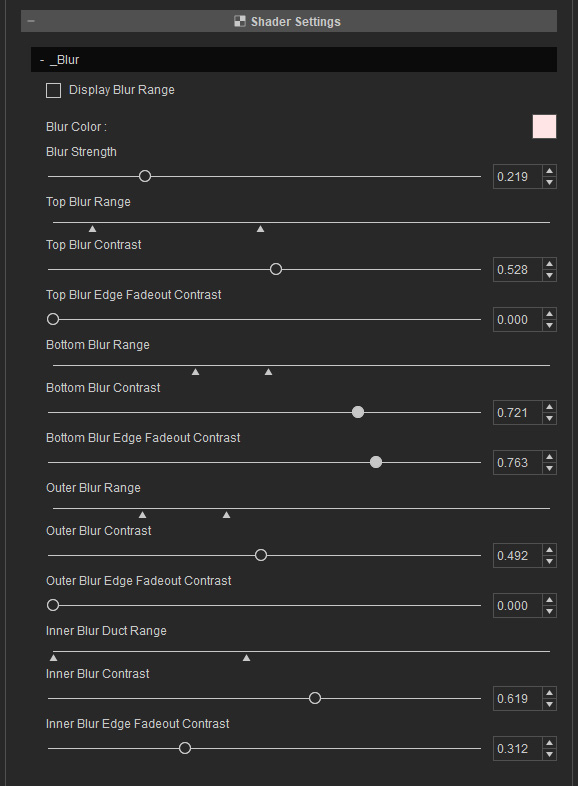
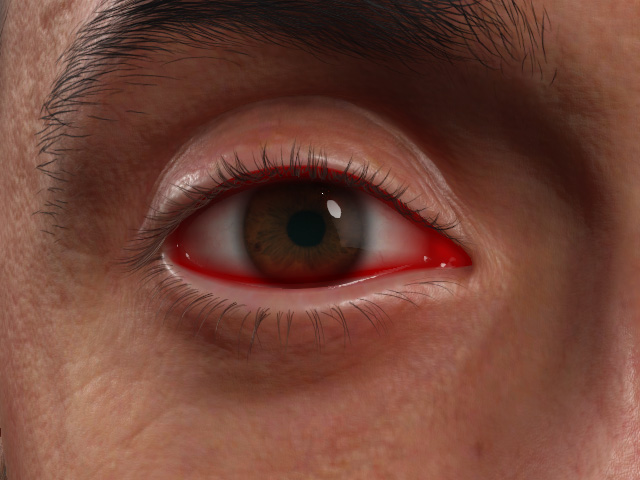
- Display Blur Range
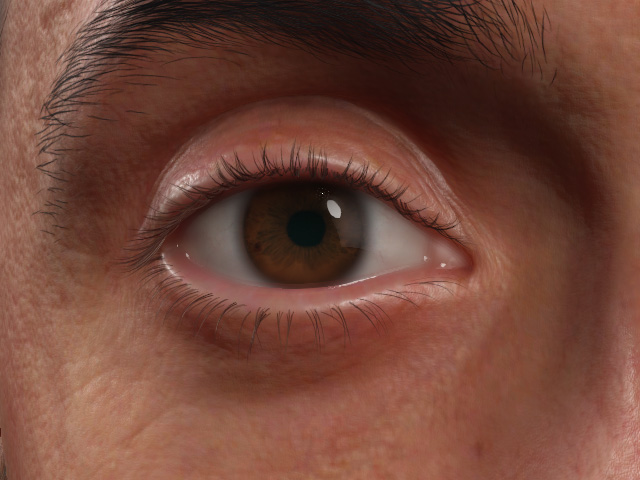
Display Blur Range = Off
Display Blur Range = On
- Blur Color: Specifies the shadow color.
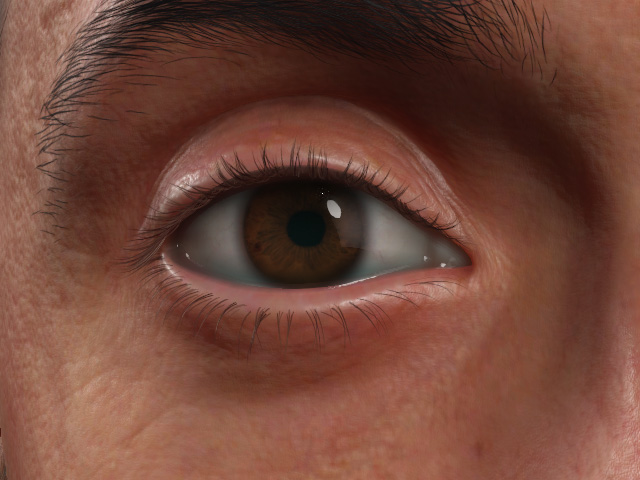
Blur Color = #ffe5e5
Blur Color = #6c9090
- Blur Strength: You can use this slider to set the overall blurriness of the shadow.
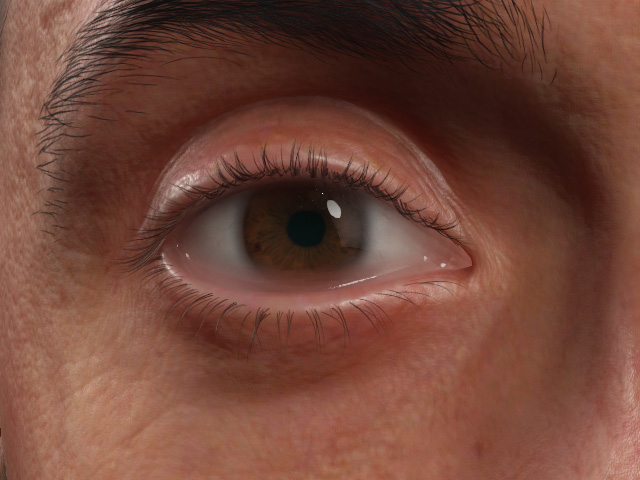
Blur Strength = 0.219 (Default)
Blur Strength = 0.800
- Top Blur Range: Defines the mark-in and mark-out range of the blurriness of the upper shadow.
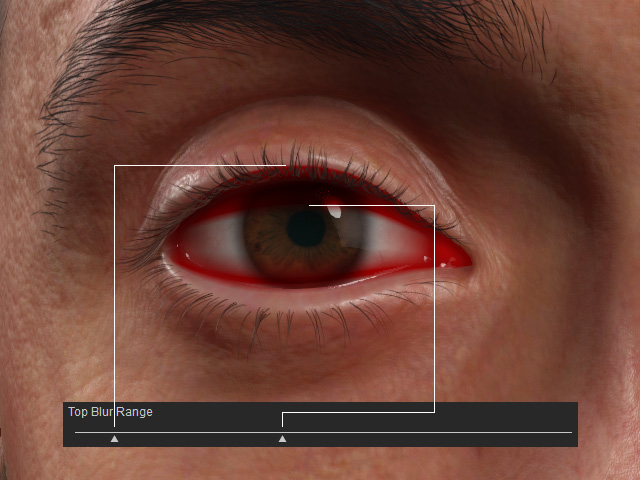
- Top Blur Contrast
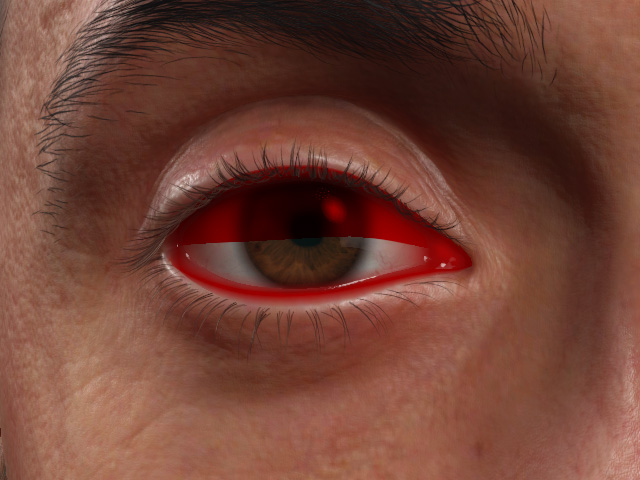
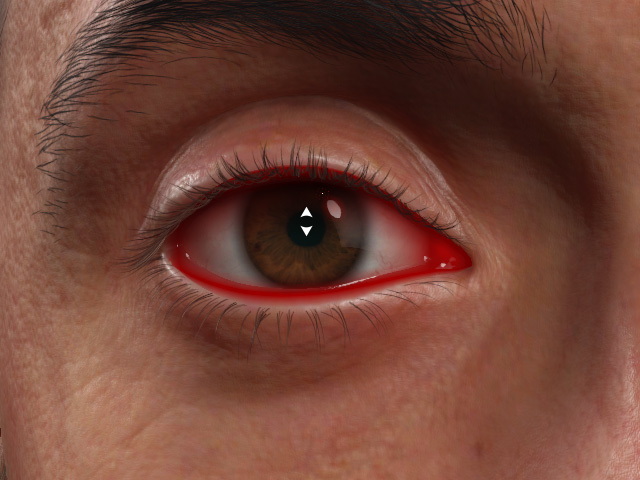
Top Blur Contrast = 1.000
Top Blur Contrast = 0.528 (Default)
- Top Blur Edge Fadeout Contrast
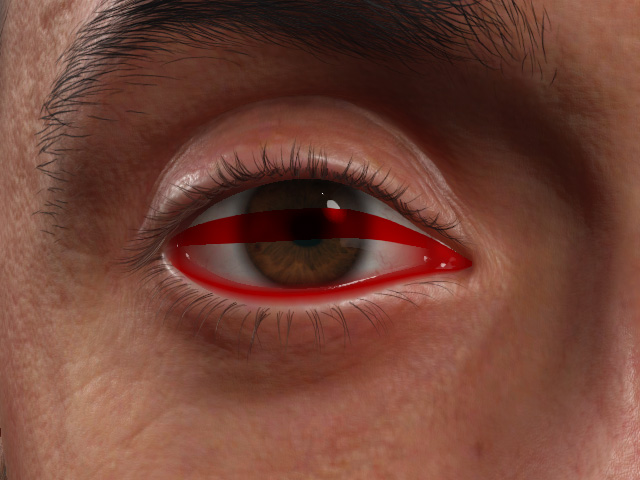
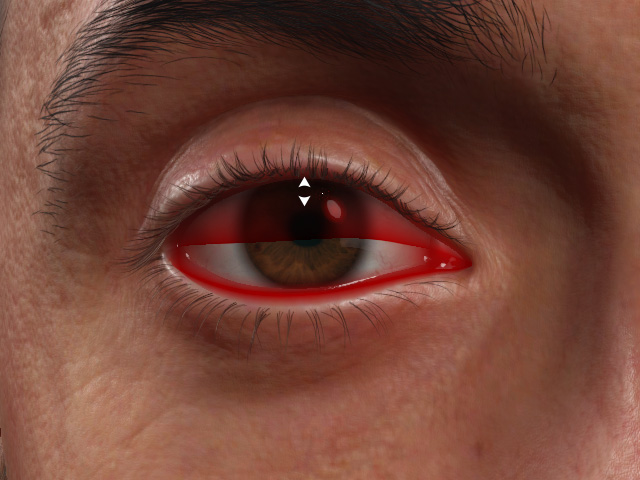
Top Blur Edge Fadeout Contrast = 1.000
Top Blur Edge Fadeout Contrast = 0.000
- Bottom Blur Range: Defines the mark-in and mark-out range of the blurriness of the lower shadow.
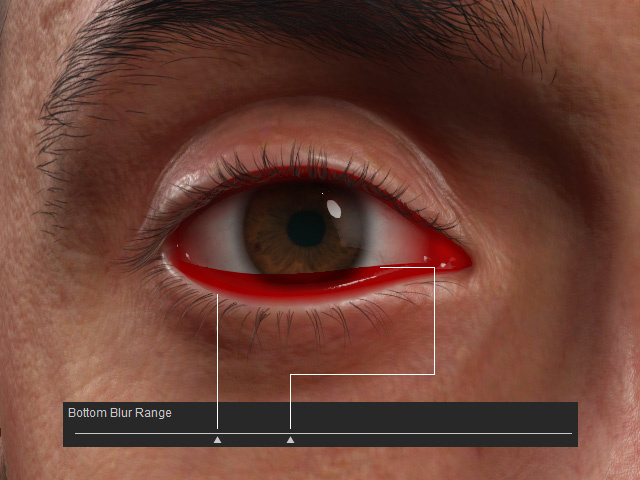
- Bottom Blur Contrast
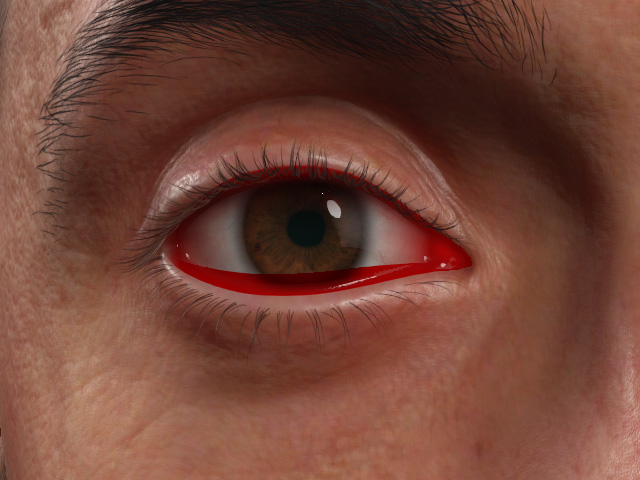
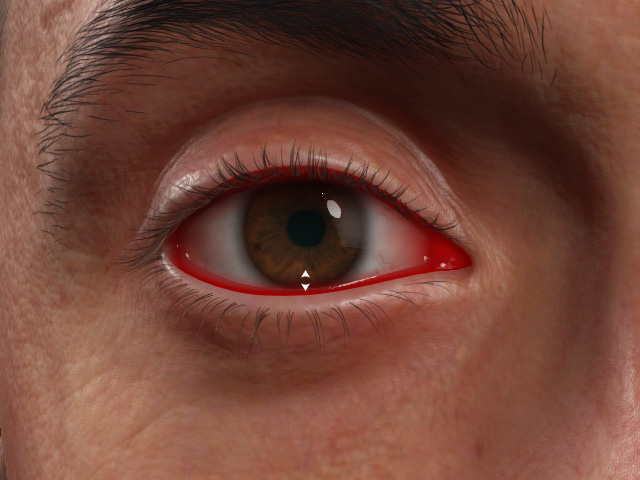
Bottom Blur Contrast = 1.000
Bottom Blur Contrast = 0.686 (default)
- Bottom Blur Edge Fadeout Contrast
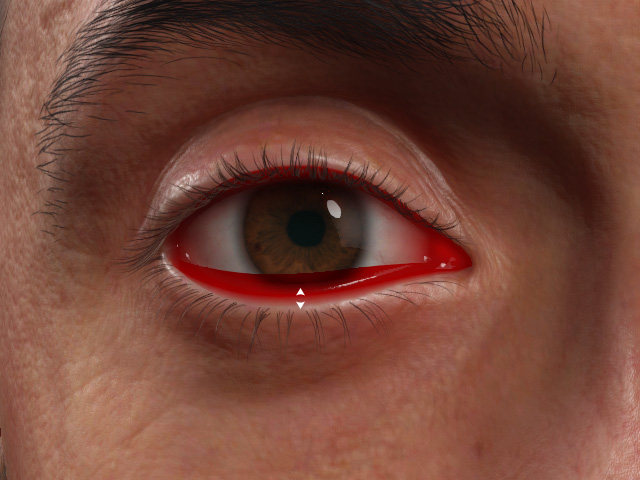
Bottom Blur Edge Fadeout Contrast = 1.000
Bottom Blur Edge Fadeout Contrast = 0.312 (default)
- Outer Blur Range: Defines the mark-in and mark-out range of the blurriness of the outer shadow.
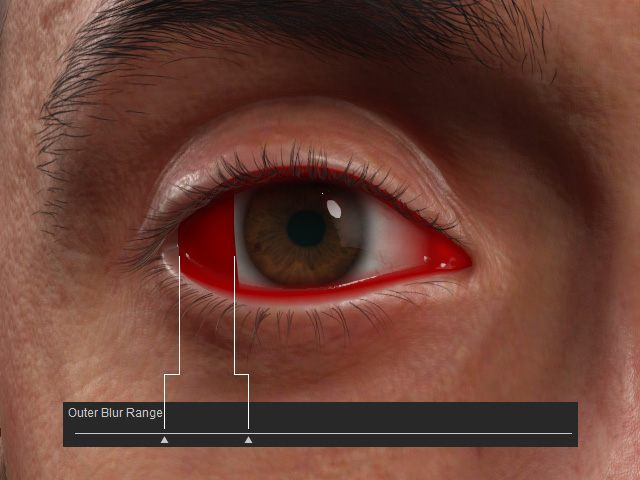
- Outer Blur Contrast
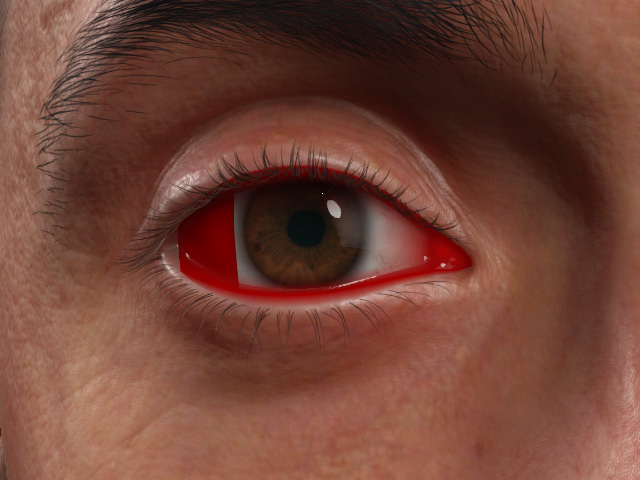
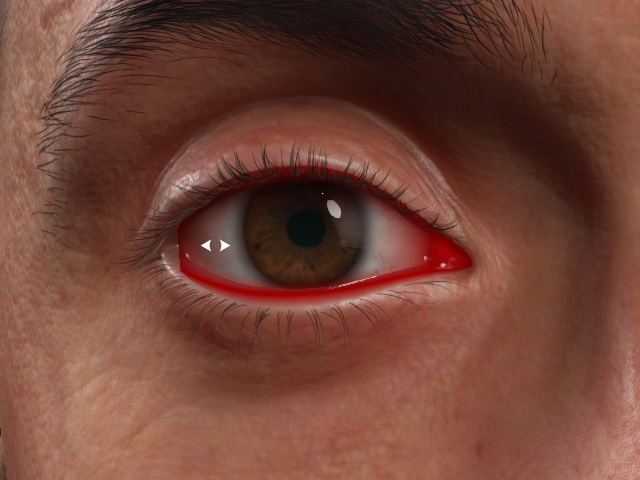
Outer Blur Contrast = 1.000
Outer Blur Contrast = 0.492 (default)
- Outer Blur Edge Fadeout Contrast
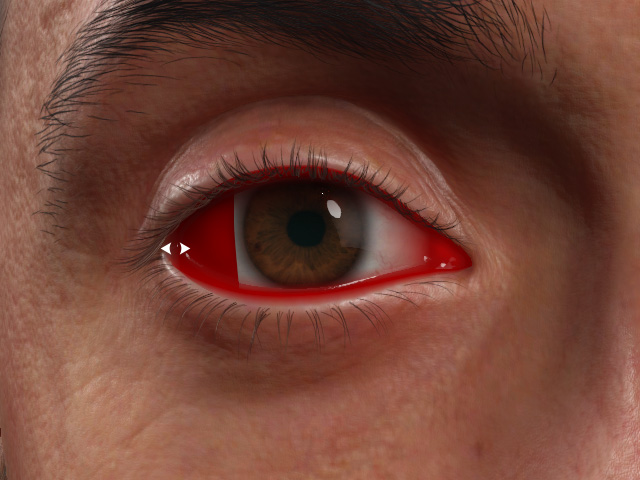
Outer Blur Edge Fadeout Contrast = 1.000
Outer Blur Edge Fadeout Contrast = 0.000 (default)
- Inner Blur Duct Range: Defines the mark-in and mark-out range of the blurriness of the inner shadow.
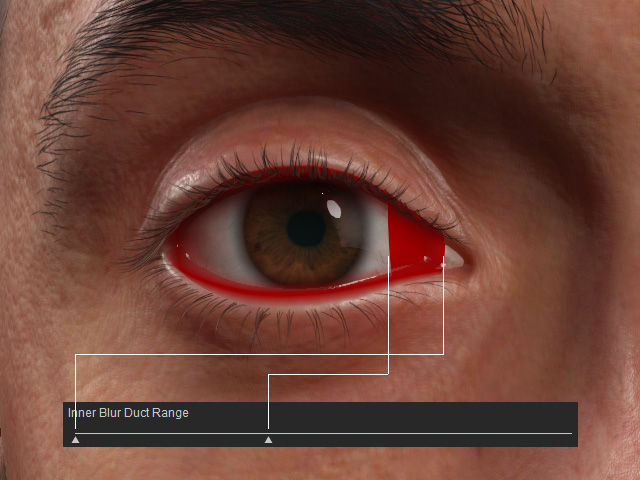
- Inner Blur Contrast: This setting determines the position of the dark
crevice between the eyeball and the tear duct.
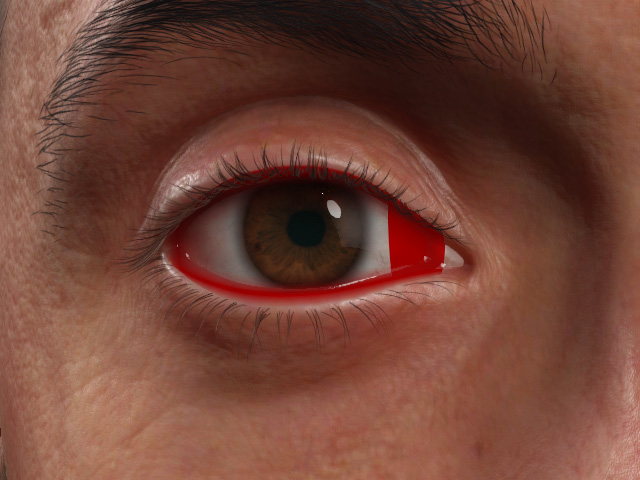
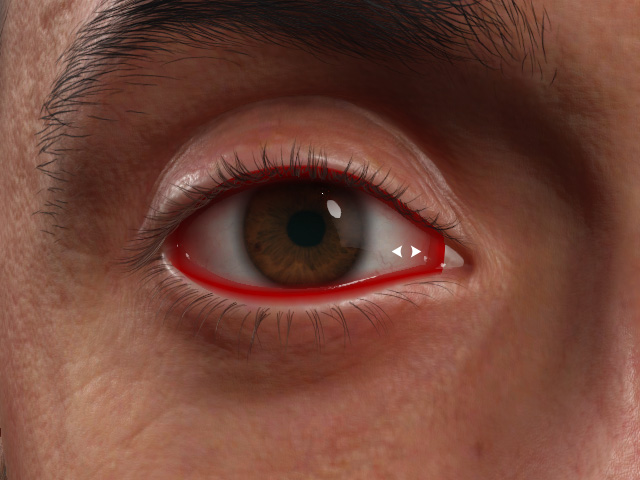
Inner Blur Contrast = 1.000
Inner Blur Contrast = 0.619 (default)
- Inner Blur Edge Fadeout Contrast
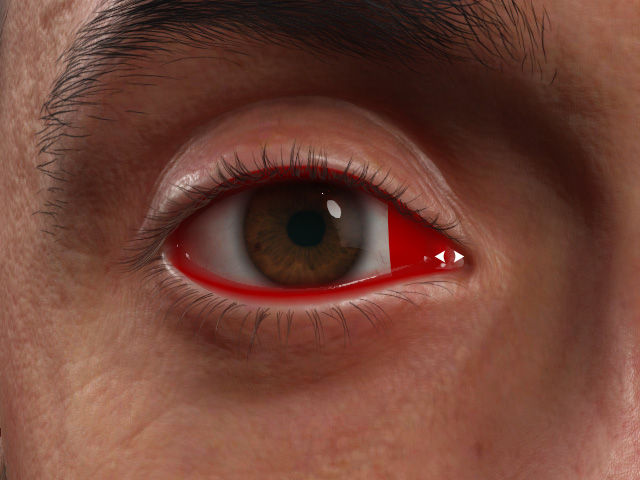
Inner Blur Edge Fadeout Contrast = 1.000
Inner Blur Edge Fadeout Contrast = 0.312 (default)
