Shadow
The Shadow sub-section can be used to adjust the shadows of the eyelids surrounding the eyeballs.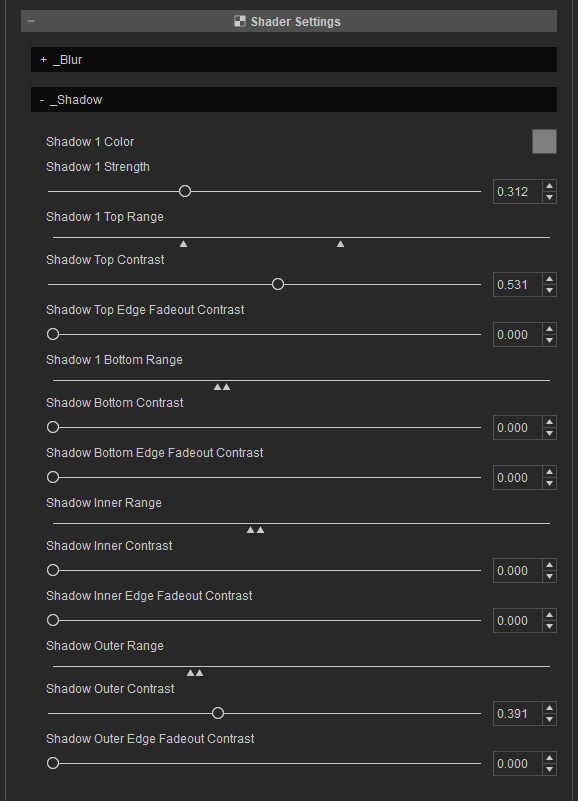
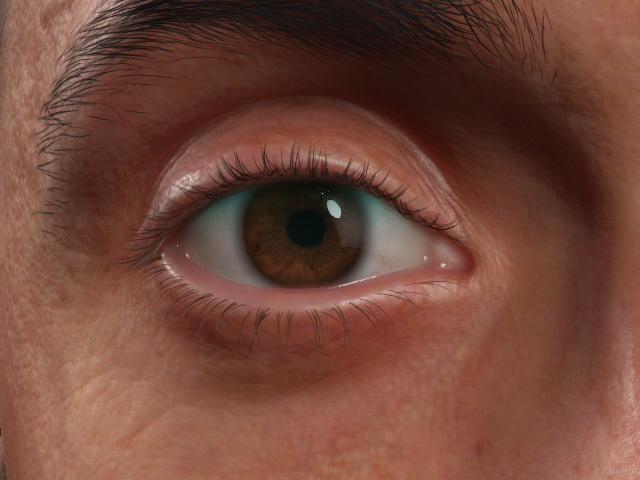
- Shadow 1 Color: Defines the shadow color casting on the eyeballs.
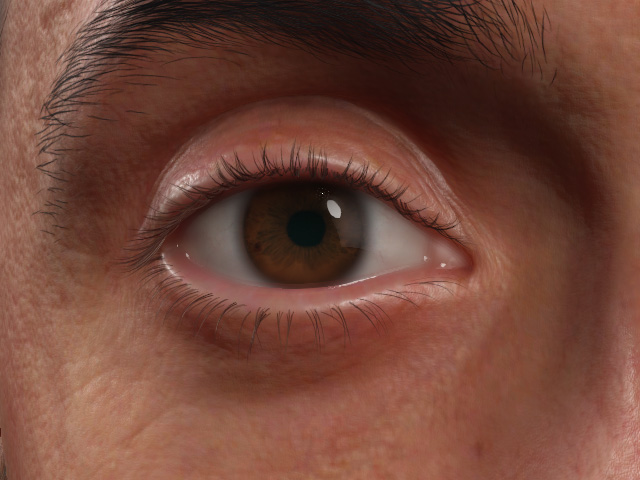
Shadow 1 Color = #7f7f7f
Shadow 1 Color = #5bfaf5
- Shadow 1 Strength: You can use this slider to set the
shadow strength.
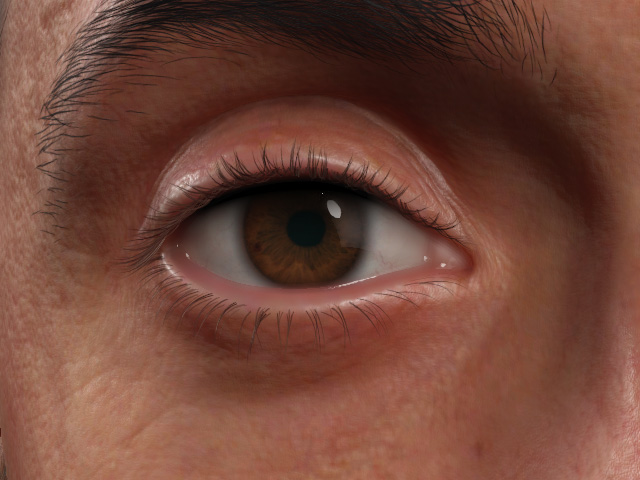
Shadow 1 Strength = 0.312 (Default)
Shadow 1 Strength = 1.000
- Shadow Top Range: Drag the triangles to define the range of the shadow from the upper eyelid.
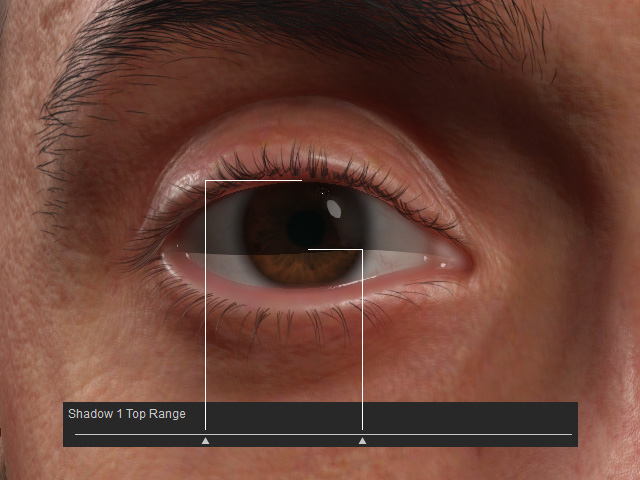
- Shadow Top Contrast
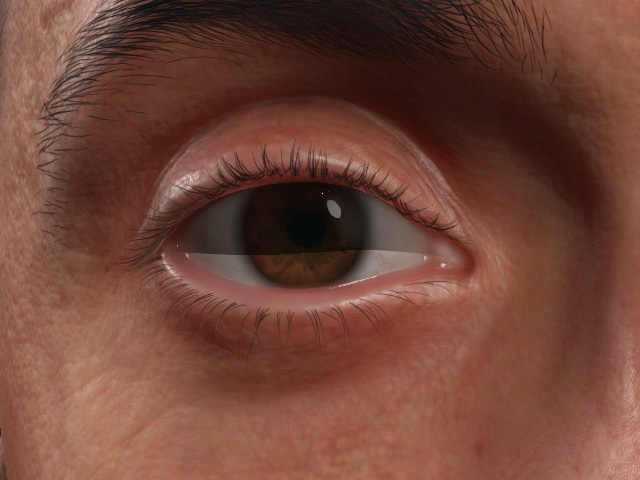
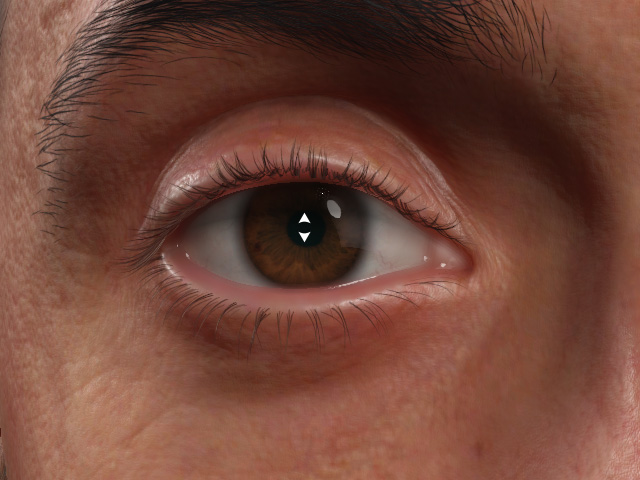
Shadow Top Contrast = 1.000
Shadow Top Contrast = 0.700
- Shadow Top Edge Fadeout Contrast: The edge sharpness of the range mask.
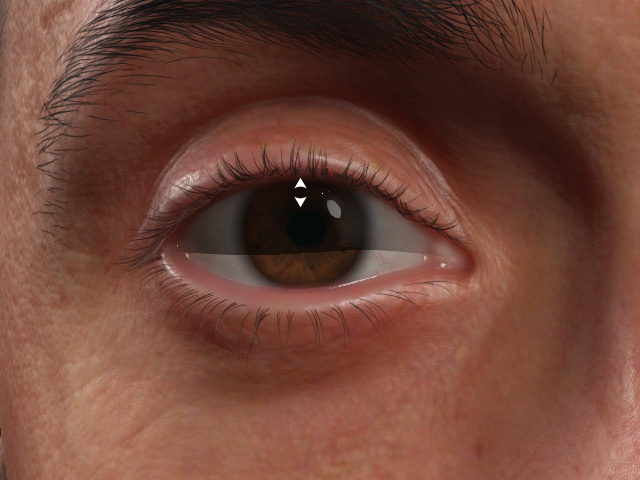
Shadow Top Edge Fadeout Contrast = 1.000
Shadow Top Edge Fadeout Contrast = 0.000
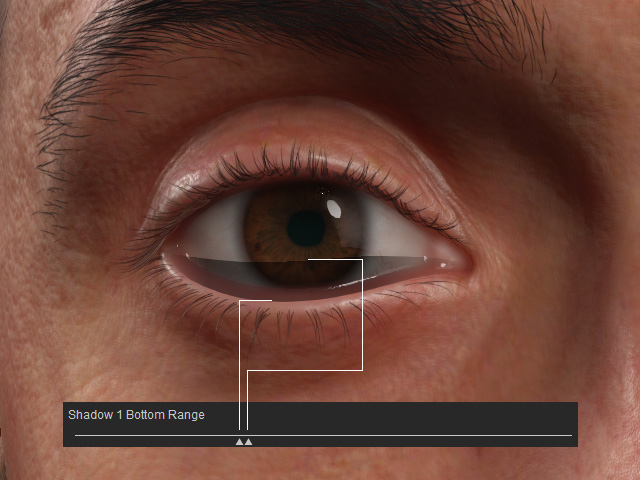
- Shadow 1 Bottom Range: Drag the triangles to define the range of the shadow from the lower eyelid
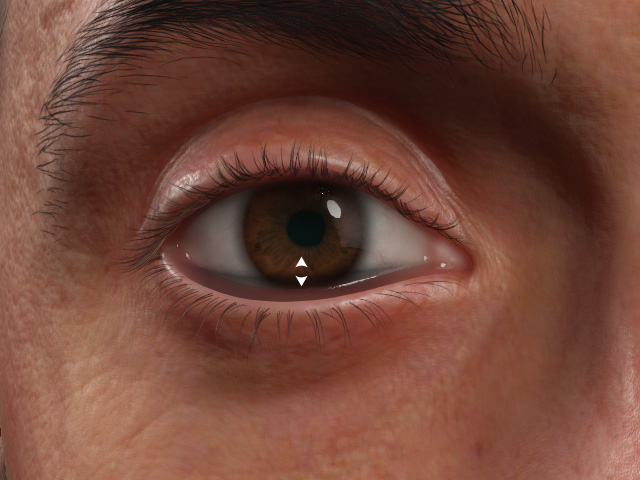
- Shadow Bottom Contrast
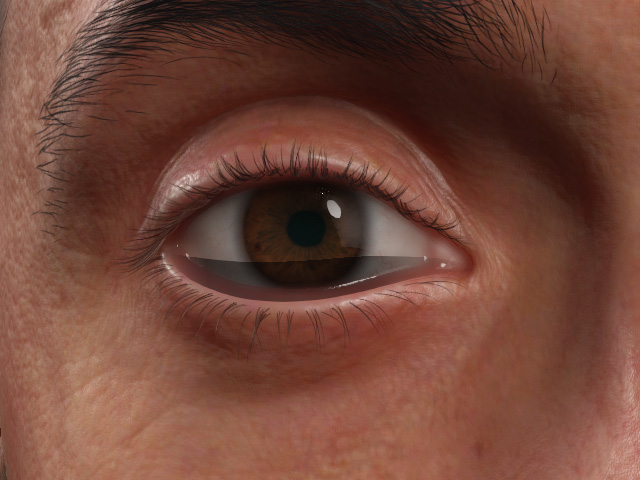
Shadow Bottom Contrast = 1.000
Shadow Bottom Contrast = 0.800
- Shadow Bottom Edge Fadeout Contrast: The edge sharpness of the range
mask.
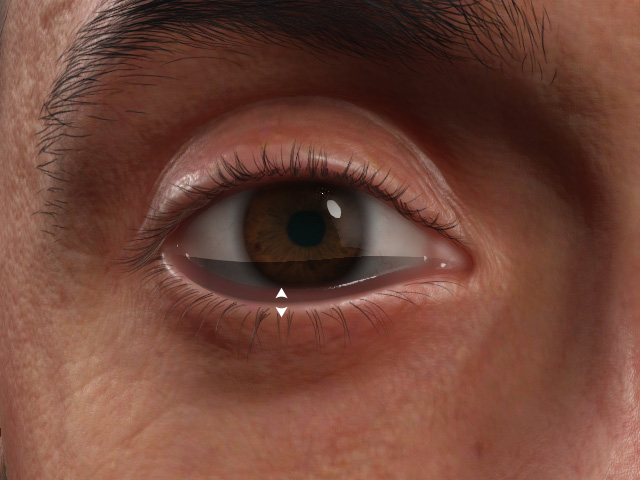
Shadow Bottom Edge Fadeout Contrast = 1.000
Shadow Bottom Edge Fadeout Contrast = 0.000
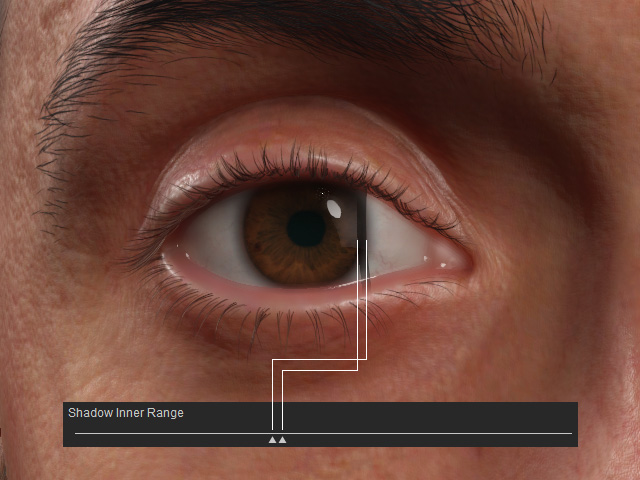
- Shadow Inner Range: Drag the triangles to define the range of the shadow from the inner corner of the eye.
- Shadow Inner Contrast
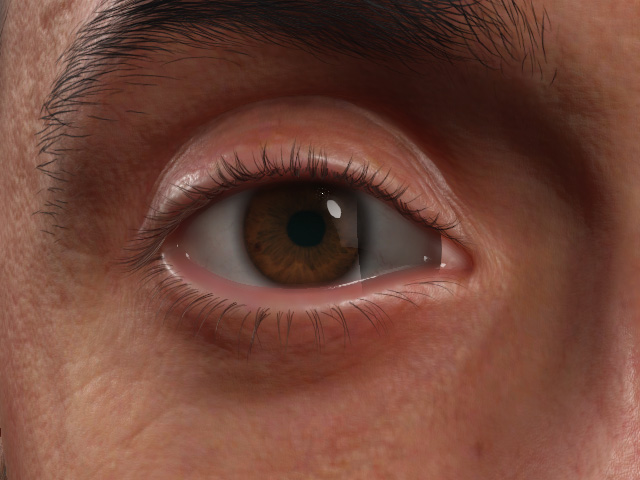
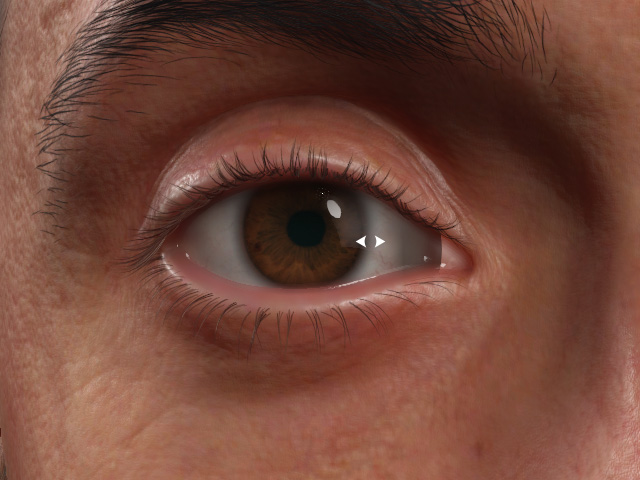
Shadow Inner Contrast = 1.000
Shadow Inner Contrast = 0.750
- Shadow Inner Edge Fadeout Contrast: The edge sharpness of the range
mask.
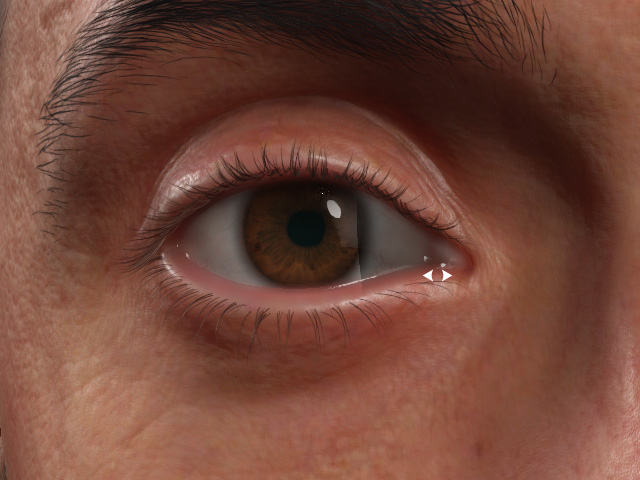
Shadow Inner Edge Fadeout Contrast = 1.000
Shadow Inner Edge Fadeout Contrast = 0.000
- Shadow Outer Range: Drag the triangles to define the range of the shadow from the outer corner of the eye.
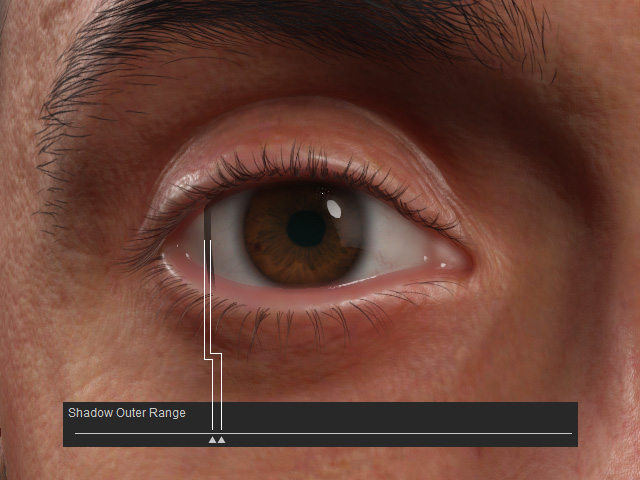
- Shadow Outer Contrast
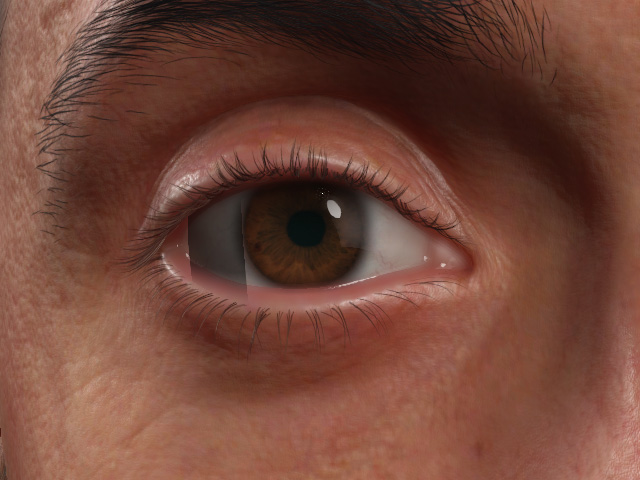
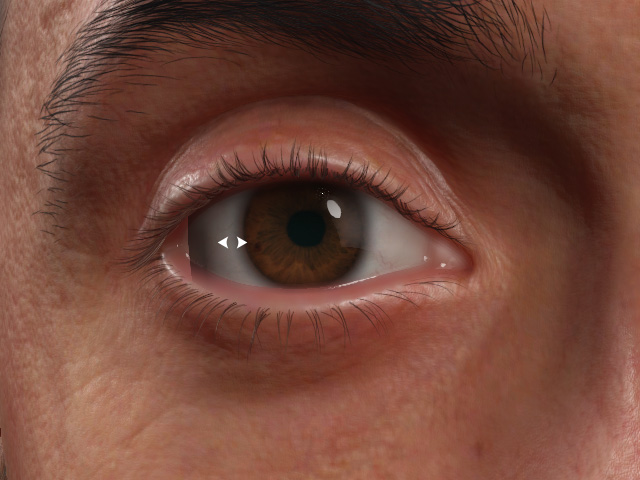
Shadow Outer Contrast = 1.000
Shadow Outer Contrast = 0.750
- Shadow Outer Edge Fadeout Contrast
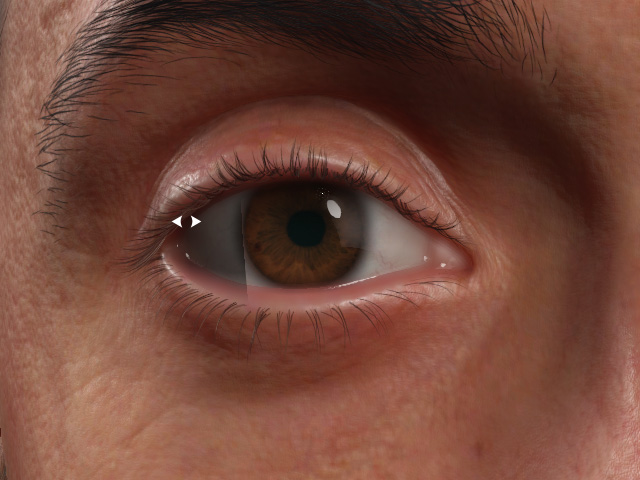
Shadow Outer Edge Fadeout Contrast = 1.000
Shadow Outer Edge Fadeout Contrast = 0.000
