Generating Character with Poses for Art Works
In addition to creating character with T-pose for creating morph target mesh, you can also export character with poses for creating CG artwork.
-
Prepare a character.
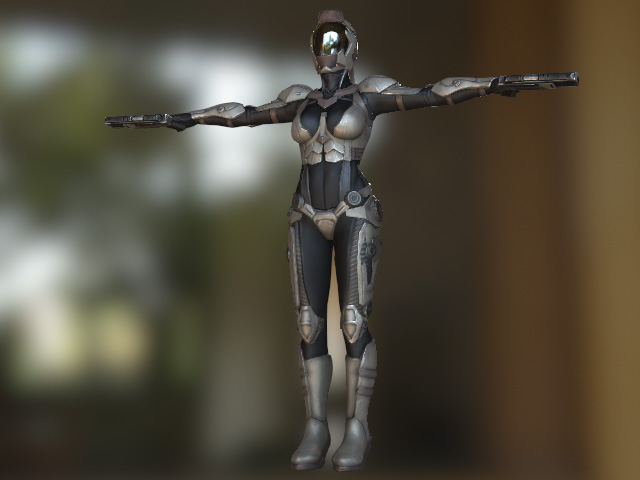
- Strike a pose for the character.
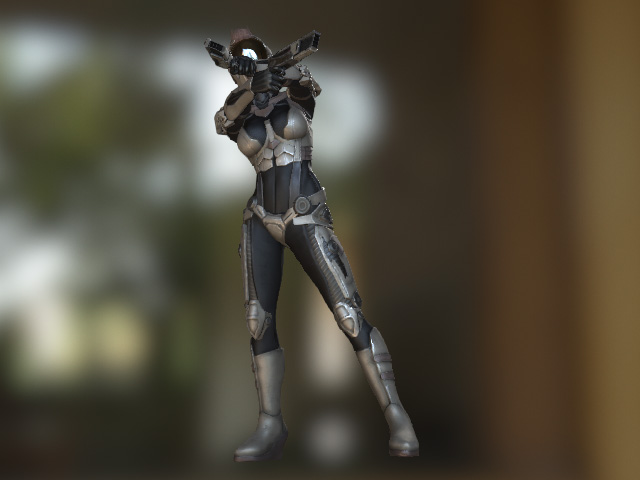
-
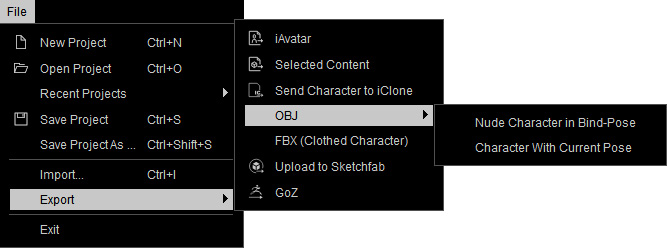
Execute the File >> Export >> OBJ >> Character with Current Pose command.
- Adjust the settings in the Export OBJ Keep Pose panel.
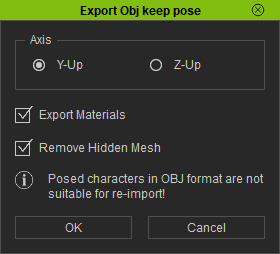
- Axis: Choose one of the radio button to match the axis coordinate system of your target 3D tool.
- Export Materials: Activate this box to export the complete material data of the character.
- Remove Hidden Mesh: Activate this options to remove the hidden meshes in order that the size of the exported character can be minimized.
- Load the exported OBJ character file into your 3D tool. The character's pose and material is imported as well.
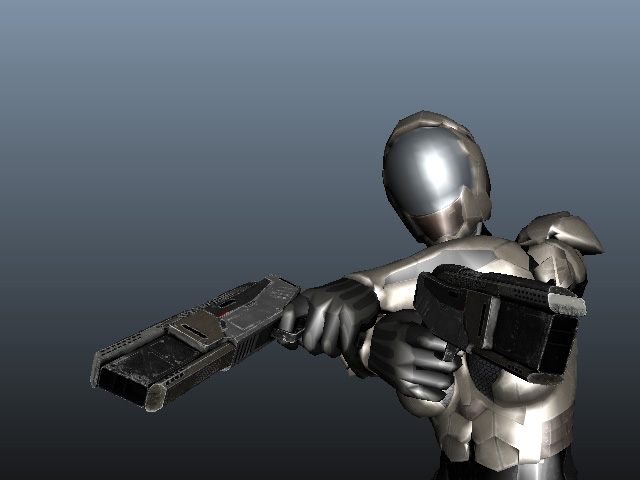
- You can then create CG art work with the target 3D tool.