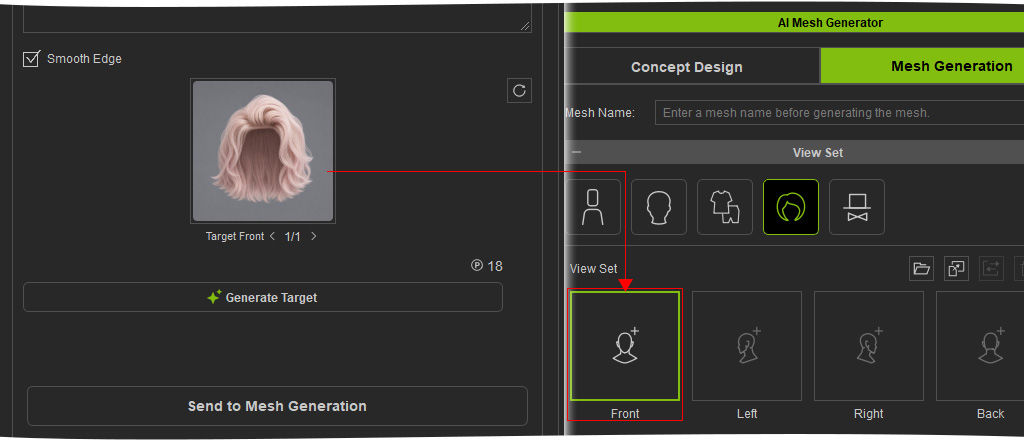
Hair (New for v5.2)
When Mesh Type is set to Hair, you can generate a Target Front image directly from the reference image and use it to create the 3D hair mesh.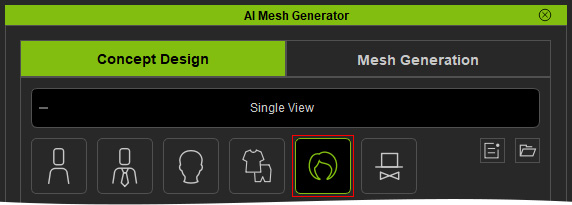
- Import the Reference Image and enter Prompt Text if needed.
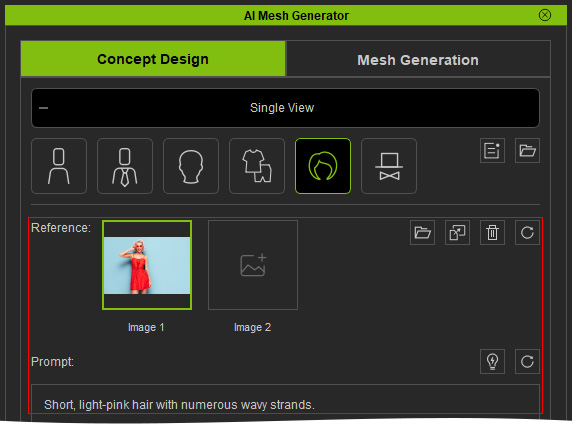
- Click Generate Target to generate the Target Front image.
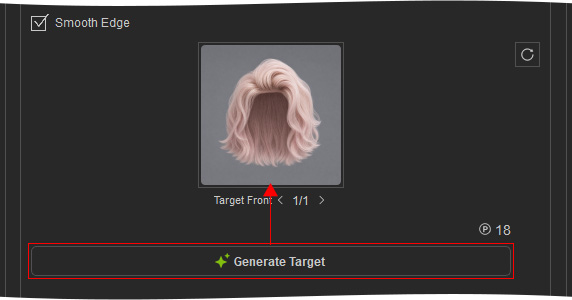
- Hover over the Target Front slot to preview the result and regenerate it if necessary.
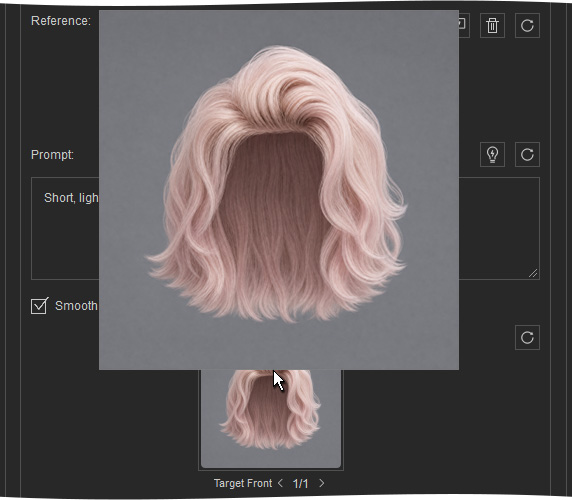
The generated Target Front views can then be used to generate the 3D hair mesh.