Reworking Mesh Generation Tasks (New for v5.2)
You can load a previously generating mesh task back into the Mesh Generation page through the Task Queue panel.
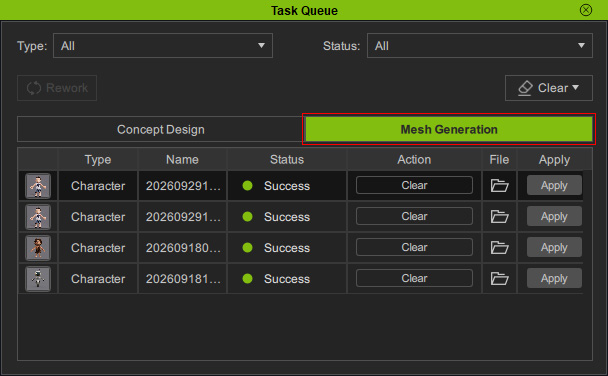
- Open the Task Queue panel and switch to Mesh Generation tab.
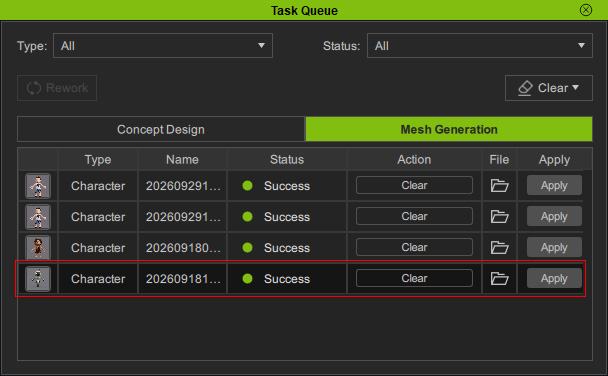
- Select the Task you want to rework.
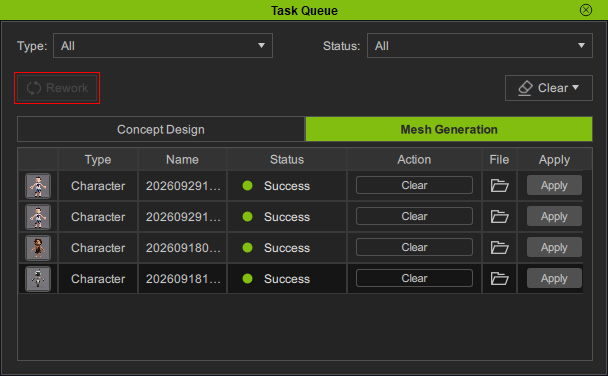
- Click Rework at the top of the panel.
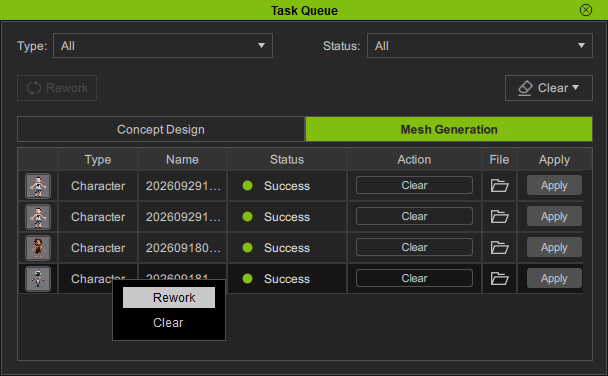
- Alternatively, right-click the Task and select Rework from the context menu.
- The Task's settings and generated images are restored to the Mesh Generation page.
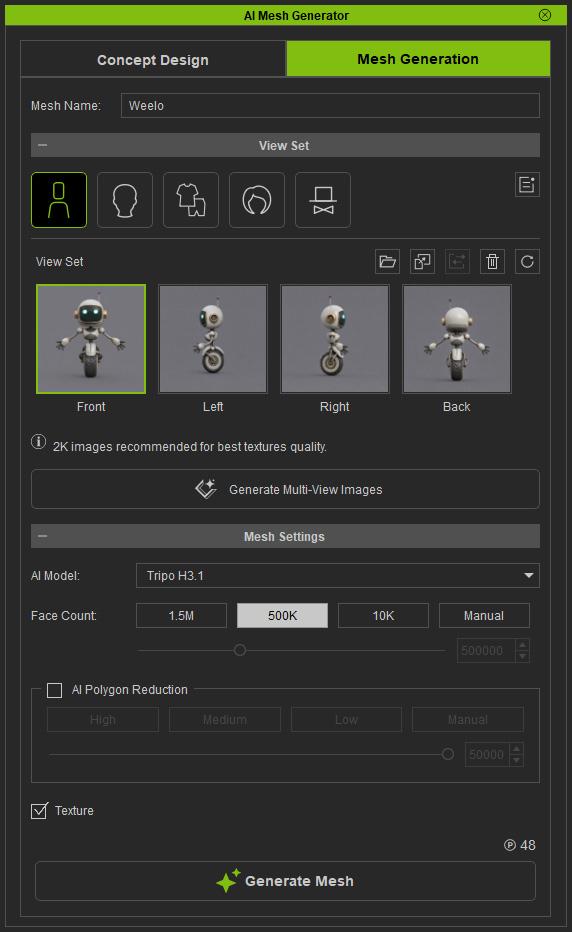
- Mesh Name
- Mesh Types and Parts
- View Set Images
- Mesh Settings
