Setting Character Presets
The Character Preset panel provides presets for configuring the Align Point set and the corresponding features of the CC5 HD character template. Select presets that best match the structure of the imported model.
The panel contains four groups: Point Set, Face Type, Number of Fingers, and Number of Toes.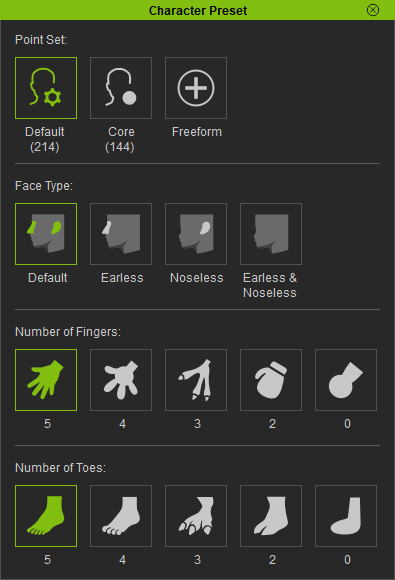
 Note:
Note:
Face Type, finger count, and toe count presets adjust the shape of the CC5 HD character template to match the imported model while preserving the original mesh topology.
Point Set
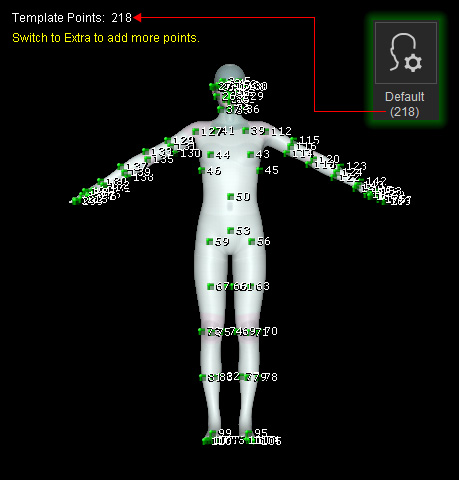
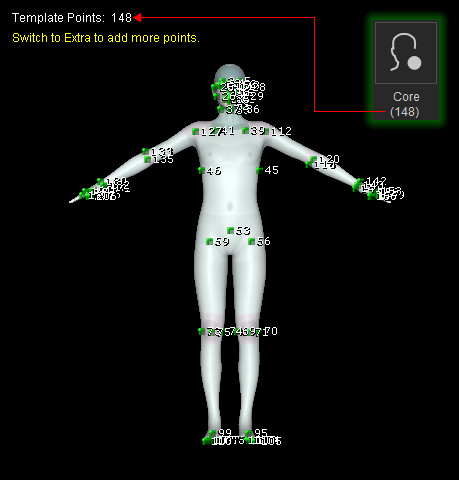
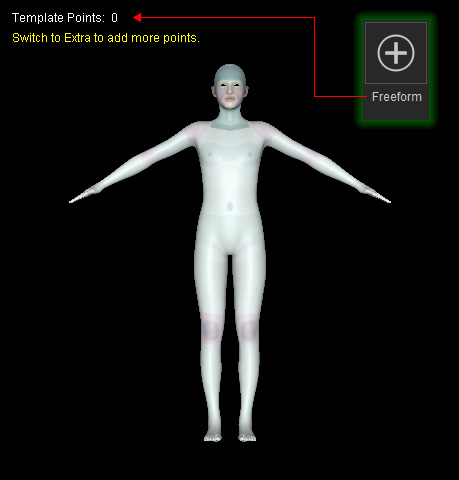
The Point Set group determines the Align Point set used for the alignment process.
|
Preset |
Description |
|
Default |
Uses the standard set of 218 Align Points. |
|
Core |
Uses a reduced set of 148 Align Points for core character alignment. |
|
Freeform |
Provides no predefined Align Points. All Align Points must be manually assigned starting from Align Point 1. |
Face Type
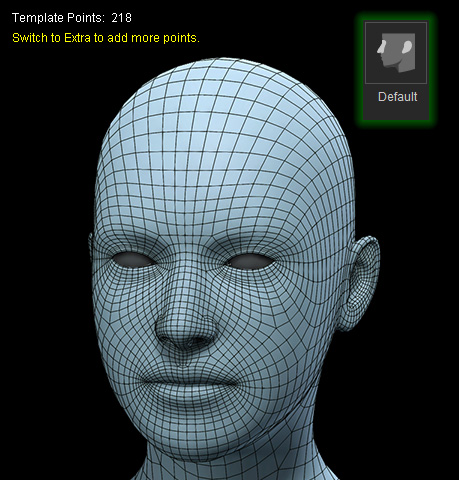
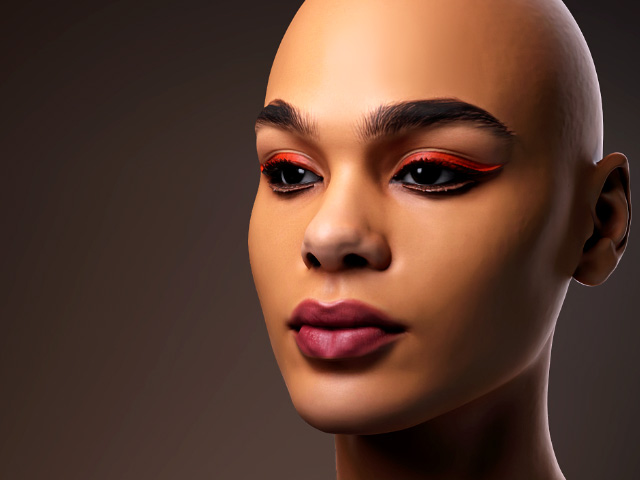
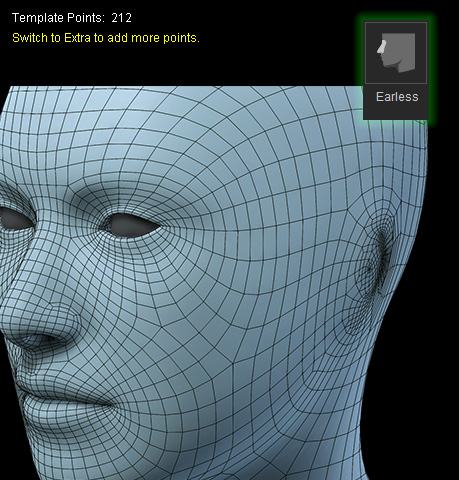
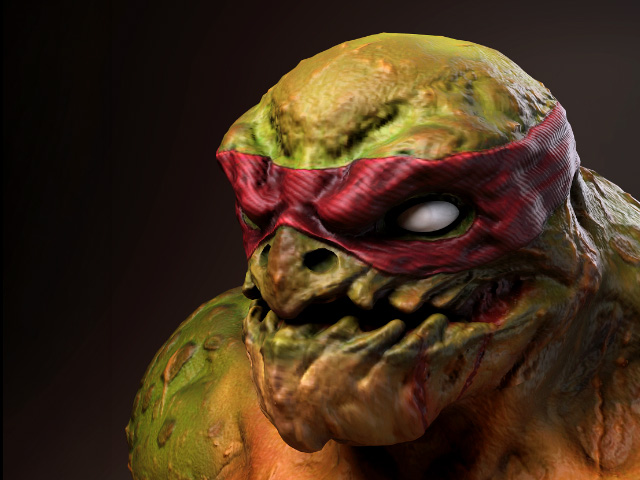
The Face Type group determines the number of facial Align Points and adjusts the shape of the CC5 HD character's head to match the facial structure of the imported model.
|
Preset Model |
Imported Model |
|
|
|
Default: Uses the standard head with both ears and nose. |
|
|
|
|
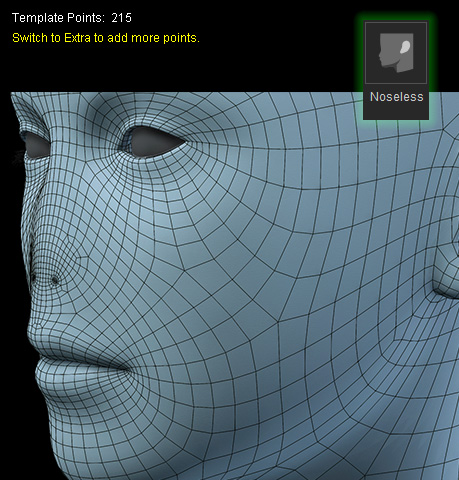
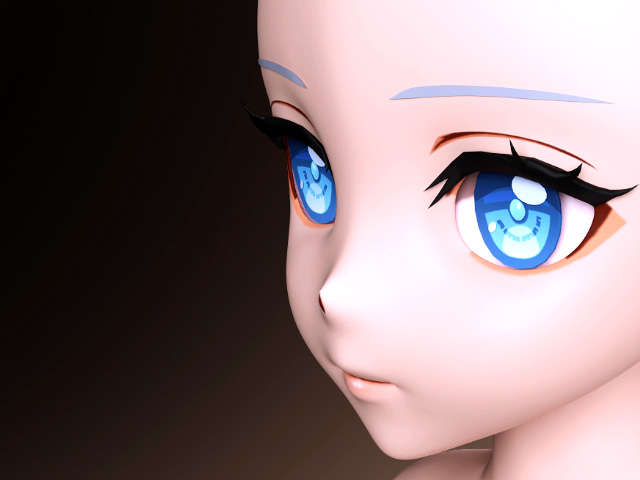
Earless: Flattens the ear areas of the CC5 HD character's head and adjusts the number and positions of the corresponding facial Align Points. |
|
|
|
|
Noseless: Flattens the nose area of the CC5 HD character's head and adjusts the number and positions of the corresponding facial Align Points. |
|
|
|
|
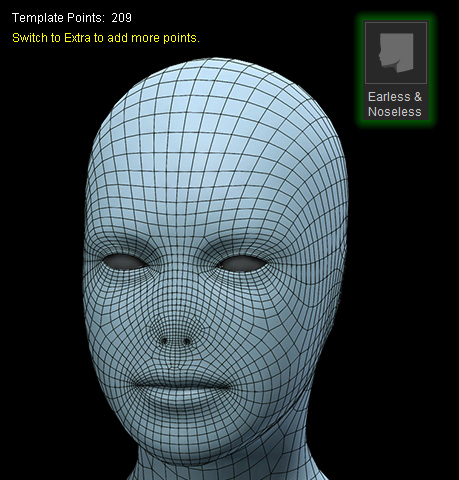
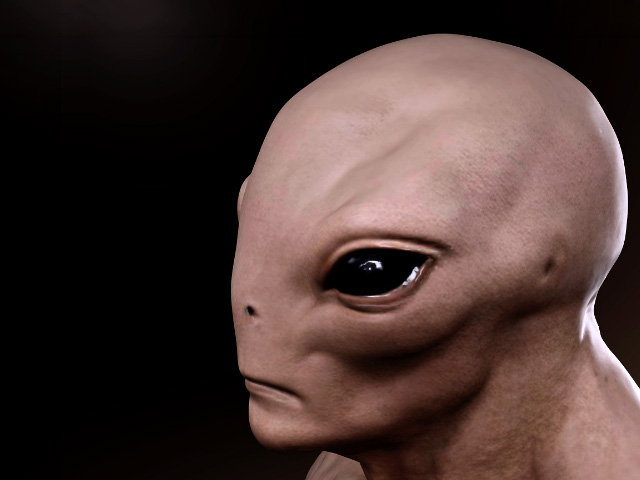
Earless & Noseless: Flattens both the ear and nose areas of the CC5 HD character's head and adjusts the number and positions of the corresponding facial Align Points. |
|
The face type changes the head shape and facial Align Point configuration without changing the mesh's face or vertex count.
Number of Fingers
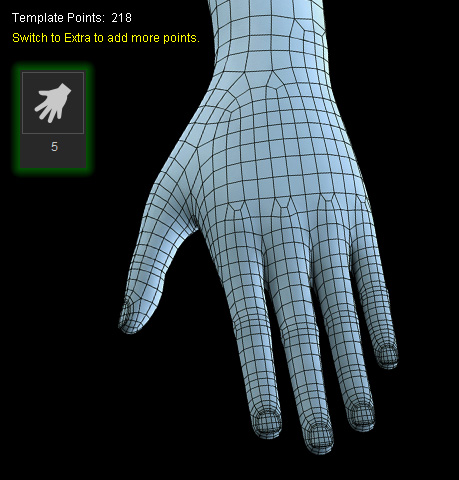
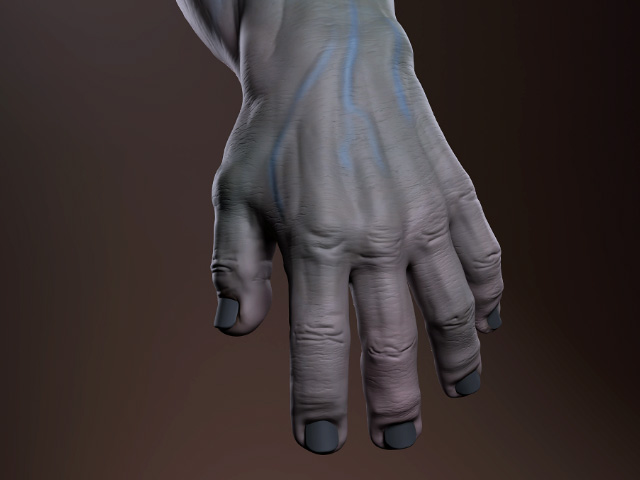
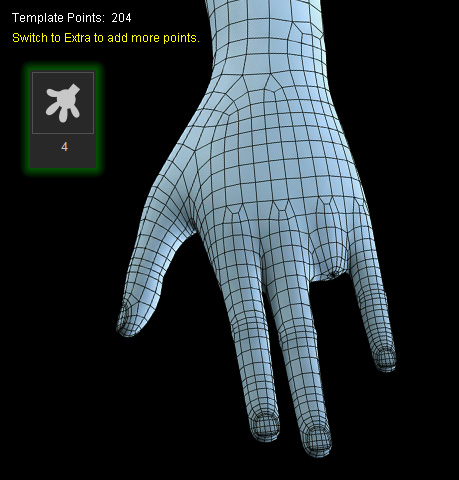
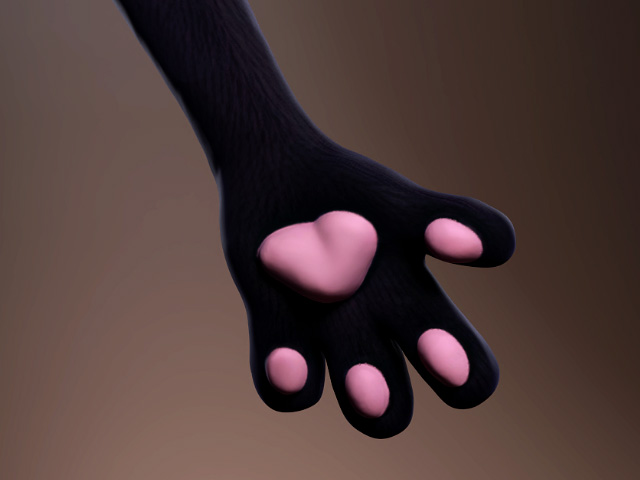
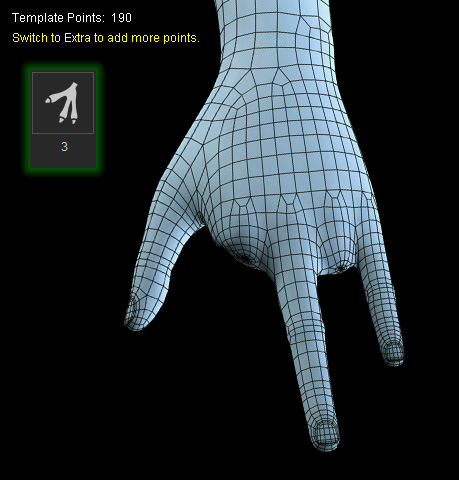
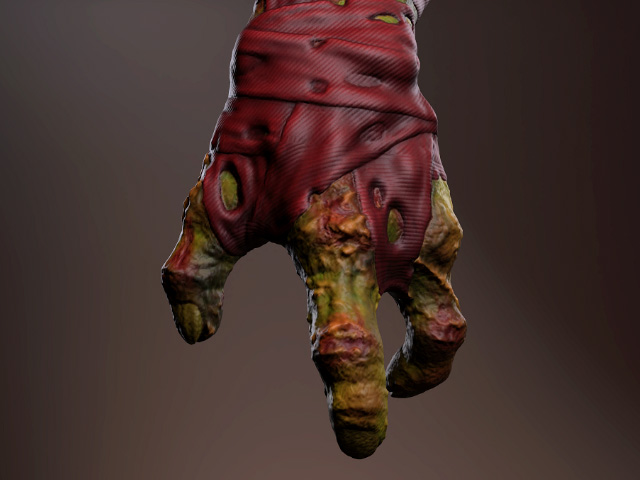
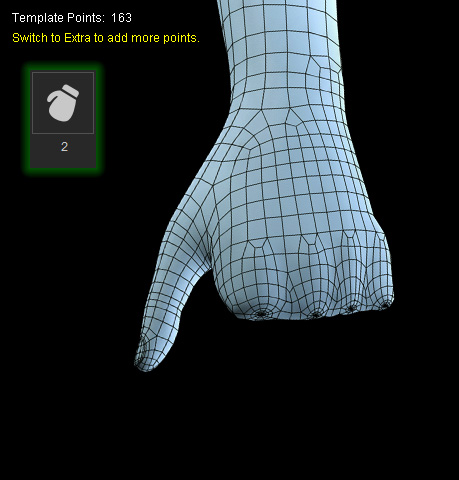
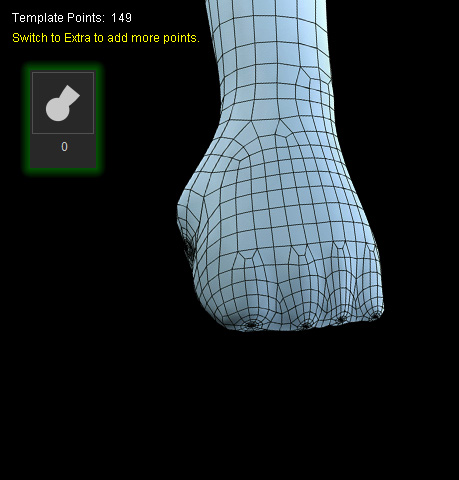
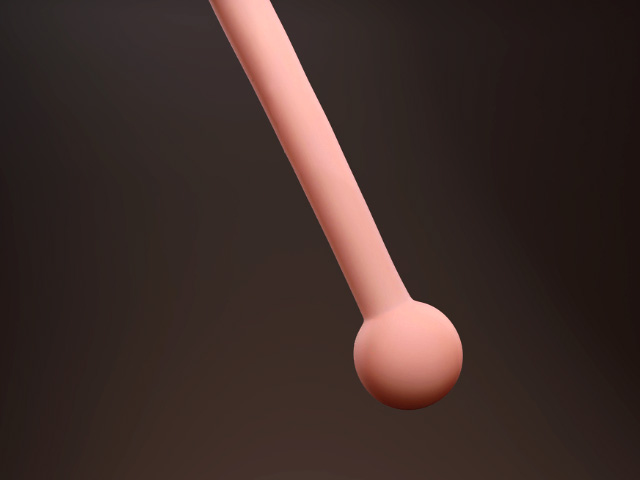
The Number of Fingers group adjusts the shape of the CC5 HD character's hands to match the number of fingers on the imported model. Selecting a finger count also adjusts the number and positions of the corresponding finger Align Points. The mesh's face and vertex count remains unchanged.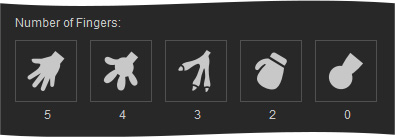
Select the preset that matches the number of fingers on the imported model.
|
Preset Model |
Imported Model |
|
|
|
|
|
|
|

|
|
|
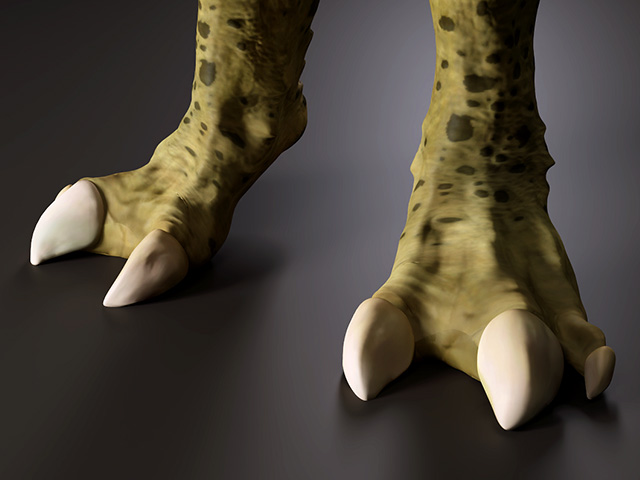
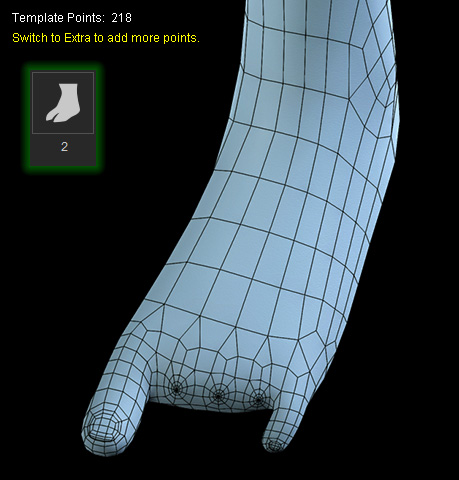
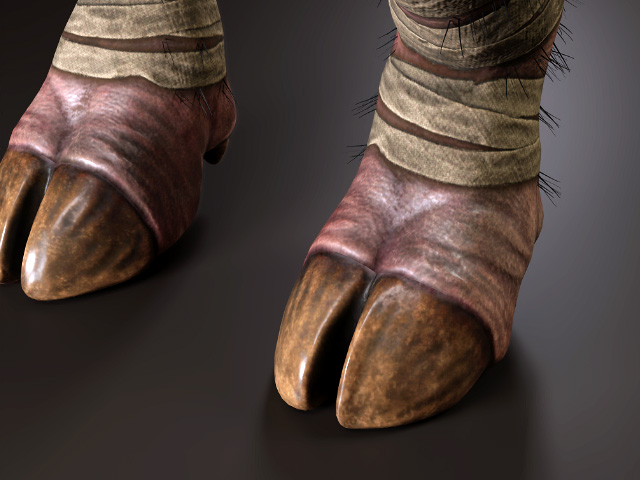
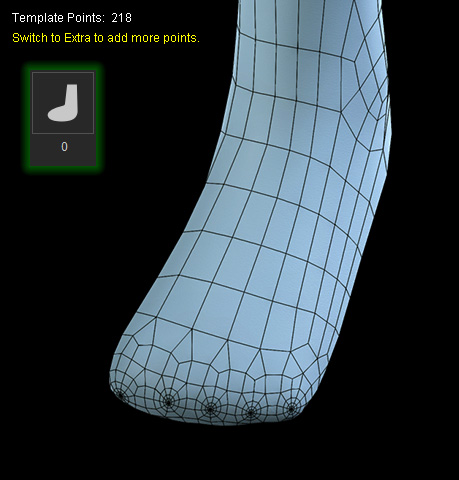
Number of Toes
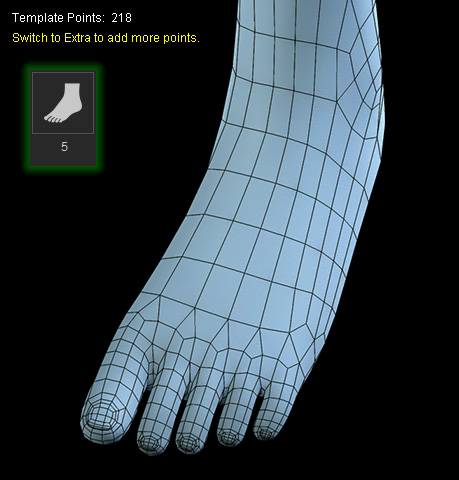
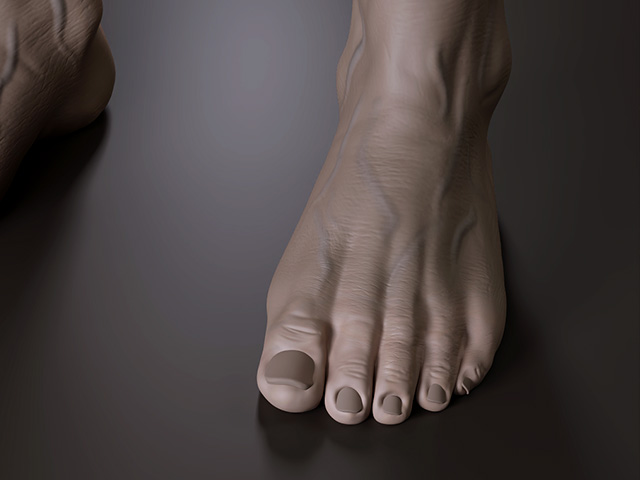
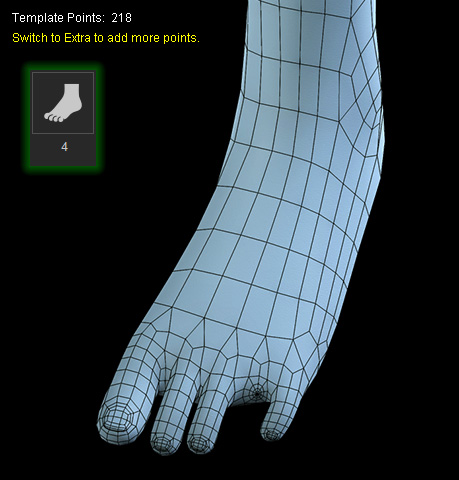
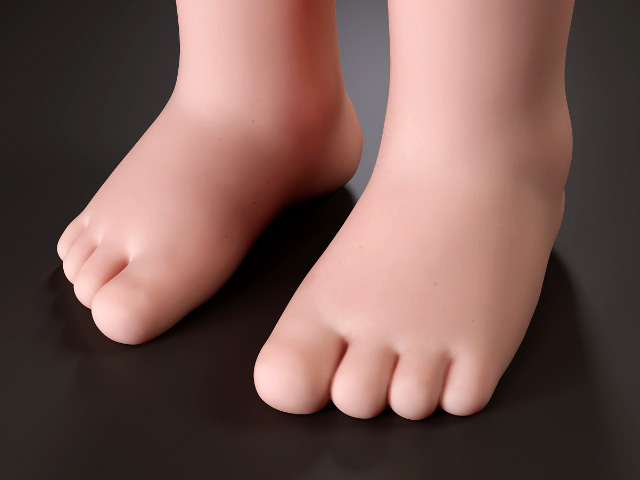
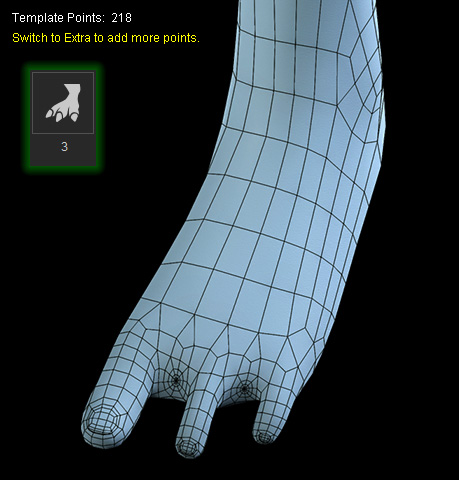
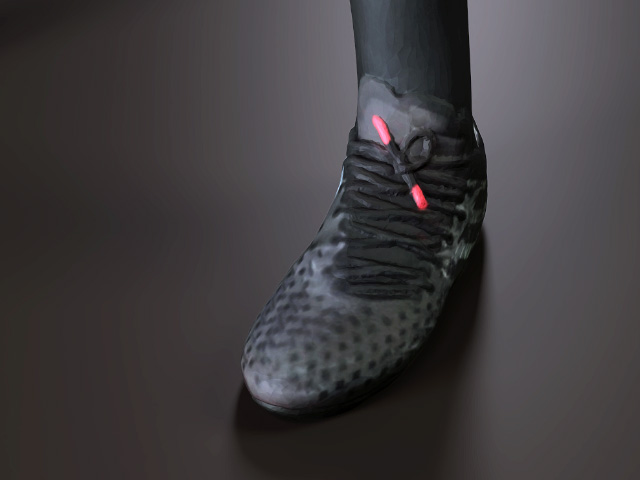
The Number of Toes group adjusts the shape of the CC5 HD character's feet to match the number of toes on the imported model. The number of toe Align Points remains unchanged regardless of the selected toe count. The mesh's face and vertex count also remains unchanged.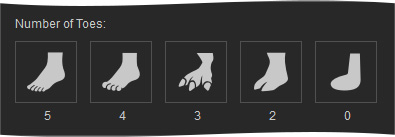
Select the preset that matches the number of toes on the imported model.
|
Preset Model |
Imported Model |
|
|
|
|
|
|
|
|
|
|
