Baking Textures (New for v5.2)
Enable Bake Texture to transfer the original model's texture appearance to the remeshed model. 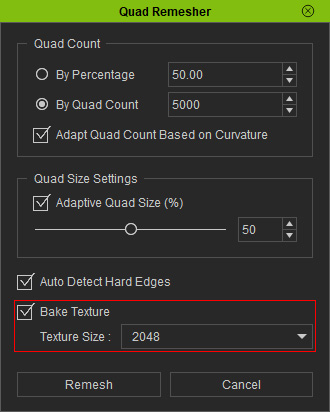
Bake Texture
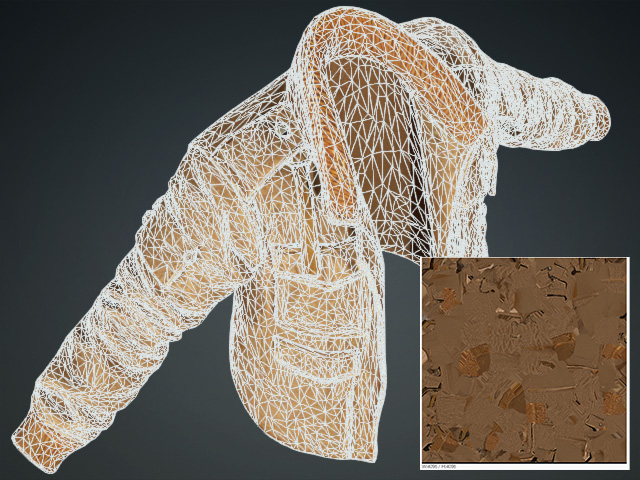
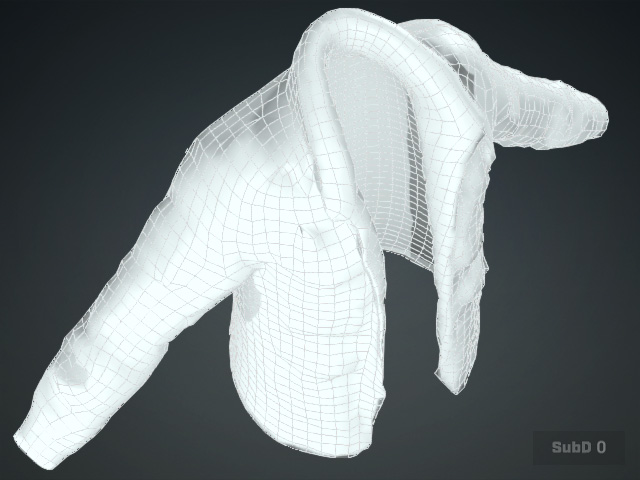
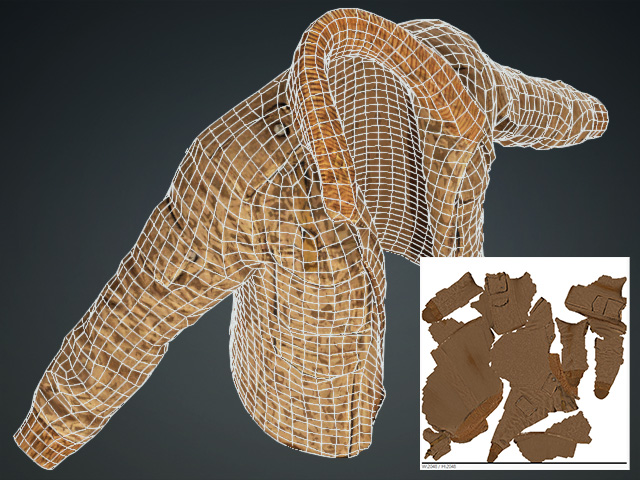
Since remeshing generates a new topology, the original texture mapping may not be retained in the same way. Baking transfers the texture information onto the new mesh so that its appearance can be preserved.
|
|
|
Source mesh model |
Bake Texture = Off |
|
|
|
Bake Texture = On |
Texture Size
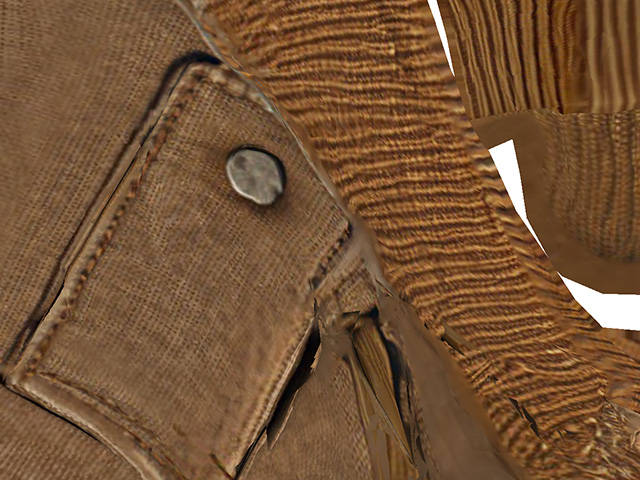
Set Texture Size to define the resolution of the baked texture. Higher resolutions can preserve more texture detail but also require more memory and storage space. Lower resolutions reduce resource requirements but may result in less detailed textures. Choose a resolution based on the model's texture detail and intended use.
- 2048: Suitable for many general-purpose assets.
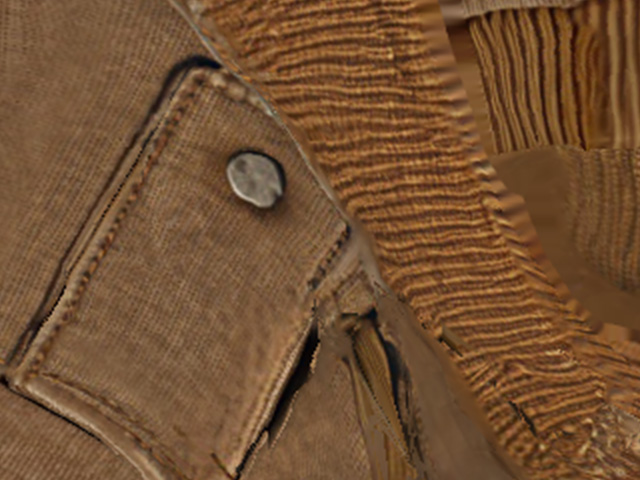
- 4096: Provides higher texture resolution for assets that require more detail.
- 8192: Provides the highest texture resolution for maximum detail.
After configuring the settings, click Remesh to generate the new mesh and bake its textures.
