Detecting Hard Edges (New for v5.2)
Enable Auto Detect Hard Edges to detect sharp edges in the original mesh and use them as guides when generating the new quad topology.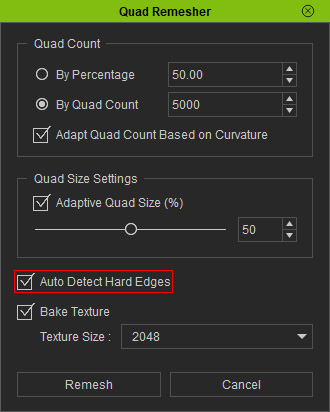
- Preserves the definition of hard-surface features and encourages edge loops to follow important geometric boundaries.
- This option is particularly useful for models with clearly defined edges, such as mechanical parts, armor, and other hard-surface objects.
- For organic models or meshes with noisy geometry, hard-edge detection may produce unwanted edge loops. Disable this option if the detected edges do not improve the remeshed result.
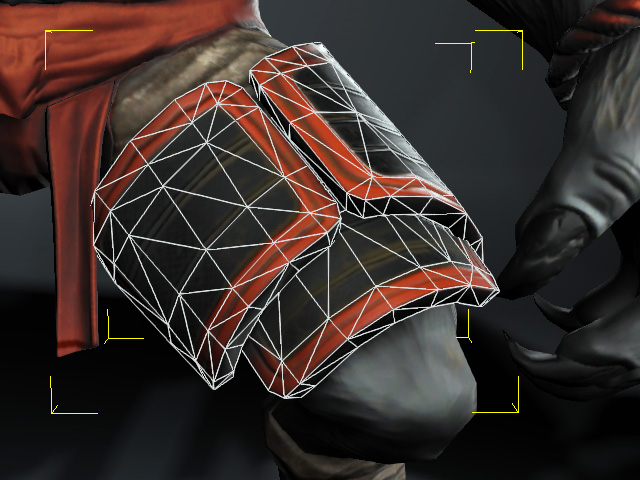
Source mesh model
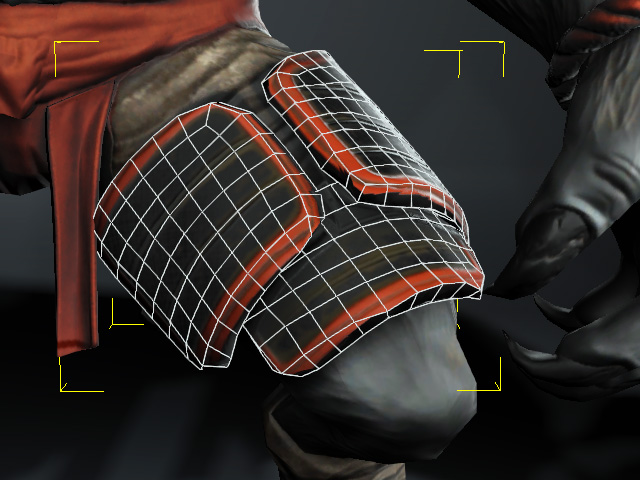
Auto Detect Hard Edges = Off
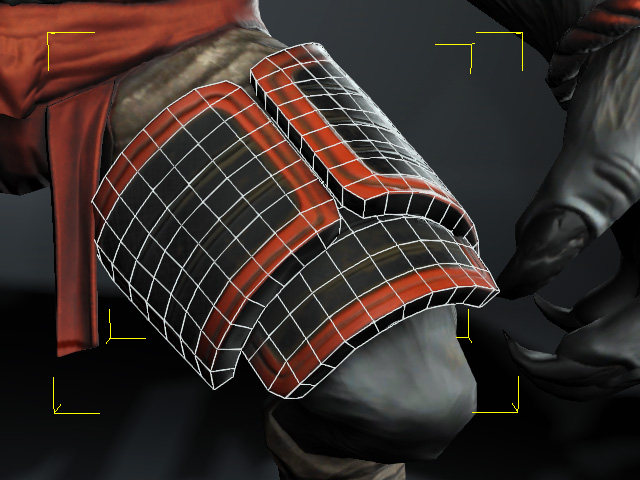
Auto Detect Hard Edges = On
 Note:
The quality of hard-edge detection depends on the original mesh. Noisy or irregular geometry may make it difficult to identify the intended edges.
