Setting the High-Poly Source and Low-Poly Target (New for v5.2)
Before baking, assign the high-poly source model (with textures) and low-poly target model.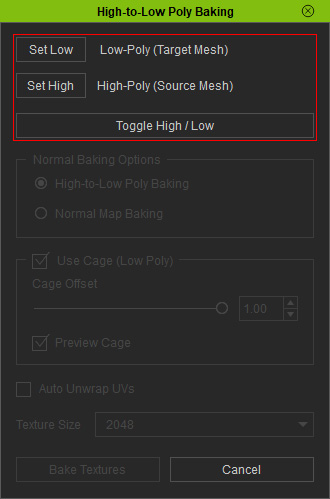
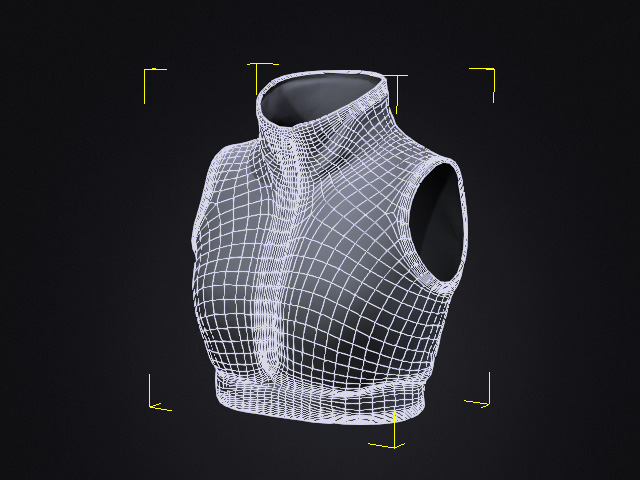
- Select the low-poly model (without textures) in the viewport and click the Set Low button.
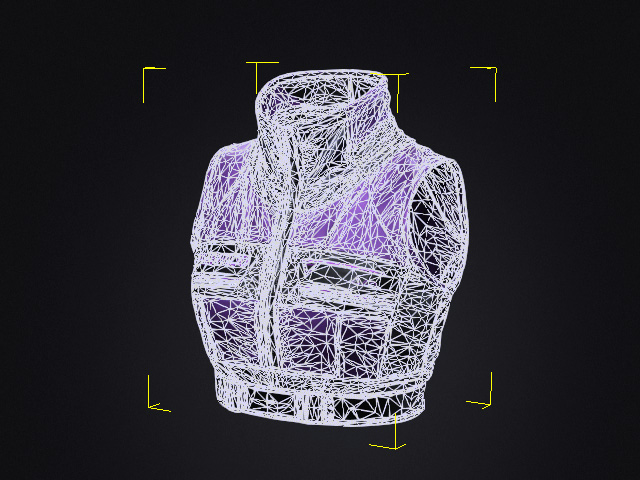
- Select the high-poly model, with textures, in the viewport and click the Set High button.
The assigned objects' names are displayed beside their corresponding buttons.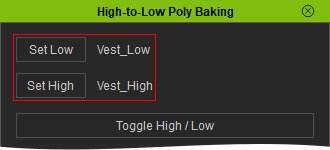
 Note:
Only one source and one target can be assigned at a time. The tool does not support multiple sources or targets in a single baking operation.
Toggle High / Low
Click Toggle High / Low to swap the source and target assignments.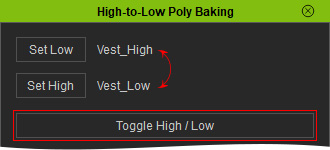
This is useful if you accidentally assign the models in the wrong order, allowing you to switch their roles without selecting them again.
Note:
The source and target are typically different polygon versions of the same model. For reliable results, make sure they are positioned appropriately so the source details can be projected onto the target.
