Using Low-Poly Cage (New for v5.2)
If the low-poly target intersects with the high-poly source, baking may produce incorrect or fragmented details.
Enable Use Cage (Low Poly) to expand the target's surface and enclose the high-poly source, helping prevent projection errors.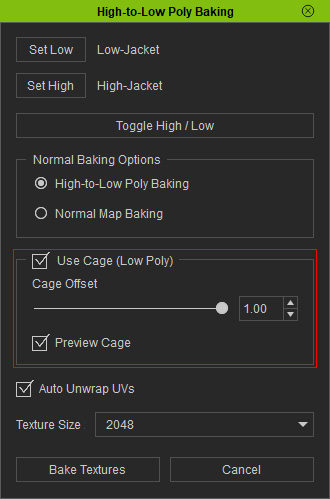
Cage Offset
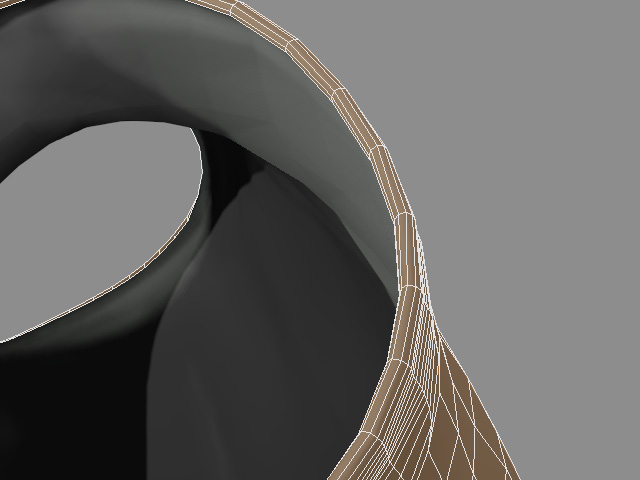
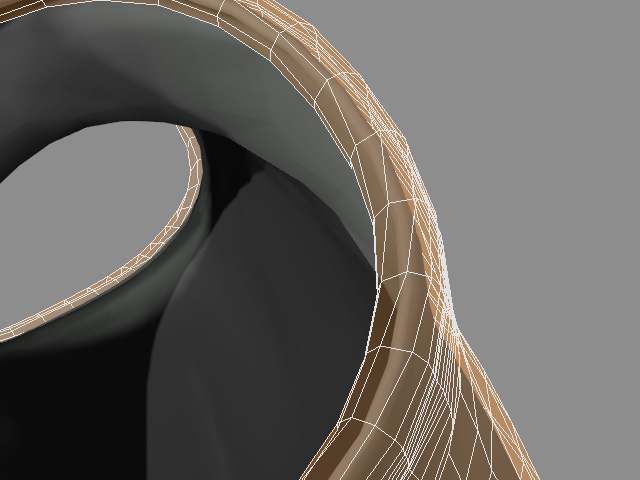
Adjust Cage Offset to expand the cage until it fully encloses the high-poly source. If the maximum offset is insufficient, use Edit Mesh to adjust the low-poly faces and prevent intersections.
|
|
|
Cage Offset = 0.04 |
Cage Offset = 1.00 |
Preview Cage
Enable Preview Cage to display the cage in the viewport and inspect its coverage before baking. Disable this option to hide the cage. The cage is displayed only when Cage Offset is adjusting.
|
Preview Cage = Off |
Preview Cage = On |
