Modifying and Refining Posed Characters
There are four efficient ways to modify and refine the model of your posed characters, each geared toward different stages of the artistic process.
 Method 1: Adding details to the original sculpt
This method involves editing the original subtool model and is ideal for sole characters. Any added details will be reflected in all poses.
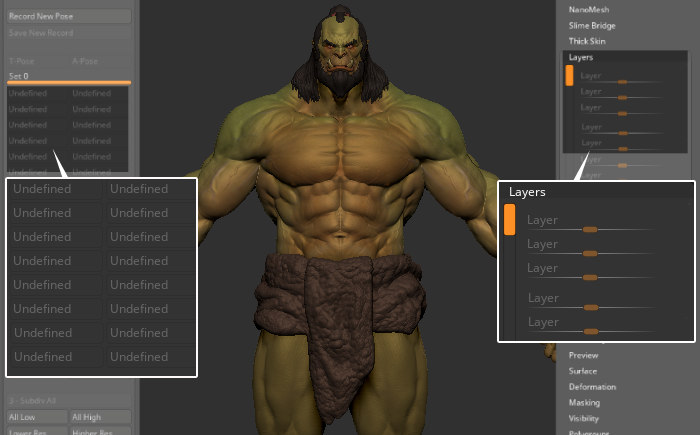
- The character in the original pose without layer or pose data.
- Details are added to the source subtool model.
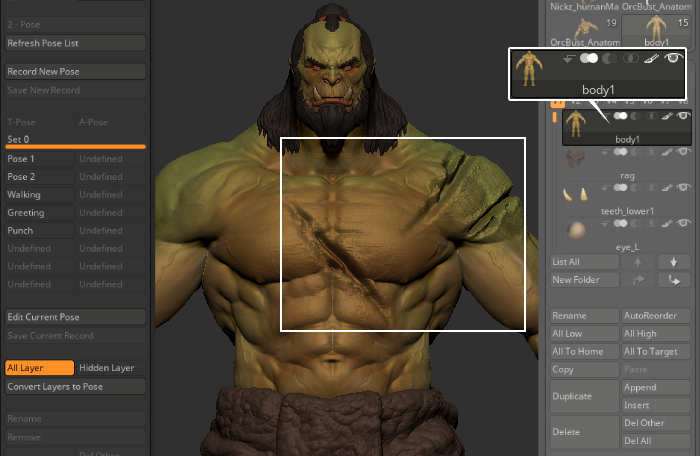
- Details are perfectly reflected on all subsequent poses.
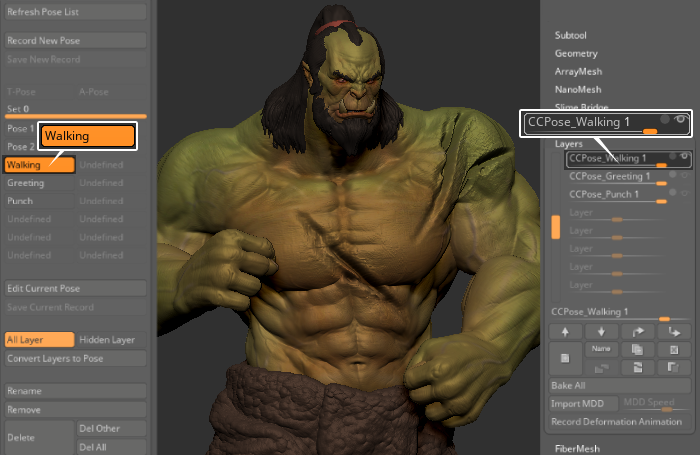
Method 2: Adding a detail layer to the bind pose
This method involves adding a detailed layer in the Layers section of the default model. It allows users to add multiple layers with different details that can be toggled on and off as needed, without affecting the original design. This layer can also be used for poses similar to the bind pose.
- The bind pose does not contain any poses or layers.
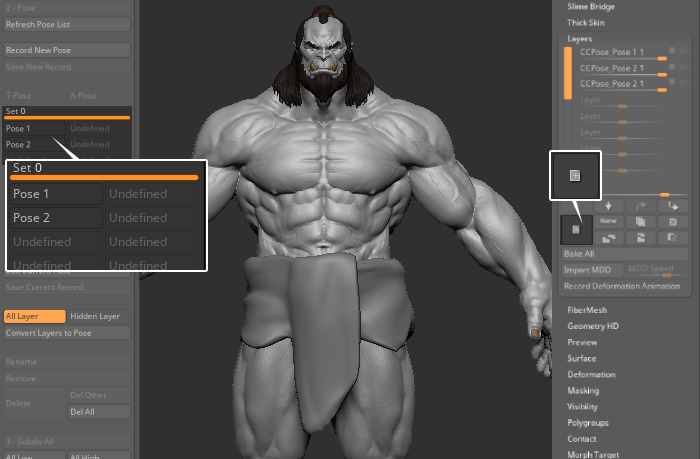
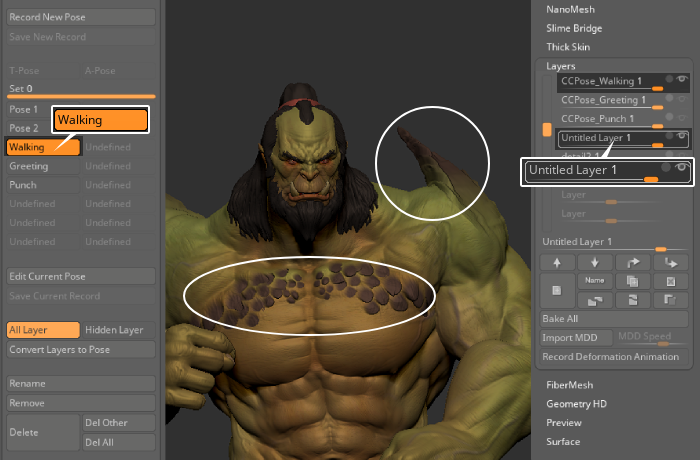
- Add a layer for the bind pose and start editing on the layer for the bind pose.
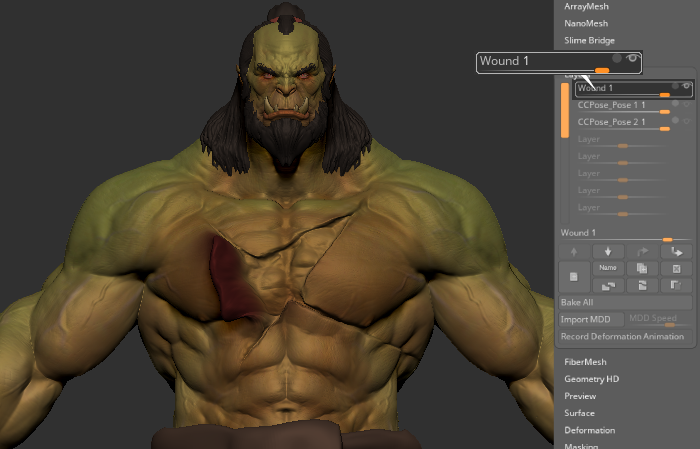
- Poses that are similar to the bind pose can also use the same detail layer.
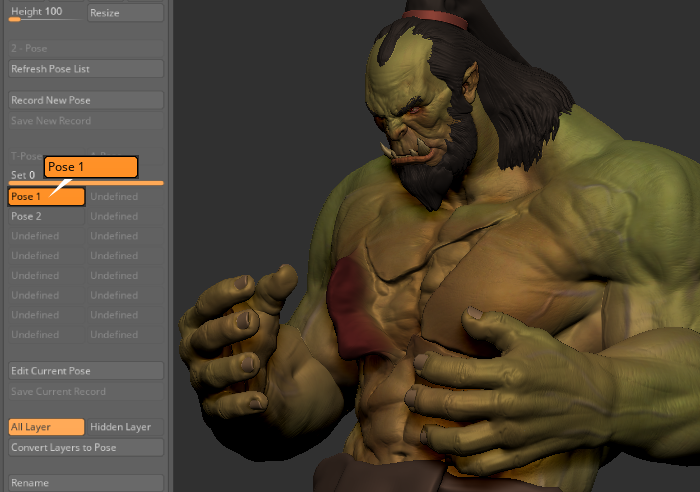
- When switching to a very different pose from the bind pose, some parts of the details may break because the detail layer may be incompatible with the new pose.
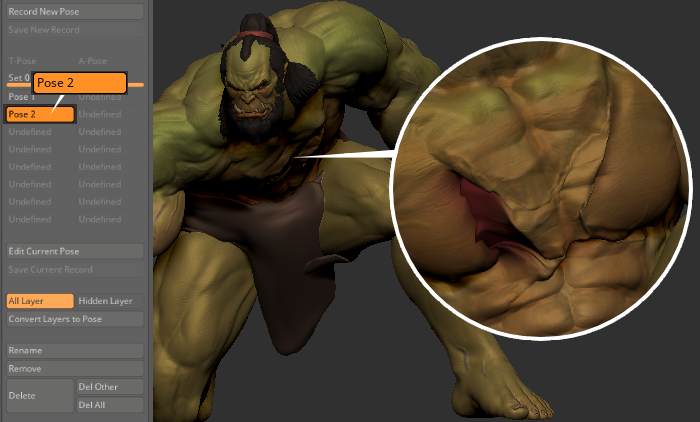
Method 3: Adding custom detail on specific pose layers
This method lets users add and update details to individual layers, making it easier to apply specific details to each pose. It’s particularly useful for correcting elongations and contractions of the mesh, especially around the ankles and knees.
- Pick a pose that you want to edit or fix. Click Edit Current Pose to make changes to the subtool.
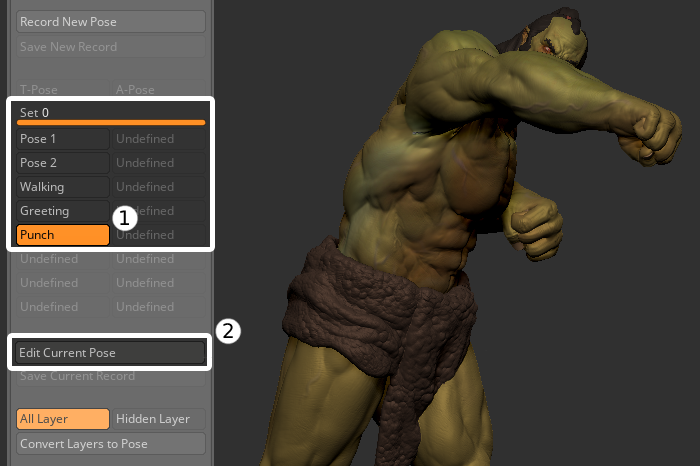
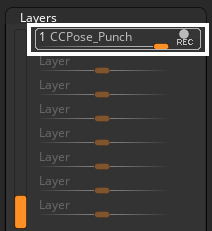
- Upon selecting Edit Current Pose, the layers connected to the pose will become editable.
- Choose the subtool you want to edit.
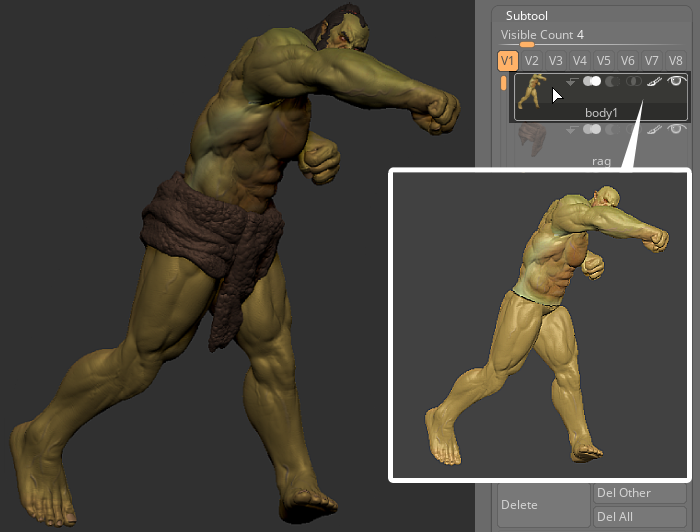
Start editing your mesh, like adding detail or changing its shape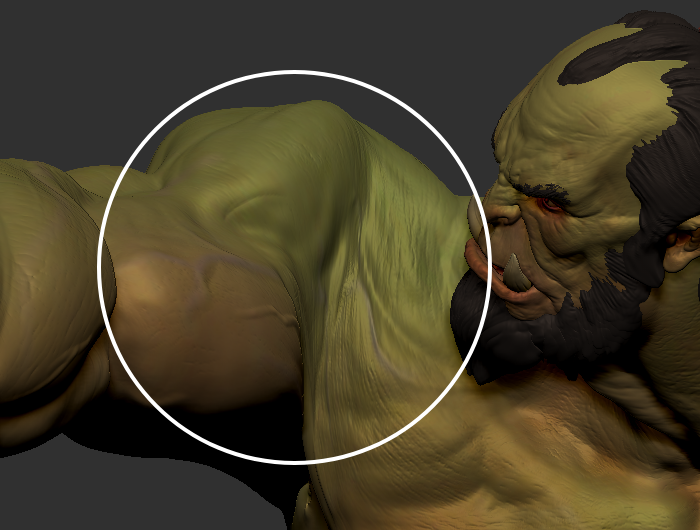
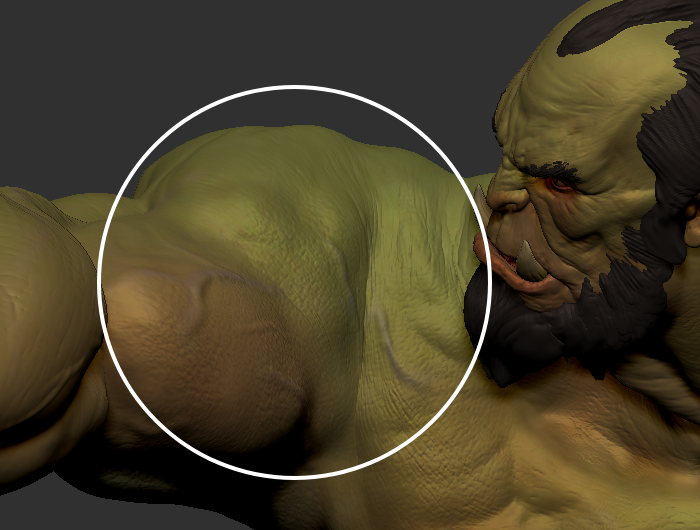
Before
After
- Once you're done editing your model, click Save Current Record to save the newly edited pose.
Method 4: Adding custom detail layer for a specific pose
This method is meant for adding layers for detail refinement. These detail layers can also be applied to similar poses, saving artists additional time by not having to create individual layers for each pose.
- Pick a pose for adding detail layers.
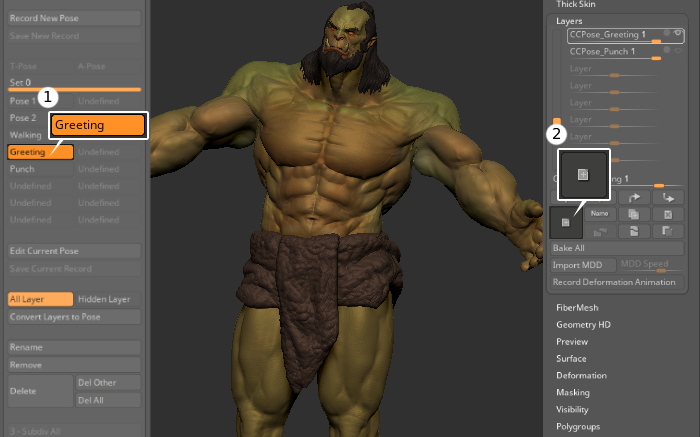
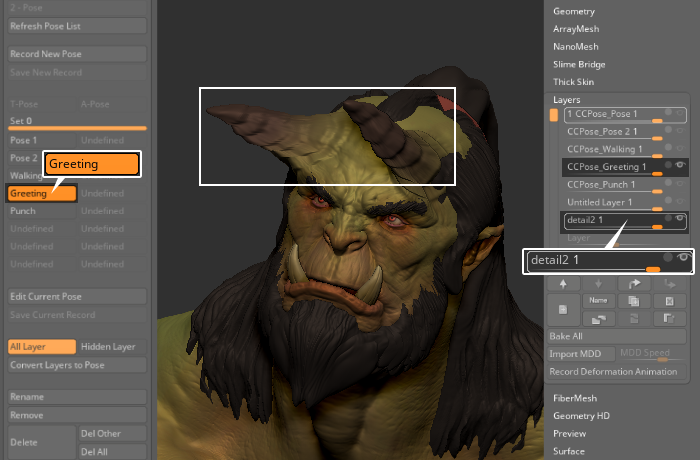
- Add the detail layer to this specific pose.
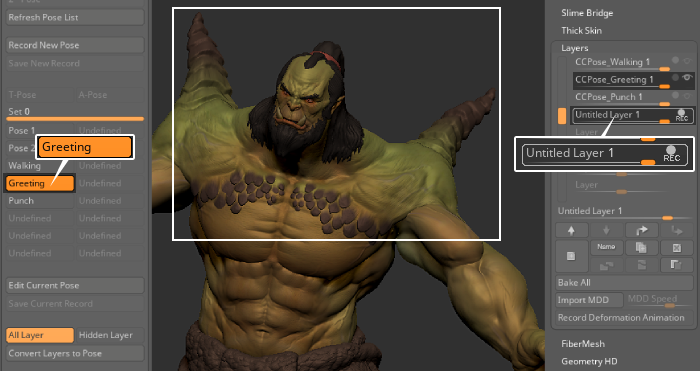
- For another pose, add another detail layer.
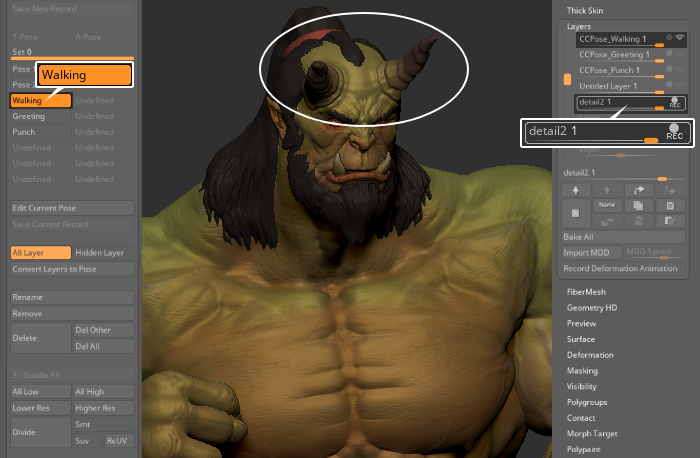
While each detail layer can be shared across multiple poses, they may become incompatible if there are significant differences between the poses.