Managing Subdivisions
The subdivision section offers users the convenience of adjusting subdivision levels for all subtools simultaneously, eliminating the need to tediously modify each subtool's subdivision individually.
- ZBrush Pose Tools has the ability to make changes to all subtools at once.
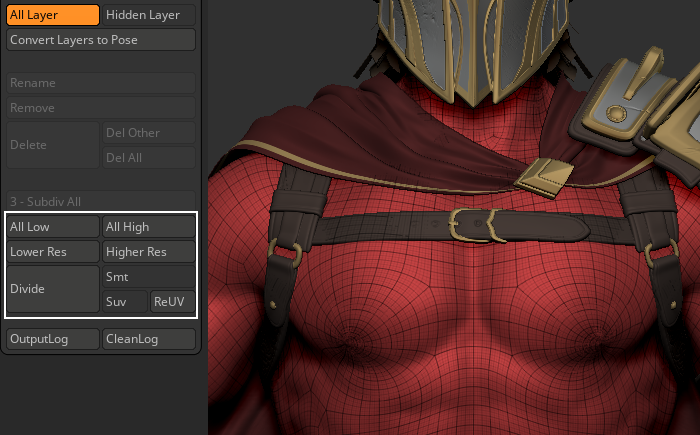
- Clicking on All Low will reduce all subtool subdivisions to their lowest level.
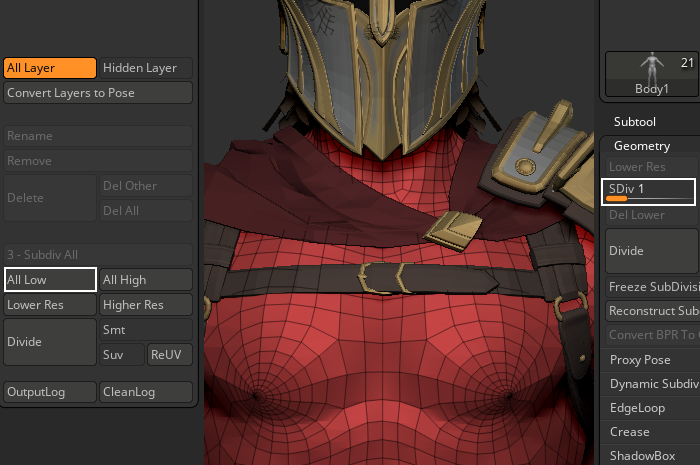
- Clicking on All High will increase all subtool subdivisions to their highest level.
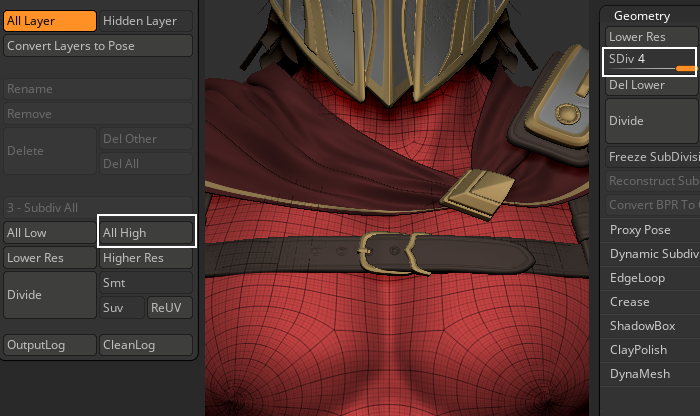
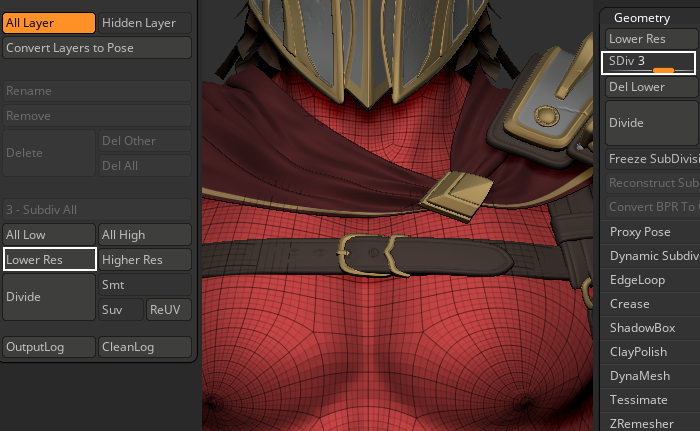
- Clicking on Lower Res will decrement all the subtool subdivisions one level lower, barring those that have reached their minimum value.
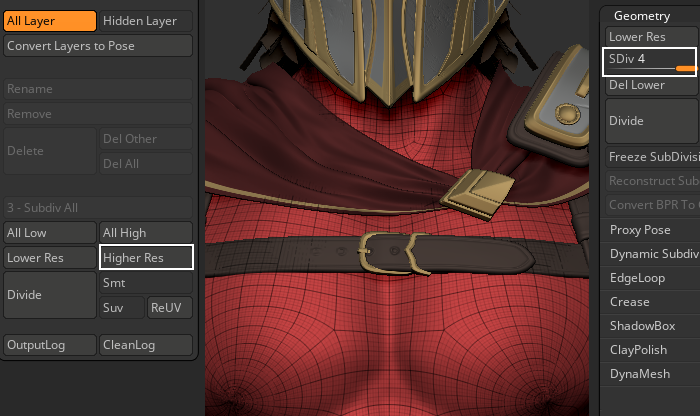
- Clicking on Higher Res will increment all the subtool subdivisions one level higher, barring those that have reached their maximum value.
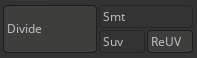
- The rest of the functions work similarly to their ZBrush counterparts, but instead of working for singular subtools, they have influence over the entire ZBrush tool and all of its subtools.