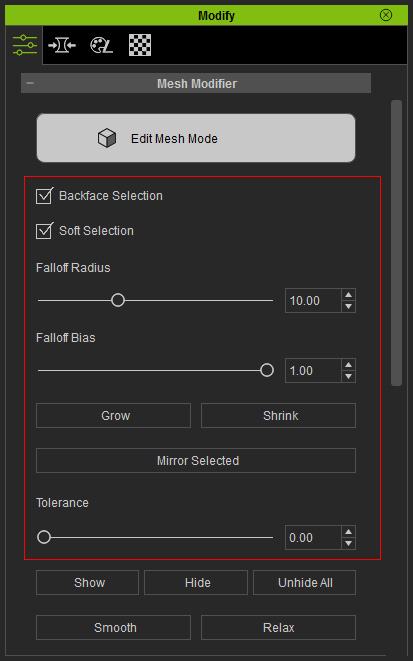
The selecting mesh method is straightforward. The controls that are related
to selection is as shown in the illustration below:
|
|

|
|
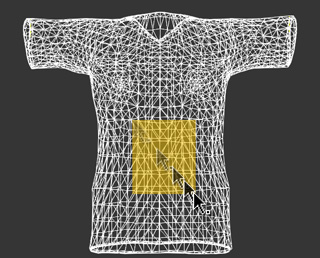
Drag a box to select faces. |
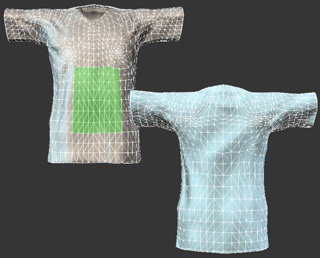
Backface Selection: OFF |
Backface Selection: ON |

|

|
|
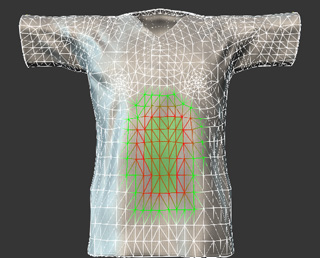
Soft Selection: OFF |
Soft Selection: ON |

|

|
|
Falloff Radius: 0 |
Falloff Radius: 10 |

|

|
|
Falloff Bias: 0 |
Falloff Bias: 10 |

|
|
|
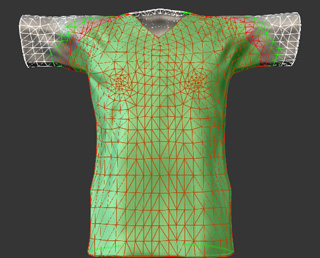
The original selection. |
The more faces are selected as the Grow button is clicked twice. |
|

|
|
The original selection. |
The more faces are selected as the Shrink button is clicked five times. |

|

|
|
The original selection. |
More faces are selected as the Mirror Selected button is clicked (5x). |

|

|
|
Tolerance: 0 |
Tolerance: 100.00 |
|
Note: |
|
Hotkeys for selecting and deselecting faces:
|