Exporting Mesh with Bind Pose (New for v3.3)
If you want to export the CC3 Base+ character for further sculpting in any external 3D tools (ZBrush excluded) without motions, then you can choose to export only the mesh. However, for better sculpting, you can choose to have the exported mesh in T-pose or A-pose in accordance with your needs.
-
Prepare a CC3 Base+ character.
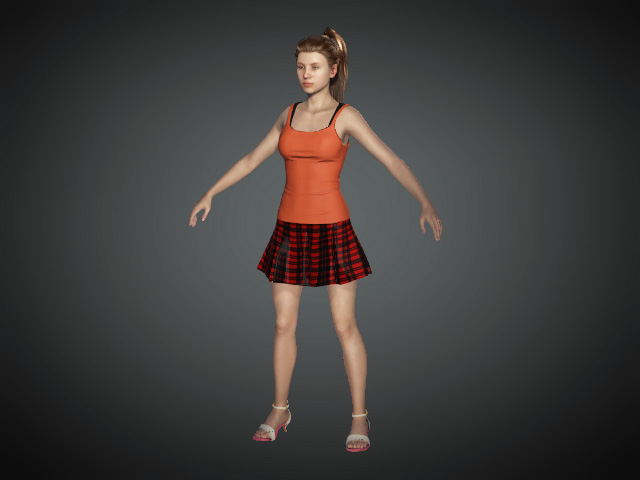
-
Execute File >> Export >> FBX (Clothed Character) command.
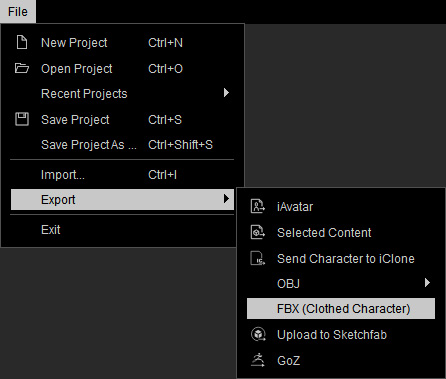
-
In the following panel, set the export type to Mesh and the Default Pose group will be enabled.

- Choose if you want to export the character with A-Pose or T-Pose, click the Export button to save the exported FBX into a folder.
- Open the folder, you will find the individual character and motion files.


- Load the exported FBX file into your 3D editing tools. The characters strike the poses that were specified in the previous steps.


Character with A-pose
Character with T-pose
