Fine-tuning with Detail Morph (New for Version 8)
After the 3D actor is created by the Front Face Fitting and Side Face Fitting steps, you can use the morphing sliders to fine-tune the facial feature of the head in the Detail Morph step. In addition to fine-tuning the facial features, you can also create an actor that looks similar to the original photo with specialized facial features.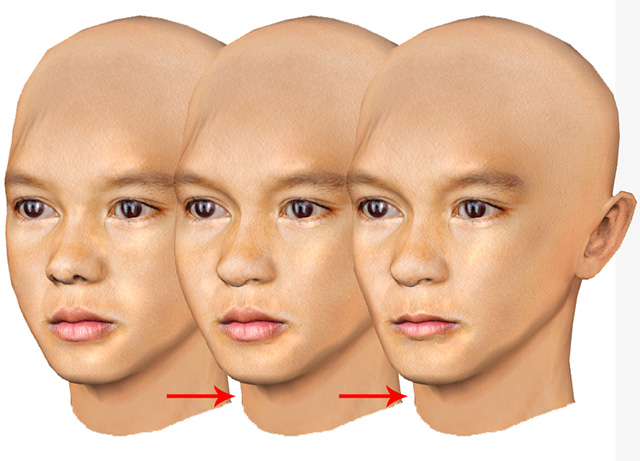
 Fine-tuning Facial Features
- Make sure the Front Face Fitting and Side Face Fitting steps have been finished.
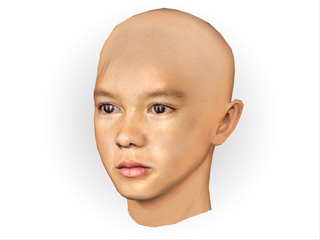
- Click on the Detail Morph step on the toolbar.

- The Contour and Texture Alignment panel will be changed to Face Morphs panel with sliders of bones and facial features.
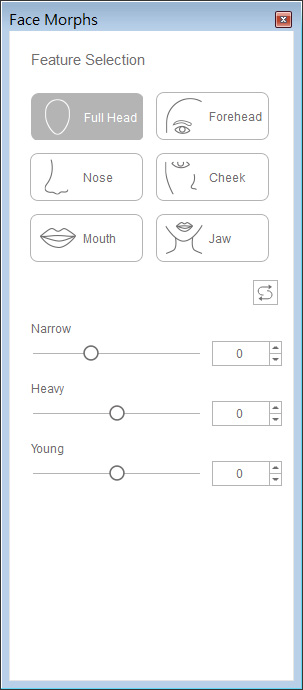
- Drag the sliders to fine-tune the facial features, especially the eyebrow bones, the cheek bones, the nose shape and the lips.
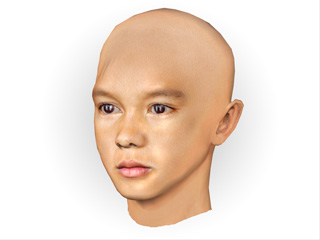
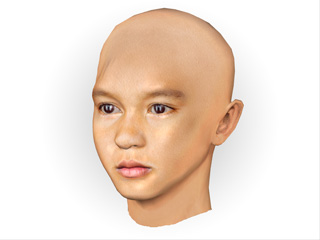
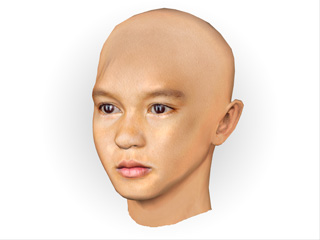
Eyebrow bone depth increased Nose tip lowered Chin width increased 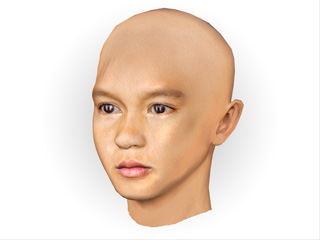
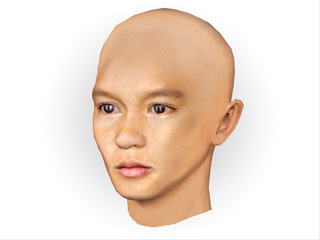
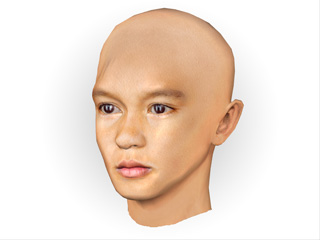
Nose bridge width decreased Cheeks sink Cheek bones width decreased 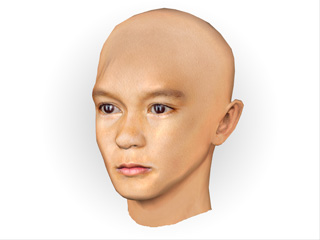
Lip tone decreased Note- The morphing technology can alter the appearance of age.
- You can always switch back and forth between the Front Face Fitting, Side Face Fitting and this steps in order to optimize the appearance of the 3D actor.