 or Detailed Facial Mode
 button to view the wire frame
around your character. You may also drag the control points, or lines, to fit a character’s face more precisely.
button to view the wire frame
around your character. You may also drag the control points, or lines, to fit a character’s face more precisely.
You may click the
Basic Facial Mode
or Detailed Facial Mode
button to view the wire frame
around your character. You may also drag the control points, or lines, to fit a character’s face more precisely.
button is pressed.
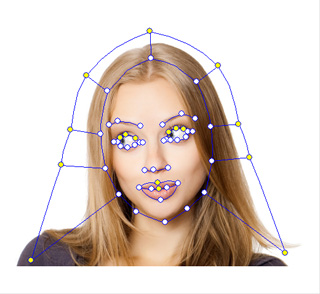
button to show more wire frame control points.
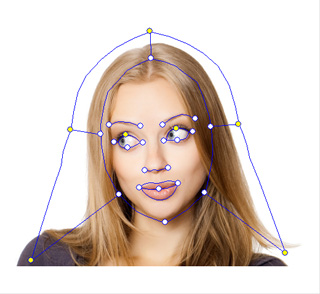
Basic Facial Mode
Detailed Facial Mode
Note:
Please refer to the Hair Mesh Layer section for more information.
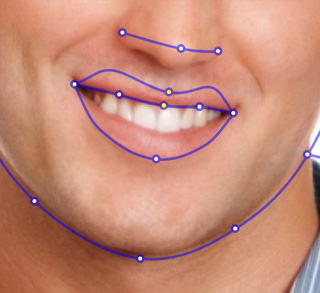
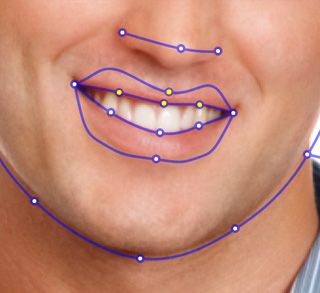
If the character in the image you have loaded is with opened mouth, then the position of the middle wire can not be determined; you need to do the following steps:
button is pressed down.
 button.
|
|
|
Close Mouth Points |
Open Mouth Points |
|
Note: |
|
If you want the actor to close up the mouth, then you need to activate the Force to Close feature in the Teeth Settings panel. |
