 button to adjust the profile style. Then define the face orientation of the character:
Click the Face Orientation
button to adjust the profile style. Then define the face orientation of the character:
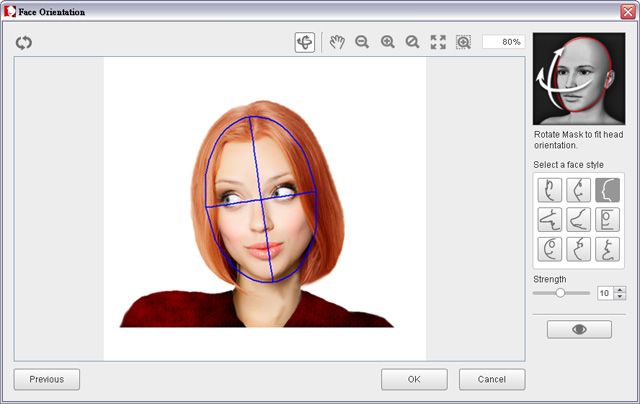
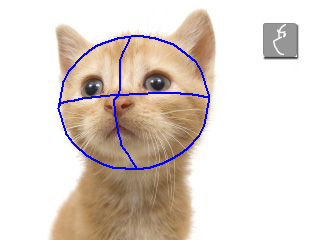
 tool to fit the angle of the character's face.
This will ensure that the 3D mesh of the head will match the facial angle of the character in the photo.
tool to fit the angle of the character's face.
This will ensure that the 3D mesh of the head will match the facial angle of the character in the photo.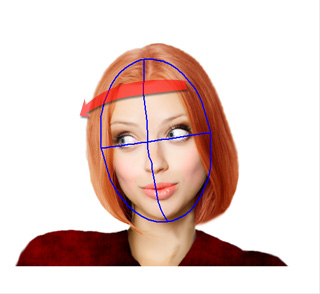
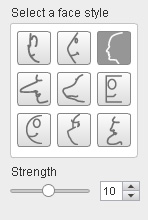
 button and move your mouse to preview the head motion in the main viewport.
If the motion is not as desired, then re-adjust the Strength value or try another profile style.
button and move your mouse to preview the head motion in the main viewport.
If the motion is not as desired, then re-adjust the Strength value or try another profile style.
|
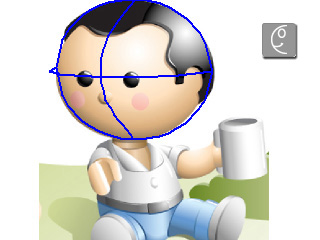
Examples: |
|
|
|