 Attach button found on the tool bar.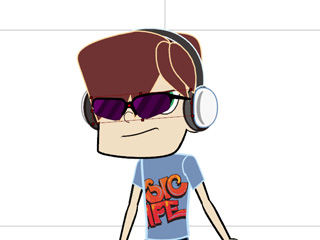
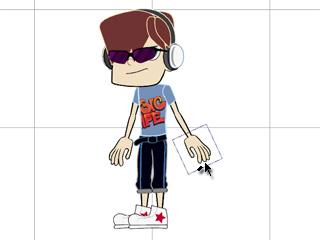
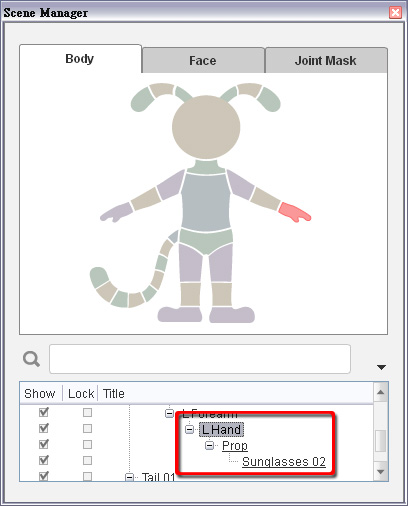
The parent node of this prop is now changed to the body part you assigned.
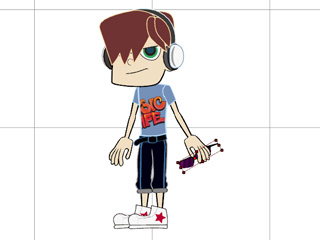
 Back to Stage button to leave the composer mode
and update the character.
Back to Stage button to leave the composer mode
and update the character.
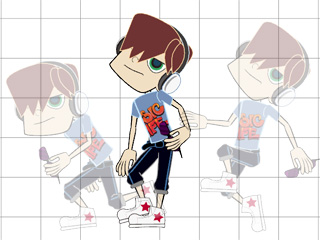
If you wish to attach the accessory to any body part, then you may use the Attach feature to do so.
Attach button found on the tool bar.
Back to Stage button to leave the composer mode
and update the character.