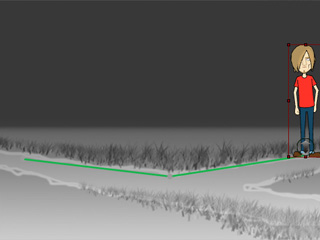
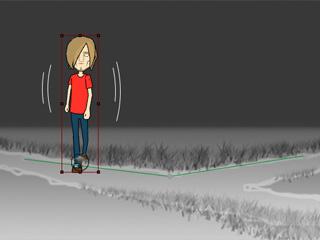
 3D Motion Key Editor button to open the panel.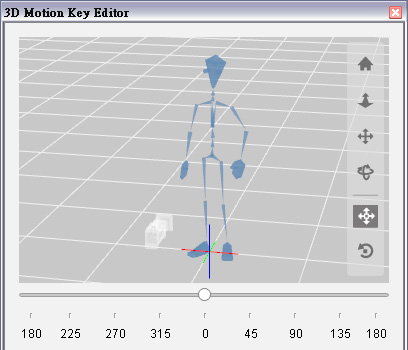
|
Note: |
|
Always apply a motion before setting the angle key because the motion contains initial angle which will remove any previously set angle keys. |
|
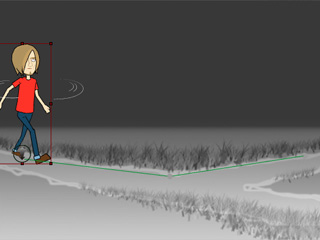
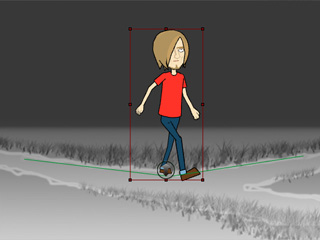
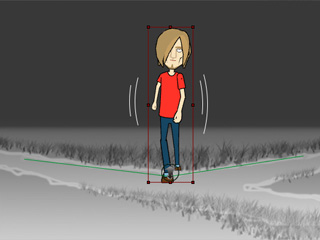
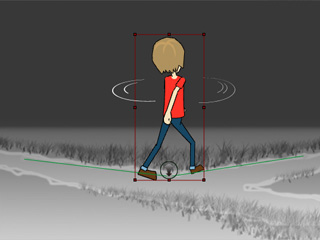
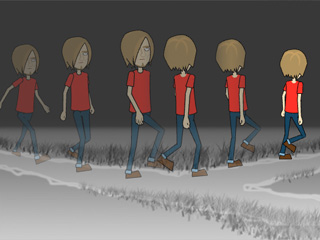
After a G2 character has been applied with 3D motions (Pro or Pipeline version), you are able to turn the character to different angles while the motions is still correctly performed.
3D Motion Key Editor button to open the panel.
|
Note: |
|
Always apply a motion before setting the angle key because the motion contains initial angle which will remove any previously set angle keys. |
|
|