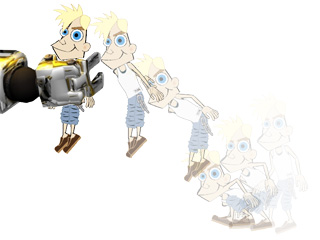
Breaking Clips
The Breaking Clips method applies to all the clip-type data in the timeline main tracks
(main tracks under Sound FX are excluded).
With this feature you may extract partial clips from a very long clip and delete the redundant clips.
*Please note that this feature is for the Pipeline and Pro versions only.
Breaking Clips
-
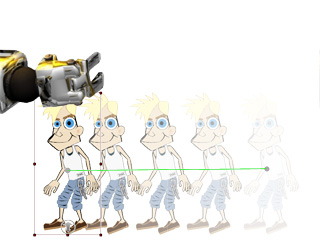
Select the character. In this example, the character already moves along a path without any body motion.
-
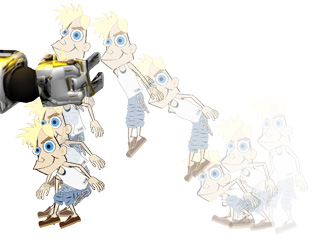
Use the Body Puppet Editor
to record and produce a motion clip.
-
If you do not want the last half-motion, then press F3 to launch the Timeline.
-
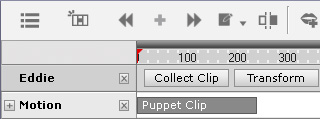
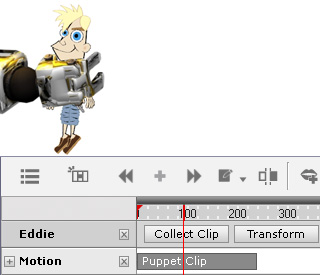
Click the character's Motion main track button.
You will see the clip in the track.
-
Drag the play head to the time frame where you need to break the clip up into new half clips.
-
Click the
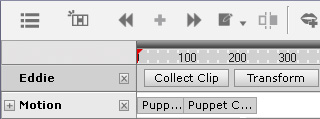
 Break button on the Timeline toolbar.
-
The clip will be divided into two halves.
-
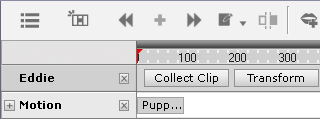
Select the second one and delete it.
-
Play back the project and the character's motion will stop at the end of the trimmed clip.