Adding Flags 
When you need to jump to specific time frames in your project,
you may sometimes need to add flags in order to easily hop between events.
Adding Flags
-
Open the Timeline (F3).
-
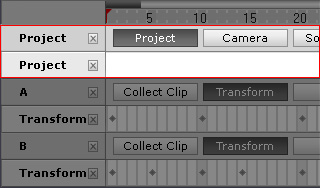
Click the Track List button and select Project to show the project track.
-
Press down the Project button.
Click on the target frame in this track.
-
Click the
 Add Flag button on the tool bar.
-
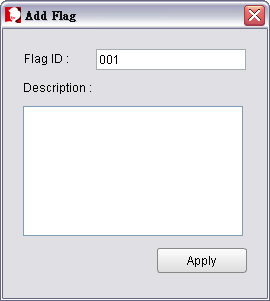
Give the flag a name and put down a description for the flag.
Click Apply to insert a new flag into this frame.
-
You may click on another time frame in this track and repeat Step 4 to 5 without closing the panel to add more flags.
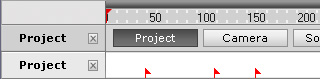
Jump between Flags
There are two methods that you may use to jump between flags:
-
Press the Tab key to jump to the next flag.
-
Press Shift + Tab keys to jump to the previous flag.