
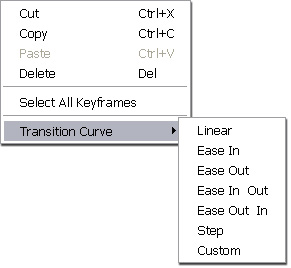
In CrazyTalk Animator, you are able to set keys or add clips into different tracks. Interpolations can be customized between different curves so that the transition speeds between two adjacent keys, imitate the physical characteristics of how the object would move in the real world.


|
Linear - Constant Speed |
Ease In & Out - Slow, Fast, Slow |
|
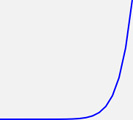
Ease In - Acceleration |
Ease Out & In - Fast, Slow, Fast |
|
Ease Out - Deceleration |
Step |
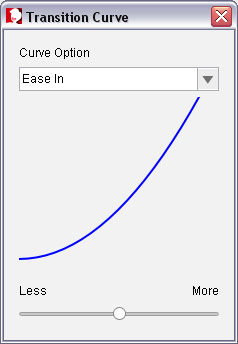
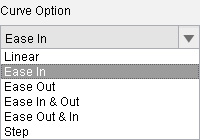
If you need more dramatic transition results, then you may use the Custom feature provided in the pop-up menu to adjust the steep of the transition curves.
|
|
|
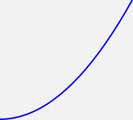
Less dramatic |
General Ease In |
|
|
|
More dramatic |
Dramatized transition |