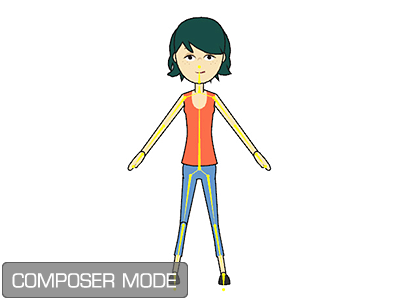
Actor Composer button to
enter the Composer Mode.
Actor Composer button to
enter the Composer Mode.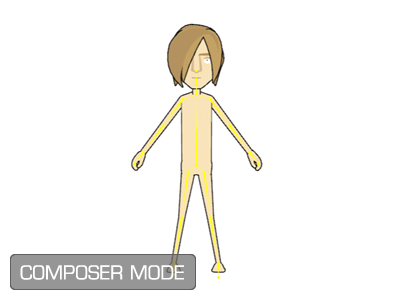
- Press Alt + Q.
-
Click on the
 Load G2 Actor Design Template-SWF button.
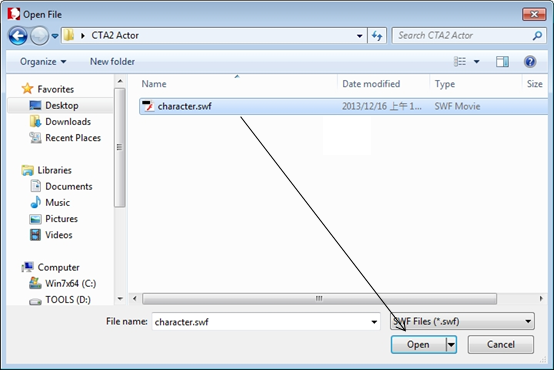
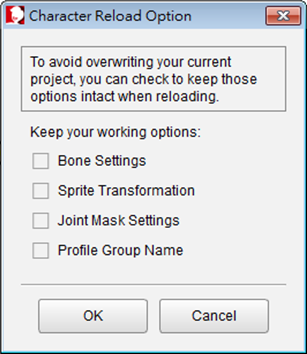
- If it's your first time loading the .SWF file: simply press OK, and leave the boxes unchecked.
- If you're loading a .SWF to update an existing character, please refer to the Progressive Import and Refinement Procedure section for more information about the check boxes in this panel.
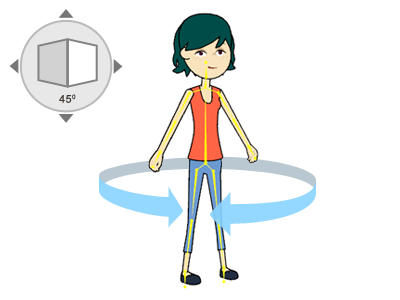
 Confirm Multi-angle Settings button and press
OK on the dialog that pops up.
Confirm Multi-angle Settings button and press
OK on the dialog that pops up.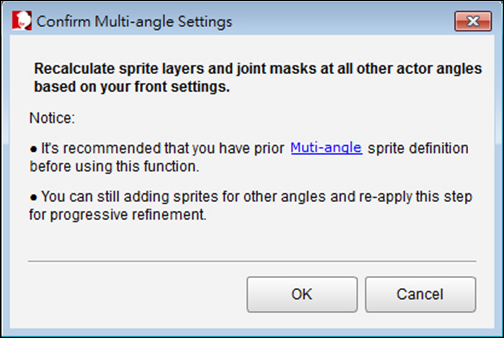
This will add joint masks to your character. For more information about joint masks, please refer to the Joint Mask section.
|
Note: |
|
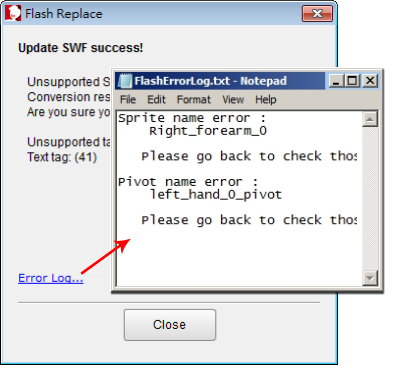
If you find any problem with the sprites after the character is imported, open the Error Log to check if there is something wrong
with the sprite or the pivot by either pressing Alt + T or clicking on
the link at the bottom of the SWF Replace message to view the error
log file. |