Side Head Source Photo
Formats
For best results in full body character generation, use a clear, well-lit image showing the entire body, facing forward, with no obstruction to the body shape.
Supported image formats include .bmp, .jpg, .jpeg, .png, .tif, and .tiff.
Lighting
Use images with even lighting across the whole body. Avoid strong shadows and area highlights.
Poses and Gestures
Maintain a neutral, natural standing pose. Avoid Expressive Body Gestures.
Keep arms and legs clearly separated. Avoid overlapping or crossing limbs
Clothing
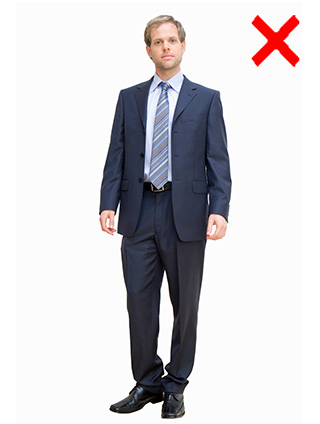
Use fitted or moderately body-shaped clothing so the body outline remains visible. Avoid oversized, loose, or heavily layered clothing.
Cropping
The full body should be visible in the image.
Do not crop the head, limbs, hands, or feet, and keep the entire silhouette within the frame to avoid incorrect proportions or incomplete results.
Body Orientation
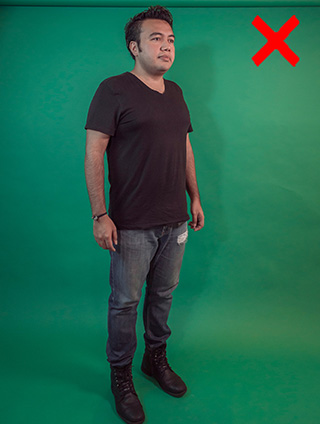
The ideal source image shows the body facing directly forward, without rotation or tilt.
Correcting body alignment before loading the image into Headshot 3 can significantly improve body proportion accuracy and overall generation quality.
Image Resolution
Image Mode produces a texture with resolutions ranging from 1K to 8K.
Select an appropriate resolution based on the intended use of the character, such as low-resolution background characters or high-resolution characters for close-up rendering.
Below are some image examples regarding the Body Source Photo:
- Lighting:
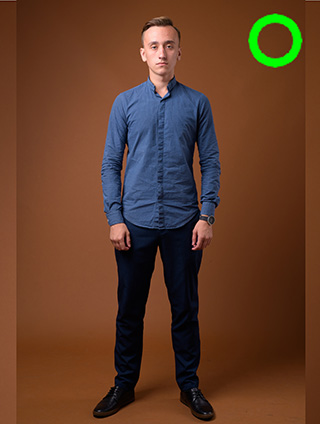
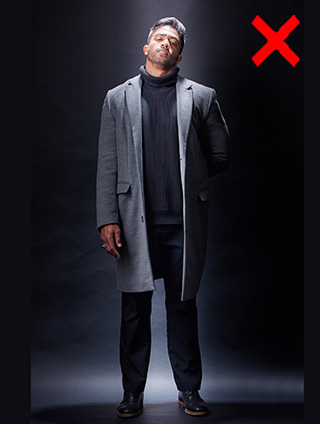
Soft Diffused Lighting
Harsh and Uneven Lighting
- Poses:
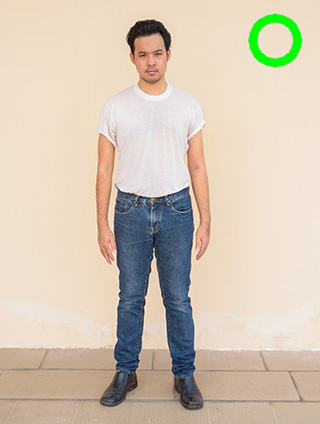
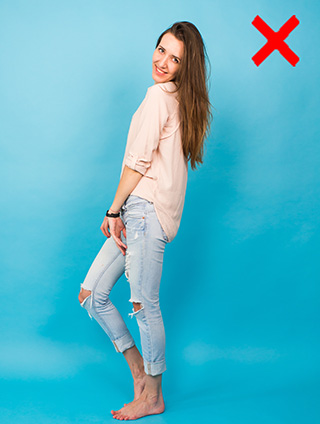
Neutral Standing Pose
Expressive Body Gestures
- Clothing:
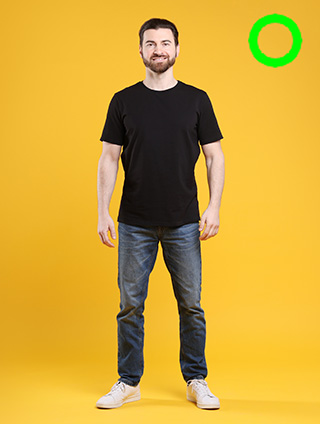
Fitting Clothing
Oversized Clothing
- Body Orientation:
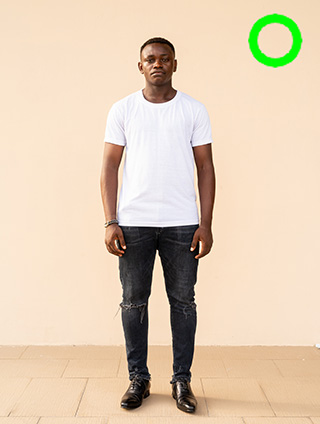
Facing Forward
Facing Sideways
- Covering Issue:
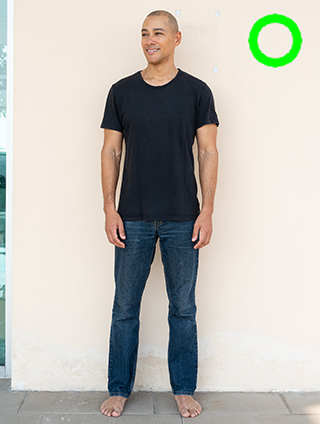
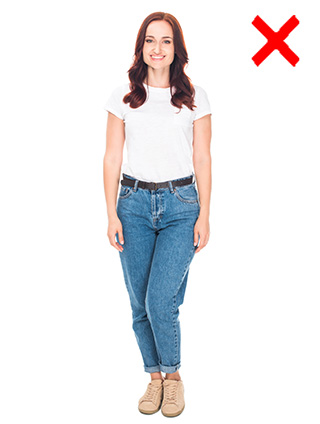
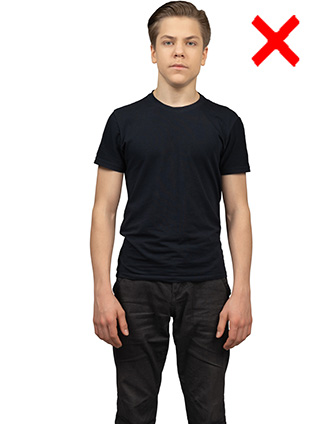
Clear silhouette
Limbs overlapping
Body Parts cropping
