Body Types
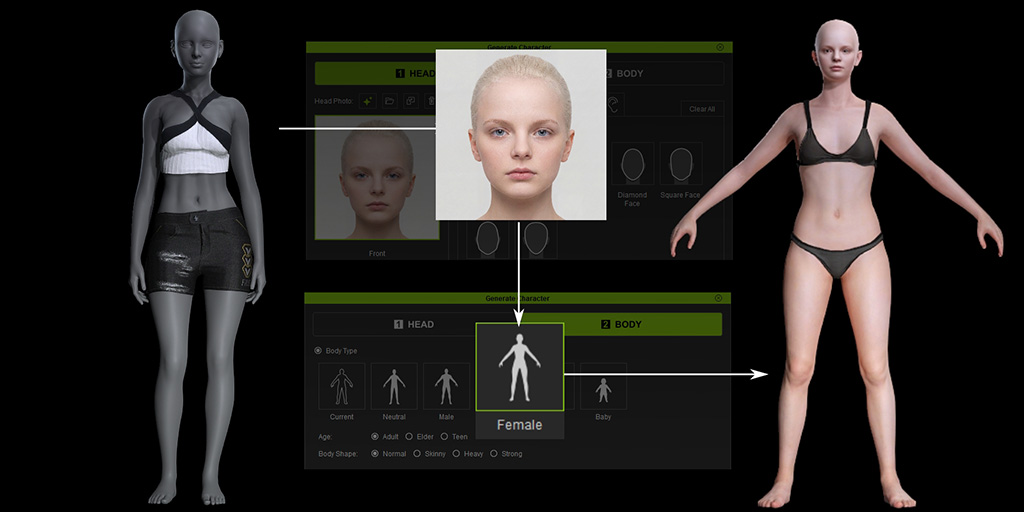
There are five body types for you to use on the panel aside from inheriting from the Character in the viewport with Current option.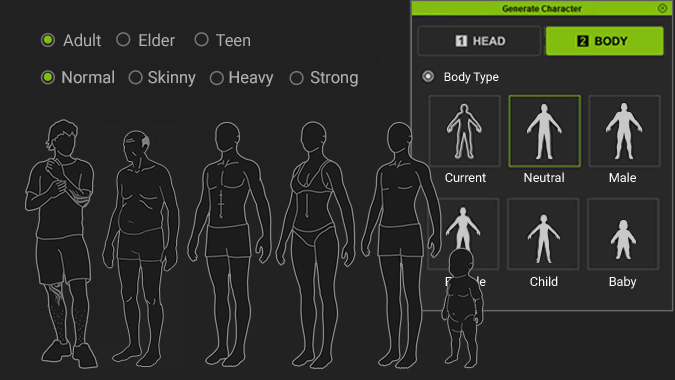
Current:
Headshot will attach the generated head to the current body, it can only be activated when there is a character in viewport. This is useful for when you want to have a fully customizable body for your character.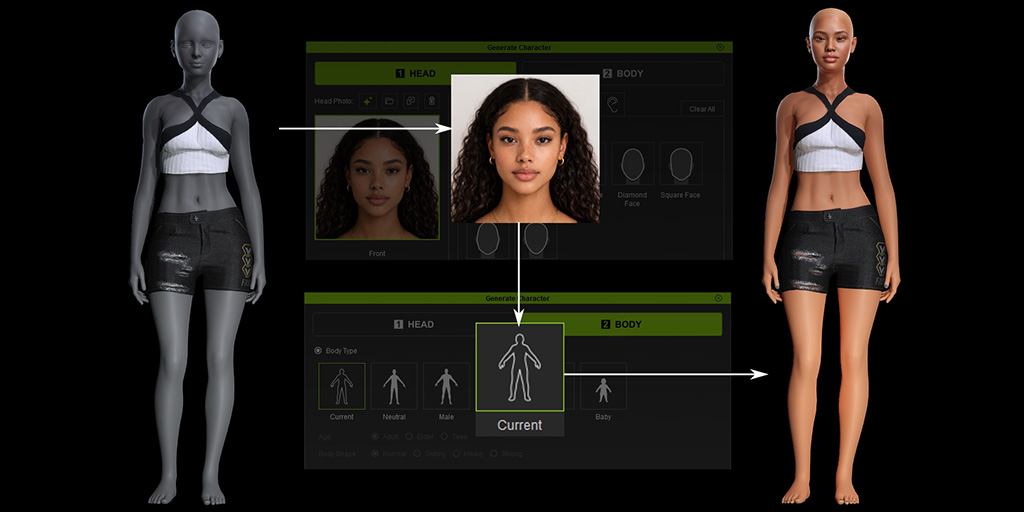
Neutral:
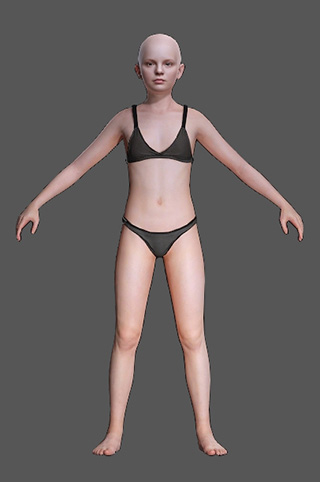
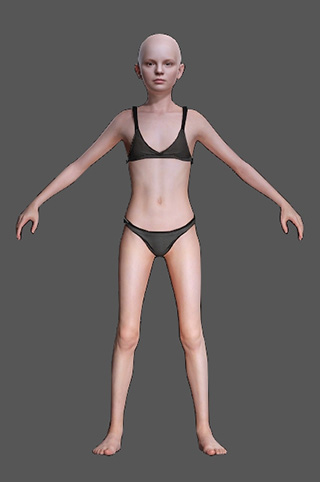
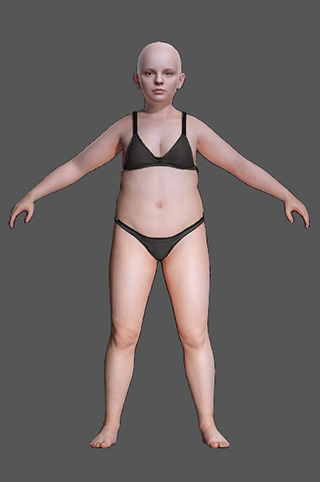
Headshot will attach the generated head to a neutral body. A Neutral body is not morphed by any morph slider which helps to keep the cleanliness of your custom morph data. It is a good start point for creating any body morph and getting the best morph blending result. Below are an example of what Neutral body type can do for you: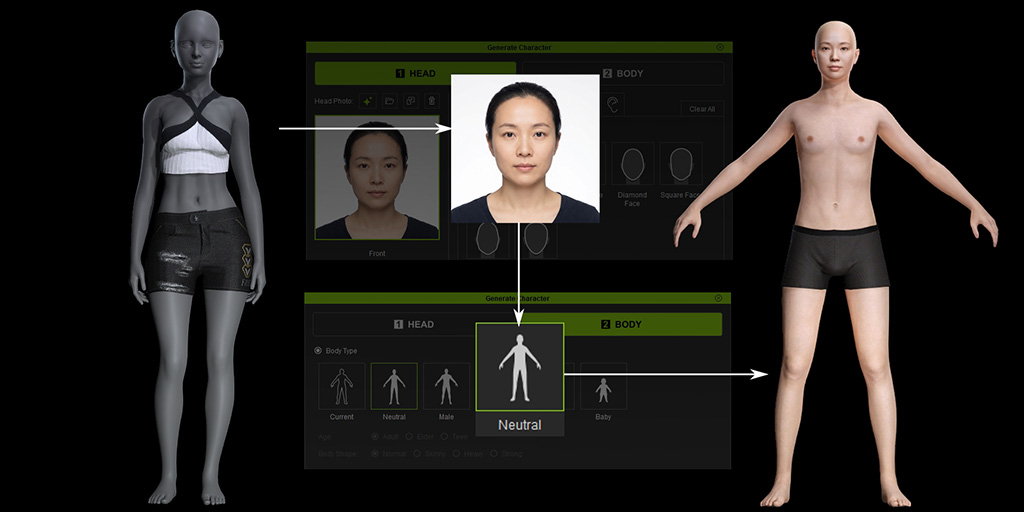
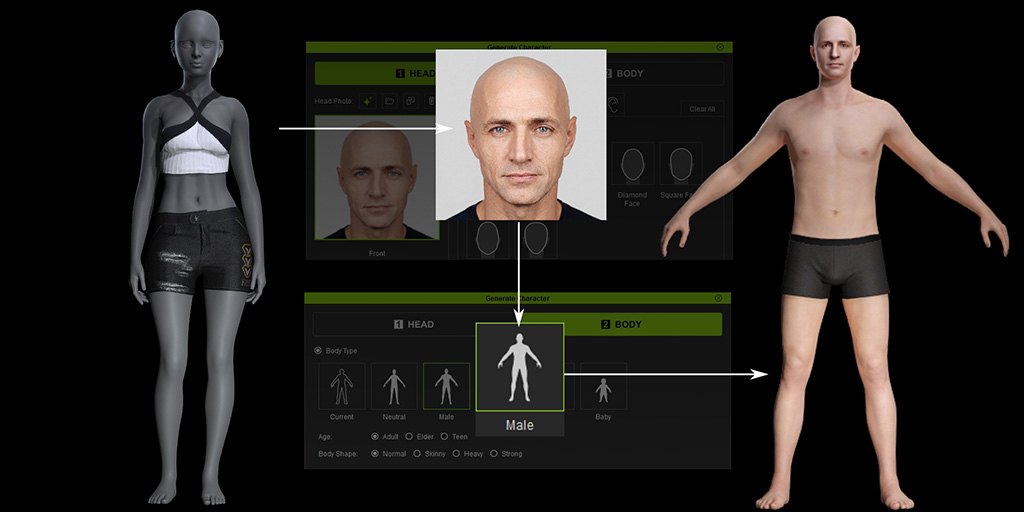
These options attach the generated head to standard Male, Female, or Child bodies.
- Age settings (Male / Female): Adult, Elder, Teen
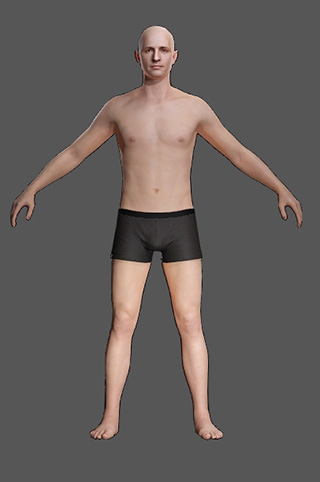
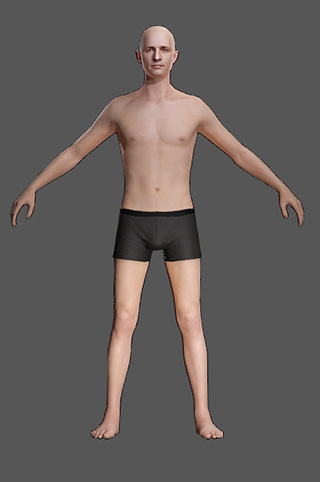
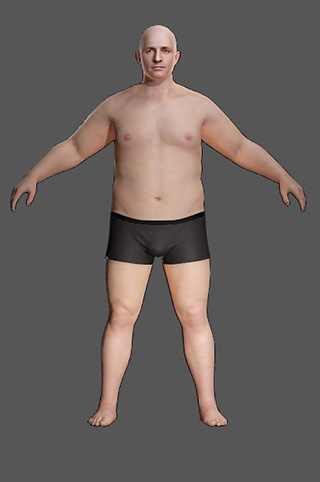
- Body Shape settings (Male / Female / Child): Normal, Skinny, Heavy
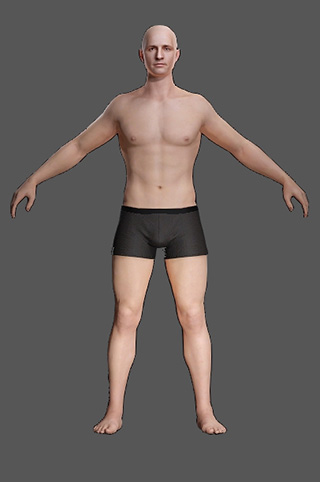
- Additional Body Shape setting (Male / Female): Strong
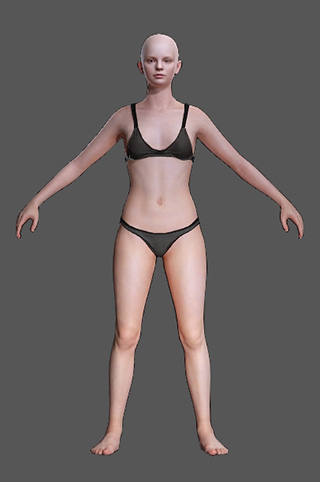
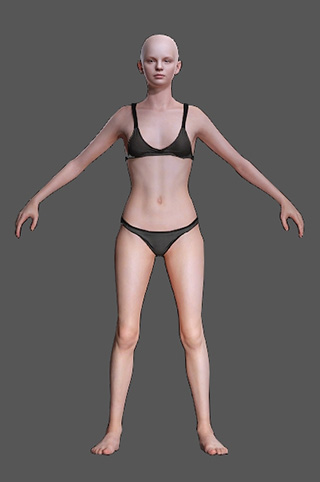
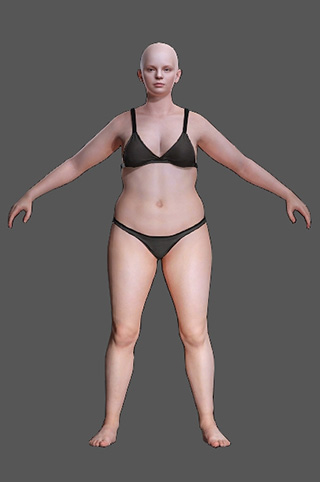
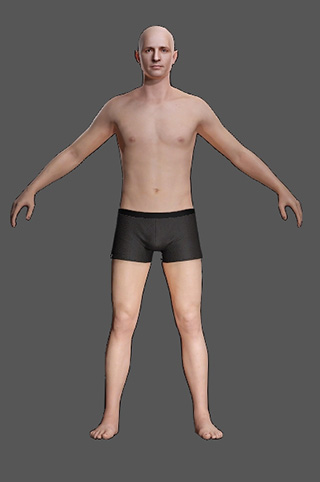
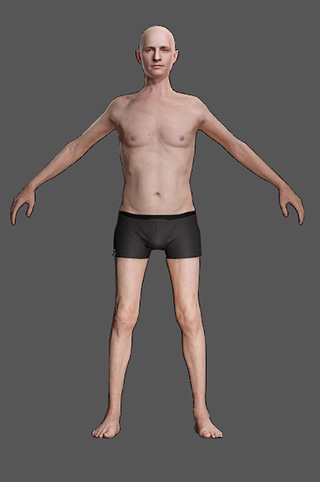
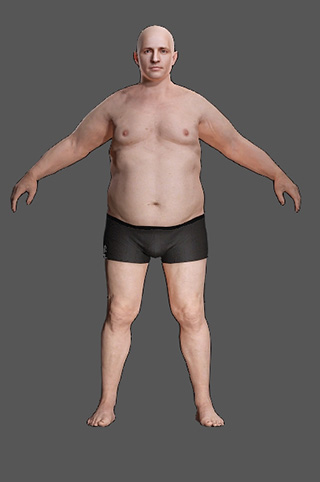
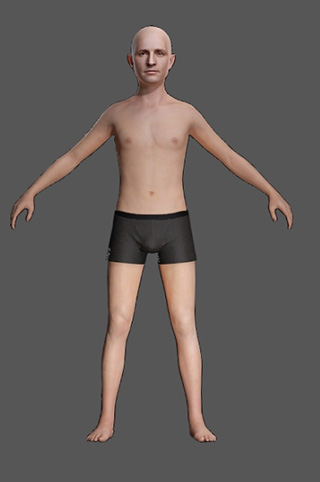
The current body in the project will be replaced during generation. Save the project beforehand if the original character needs to be preserved. Below are examples of each Body Types:
- Female
Normal
Skinny
Heavy
Strong
Adult
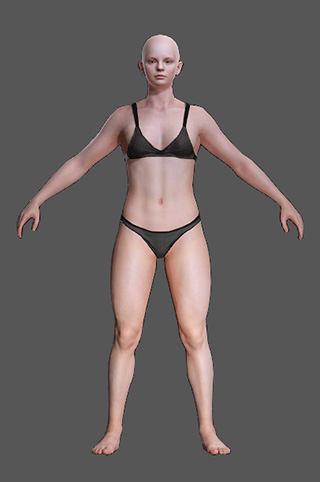
Elder
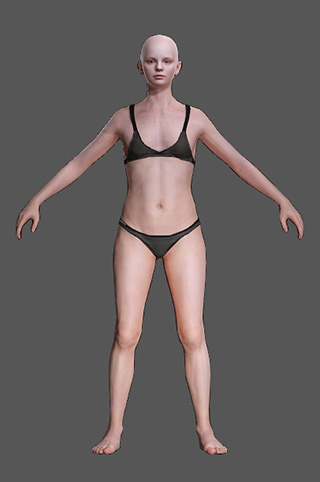
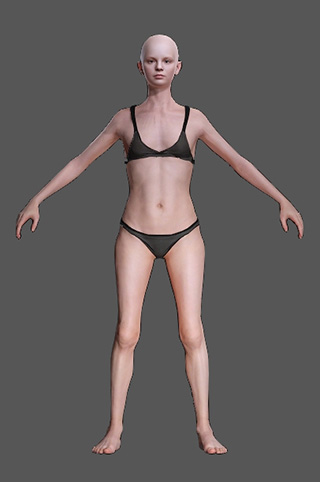
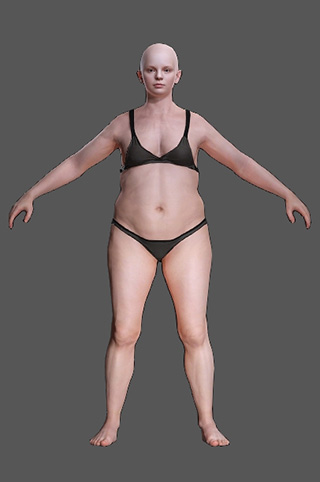
Teen
- Male
Normal
Skinny
Heavy
Strong
Adult
Elder
Teen
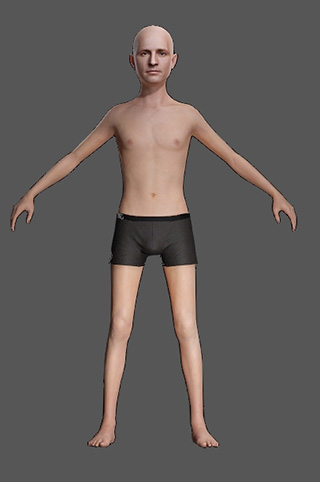
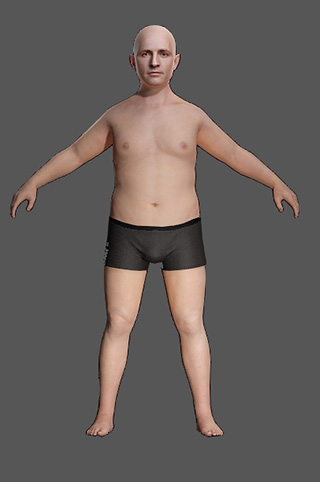
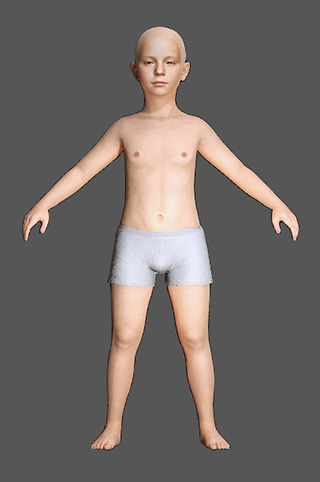
- Child:
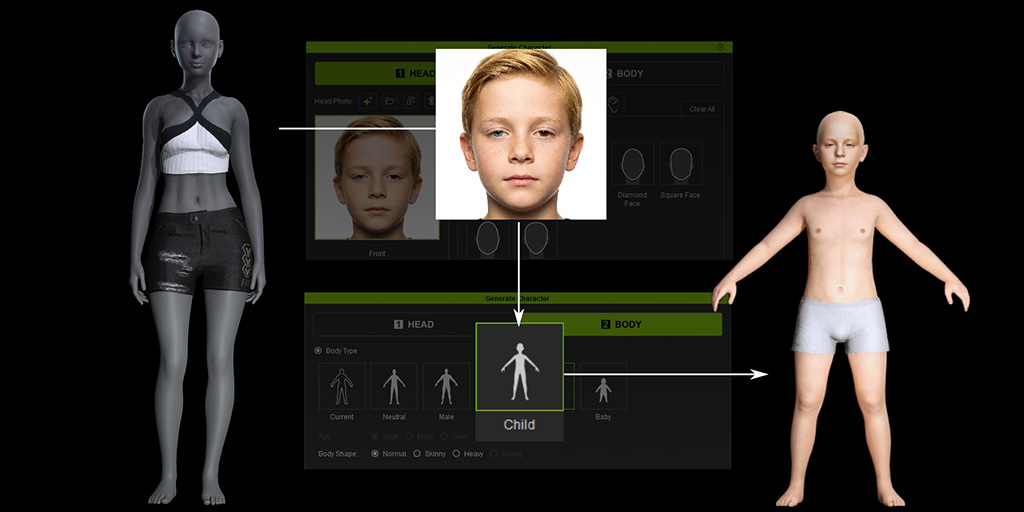
Normal
Skinny
Heavy
Adult
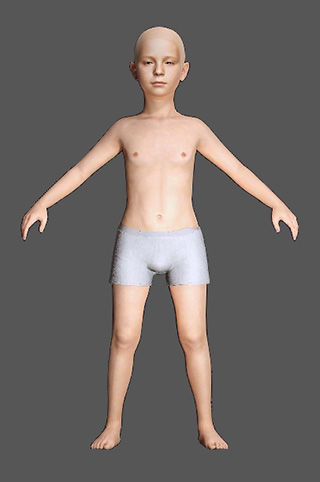
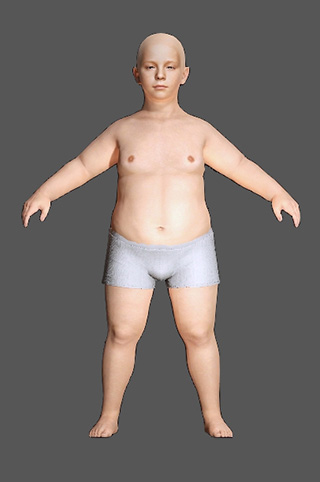
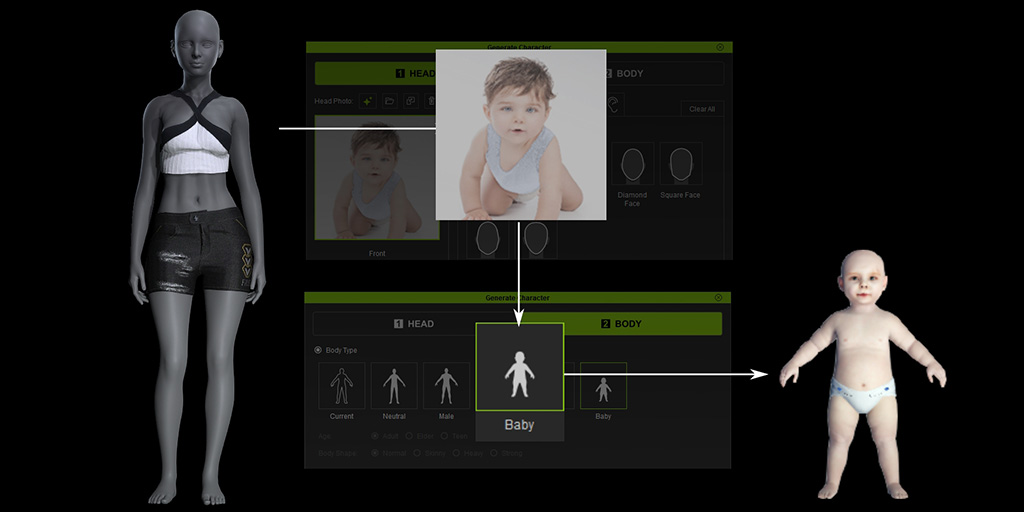
- Baby: For extra flexibility, Headshot also supports the body type of baby.