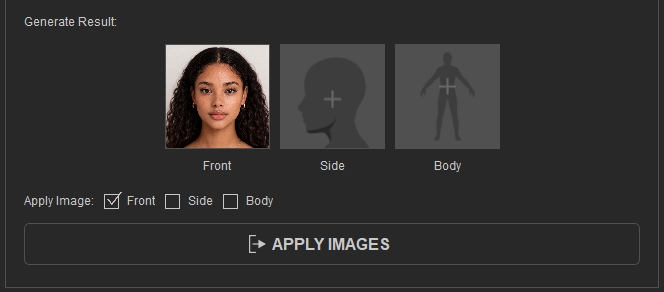
Generating Side Images
After having a front image either from prompt generation or importing, you can generate a side image based on the front view. The side image can then be used to Refine Side Face, and for adding skin details to areas that are not visible in the front image using the Brush Tool.
- Open the AI Image generator, go to Side tab > Generate.
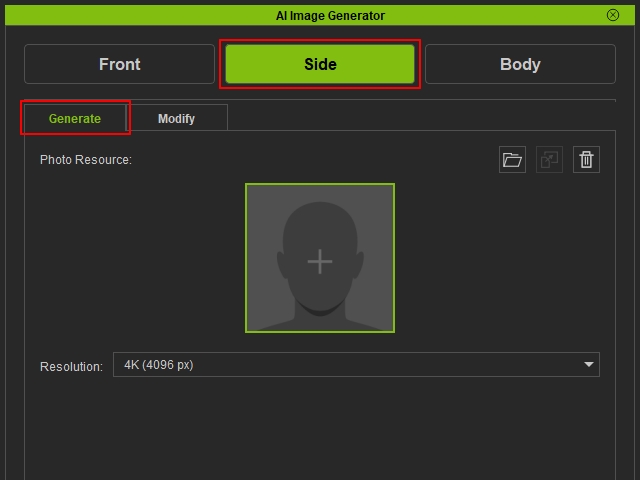
- Choose the resolution of the image to generate. Higher-resolution images produce higher-quality texture maps for Side Face Texture Refinement.
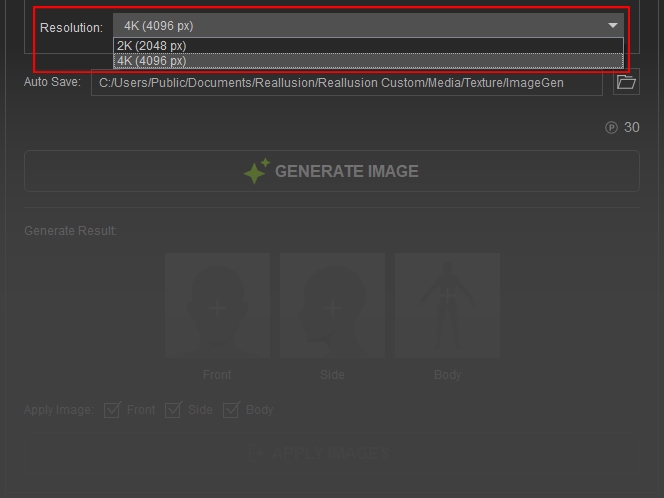
- Press Generate Image to start the generation process. The cost is shown above the button, each 2K Image costs 15 points while each 4K Image costs 30 points.
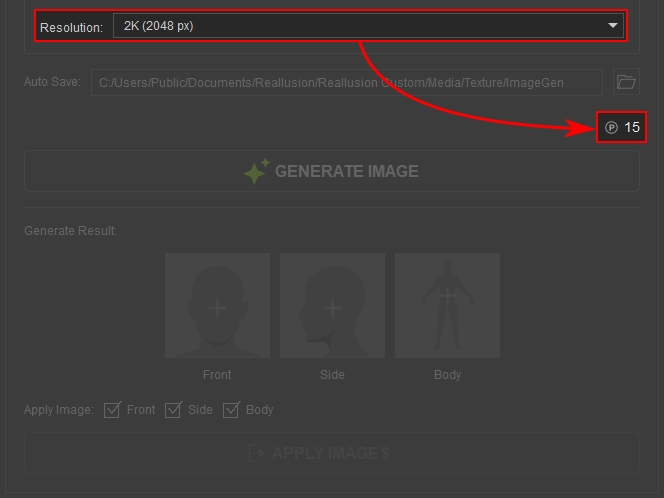
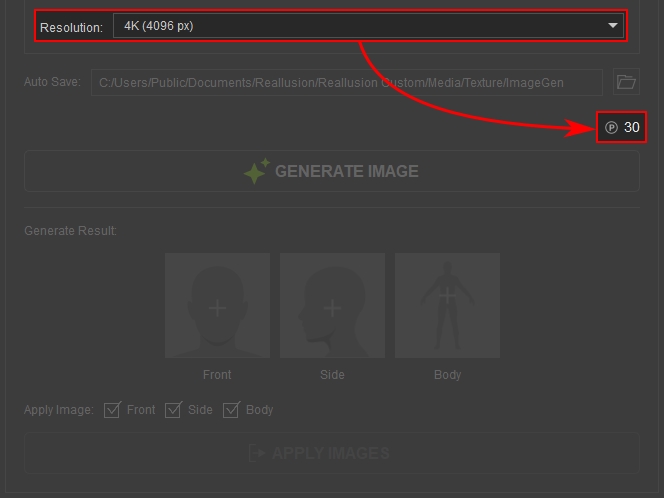
2K Resolution
4K Resolution
- The generated images are stored at the Generate Results common section.
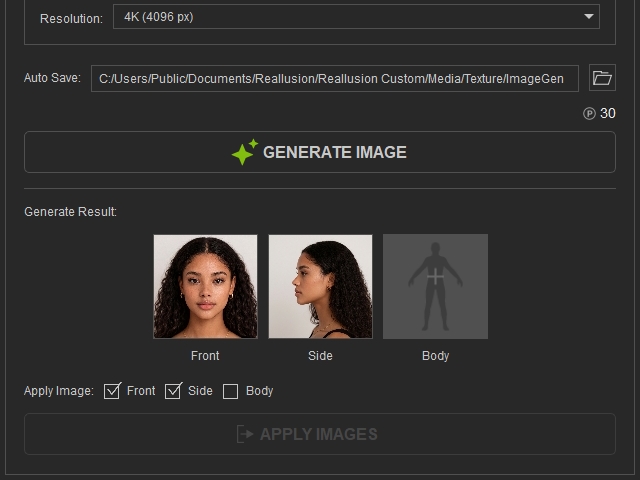
Applying Generated Results
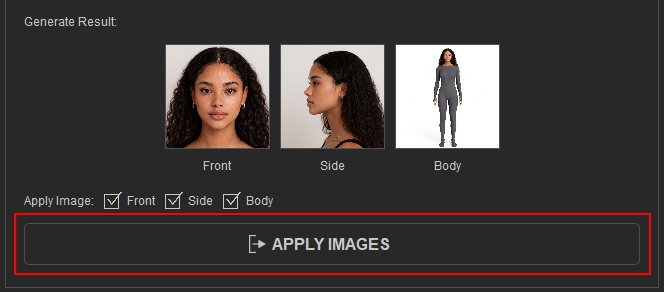
The generated results will be stored here before sending back to the entry point.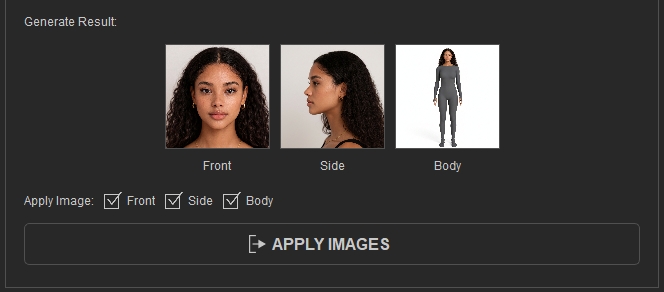
- View and select which image you want to apply back to the entry point.
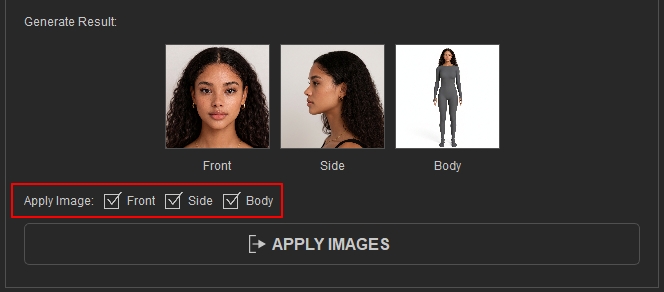
- After confirming which image(s) you want to apply to the send back to entry point with the Apply Image checkboxes, press the APPLY IMAGES button to proceed.
 Note:
Note:When entering from the Generate Character panel, it is recommended to untick the boxes without an image in it, otherwise the blank image will override the existing image if an image is loaded beforehand.