Post Generation - Lens Correction
After completing the head generation process, the generated head mesh may still appear slightly different from the original reference image. In some cases, the overall appearance matches well, but when observed closely, subtle visual differences may remain. This can be caused by lens distortion in the source photo, such as focal length differences, shooting distance, or slight fisheye effects during photography.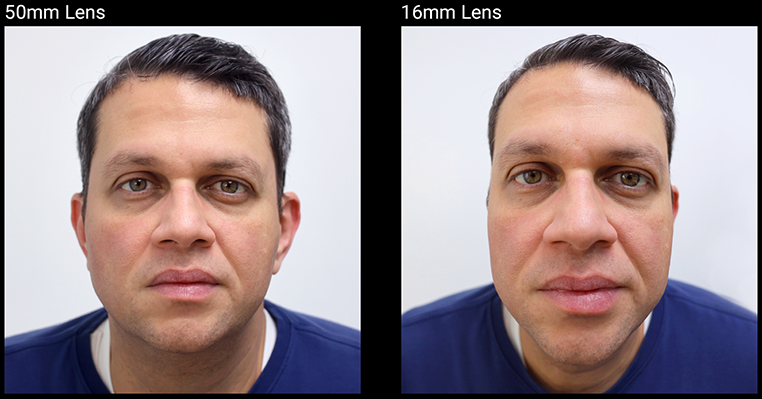
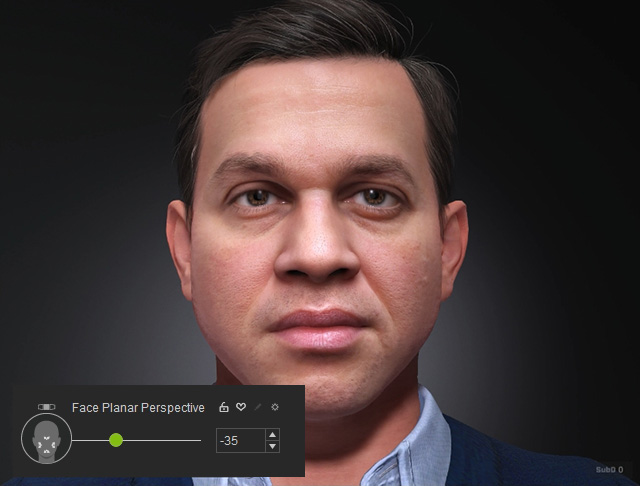
The Face Planar Perspective slider can be used at the final stage to adjust facial perspective and further refine the character’s appearance. Because this slider affects the results of other face refinements, it must only be adjusted after all other modifications have been finalized.
- Go to Face Camera View (Hotkey J) for better observation.
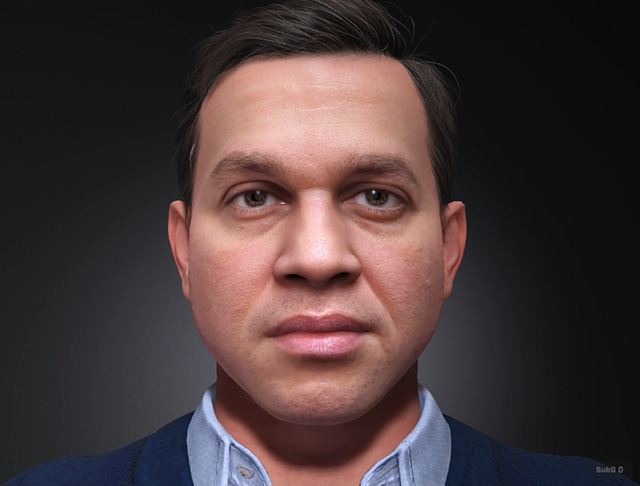
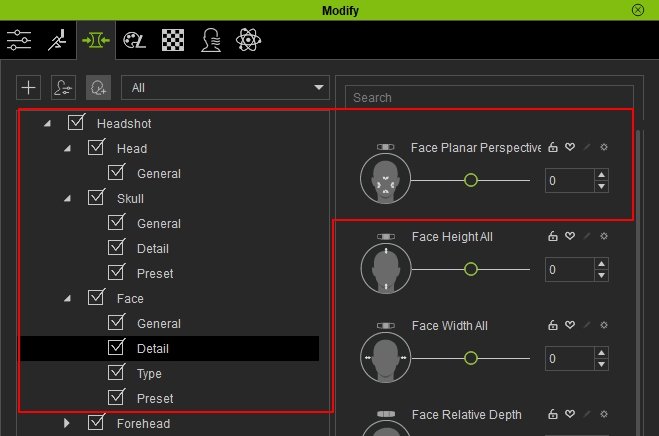
- Go to Modify > Morphs > Headshot > Face > Detail, find the slider Face Planar Perspective.
- Slowly tune and adjust the value of the slider to better improve the outcome to your liking.
- Below are a before and after comparison:
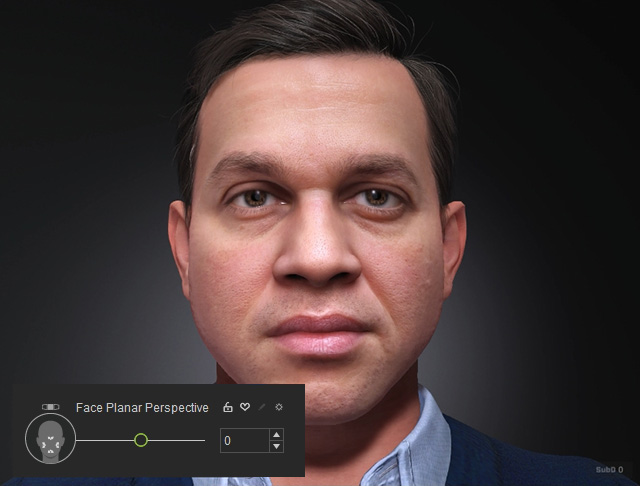
Face Planar Perspective = 0
Face Planar Perspective = -35
