Profile Depth
The Profile Depth Slider controls the overall Depth of the head mesh by adjusting its morph.
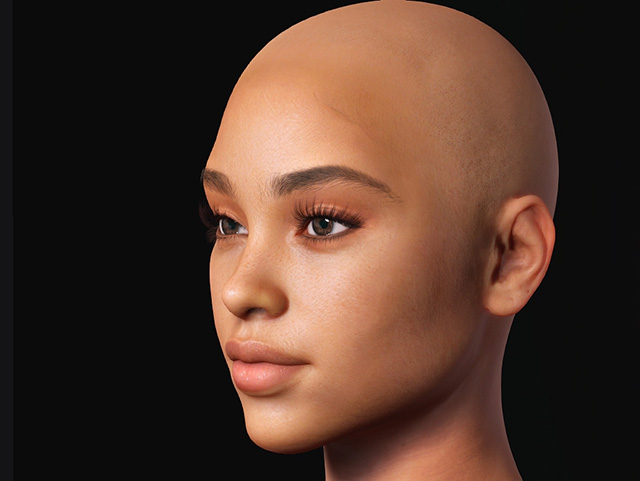
- Go to Face Camera View (Hotkey J) and rotate a little for better observation.
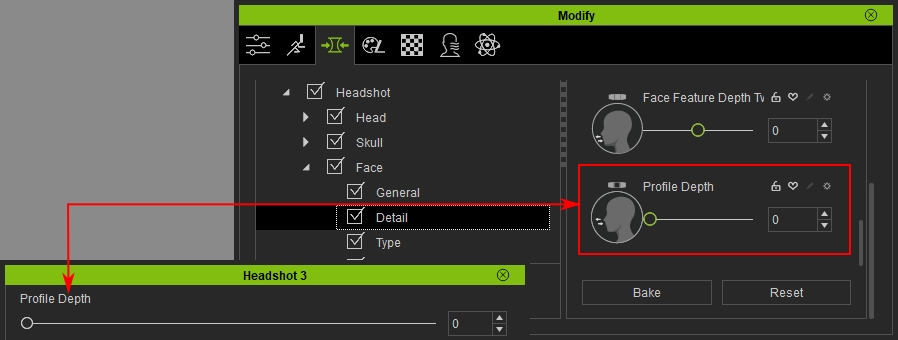
- This setting is synchronized with the same Profile Depth Slider parameter in Morph panel > Headshot > Face > Detail. Changing the value in either location will update the other automatically.
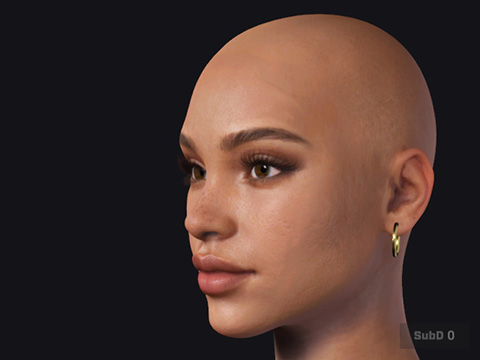
- Adjust the slider to increase the overall depth to the head mesh.
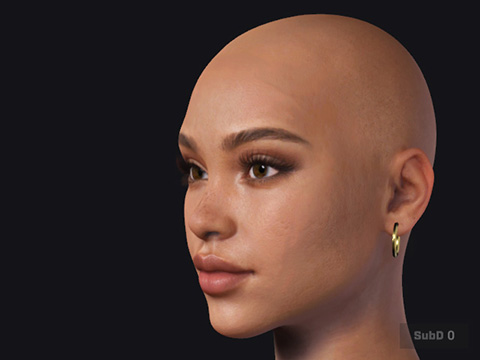
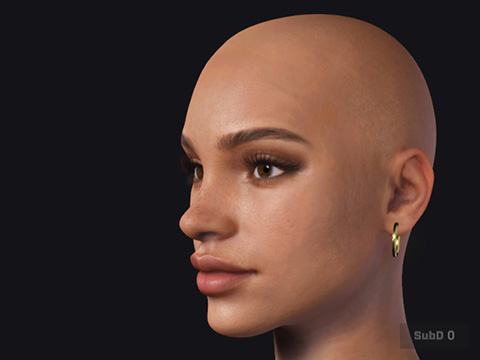
Head Scale = 0
Head Scale = 100
Head Scale = 200
