Base Skin
Base Skin combined with its Skin Color is the underlying skin texture applied to the generated head mesh. It fills areas that are not visible in the reference photo and provides a consistent foundation for the final skin appearance. It helps reconstruct missing details—such as the scalp, beard region etc. Ensuring the head model looks natural and complete from all angles.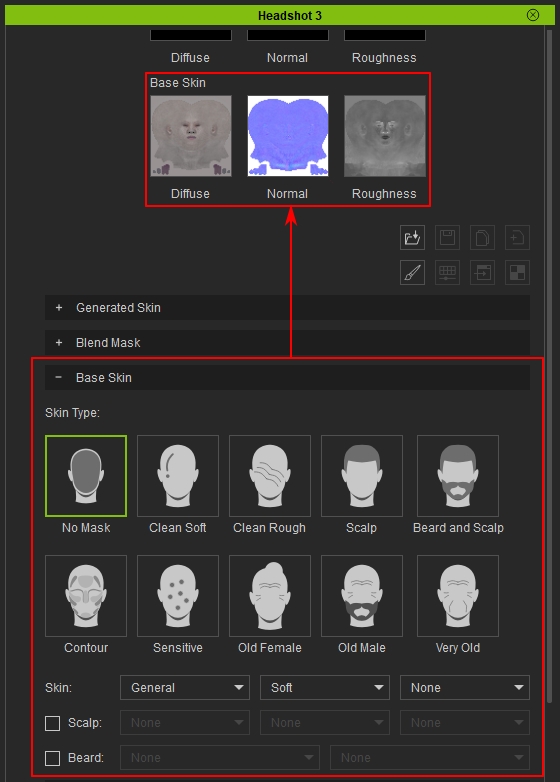
All changes made here are applied directly to Base Skin Texture maps (Including Diffuse maps, Normal maps and Roughness maps). And will be updated to viewport once the Update Skin Texture button is clicked or Auto Update is enabled.
Skin Type
The Skin Type block lists all available skin types of Headshot. To put it in simple words, a skin type is a preset that is used most often. Users can quickly create or mimic specific face characteristics without digging into the complicated bits and bobs. Each option represents a combination of changes applied to Base Skin textures.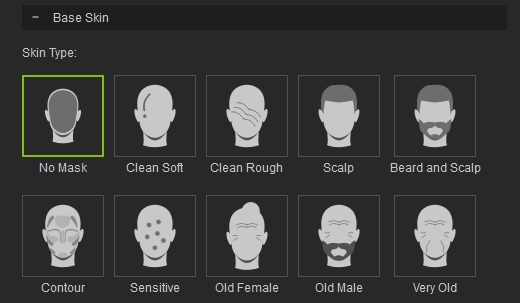
The table below shows the results of each skin type applied onto a Headshot generated head for easier observation:
- No Mask
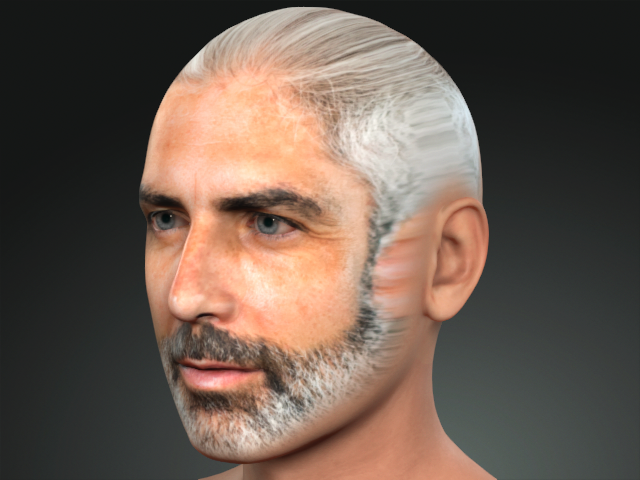
- Clean Soft
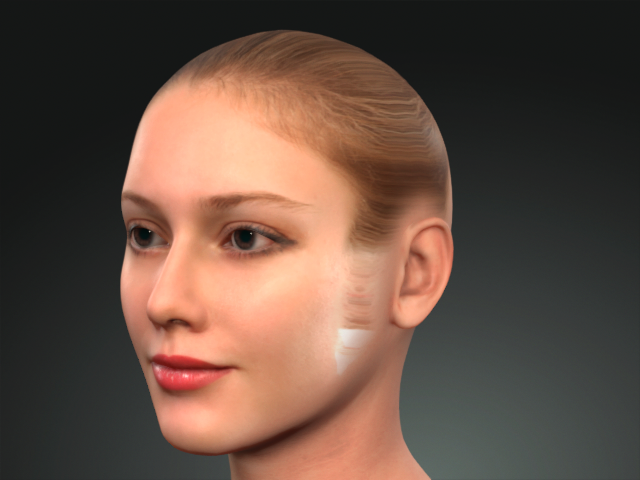
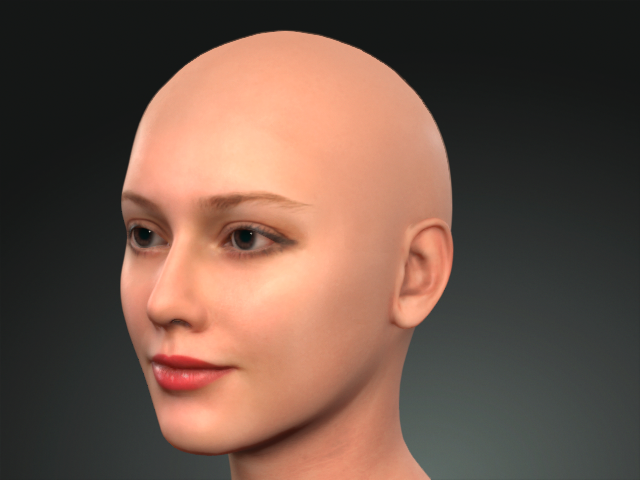
No Mask
Clean Soft
- Clean Rough
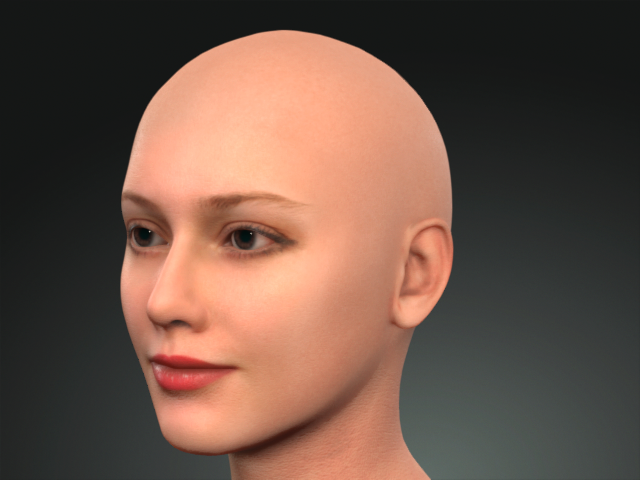
No Mask
Clean Rough
- Scalp
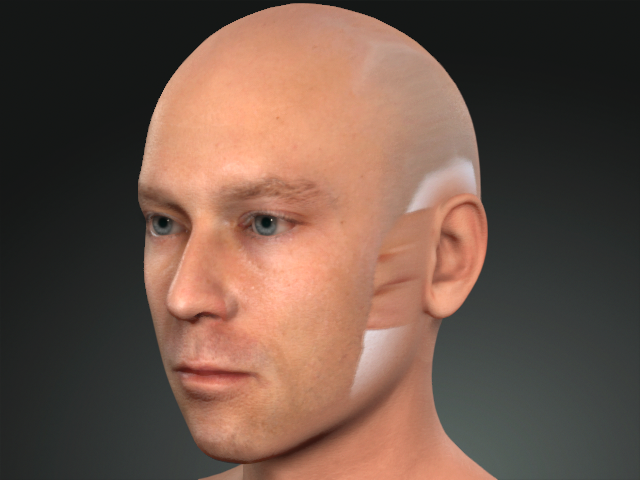
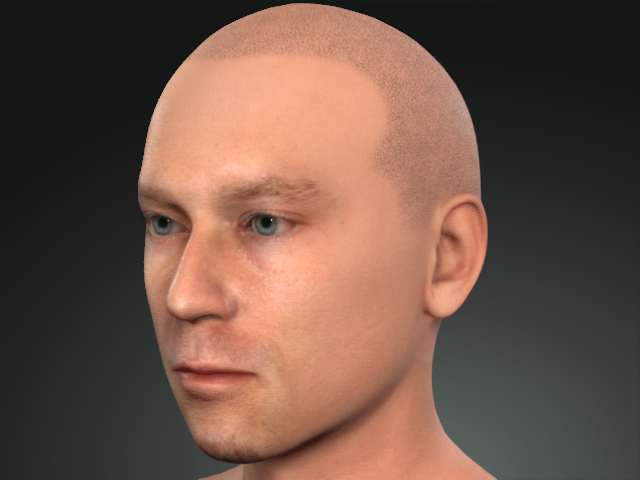
No Mask
Scalp
- Beard and Scalp
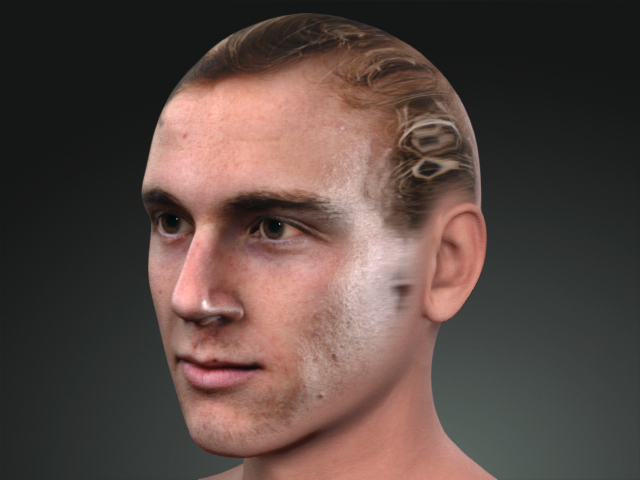
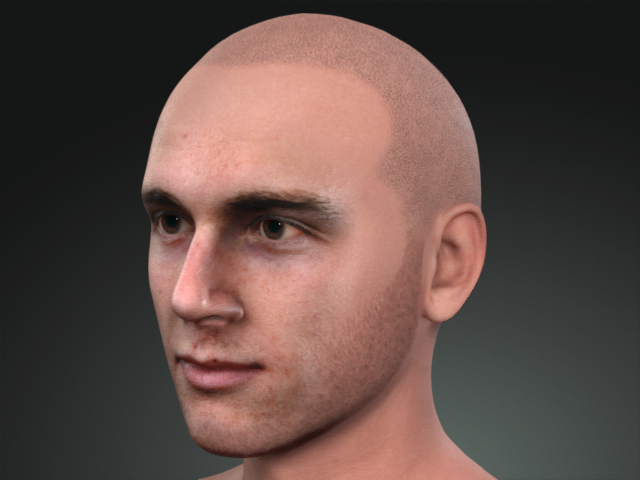
No Mask
Beard and Scalp
- Contour
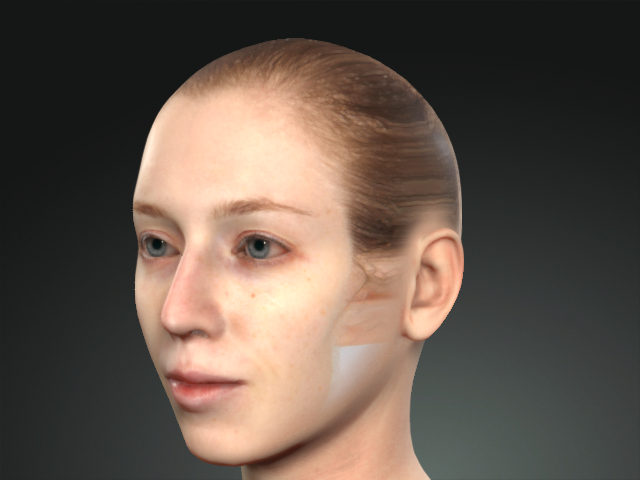
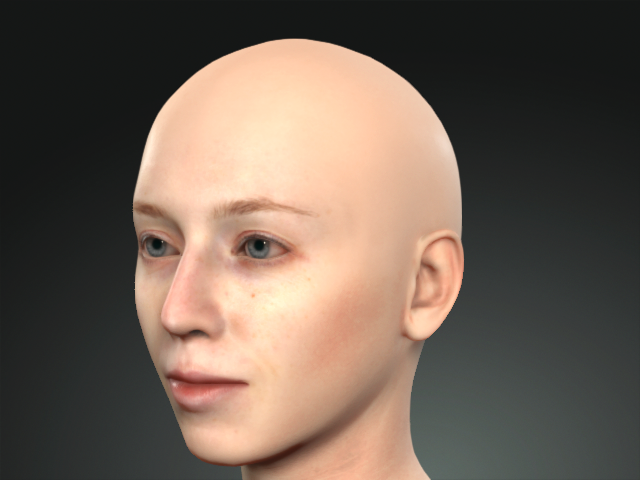
No Mask
Contour
- Sensitive
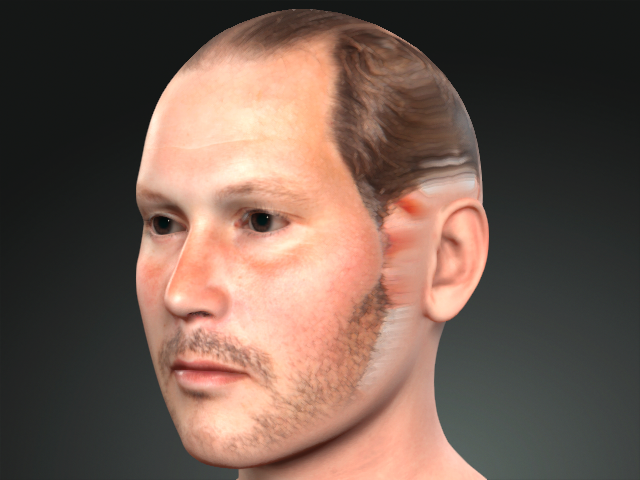
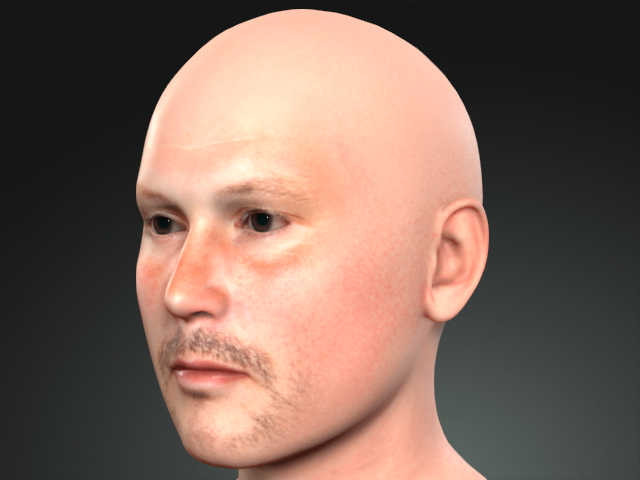
No Mask
Sensitive
- Old Female
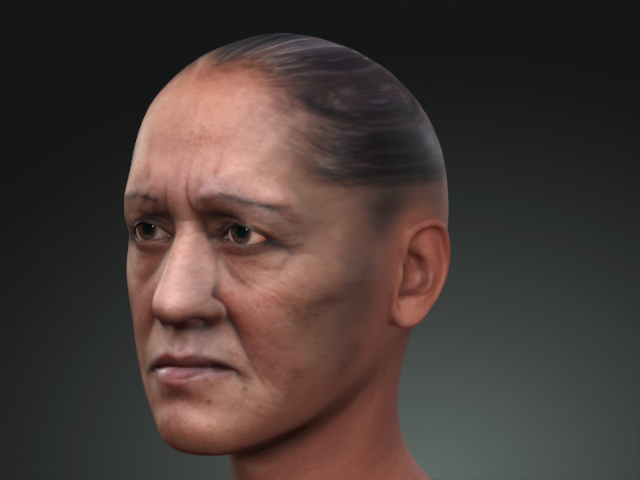
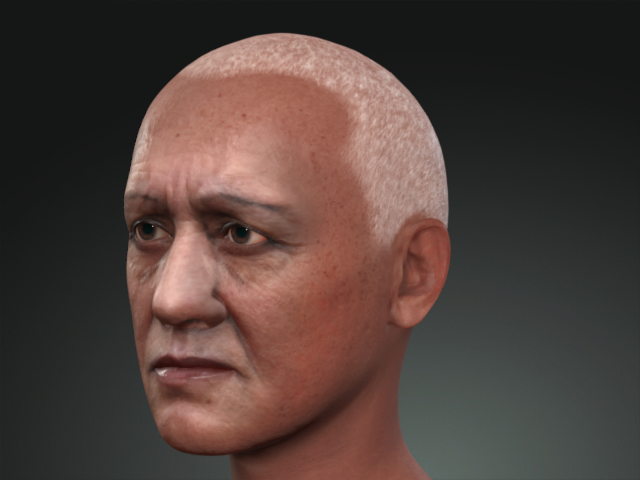
No Mask
Old Female
- Old Male
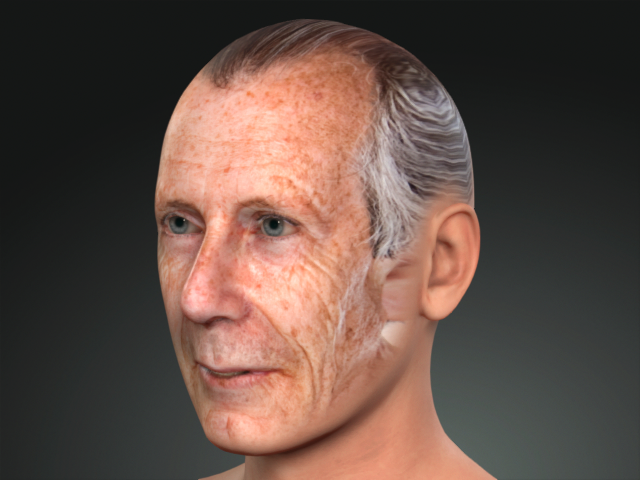
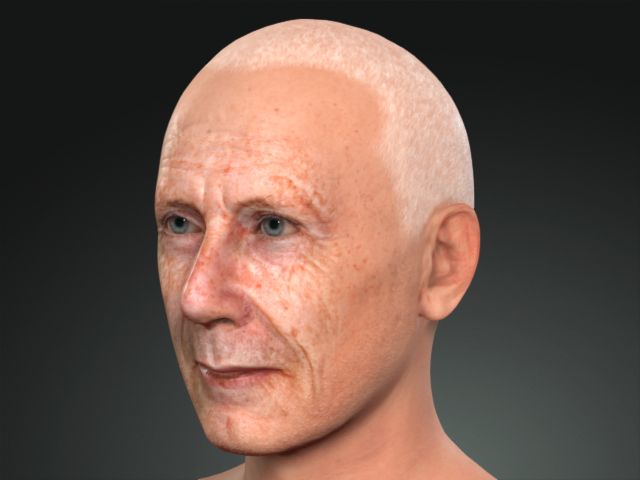
No Mask
Old Male
- Very Old
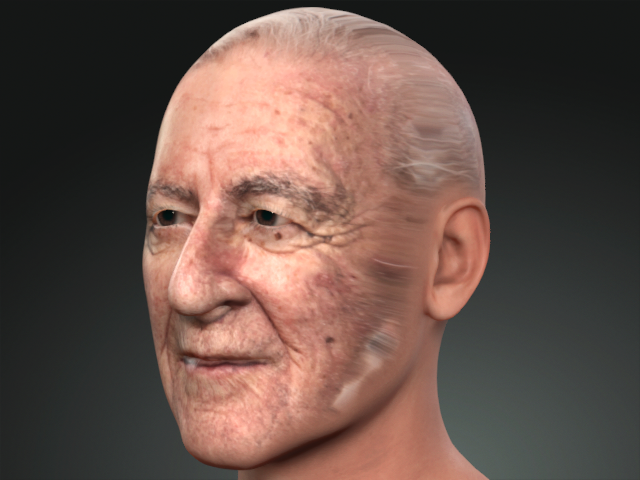
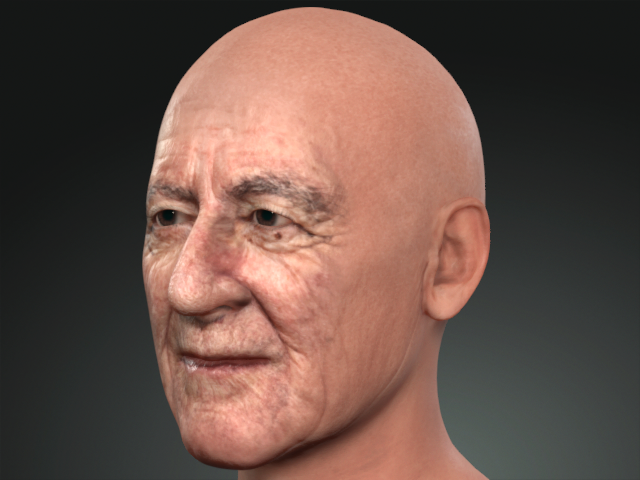
No Mask
Very Old
The dropdown list below can make area specific customization based on your preference.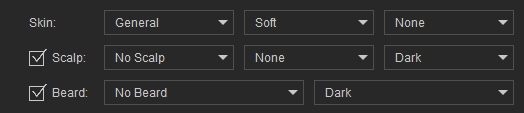
To see the examples each list, please refer to the corresponding Page:
