Manually Editing Source Image in External Software
For texture defects that are easy to fix, you can send the source image to external software for custom adjustments, then reproject it onto the generated character. Follow the steps below to ensure the correct outcome:
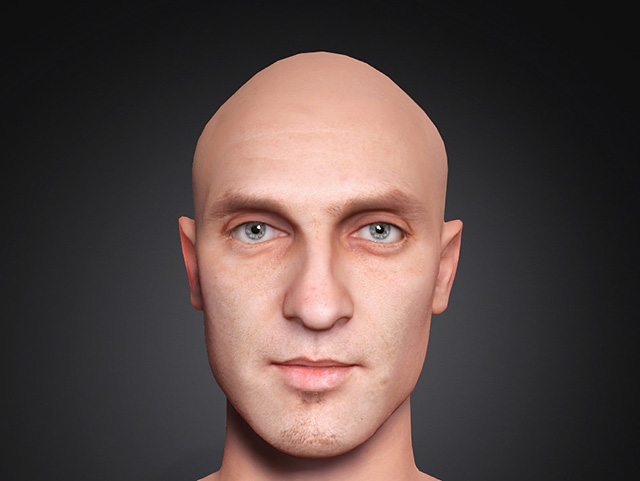
- Prepare your character.
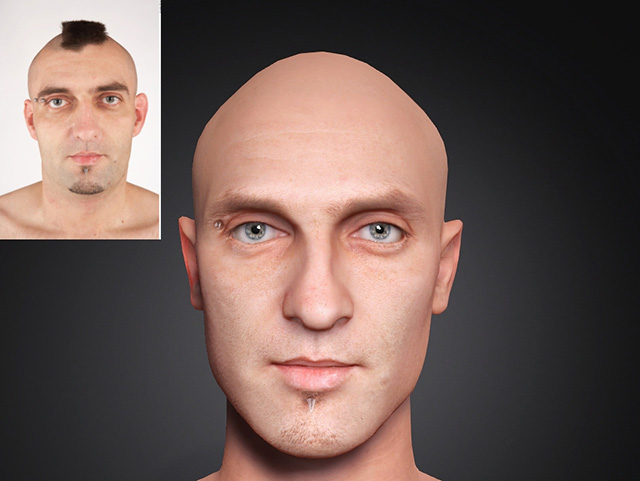
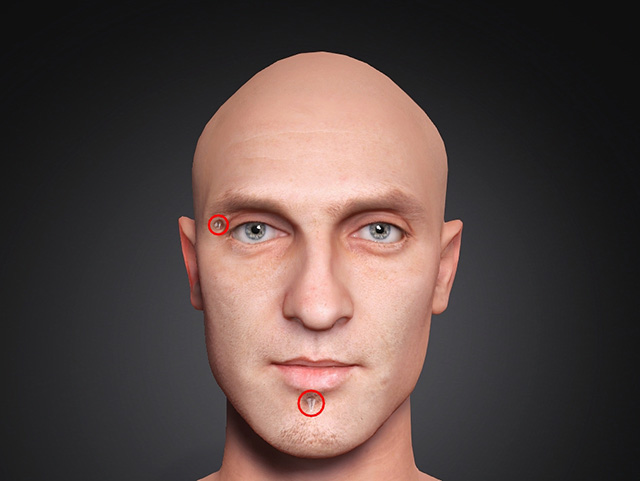
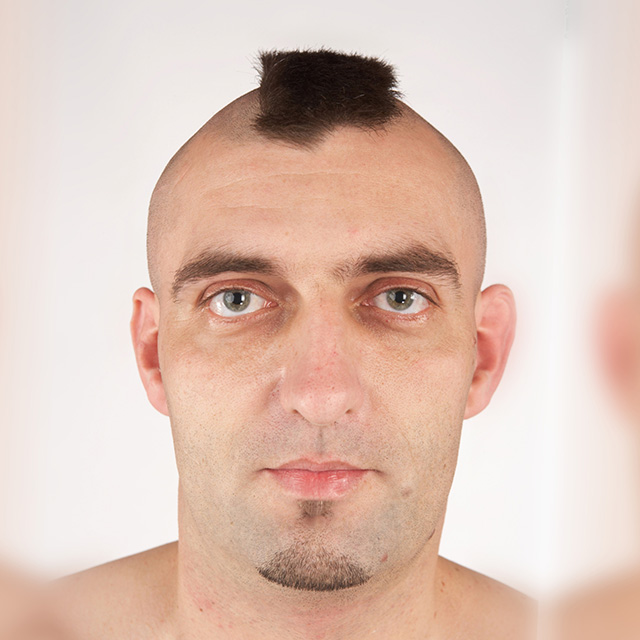
- Since there is no option to remove piercings in the AI Image Generator Modify section, a manual approach is required.
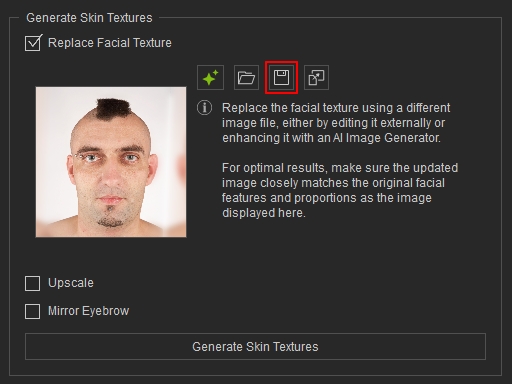
- Click Save Image to export the cropped image.
 Note:
Note:Always use the source image saved from this panel, as it is pre-cropped for accurate alignment. For best results, the updated image must maintain the same facial feature placement and image proportions.
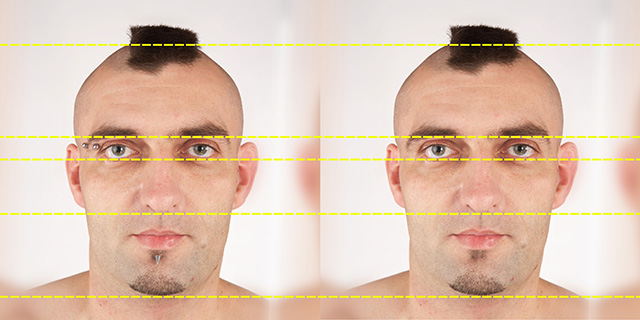
- Edit the image in external software (e.g., Photoshop)
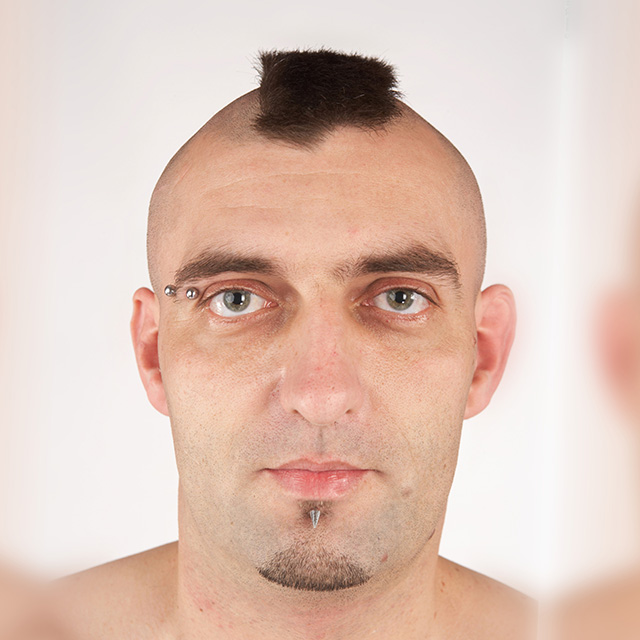
Before Editing
After Editing
- Save the edited result and reload it using Load Image or by drag-and-droping onto the source image slot.
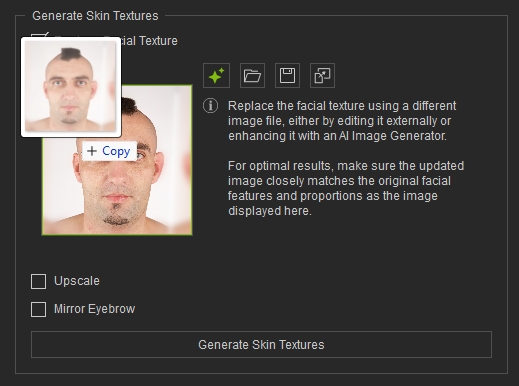
- Press Generate Skin Texture
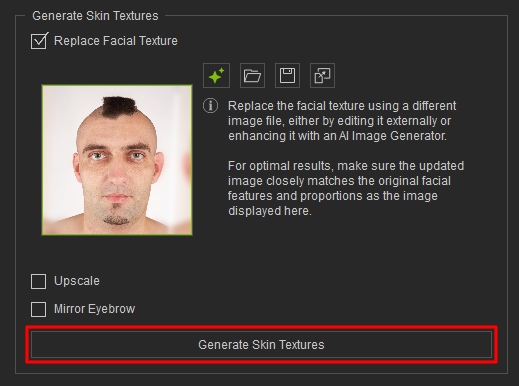
- The Texture image has been successfully reprojected using the new source image.