Target Channels
Target Channels determine which texture maps are affected by brush strokes. In Mask Mode, channels control where subsequent texture projection and generation operations can be applied. Painting on different channels allows you to isolate edits and preserve specific surface details.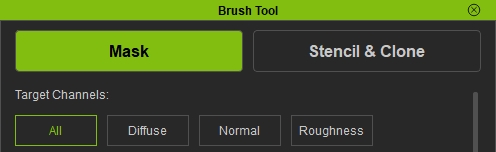
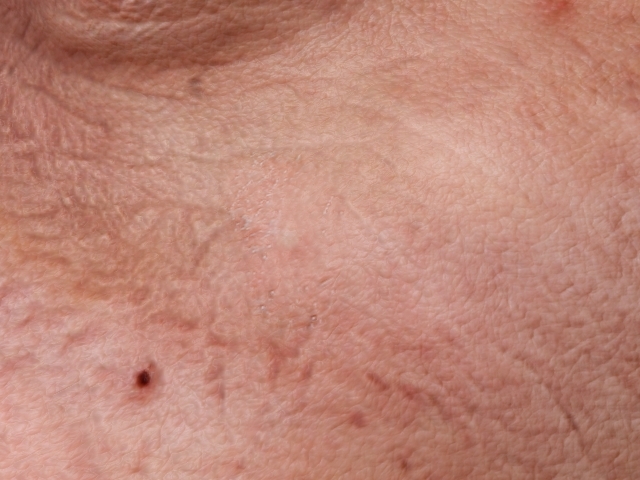
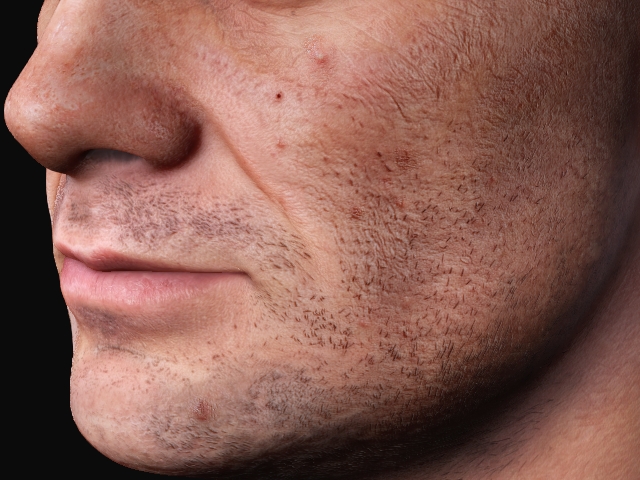
- All - Paints on all available mask channels simultaneously. It is useful in covering scars and Acnes.
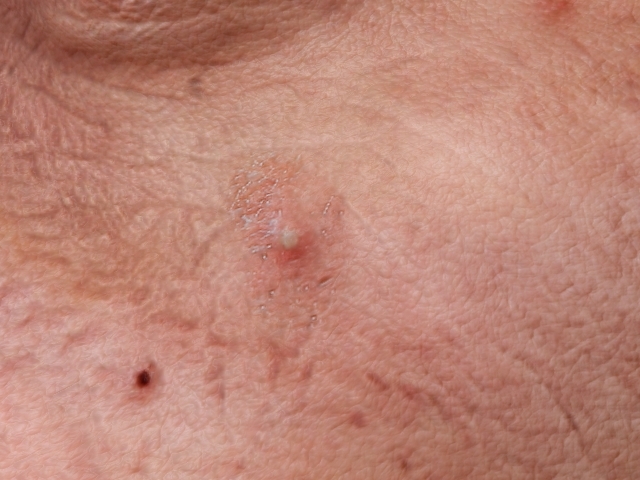
Before
After
- Diffuse - Paints only on the Diffuse mask channel, which controls the visibility of color information on the skin texture without affecting the normal and roughness texture. It is useful for covering tattoos.
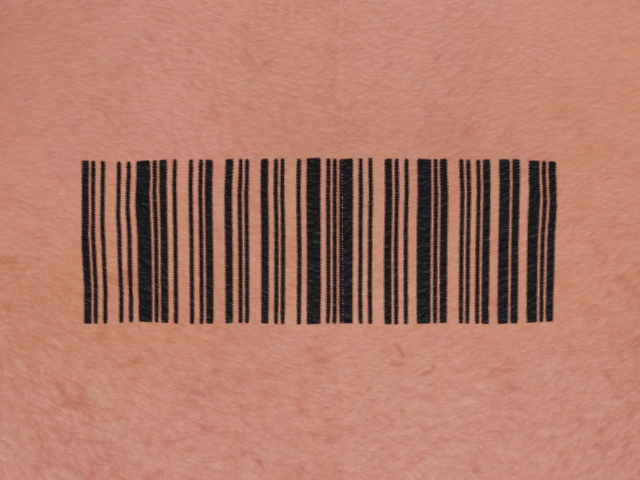
Before
After
- Normal - Paints only on the Normal mask channel, which controls surface depth and fine skin details. It is primarily used to fix incorrect or noisy normal details and restore a cleaner skin surface.
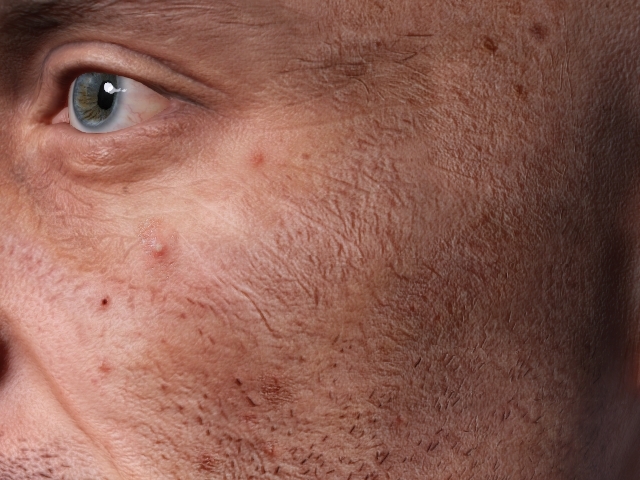
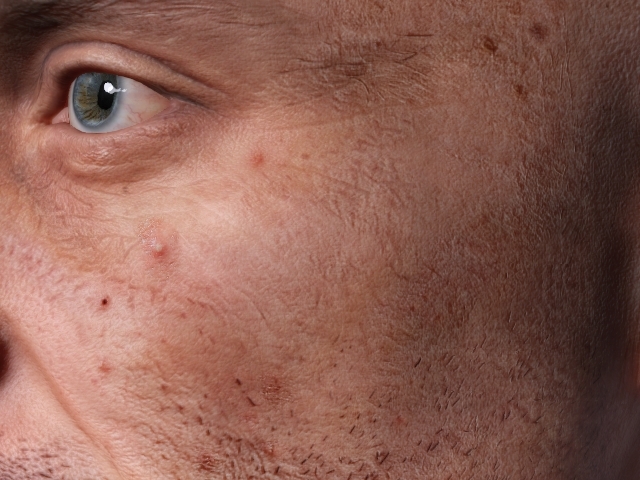
Before
After
- Roughness - Paints only on the Roughness mask channel, which controls how glossy or matte the skin surface appears.
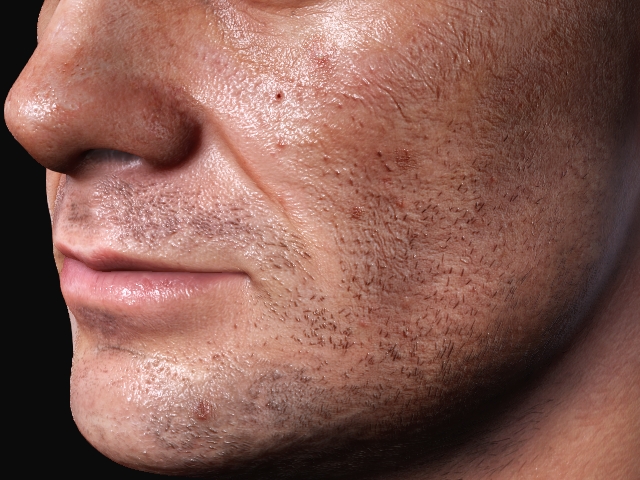
Before
After
