Normal Strength
The Normal Strength section provides separate controls for the Source Normal and Correction Normal. Three normal maps are displayed at the top of the section to preview the normal details at different stages: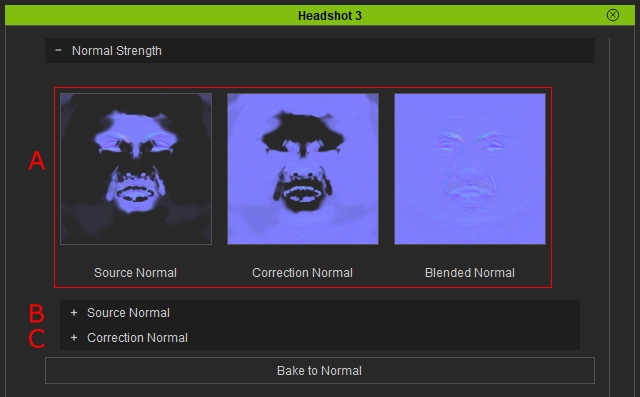
- Normal Maps
- Source Normal: Displays the original normal map generated for the character.
- Correction Normal: Displays the normal map generated from modifications made on the Brush Tool's Correction Layer.
- Blended Normal: Displays the combined result of the Source Normal and Correction Normal.
- Source Normal
- Correction Normal
Source Normal
The Source Normal section adjusts the strength of the generated Source Normal map to correct uneven normal details across different areas of the face.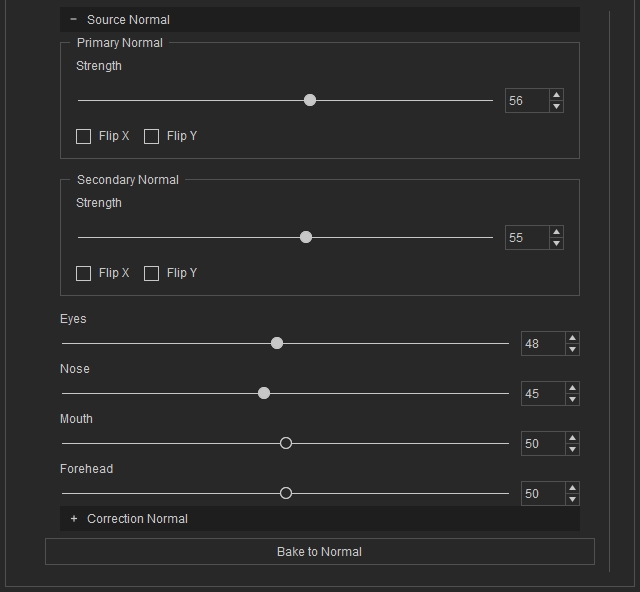
Primary Normal & Secondary Normal
Adjusts the strength and orientation of the overall normal details.
- Strength: Adjusts the strength of the primary and secondary normal details.
- Flip X: Flips the normal details horizontally.
- Flip Y: Flips the normal details vertically.
Regional Normal adjustment:
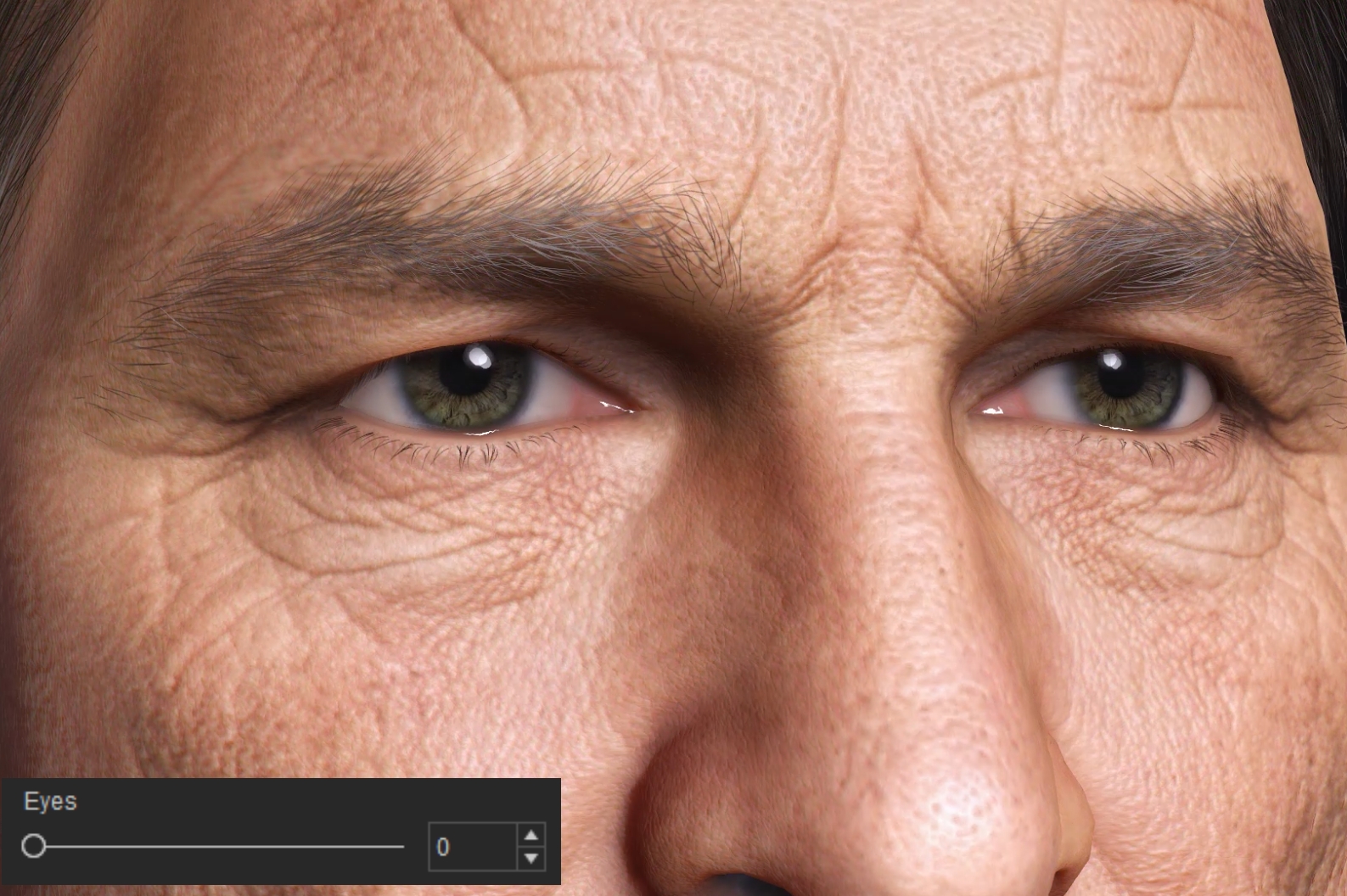
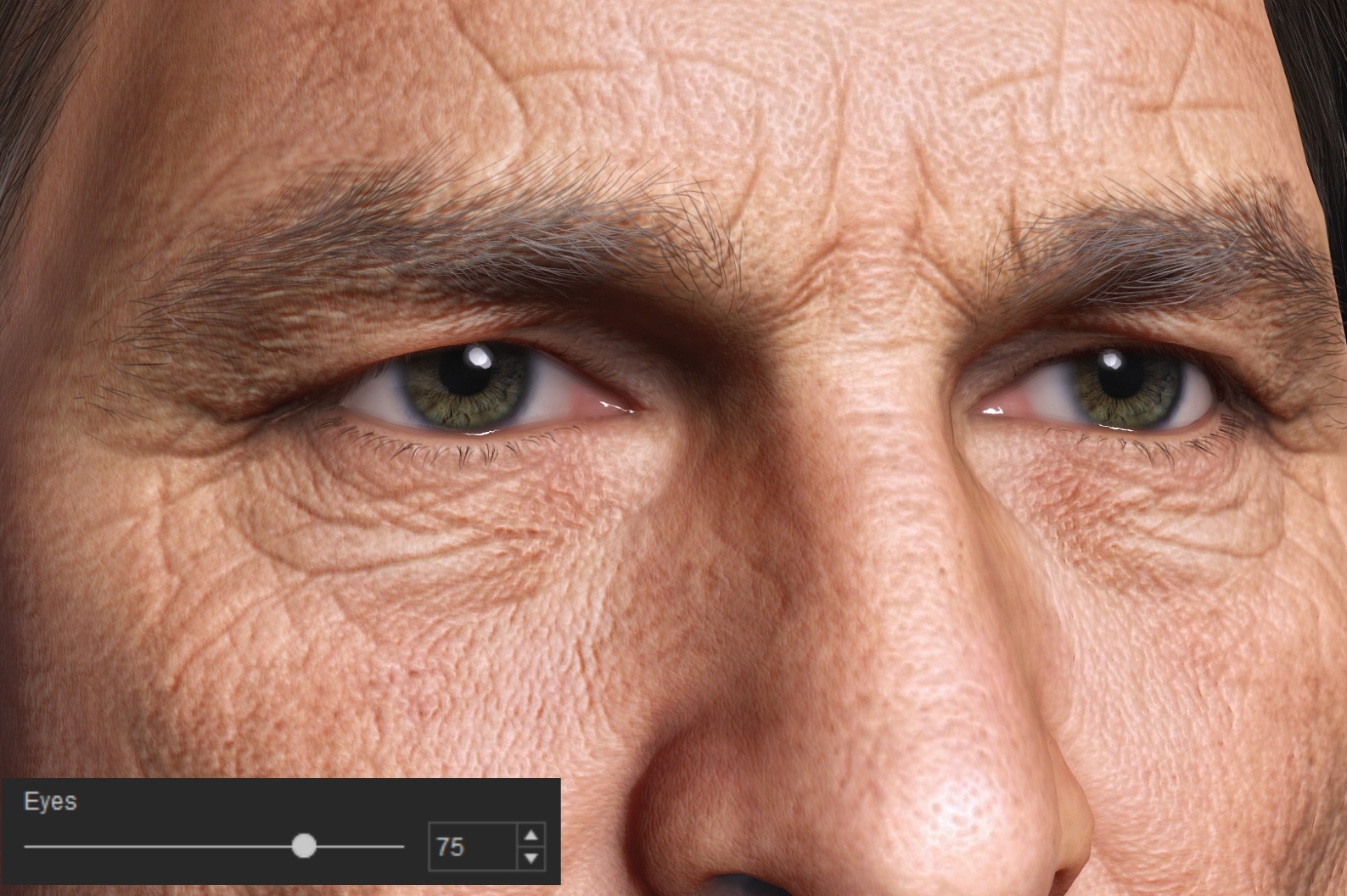
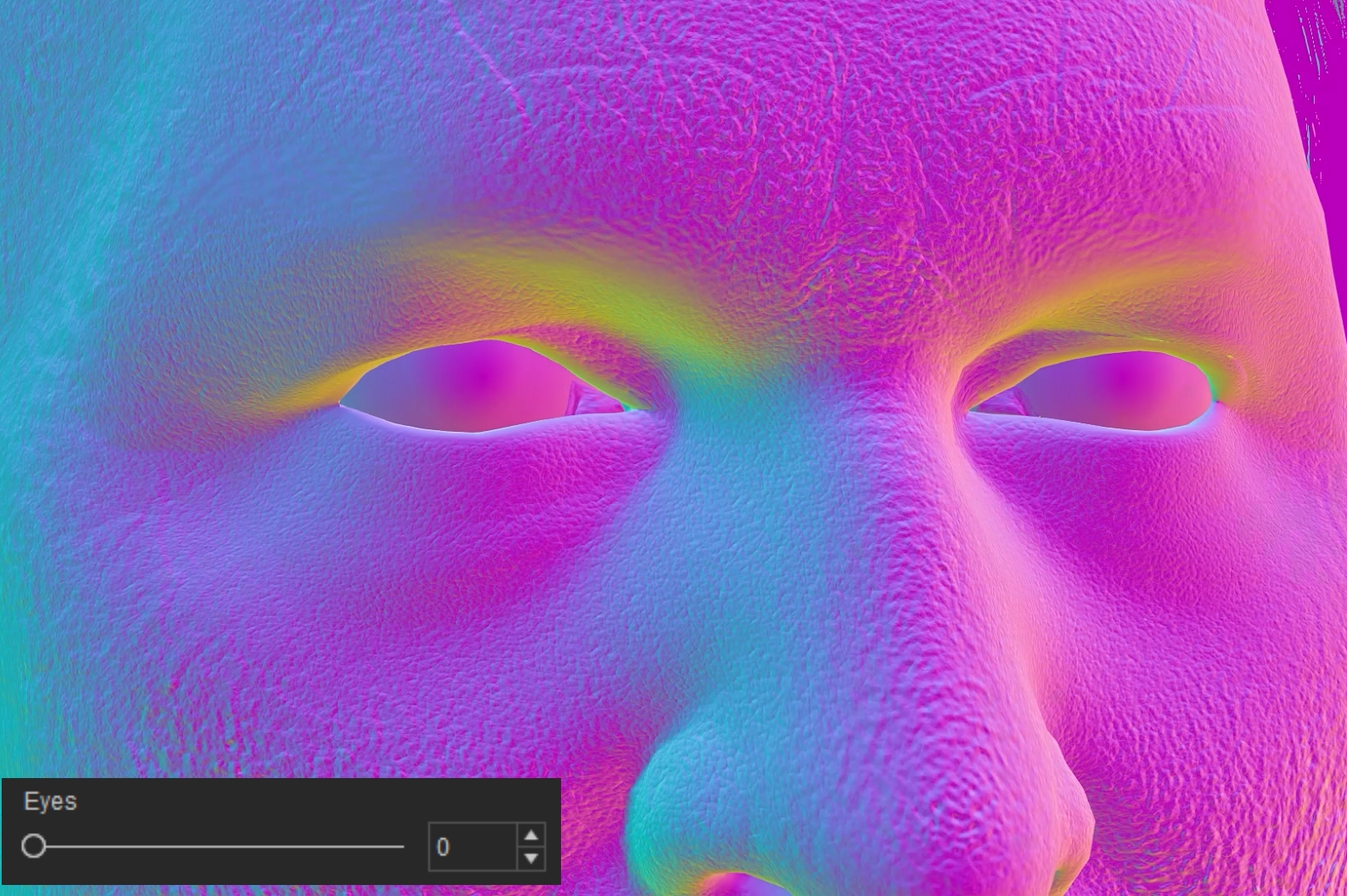
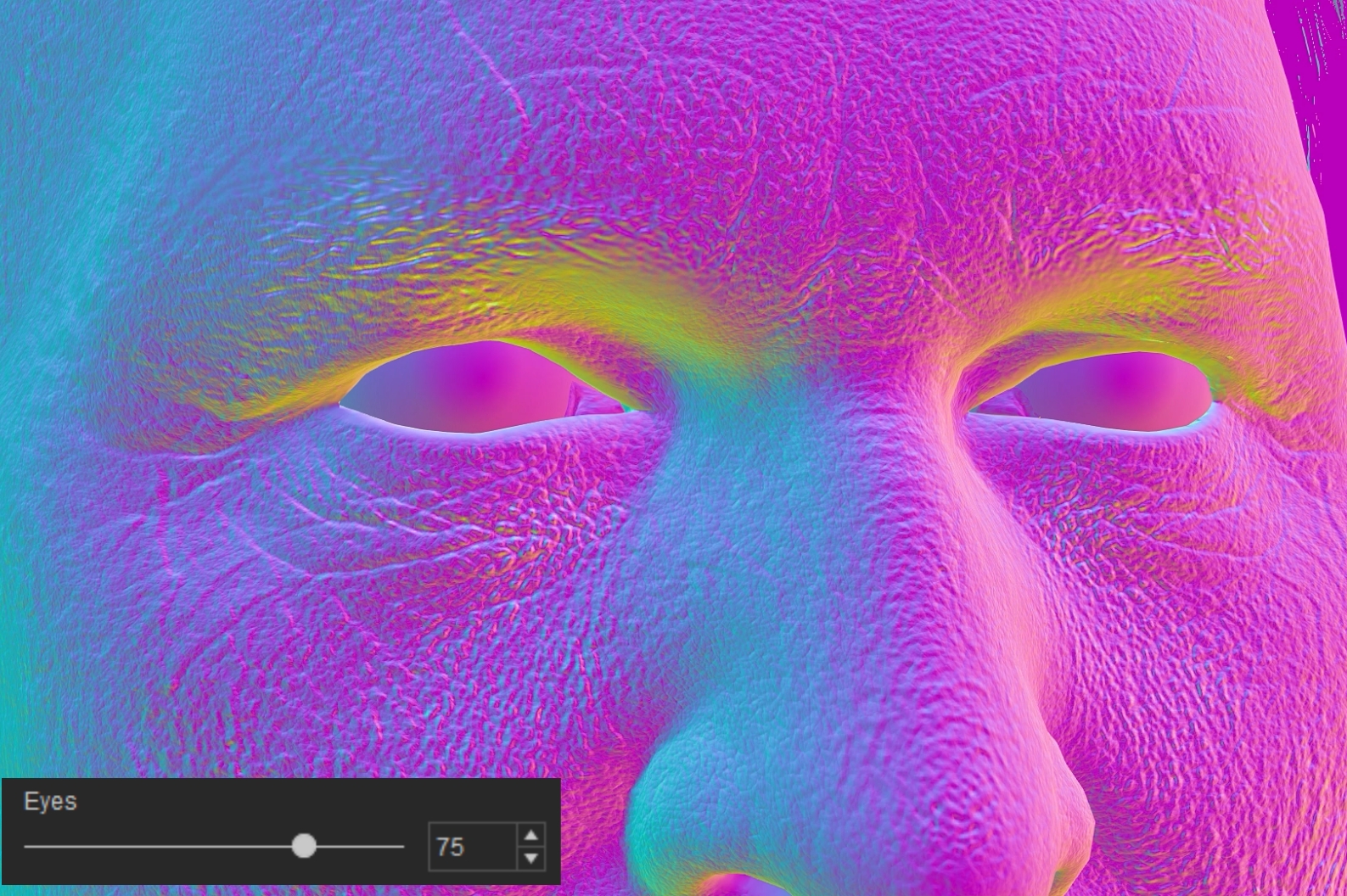
- Eye: Adjusts the normal strength within the eye region.
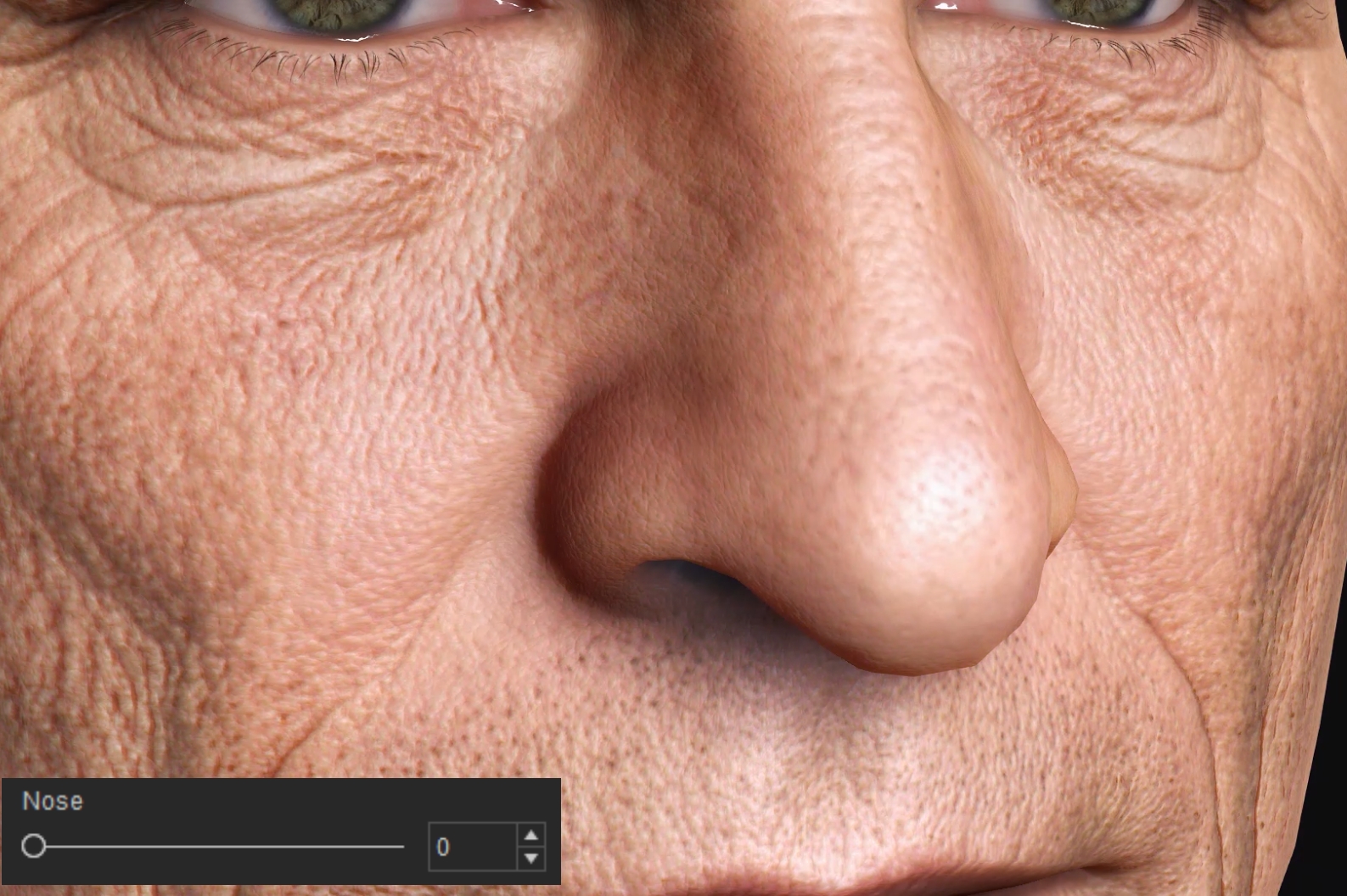
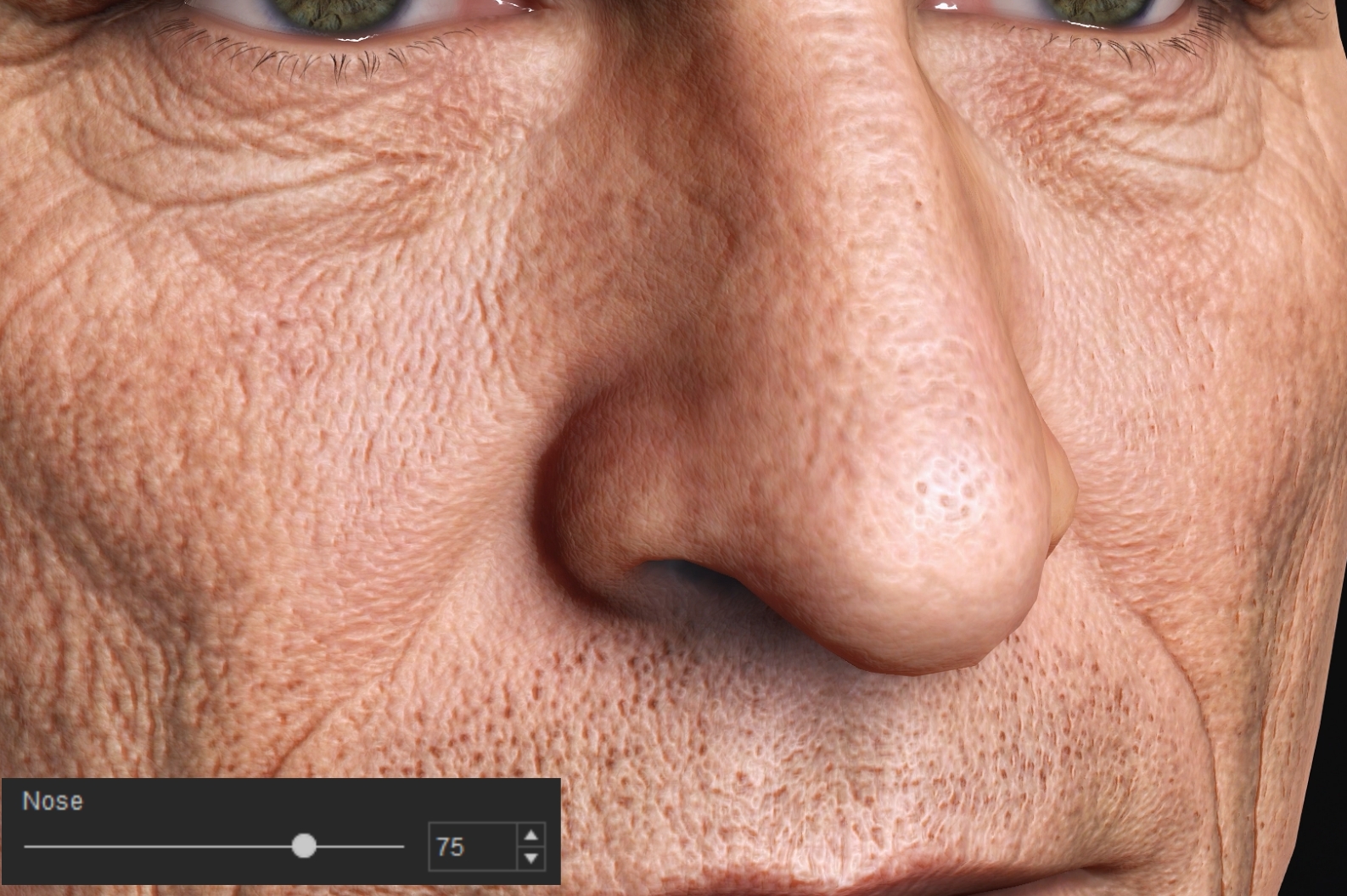
- Nose: Adjusts the normal strength within the nose region.
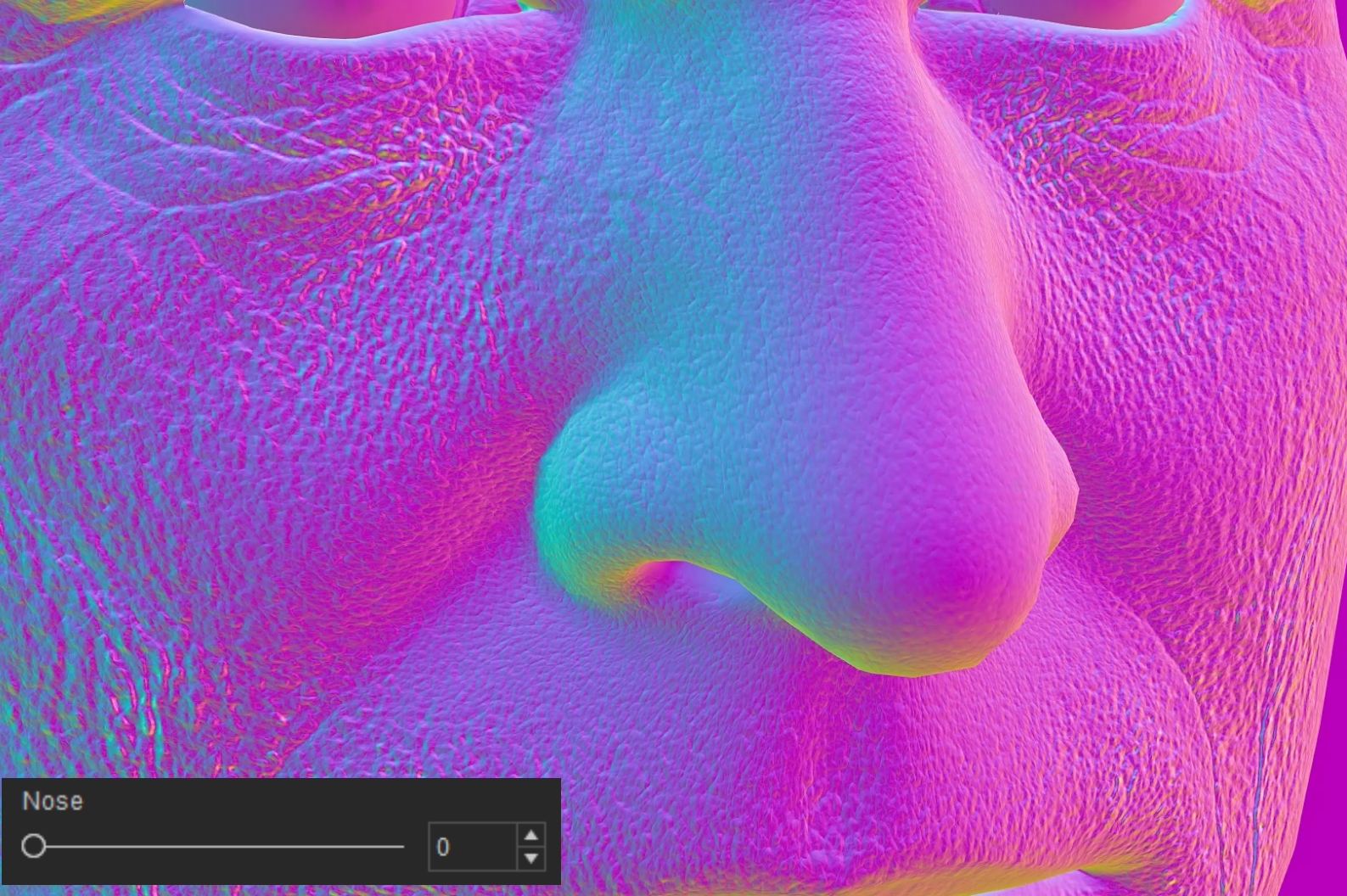
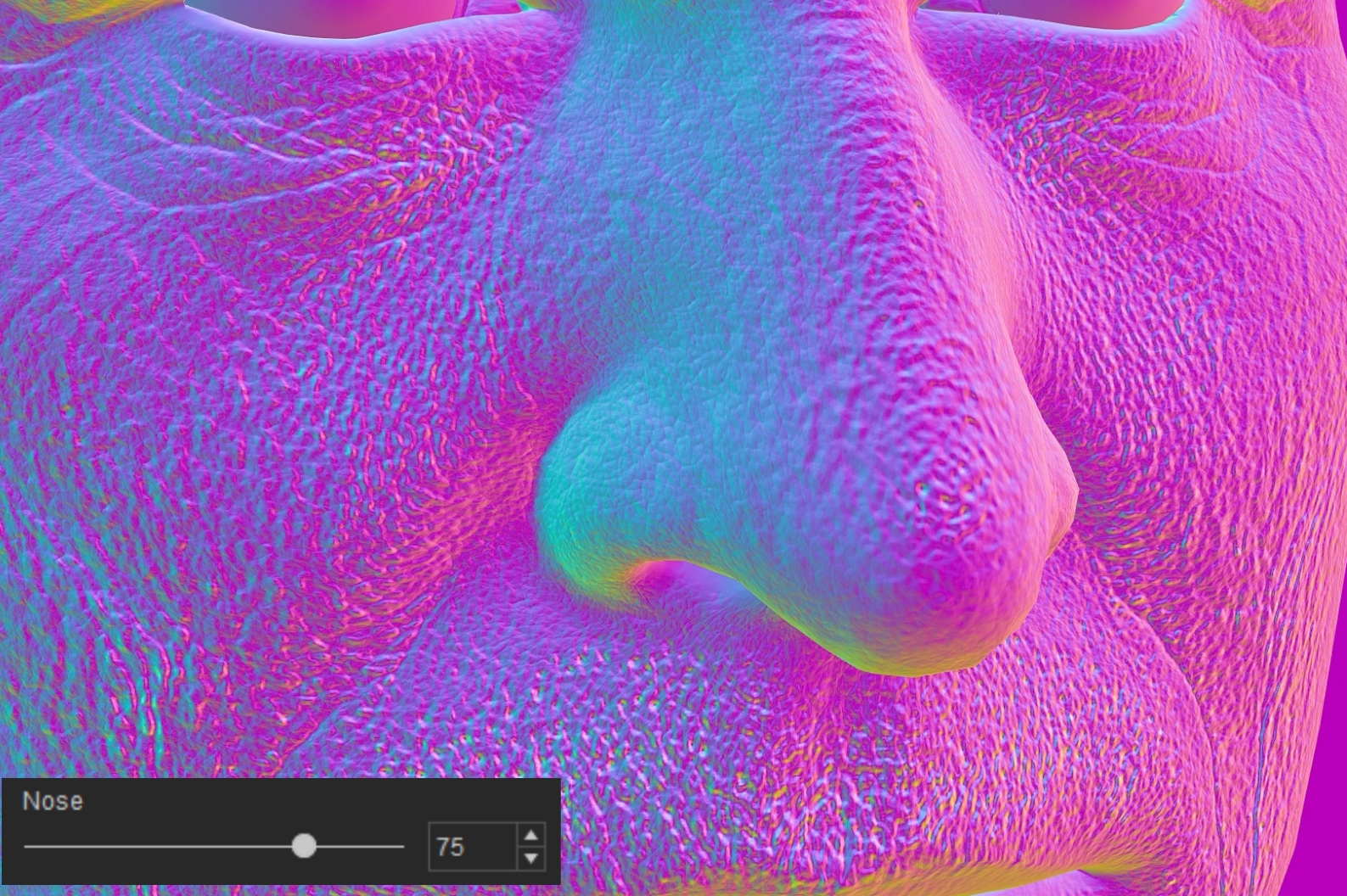
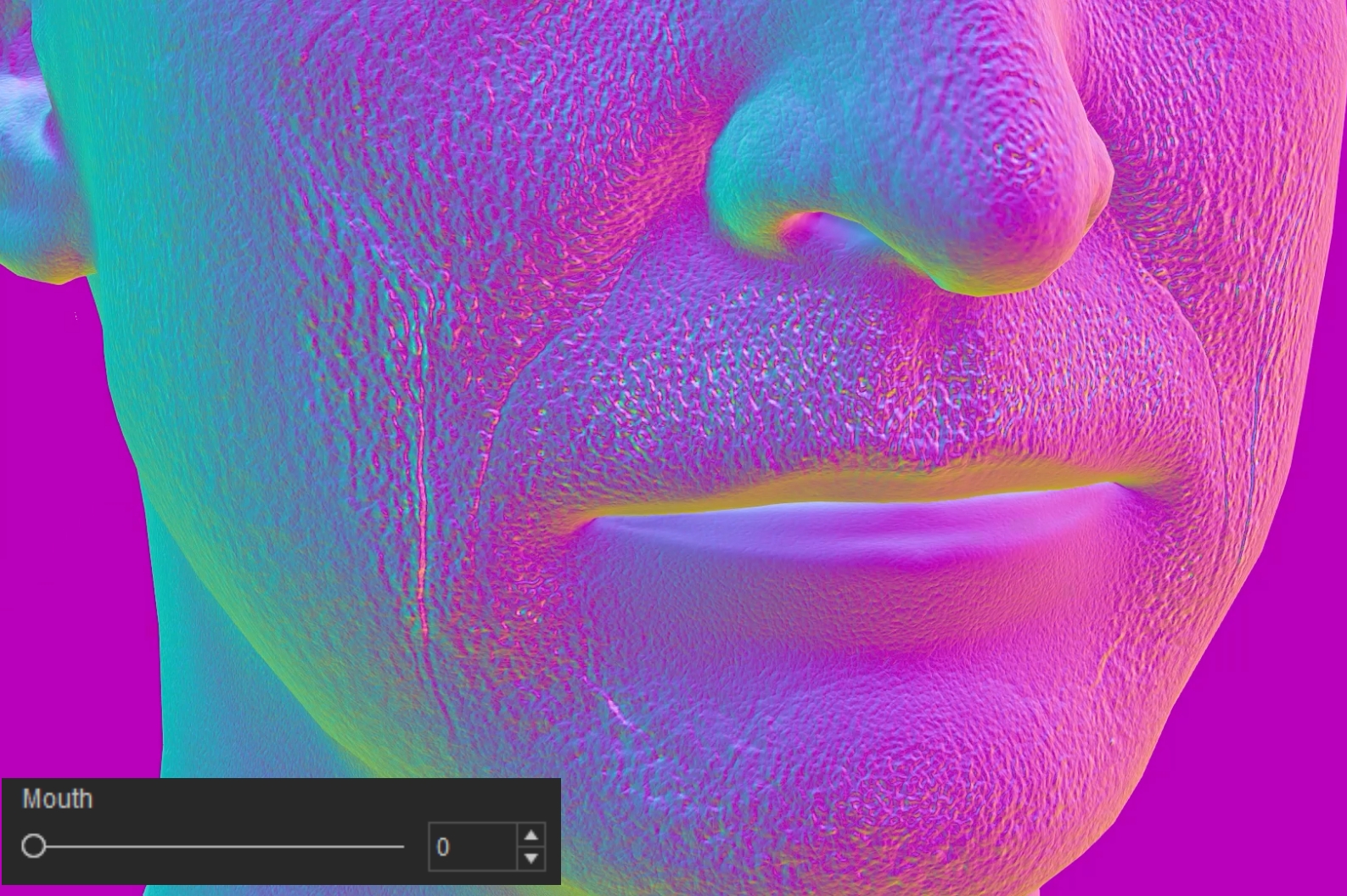
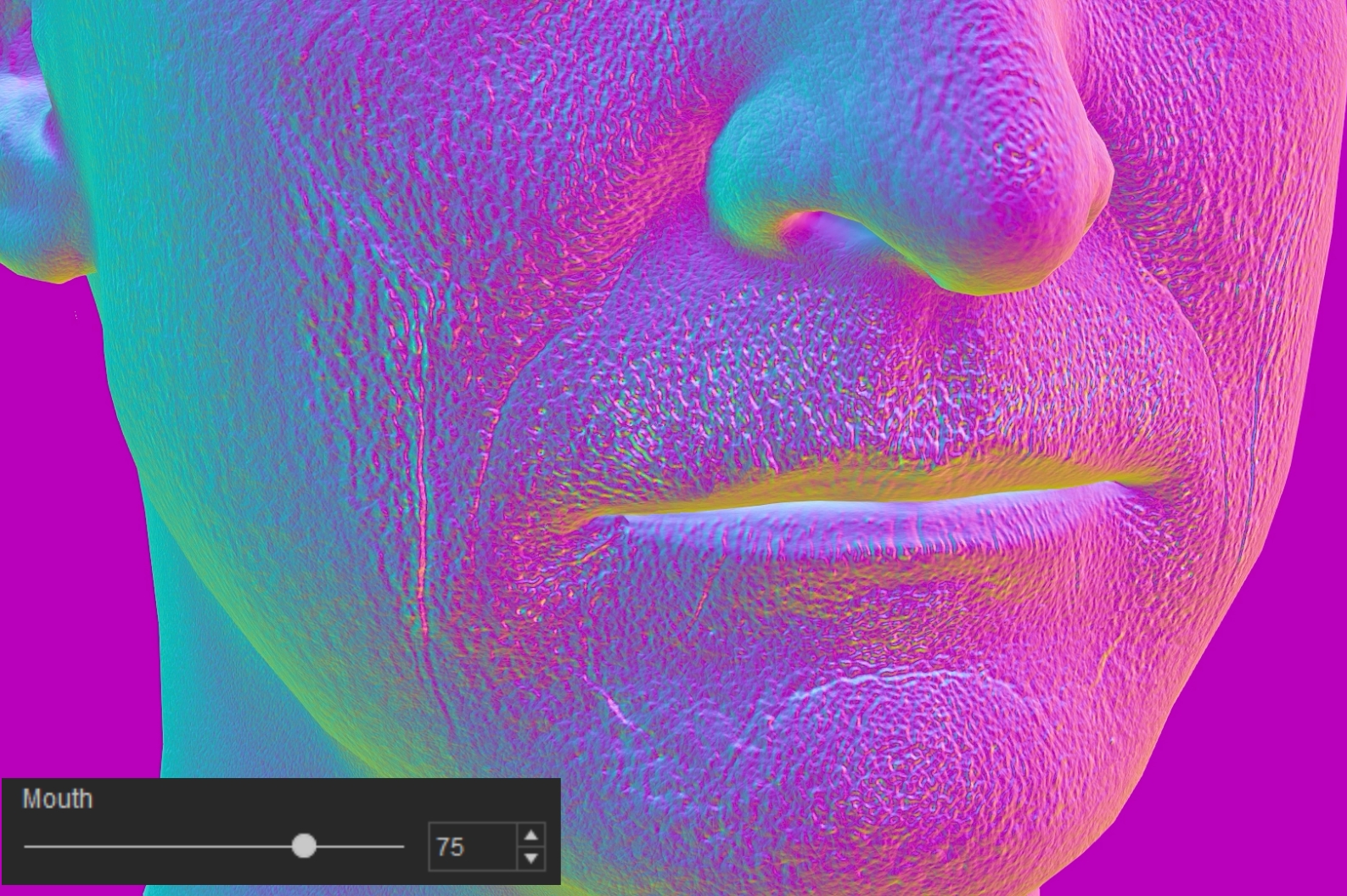
- Mouth: Adjusts the normal strength within the mouth region.
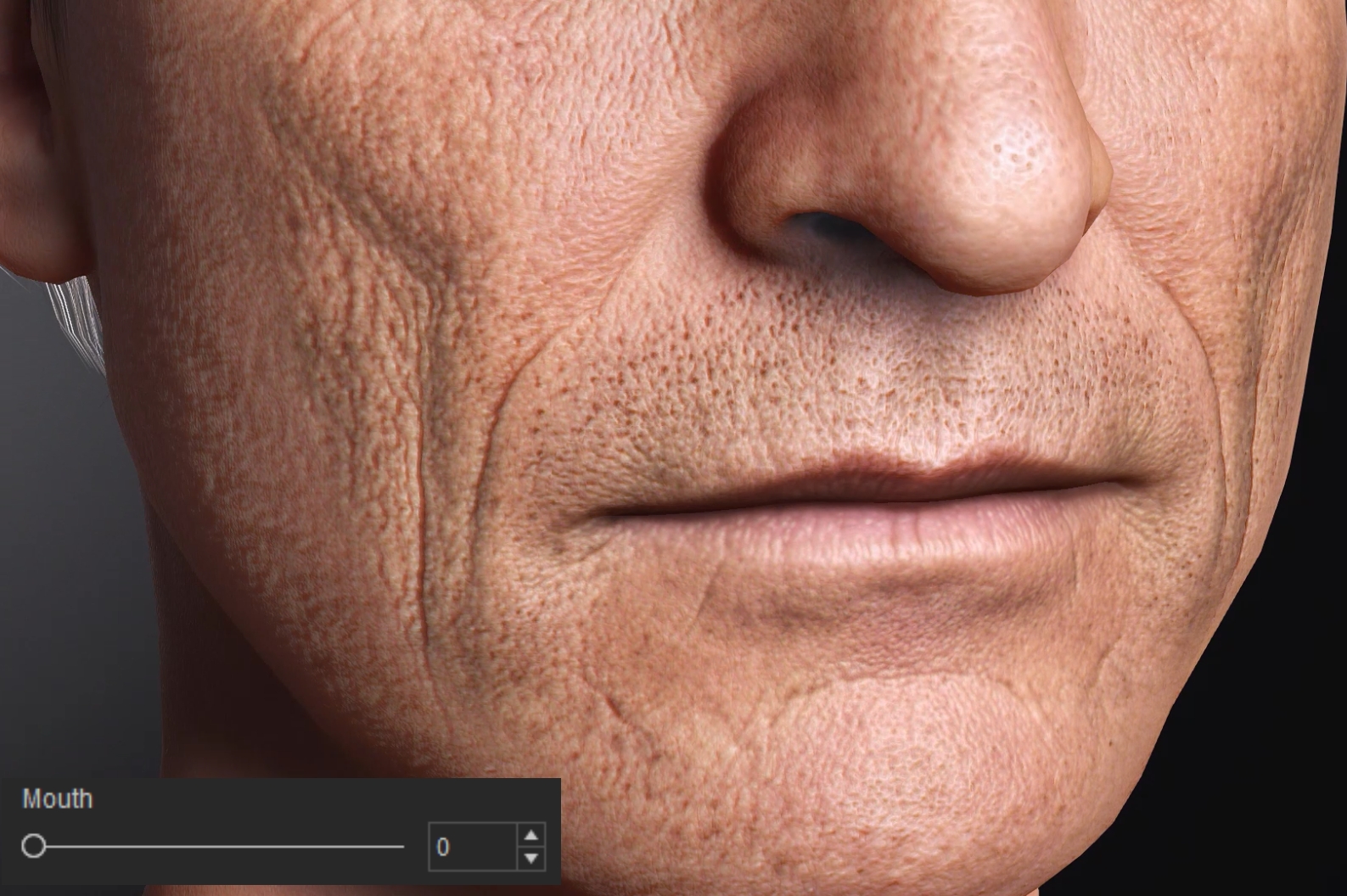
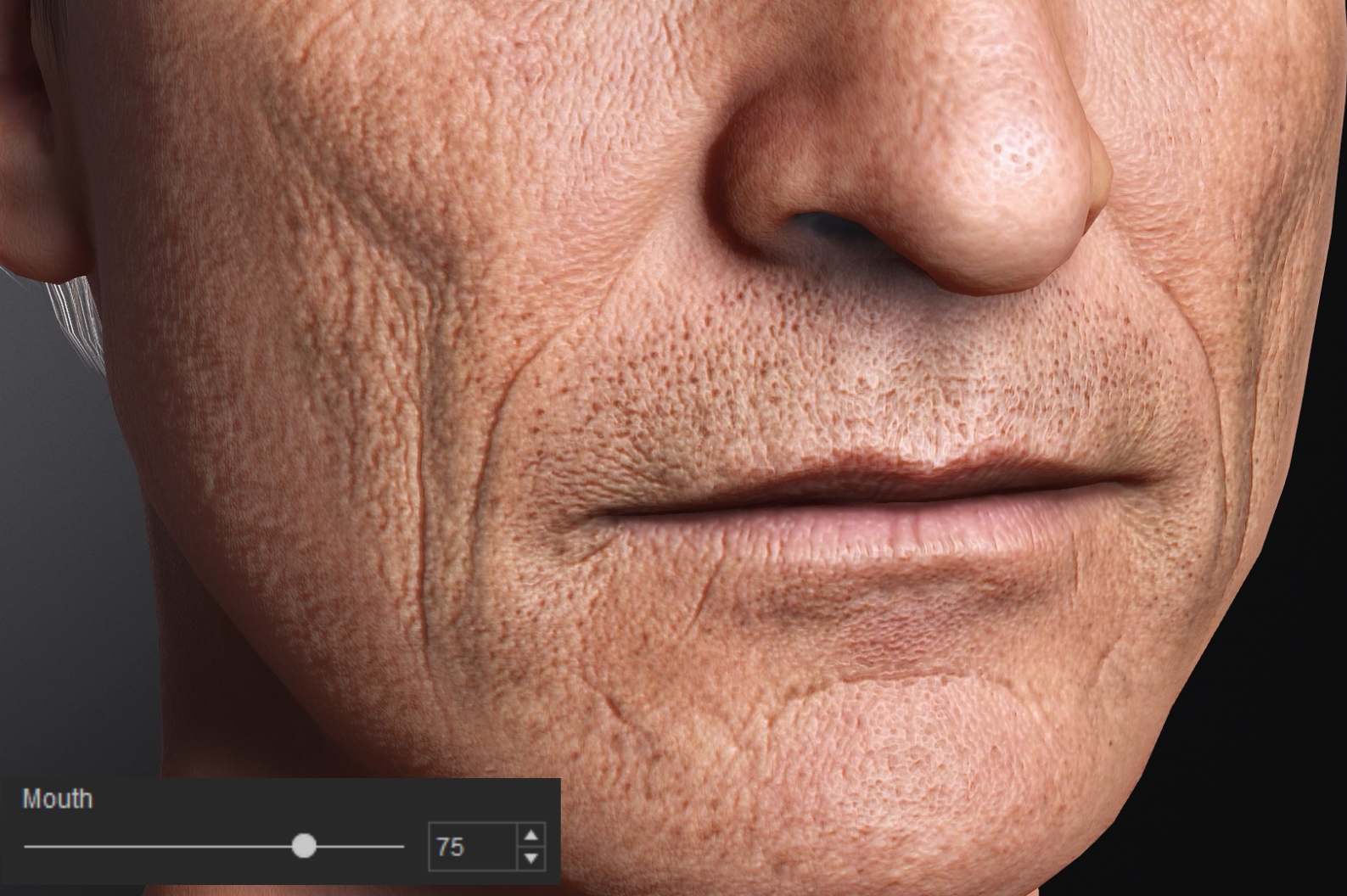
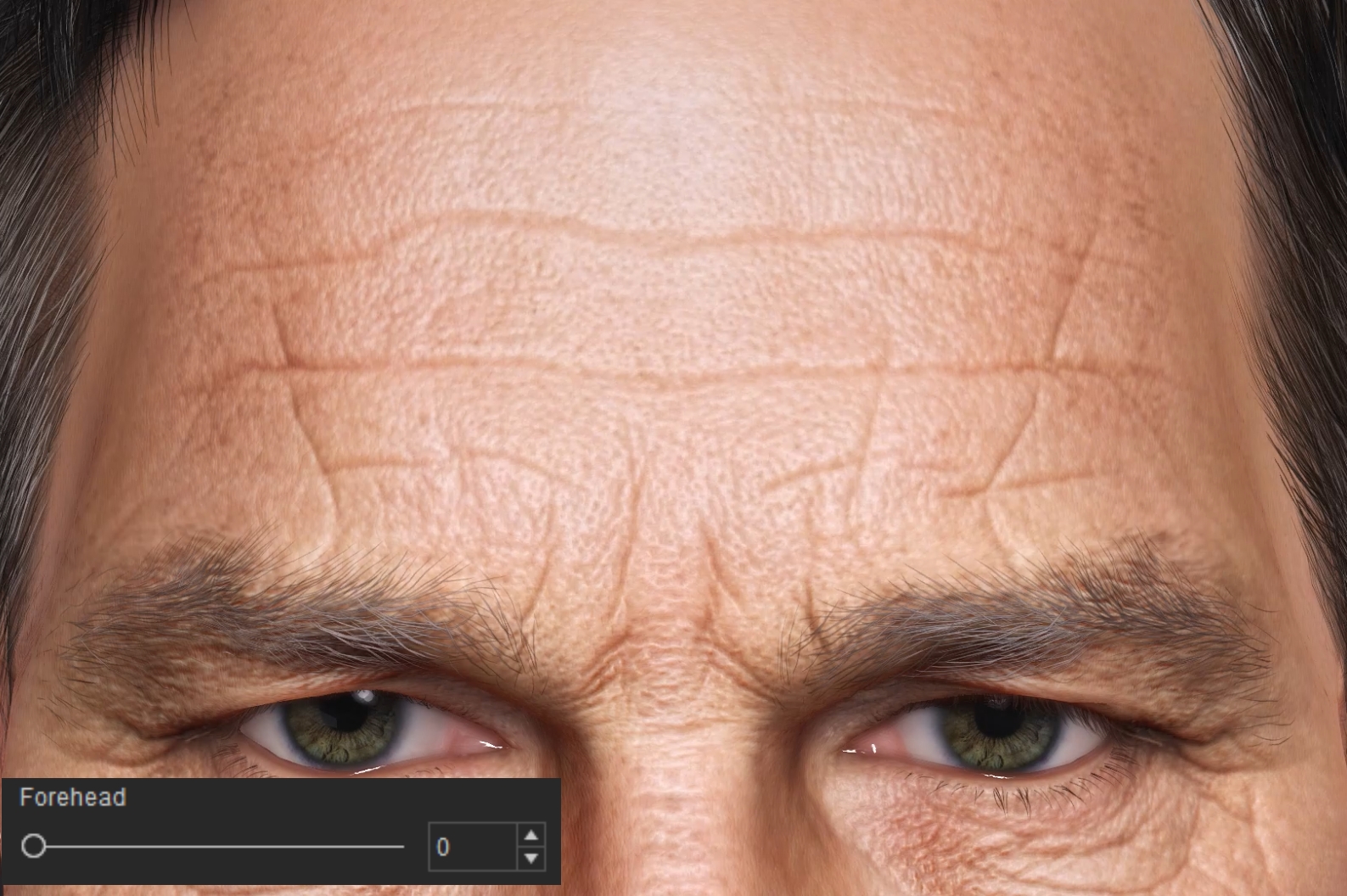
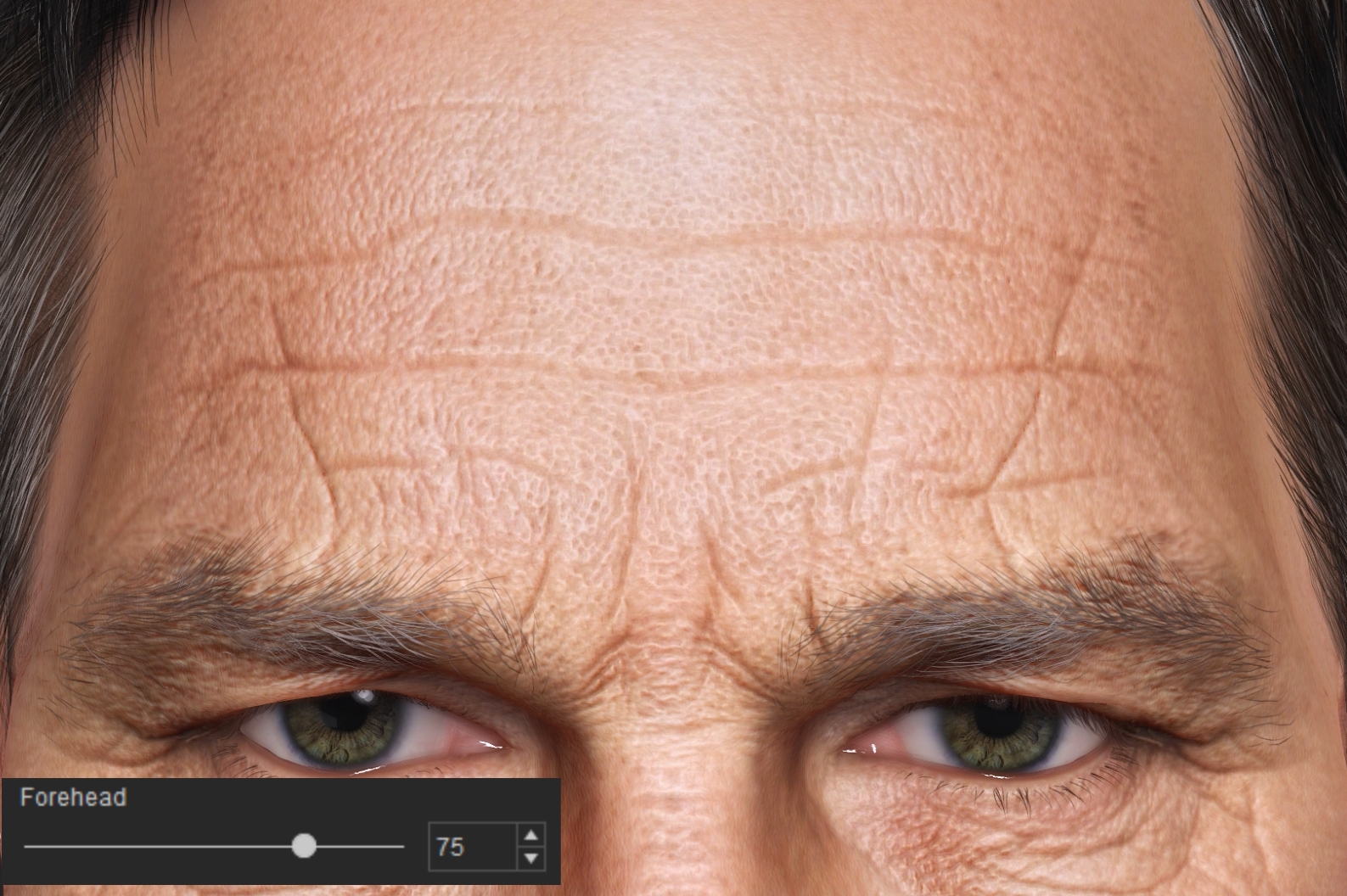
- Forehead: Adjusts the normal strength within the forehead region.
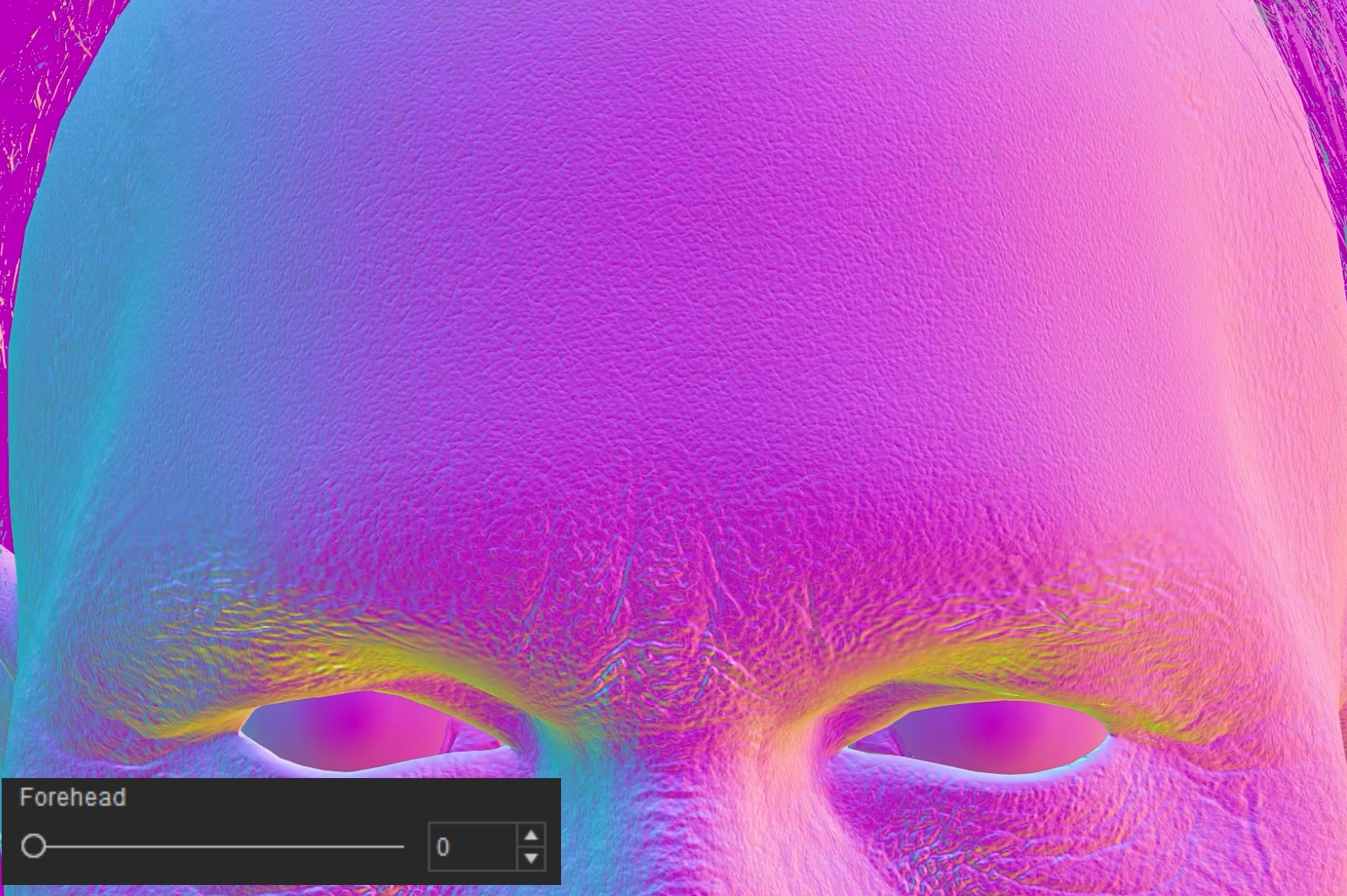
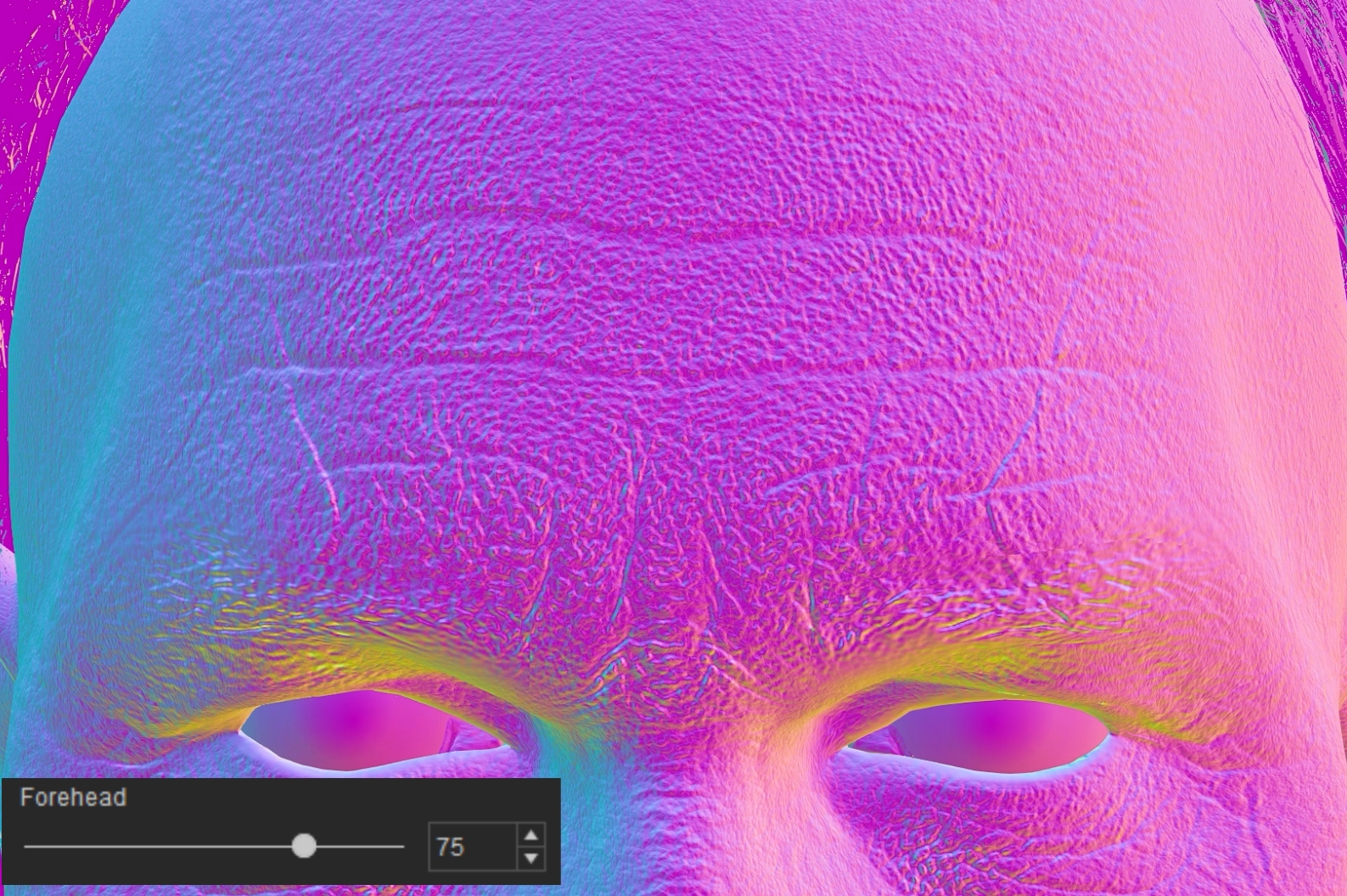
Correction Normal
The Correction Normal section provides controls for adjusting the normal details generated from modifications made on the Brush Tool's Correction Layer using Stencil & Clone mode.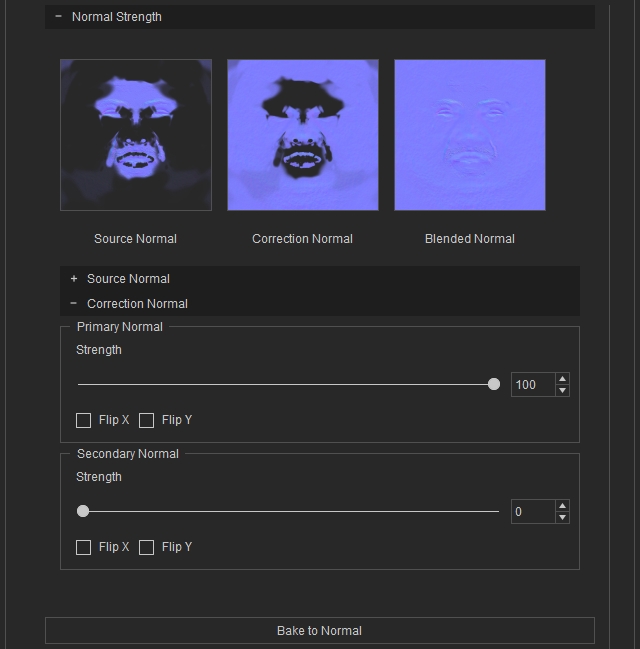
Primary Normal
Adjusts the strength and orientation of the primary normal details generated on the Correction Layer.
- Strength: Adjusts the strength of the primary correction normal details.
- Flip X: Flips the primary correction normal details horizontally.
- Flip Y: Flips the primary correction normal details vertically.
Secondary Normal
Adjusts the strength and orientation of the secondary normal details generated on the Correction Layer.
- Strength: Adjusts the strength of the secondary correction normal details.
- Flip X: Flips the secondary correction normal details horizontally.
- Flip Y: Flips the secondary correction normal details vertically.
