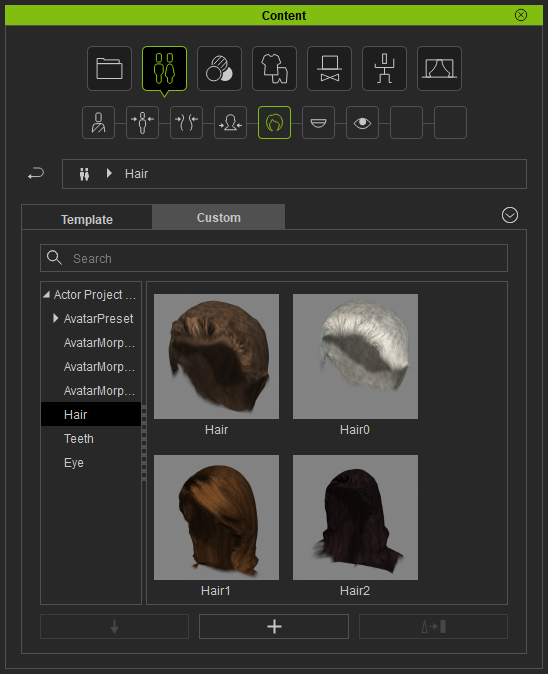
Saving Hair in Auto Mode
Auto Mode generates a hair mesh based on the person's hairstyle in the photo. It is created as a separate hair mesh in Character Creator so that you are allowed to save it as a custom ccHair asset in the Content Manager. It's easy to build up your own custom hair library through this method. The generated hair mesh is good for mid-range and crowd characters in your work. You can also use it as a base for creating high-res hair meshes.
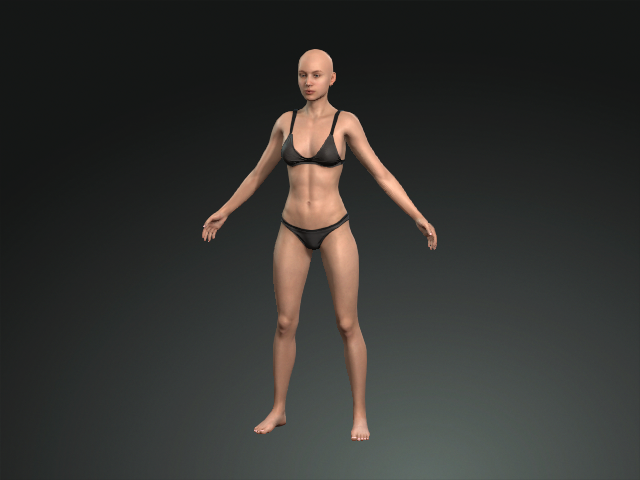
- Create a new project.
- Open the Headshot plugin and switch to the Auto mode.
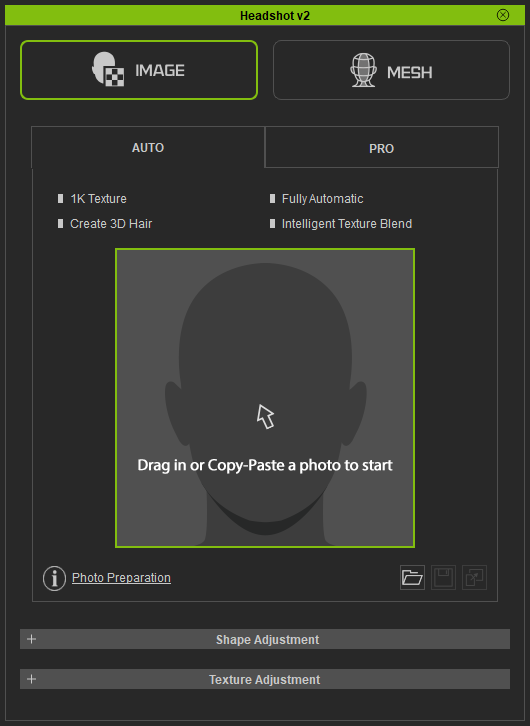
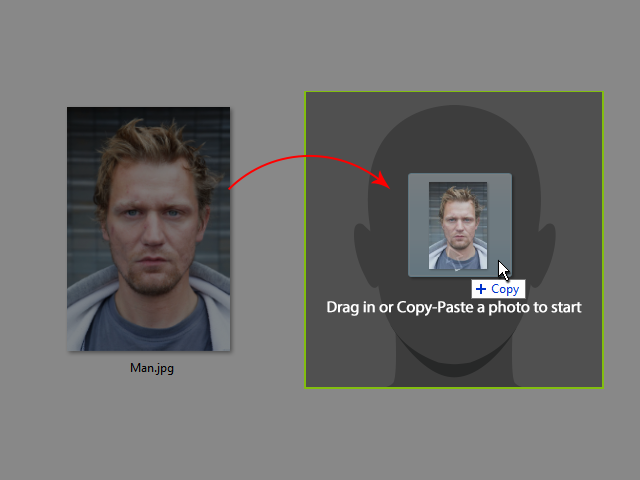
- Drag and drop a face photo in which the person has hair into the plugin photo slot.
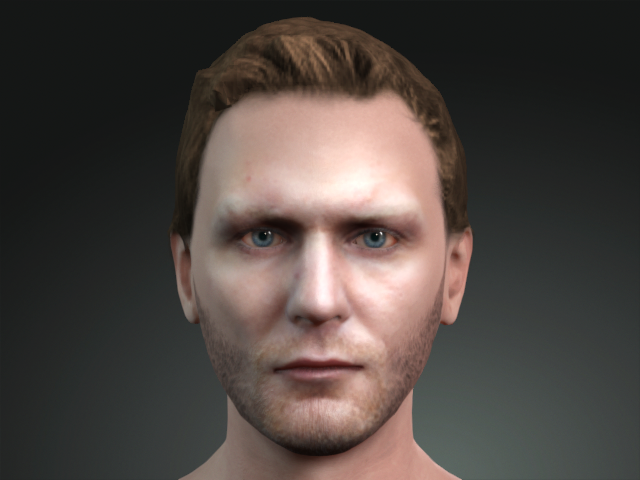
- Follow the standard steps to create a new head of the photo. As you can see the hair is also created as an isolated mesh model.
- Switch the Content Manager to Hair library.
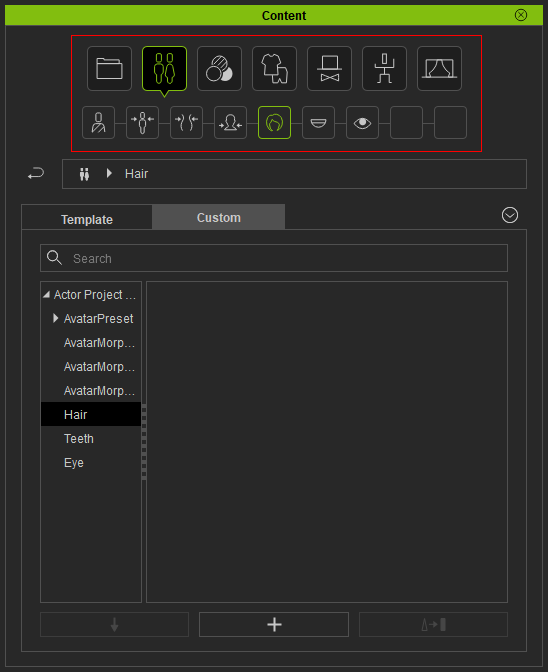
- Click the Add button at the bottom of the panel to add the hair into the library.
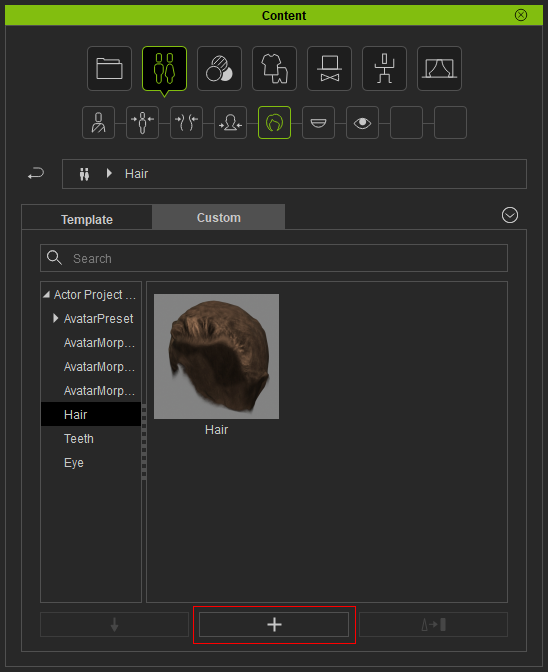
- You can then build a collection of hair meshes with Auto Mode of the Headshot plugin.