Installing "Unreal Live Link Plug-in" into iClone
There are two methods to Install Unreal Live Link Plug-in for iClone: Reallusion Hub or Download Site ( Watch Video ).
Installing via Reallusion Hub
- Make sure your iClone is updated to version 8.6 or above and you have purchased Unreal Live Link plugin.
- Open the Reallusion HUB, find the Unreal Live Link Plug-in for iClone item and click the Install button.
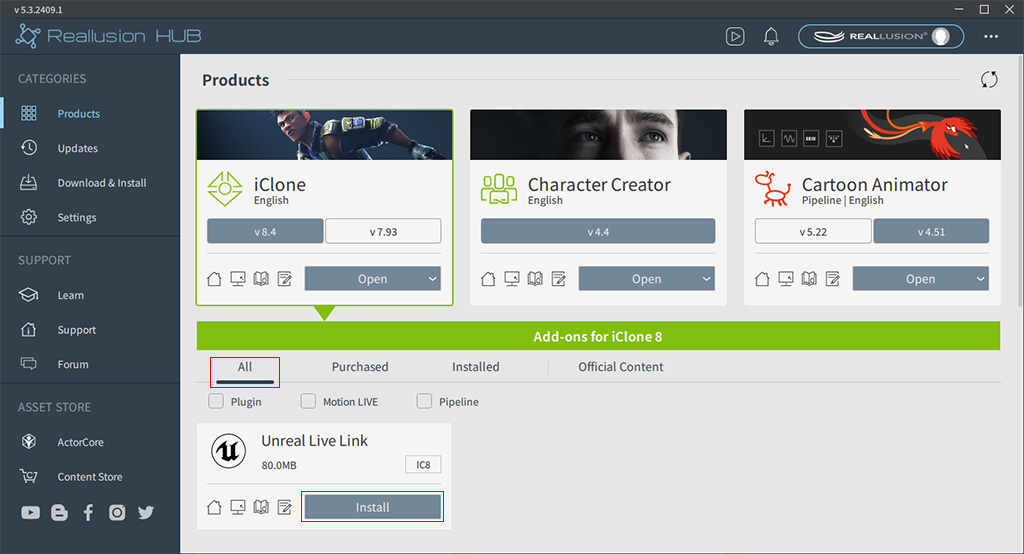
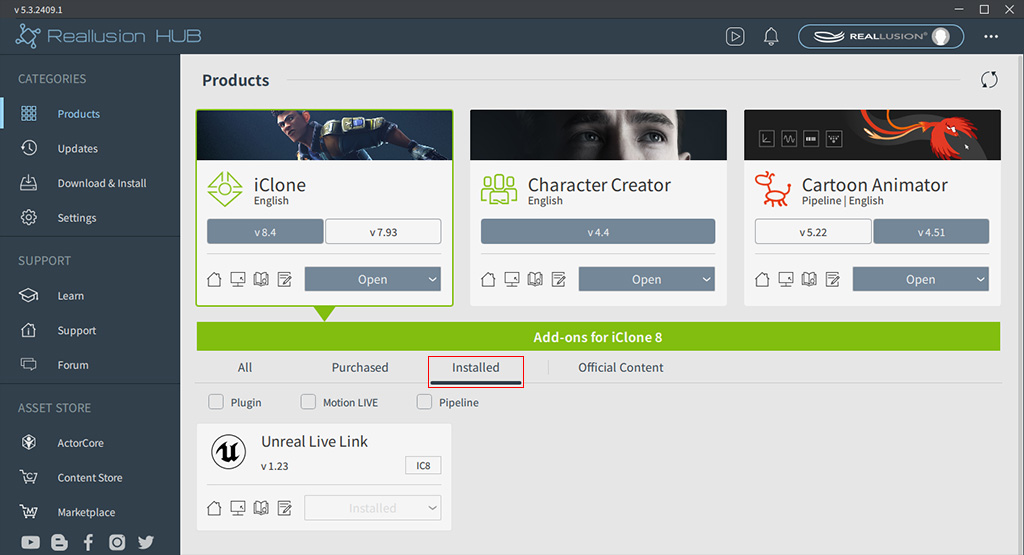
- The Unreal Live Link
plug-in will be installed for iClone.
Installing via Downloaded Execution File
- Go to the iClone | Unreal Live Link Plug-in official download site.

- Click the Download button to download the installation file. Then double-click to install the plugin.

