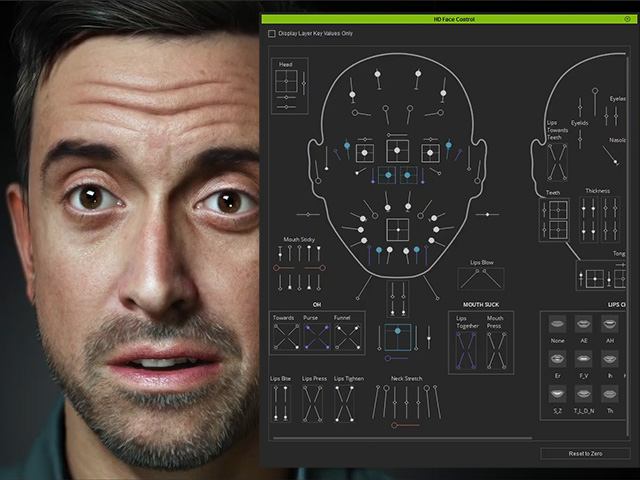
Transferring Metahuman Facial Animations to Character Creator
Once the expression is created in Unreal Engine with different methods, you can send it to iClone or Character Creator using the method described below.
- Create Facial Expressions in Unreal Engine.
- iPhone depth camera
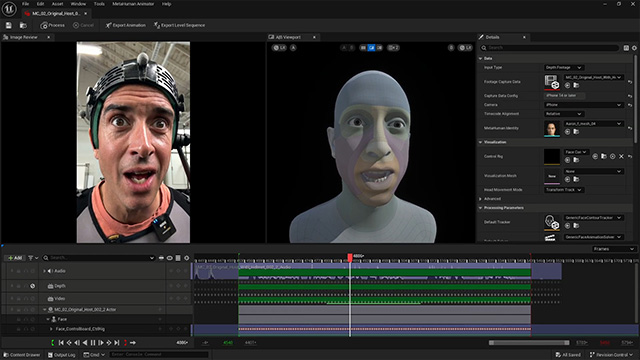
- Video / Audeo
- Webcam Live Stream
- Face Control Rig
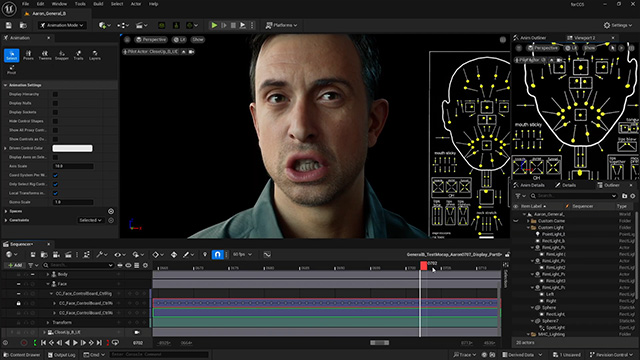
- iPhone depth camera
- Right click on the character on the sequence timeline and choose Bake Animation Sequence to baked the modifications (if any) to the sequence clip.
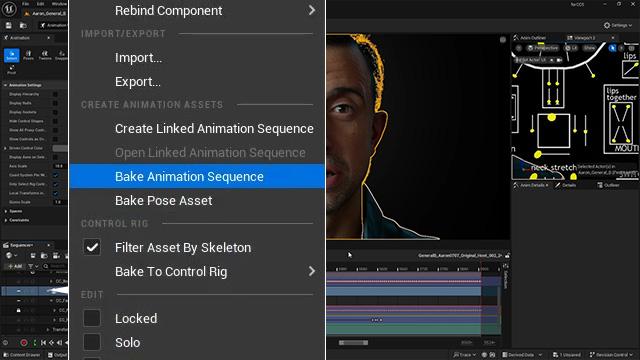
- Right click on the baked sequence and choose the Export CC/IC Facial Animation command from the context menu.
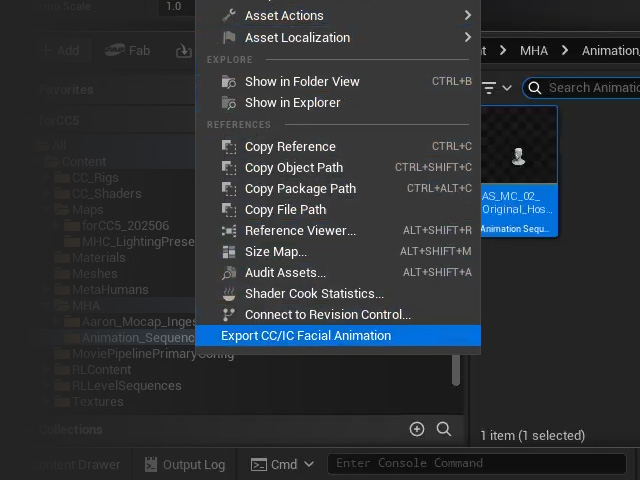
You will get a CSV file.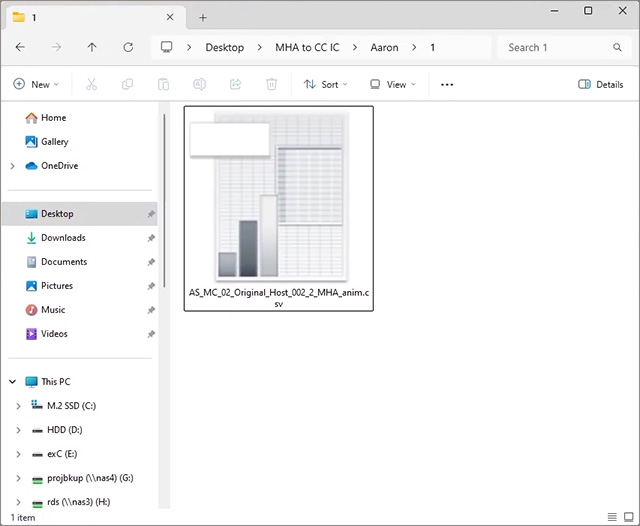
 About Audio Files
If you have prepared audio file for the character, make sure the desired range for export is identical to the facial expression and simply export the audio from Unreal Engine to MP3.
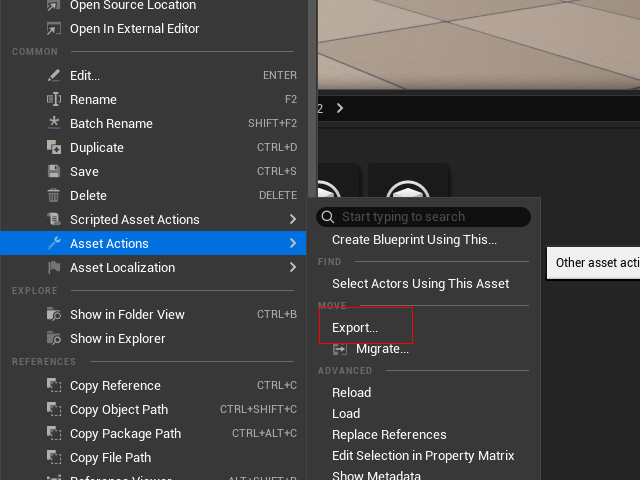
Save the audio file next to the CSV file with a same name.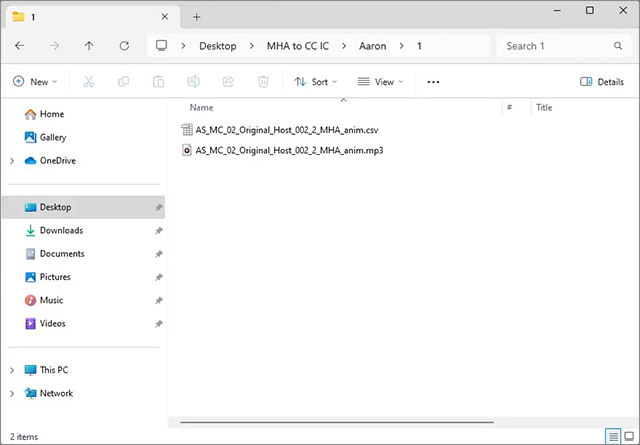
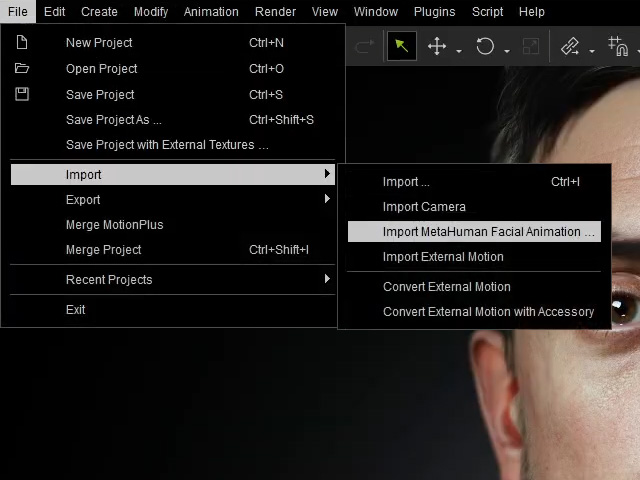
- In iClone or CC, import the CSV file by File > Import > Import MetaHuman Facial Animation command.
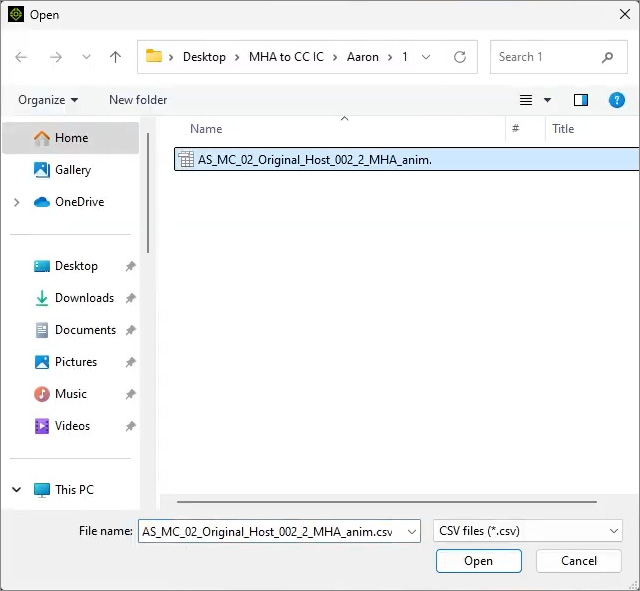
- Choose the CSV file and click the Open buttuon.
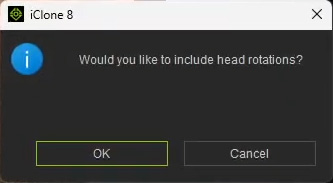
- Click the OK or Cancel to determine if you want to include the head rotation from the CSV file (Cancel in this case).
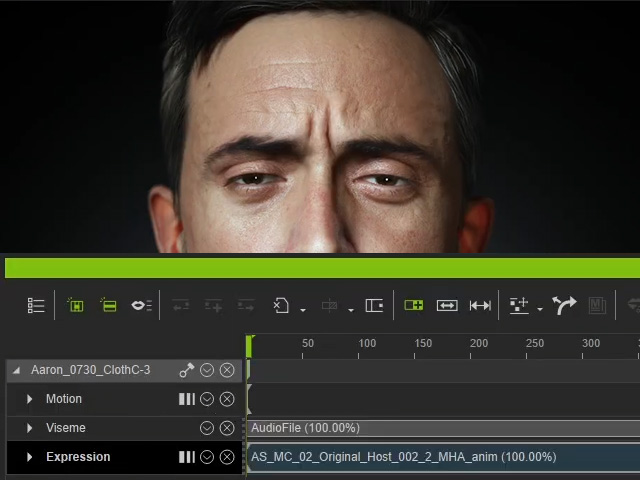
- In iClone, the audio and expression CSV will be automatically imported together to Viseme and Expression tracks.
- Optionally apply body motions to the character.
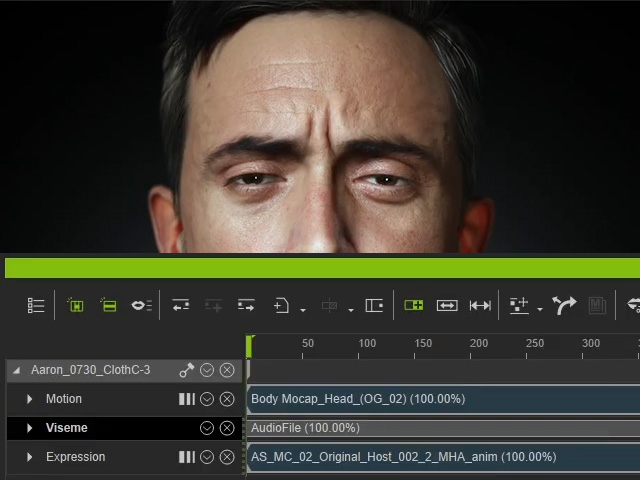
- Playback to check out the result.
- You are free to use Face Key editor for basic facial expression editing or HD Face Control (free plugin) to adjust complete facial expression sliders that are compatible with Unreal Metahuman.