Using Randomize Actors Feature
When applying an MP Set template to the scene, the system will ask whether to replace the dummy actors with specific characters from the Content Manager using the Randomize Actors panel. Follow the instructions in this section to choose the appropriate characters.
- When you apply an MP Set template to the scene, the Randomize Actors panel will appear.
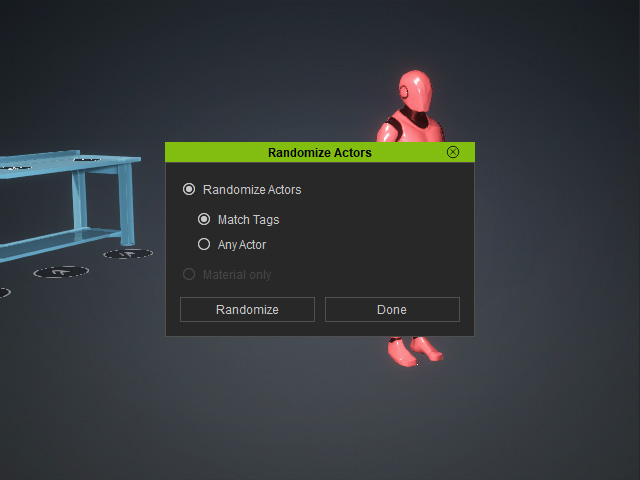
- Randomize Actors: Replaces the dummy actors with characters installed in the Content Manager. Click the Randomize button to start replacing.
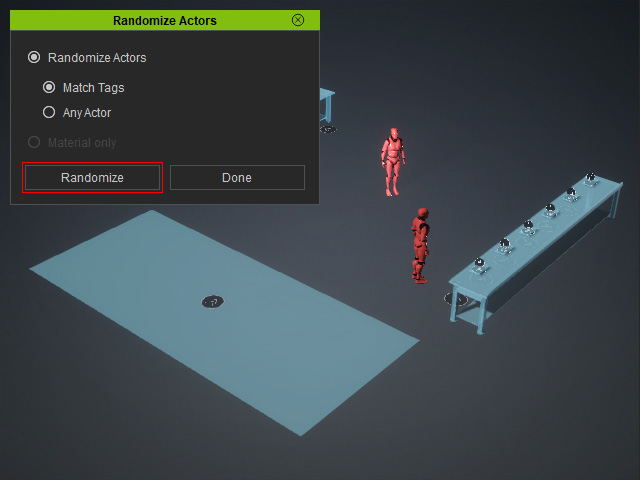
- Match Tags: Replaces dummy actors with random characters that share the same tags.
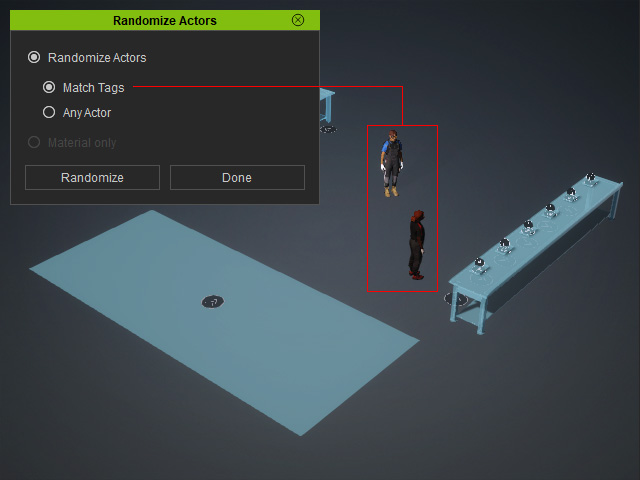
 Check out the Tags of Current Dummy Actors
- Select a dummy actor in the Scene Manager.
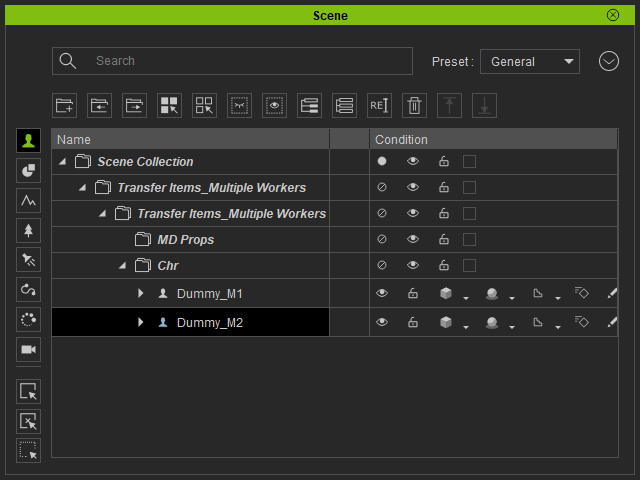
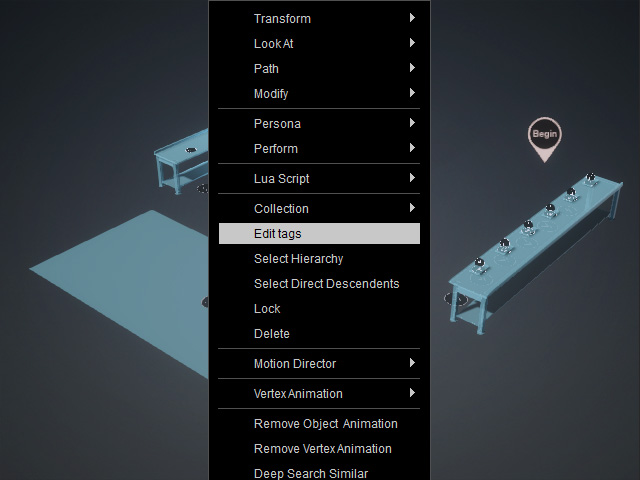
- Right-click in the 3D viewport and choose Edit Tags.
The tags assigned to the dummy actor will appear in the Used Tags box.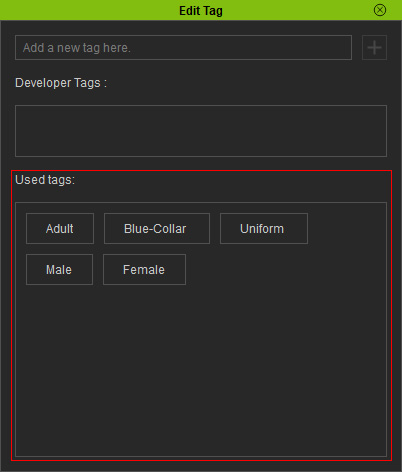
- You can optionally add more tags to expand the selection range of characters from the Content Manager.
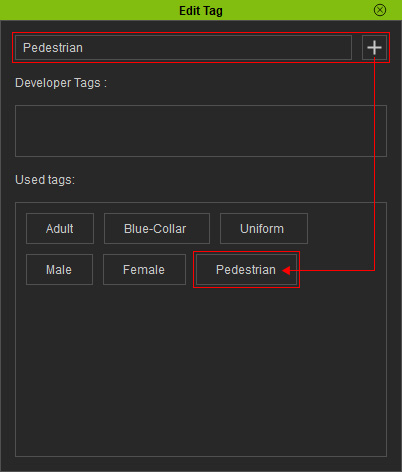
- Select a dummy actor in the Scene Manager.
- Check the Tags of Actors on the ActorCore Websites
- Go to the official ActorCore website.

- Click the ACTOR category.
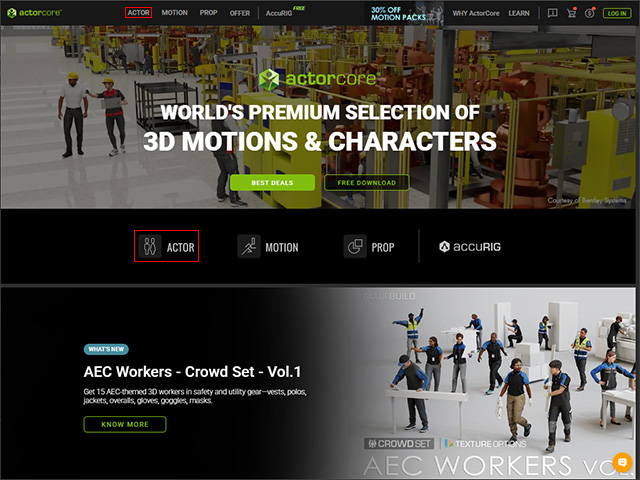
- Select a character to preview it in the 3D view on the right.
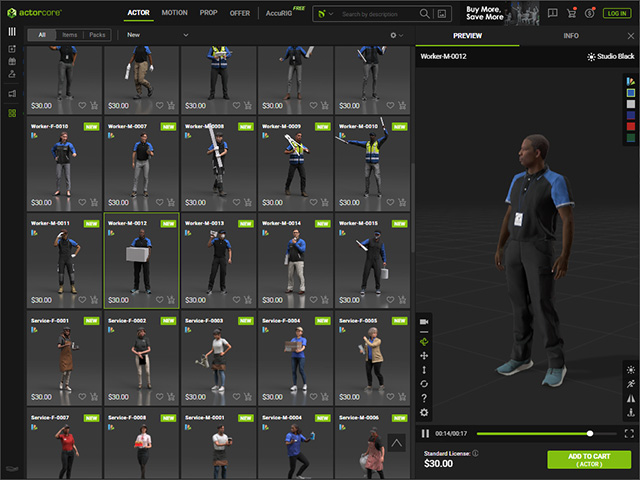
- Click the INFO tab to display the character information.
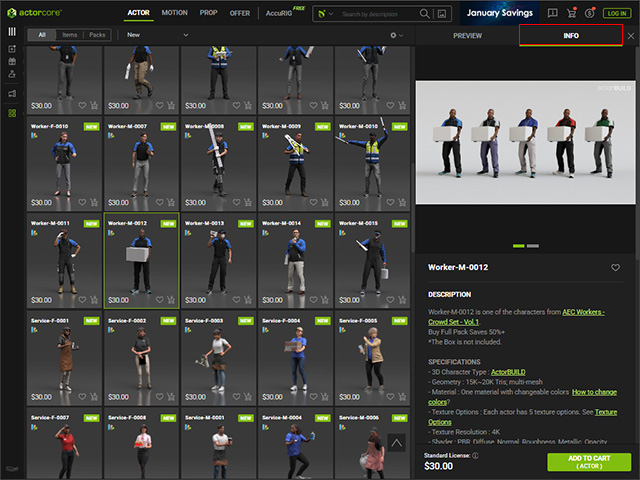
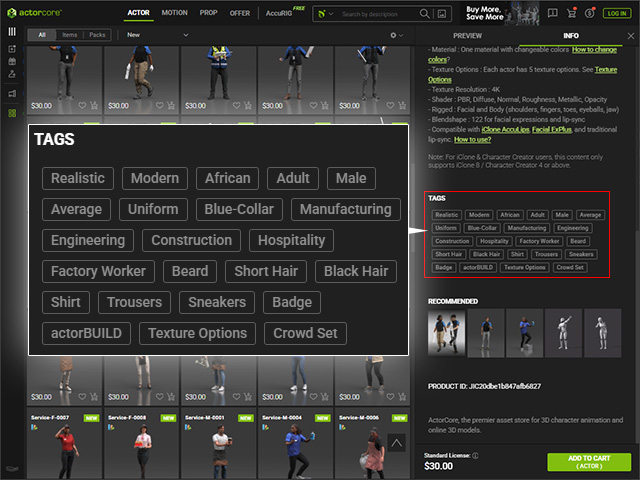
- Scroll down to view the character’s tags.
- You can enter tags in the search field to find characters with matching tags.
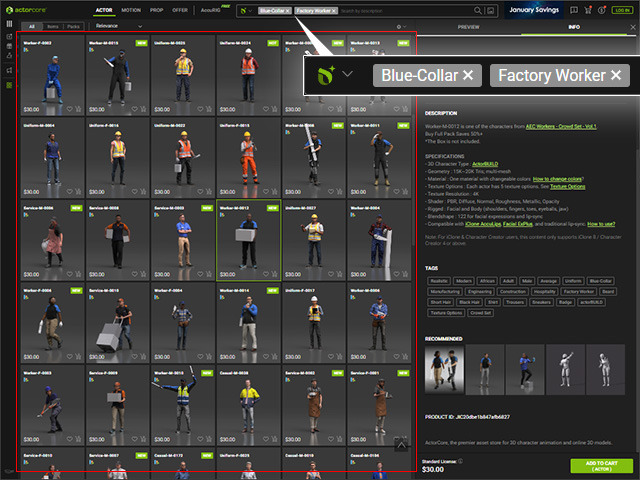
- You can then purchase the desired characters from the website.
- Go to the official ActorCore website.
- Any Actor: Replaces dummy actors with random characters from the Content Manager, which may include characters that are not relevant to the scenario.
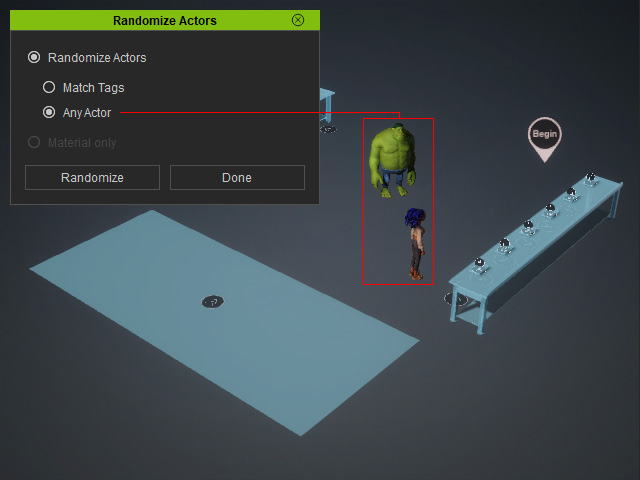
- Match Tags: Replaces dummy actors with random characters that share the same tags.
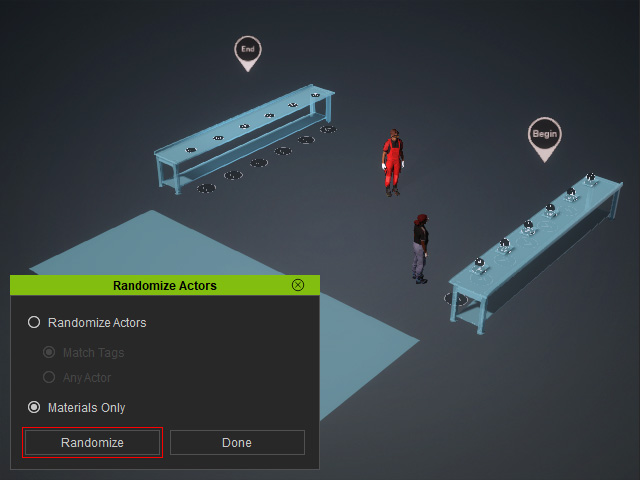
- Material Only: Enabled after the dummies are replaced. Select this option and click Randomize to change only the materials of the current characters.
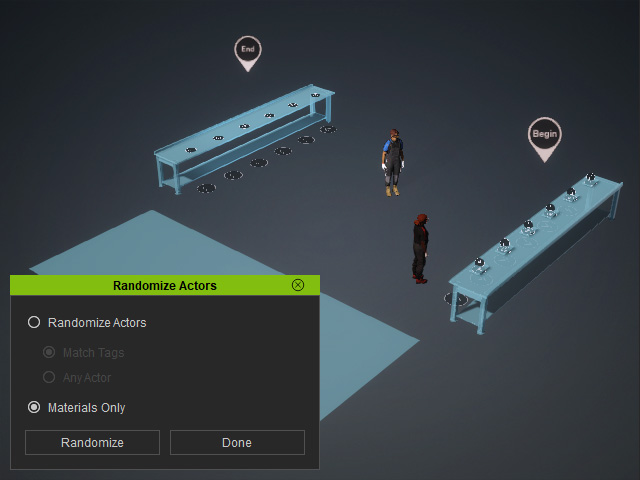
Before
After
- Randomize Actors: Replaces the dummy actors with characters installed in the Content Manager. Click the Randomize button to start replacing.
