Searching Graph Nodes
When the viewport contains a large number of nodes, you can use the search feature in the MP Node Graph to quickly locate nodes associated with a specific character or MD Prop, or nodes with incomplete character or MD Prop setups.
Searching for Nodes Associated with Specific Characters or MD Props
When the node setups are complete and you want to search for nodes associated with specific objects, characters or MD props, follow the steps below:
- Prepare a project with characters, MD props and graph nodes completely built.
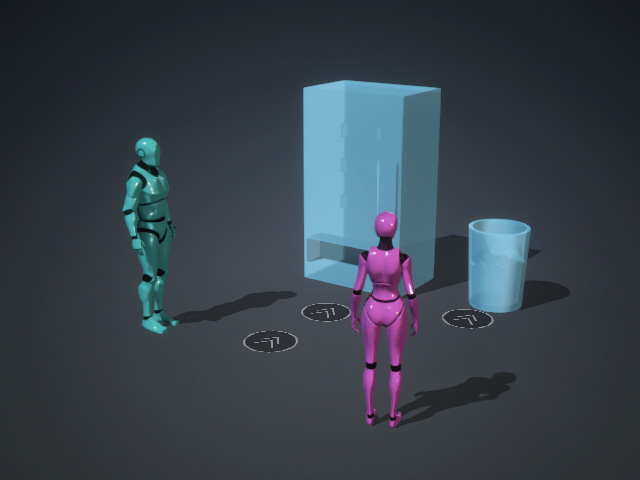
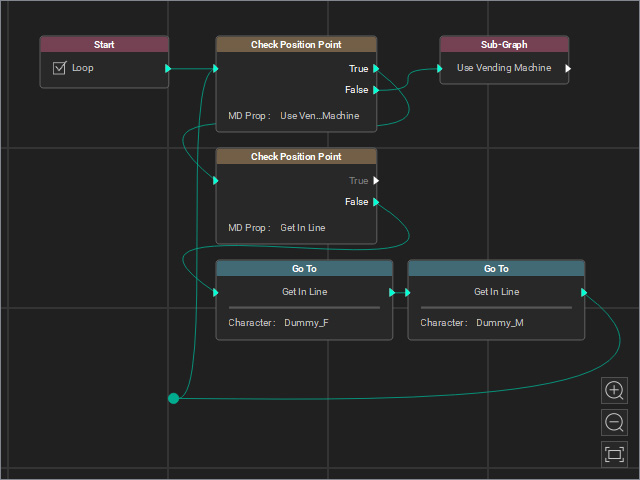
Characters and MD Props in the scene.
Graph nodes in the MP Node Graph panel.
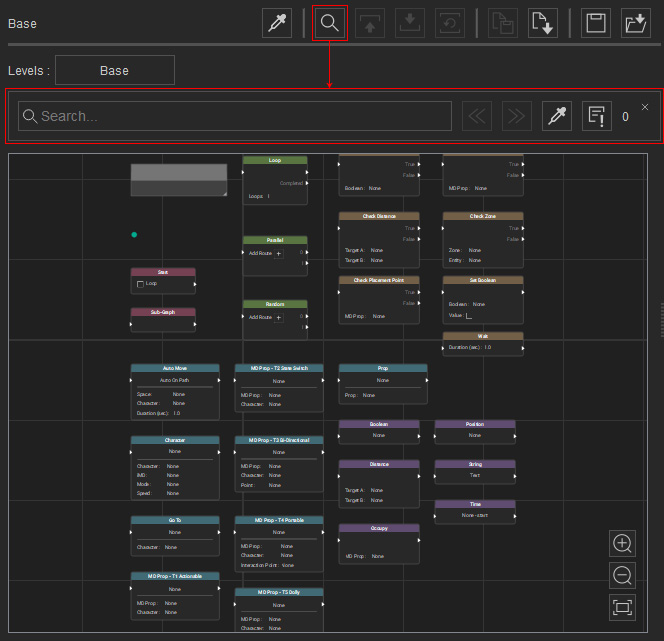
- Click the Search Graph button on the MP Node Graph panel. A search bar with different feature buttons appears.
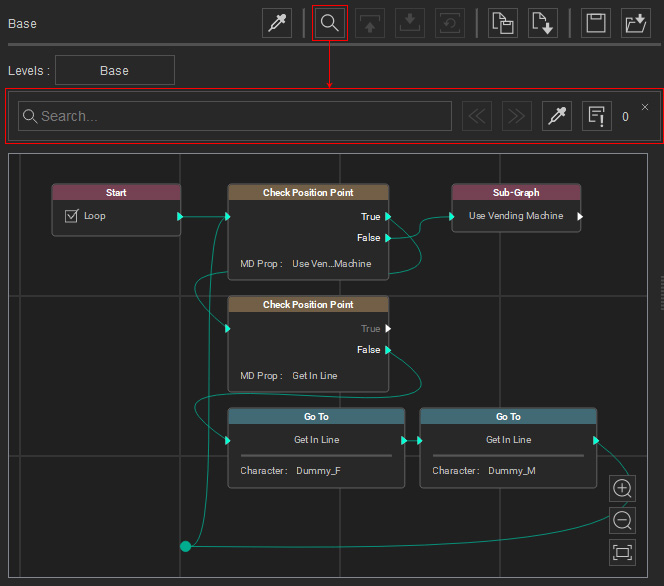
- Click the Pick from Scene button, then pick an object (one of the character) on the stage.
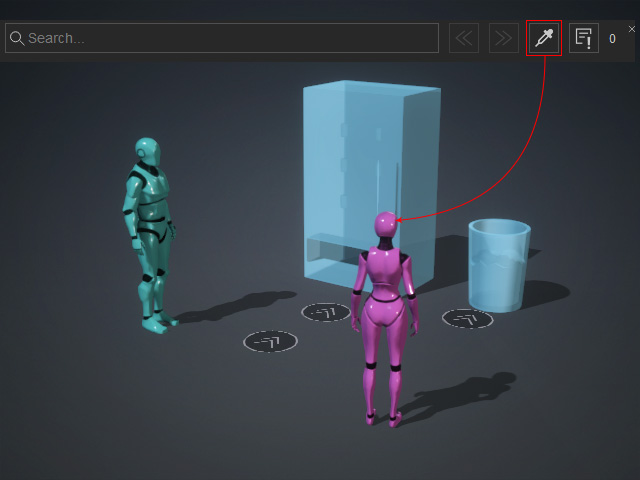
The object name will be automatically filled into the Search field.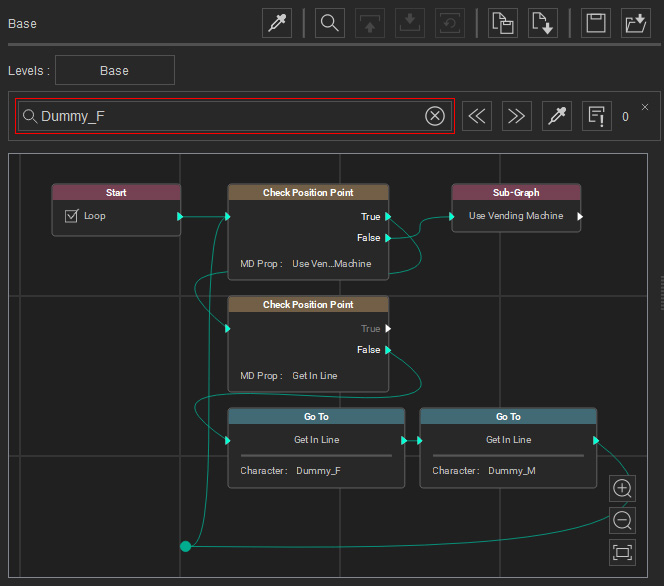
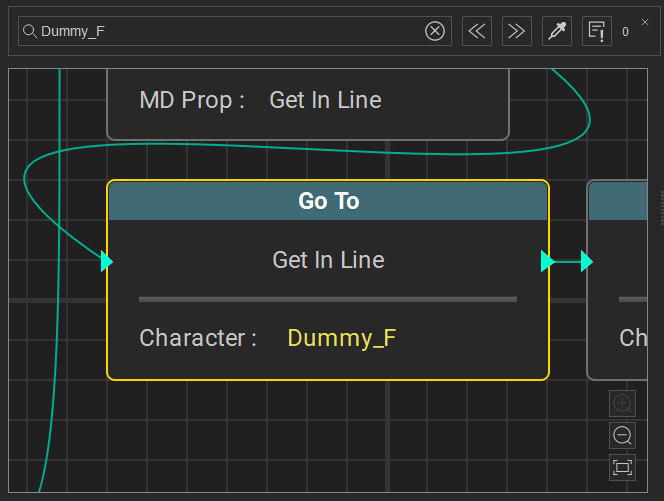
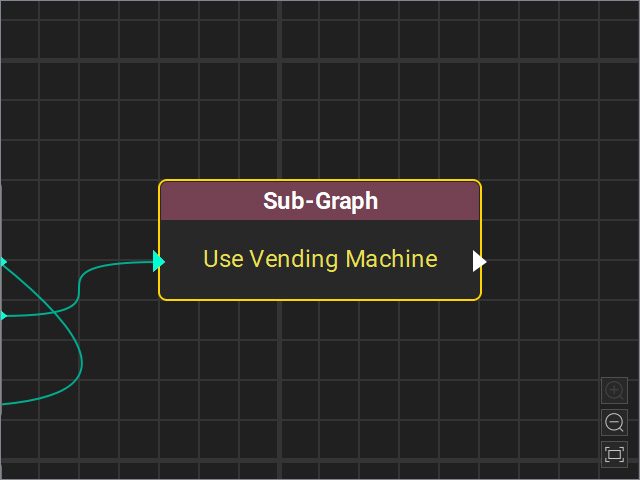
- Click the "<<" or ">>" button and the viewport will zoom and focus to the node that is associated to the picked object.
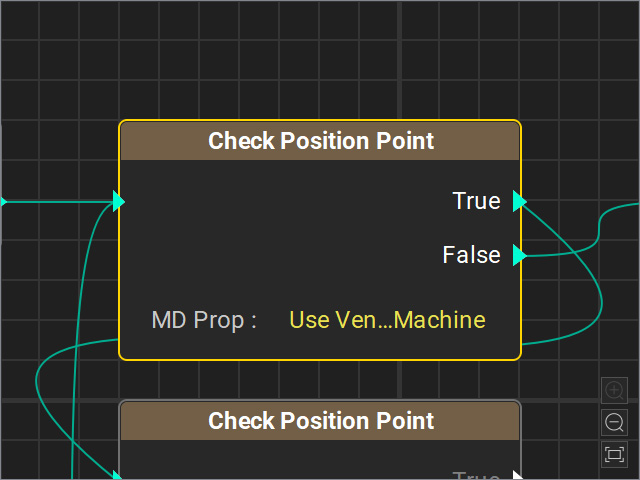
- Repeat the same step by picking the MD Prop.
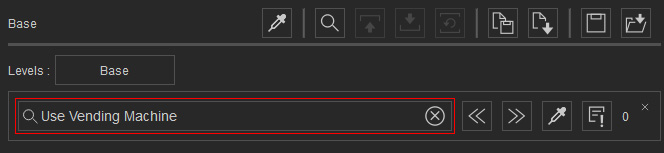
- Click the "<<" or ">>" button repeatedly to show the node that is associated to the picked object in turn.
Searching for Nodes with Incomplete Setups
When you have created node graph and want to search for nodes with incomplete setups, including character or MD prop setups, follow the steps below:
- Prepare a project with graph nodes.
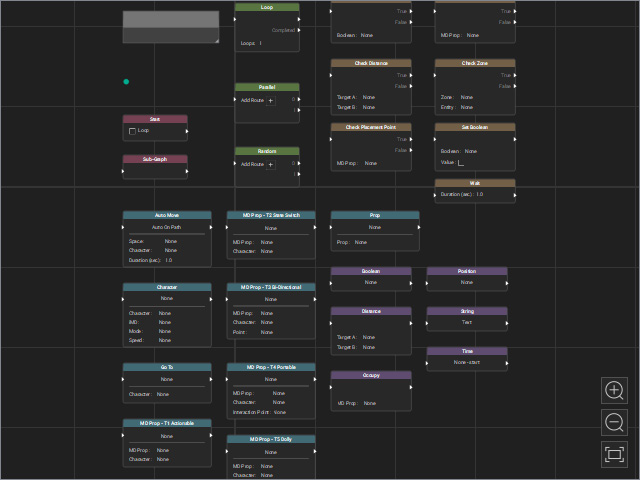
- Click the Search Graph button on the MP Node Graph panel. A search bar with different feature buttons will appear.
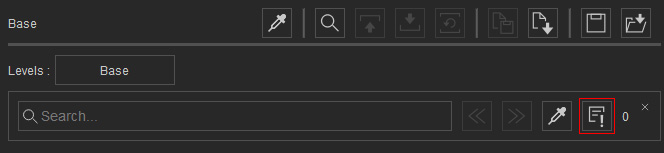
- Click the Navigate to Warning button.
The viewport will focus on the node with an incomplete setup. The missing item (character or MD prop) will be highlighted in yellow.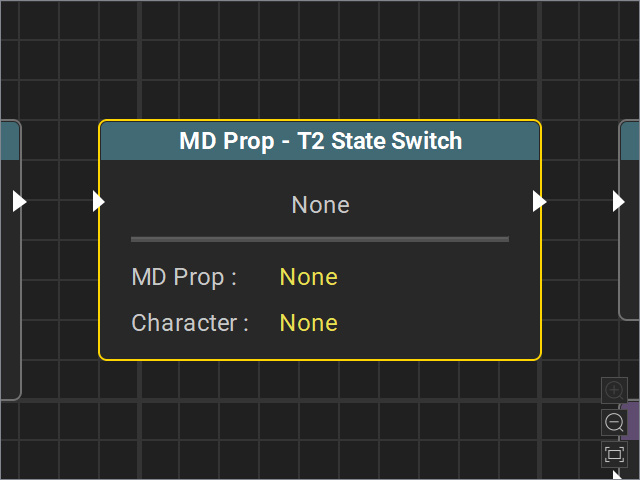
The number indicates the number of nodes with incomplete setups.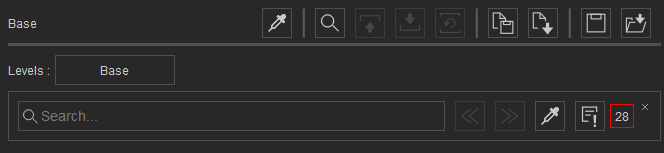
- Continue clicking the Navigate to Warning button to browse through nodes with incomplete setups in sequence.
