Grouping Nodes
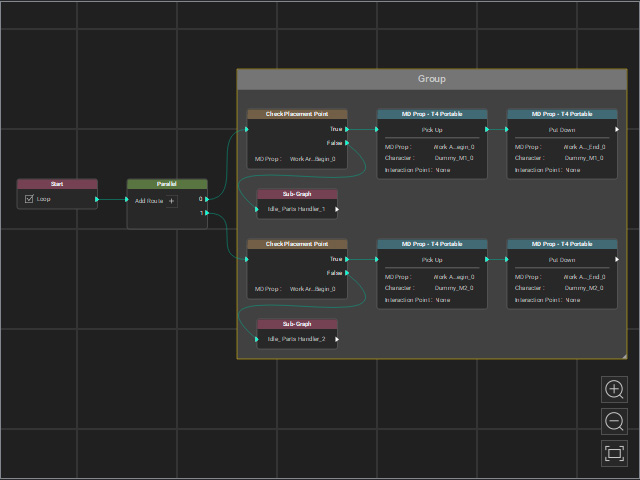
A Group node allows you to consolidate multiple nodes into a single group for easier repositioning, eliminating the need to move nodes individually. Additionally, the Group Name can be used to provide a brief overview of the nodes' collective behavior within the group.
Grouping by Right-click Menu
- Prepare a node graph.
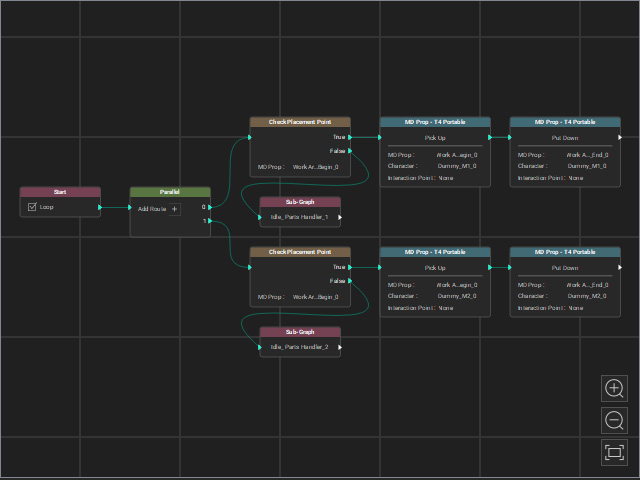
- Select desired nodes for grouping.
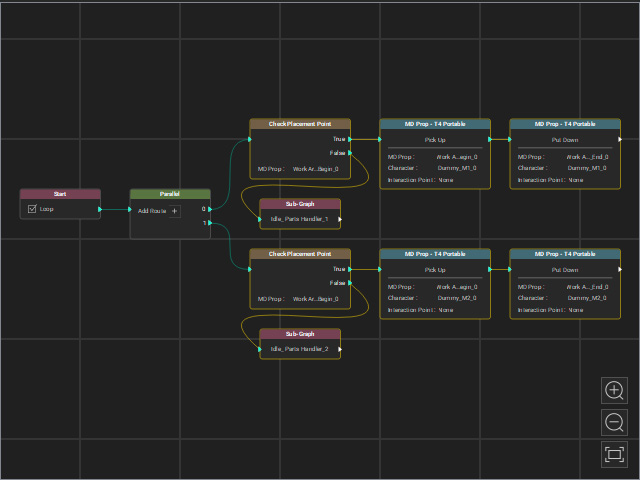
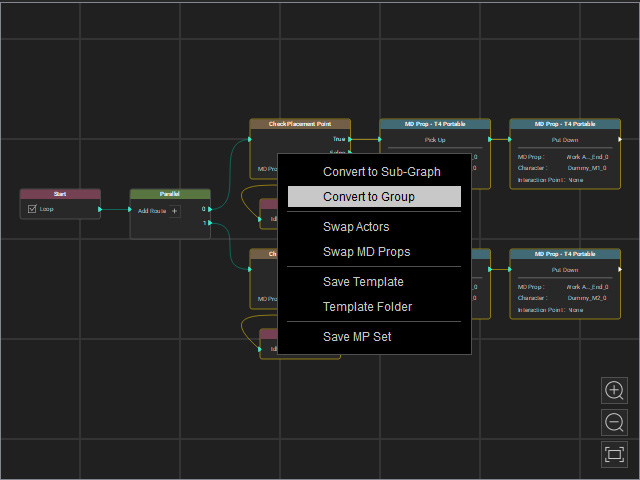
- Right-click on either of the nodes, choose the Convert to Group command from the right-click menu.
- The selected nodes will be grouped.
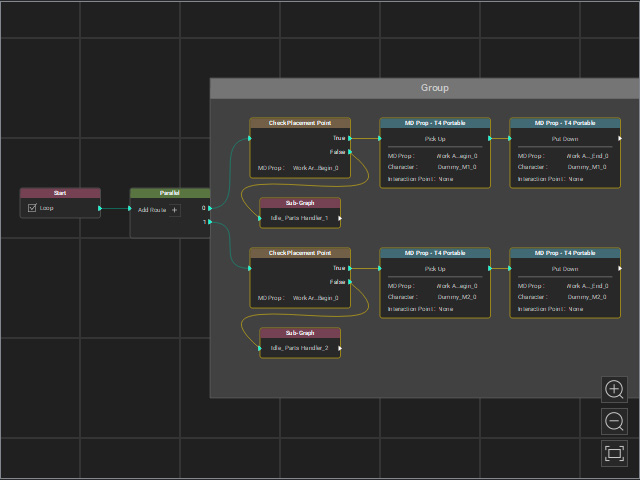
Grouping by Using Group Node
- Prepare a node graph.
- Right-click on the space of the MP Node Graph viewport.
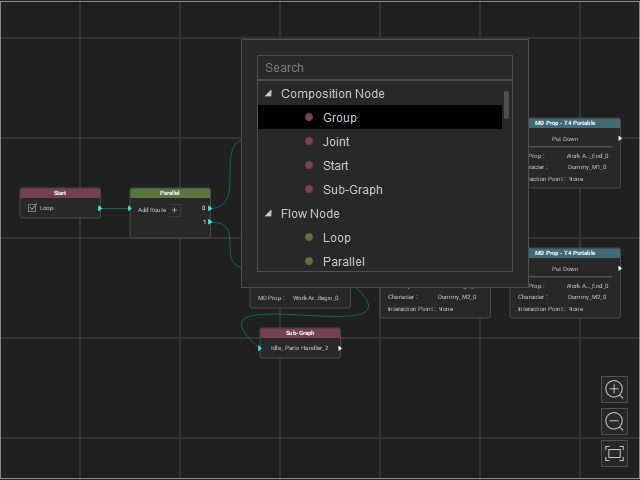
- Choose the Composition Node > Group. A new empty group node will appear.
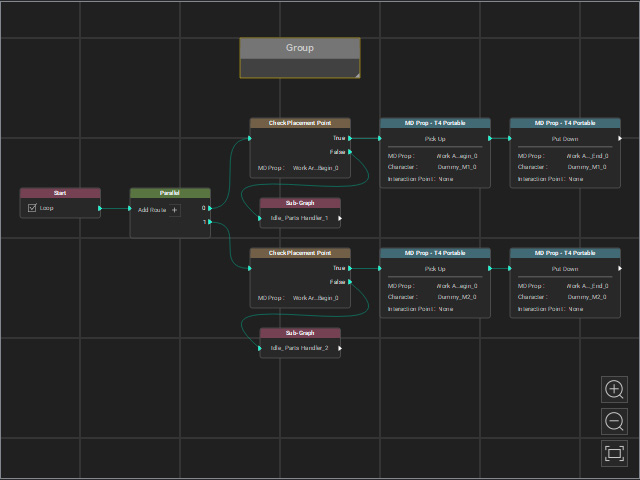
- Resize the group node to include the desired nodes.
Renaming Group
- Double-click on the title of the group to rename.
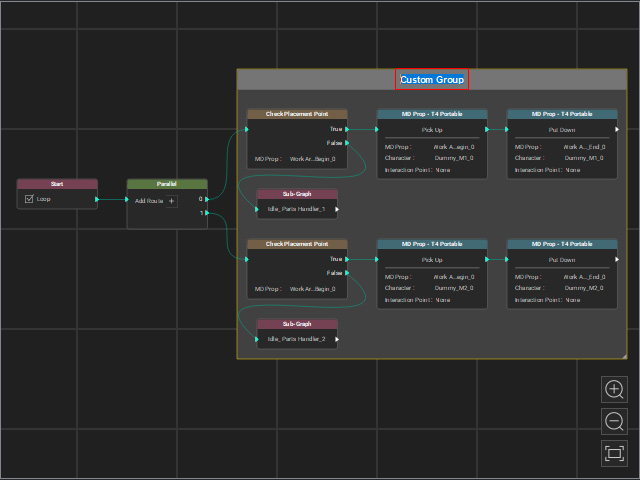
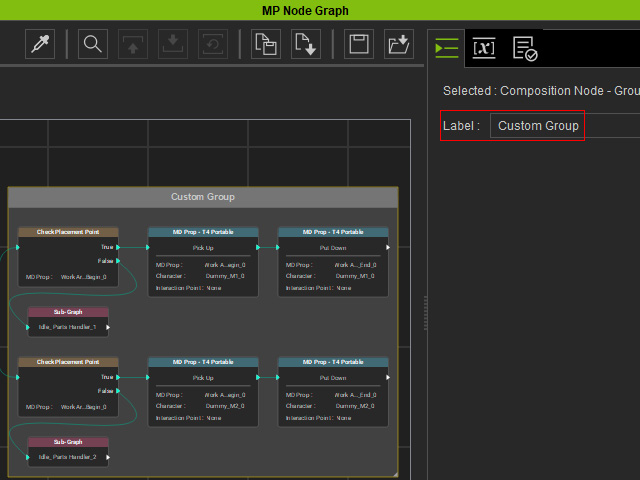
- Rename by the Label filed on the Attribute page.
Deleting Group
- Make sure the group node is selected.
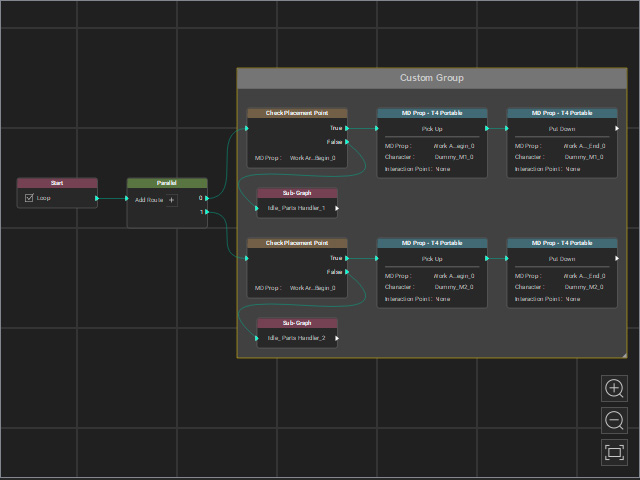
- Press the Delete key to remove the group node.
