Using Loop Nodes
The Loop Node is used to define how many times an event is executed and which event runs after the loop ends.
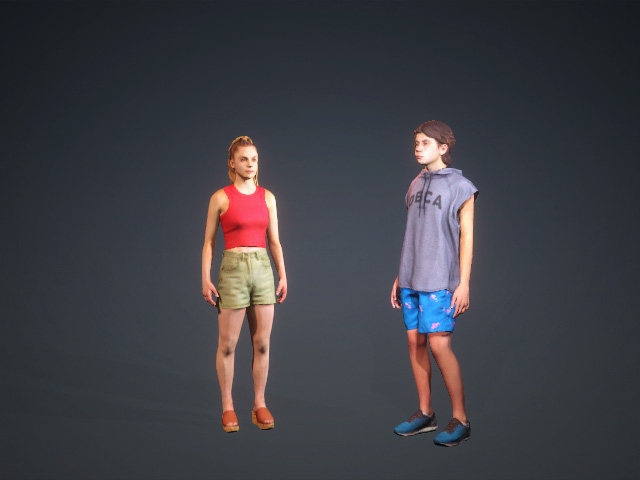
- Create a project with characters.
- Open the MP Node Graph panel. Right-click on the viewport space and choose Flow Node > Loop.
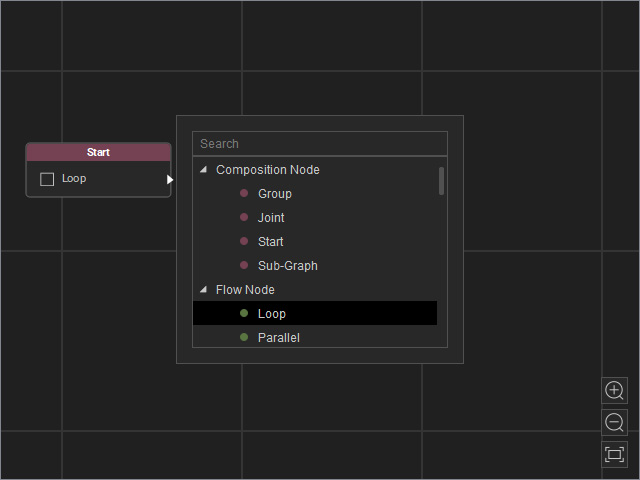
A new loop node will be inserted on view.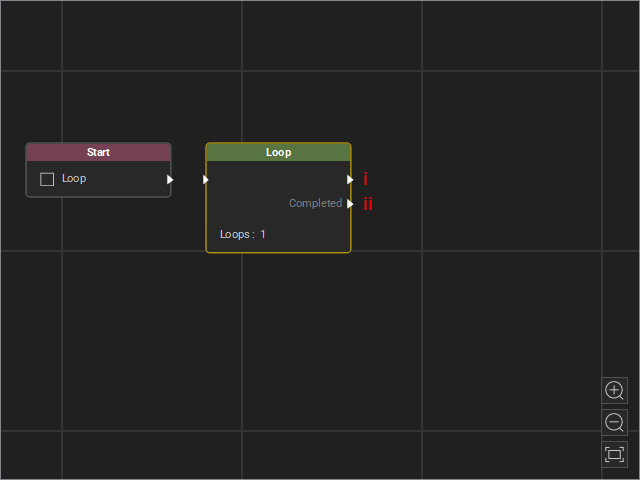
- Output: The flow goes to the output and the route connected to it by specified times.
- Completed Output: After the previous route finishes looping, the flow proceeds to the Completed output and the routes connected to it.
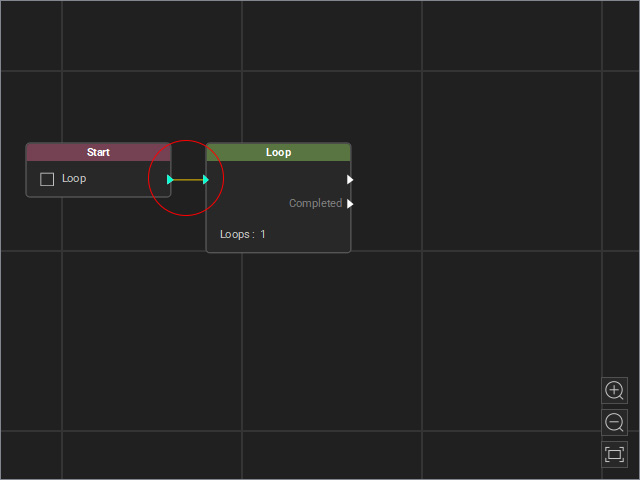
- Drag a flow line from the Start node’s output and connect it to the Loop node’s input.
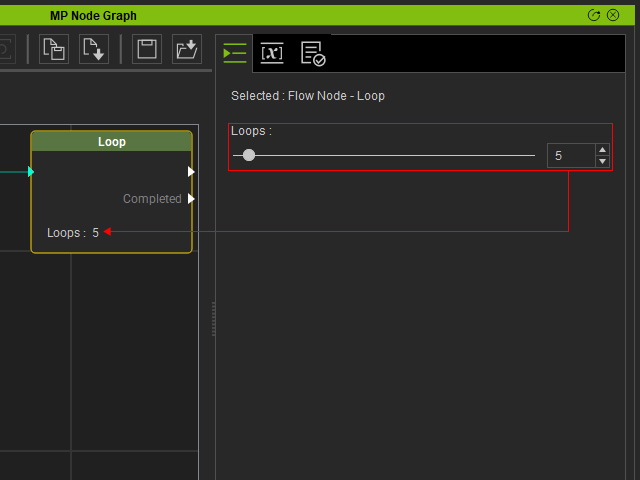
- Select the Loop node and set the repeat count using the Loops slider.
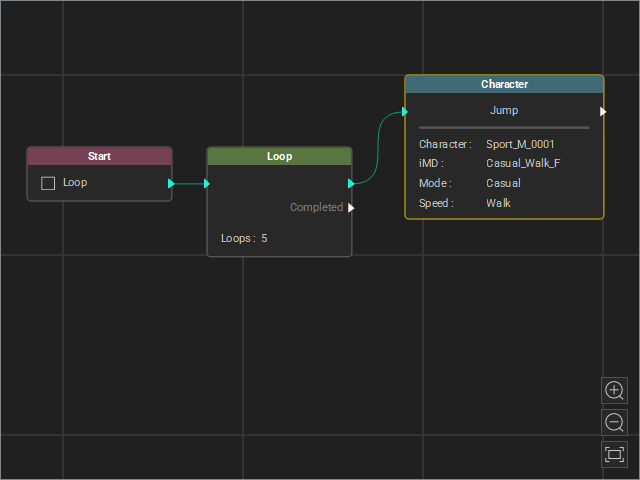
- Connect the first output to a route (in this example, a character's motion node in which the character jumps).
- Connect another route to the Completed output (applause motion).
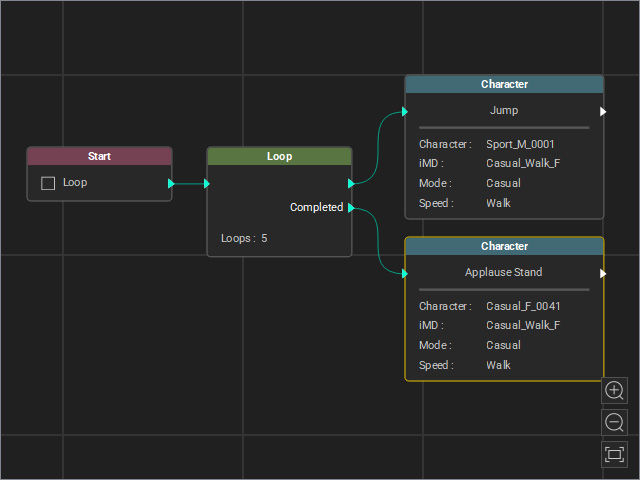
- Start MD Mode to view the animation result (one character jumps five times, and the other applauds after the jumps end).
