Using Start Node
The Start Node serves as the entry point for all Motion Planning script flows.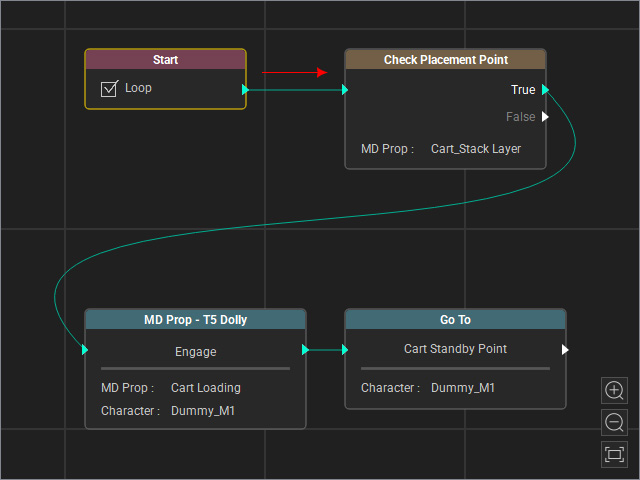
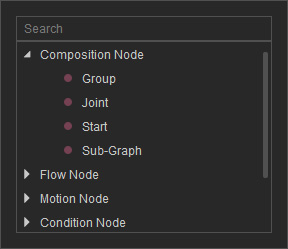
- Adding Start Node: Right-click any empty area within the MP Node Graph viewport and pick the Start sub-node from the menu.
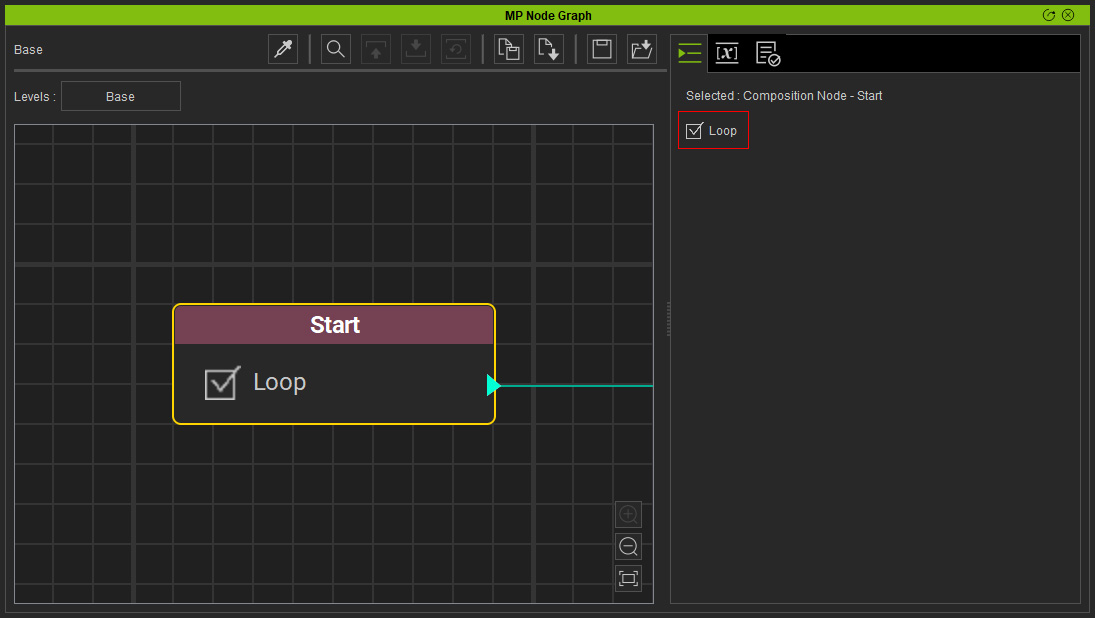
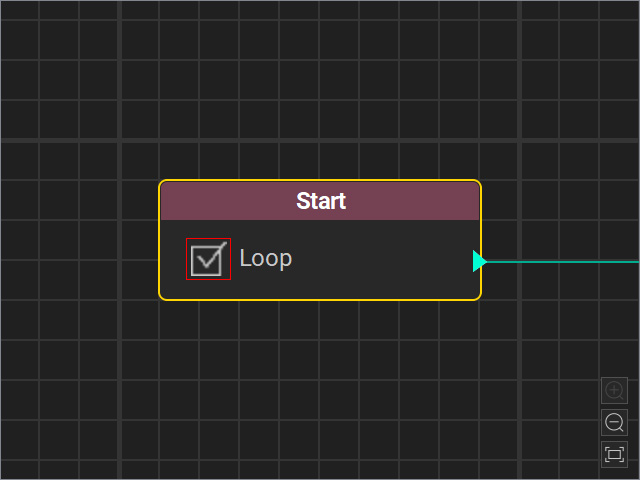
- Loop: Determines whether the entire subsequent Motion Planning Graph should restart upon completion.
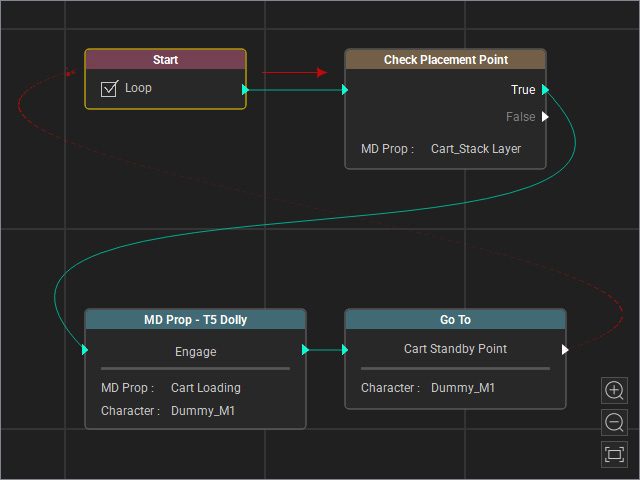
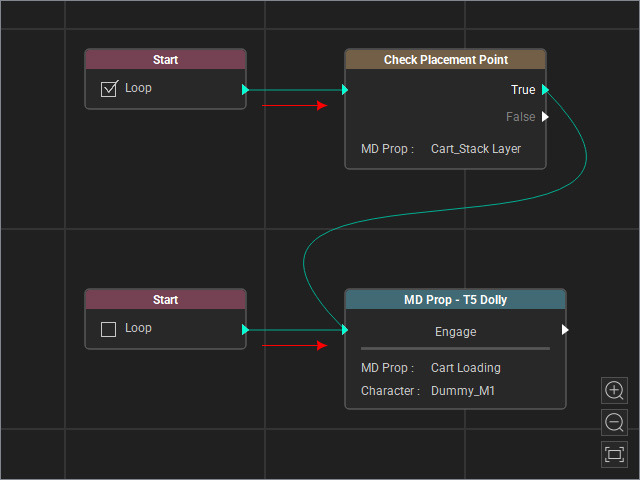
- Multiple Start nodes are supported to initiate different Motion Planning script sequences simultaneously.