Swapping Actors for Nodes
In the MP Node Graph, a large proportion of nodes drive actor to perform. When the graph contains many nodes and most of them need the same actor, the Swap Actor function allows you to assign the actor to multiple nodes at once, eliminating the need to set them individually and saving setup time.
Supported nodes: Nodes in Motion Node category (Prop node excluded).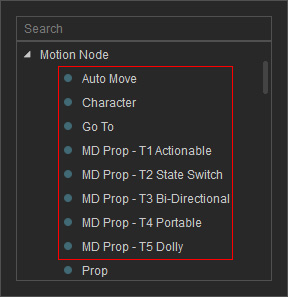
- Prepare a graph with nodes.
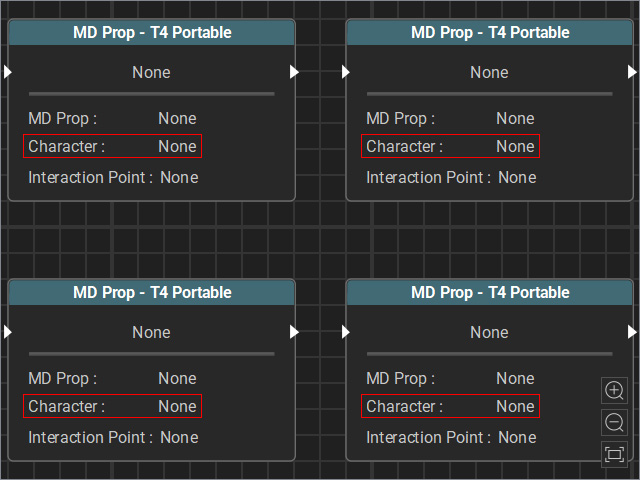
All nodes’ Character fields are blank.
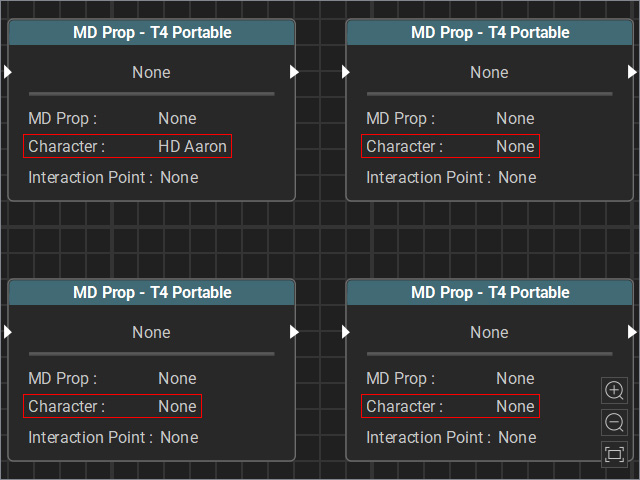
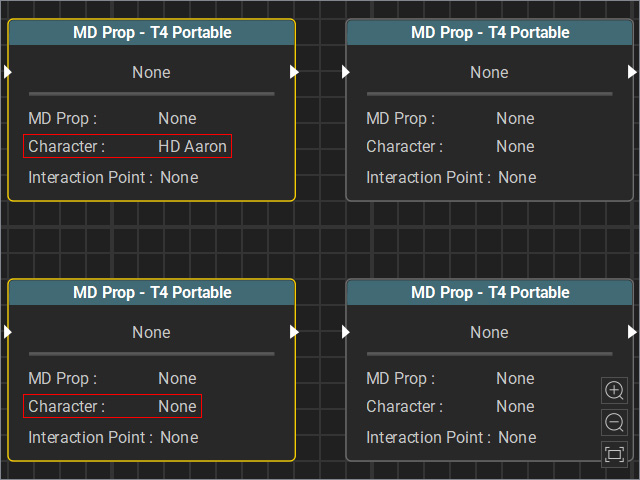
Some nodes’ Character fields are set up.
- Select none, all or multiple nodes.
- None and All Selected: Selecting no nodes is equivalent to selecting all nodes.
- Multiple Nodes Selected: The selected nodes can be unconfigured or partially configured.
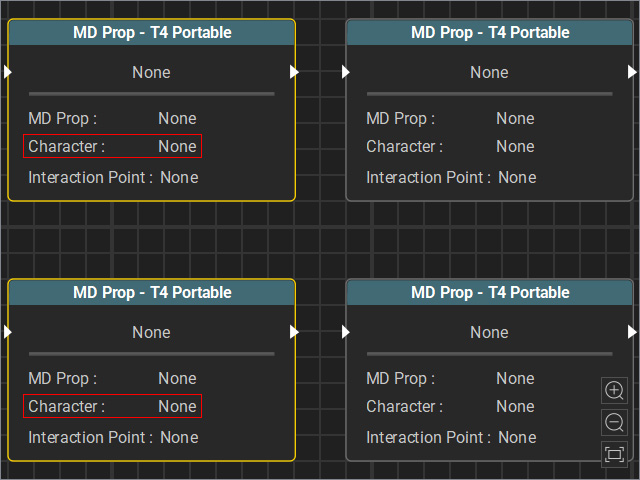
The Character fields of the selected nodes are blank.
The Character fields of some selected nodes are set up.
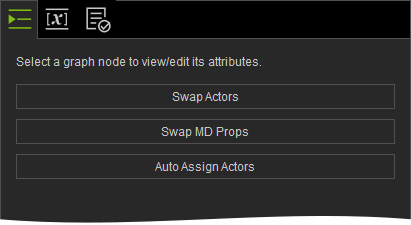
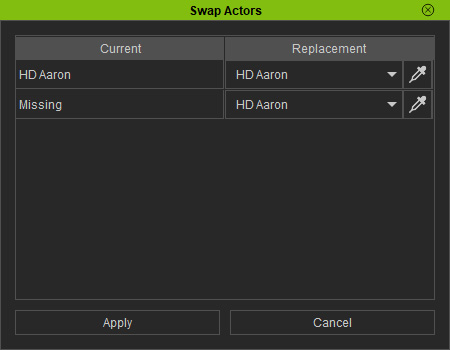
- Click the Swap Actors button on the right side of the MP Node Graph panel. The items listed in the panel will be updated accordingly.
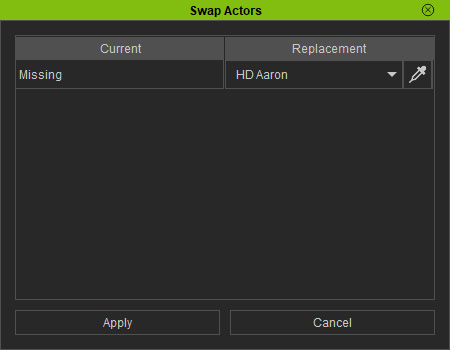
The Character fields of all nodes are blank.
The Character fields of some nodes are set up.
- Replace the currently missing or existing characters via the drop-down list or the dropper.
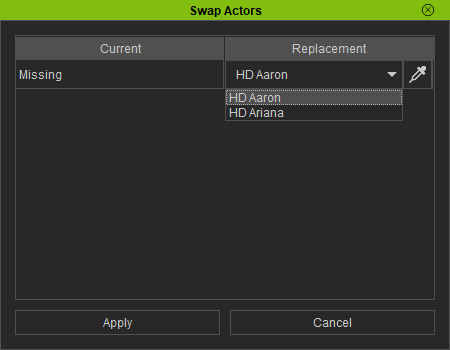
- Drop-down list: Use the drop-down list to pick the desired character, click the Apply button.
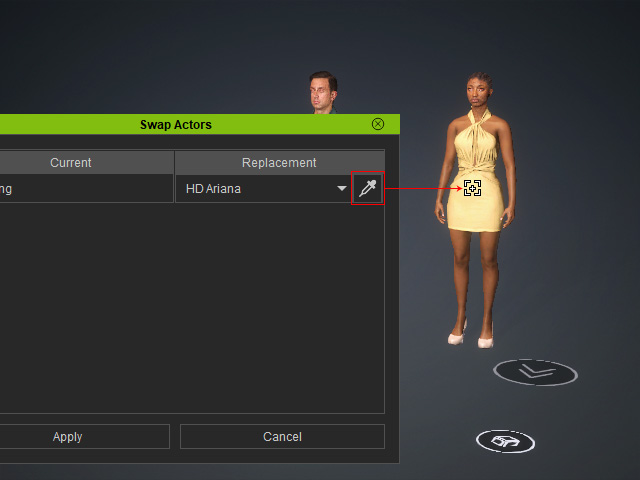
- Dropper: Click the dropper button and click on the desired character from the 3D viewport, then click the Apply button.
- Drop-down list: Use the drop-down list to pick the desired character, click the Apply button.
- Click the Apply button. The Character fields of the nodes will be assigned to the selected character all at once.
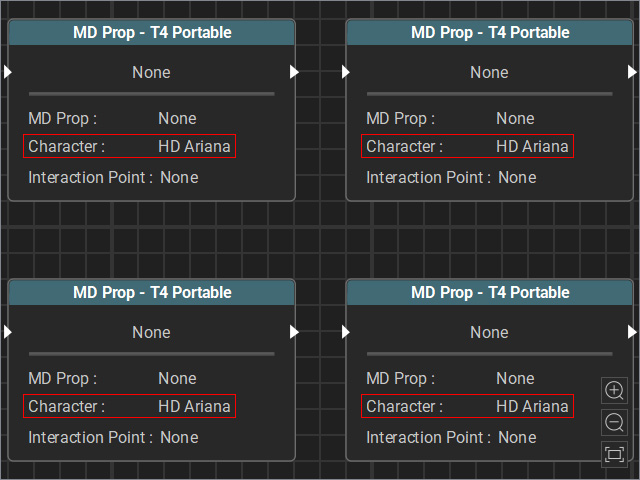
Results when no nodes are selected.
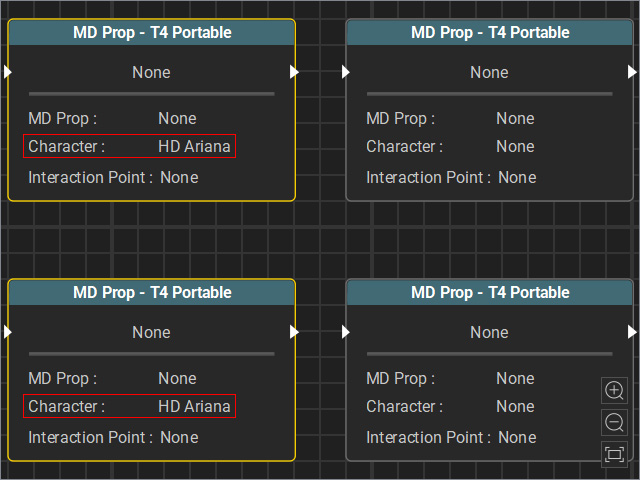
Results when multiple nodes are selected.
